Tropical Luxury Save The Date
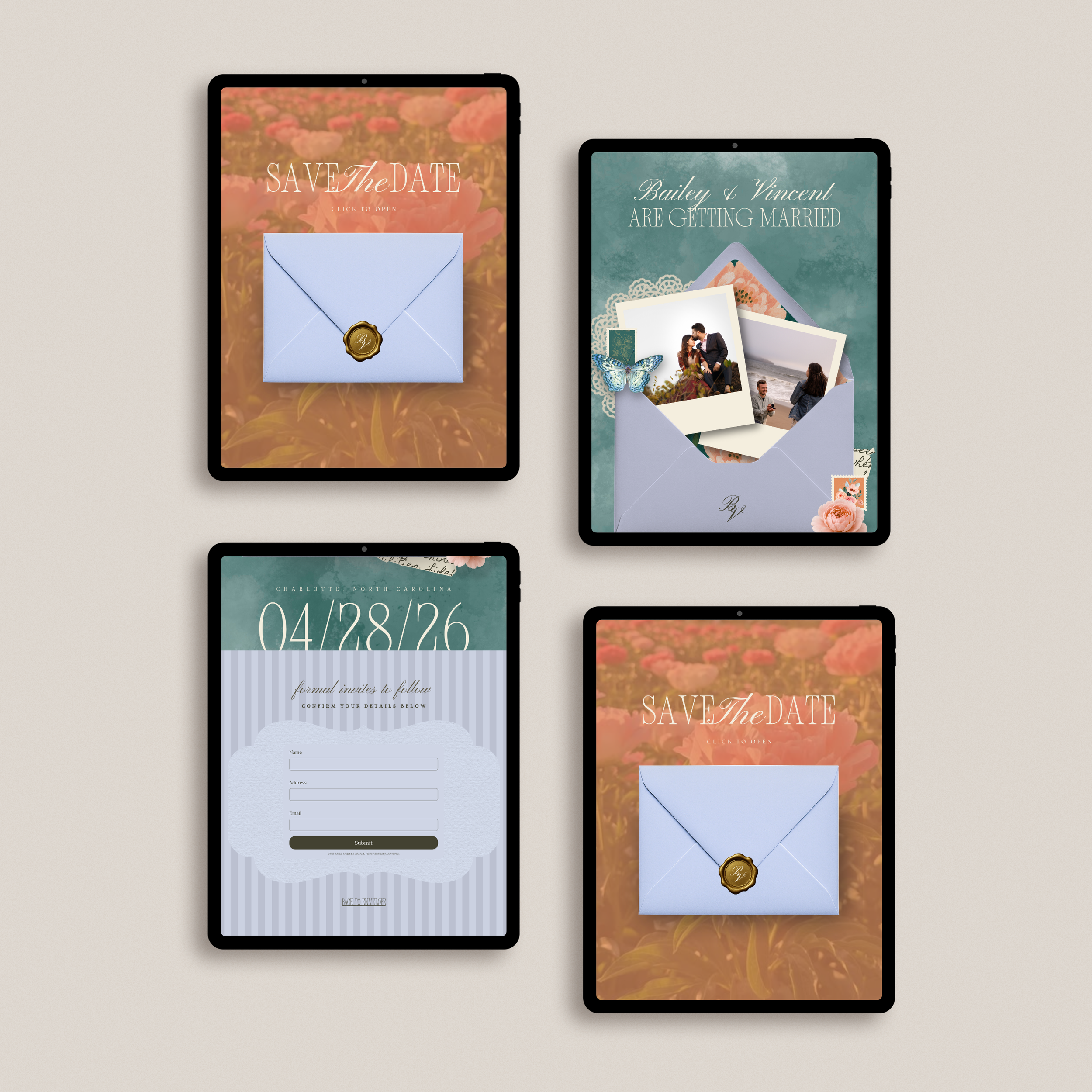
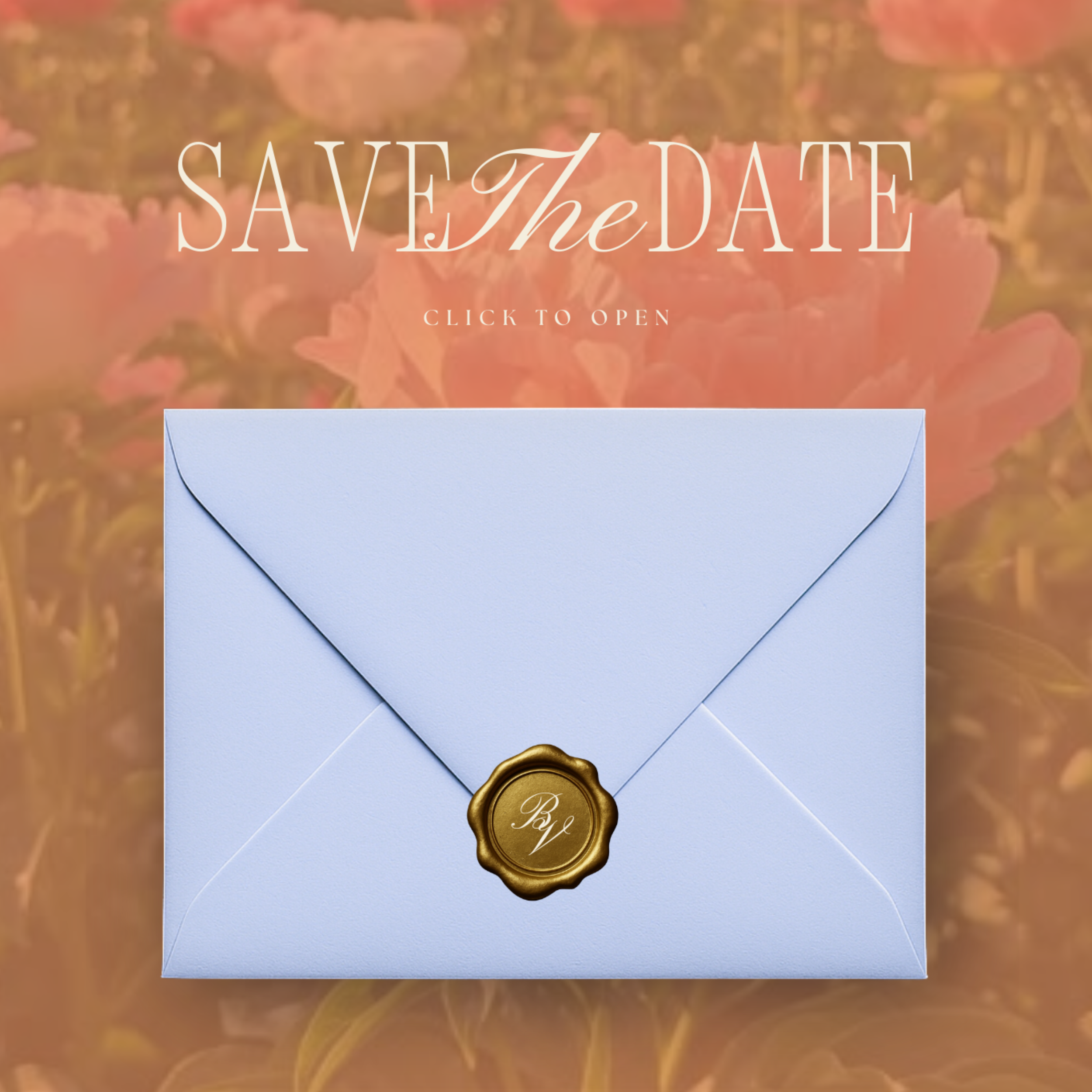
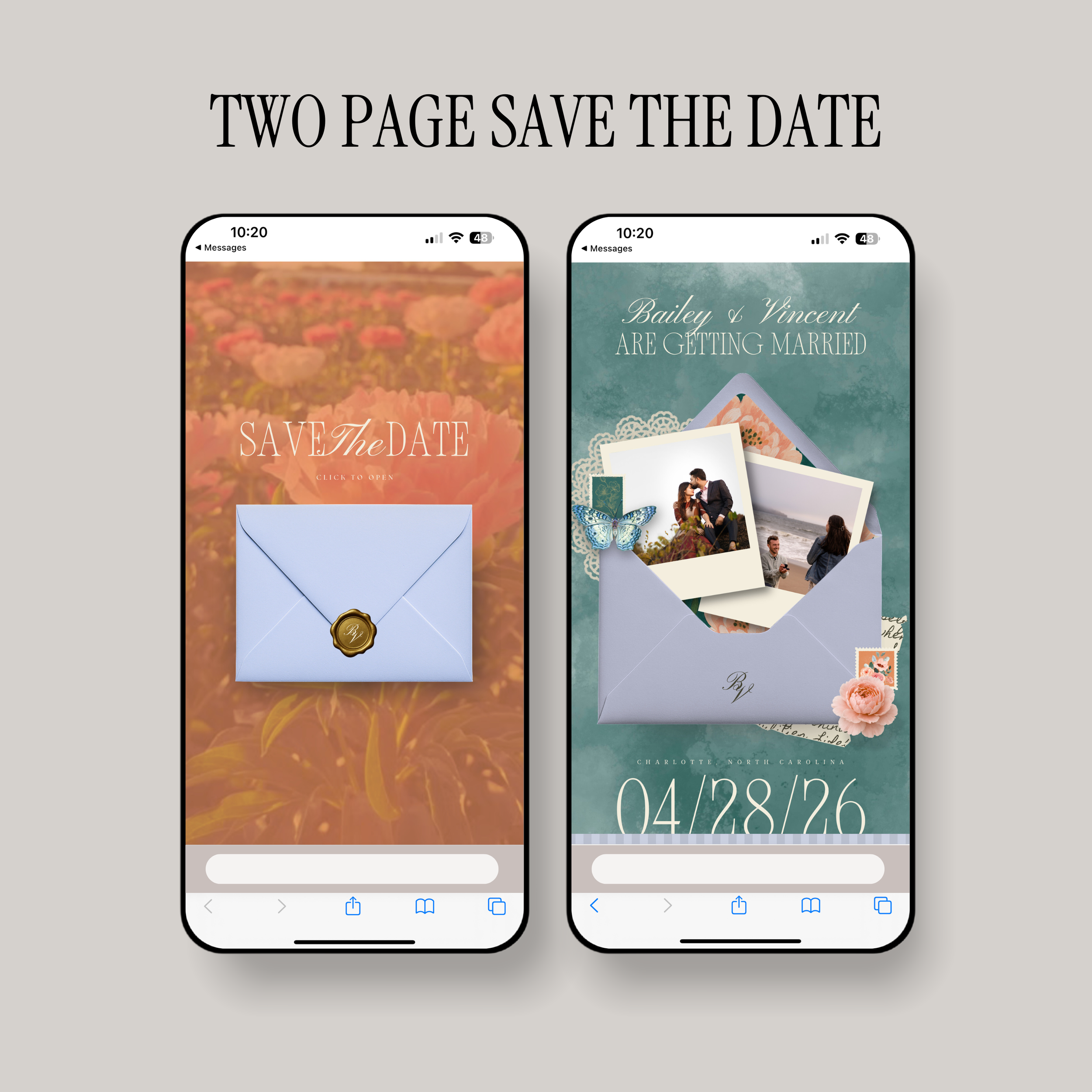
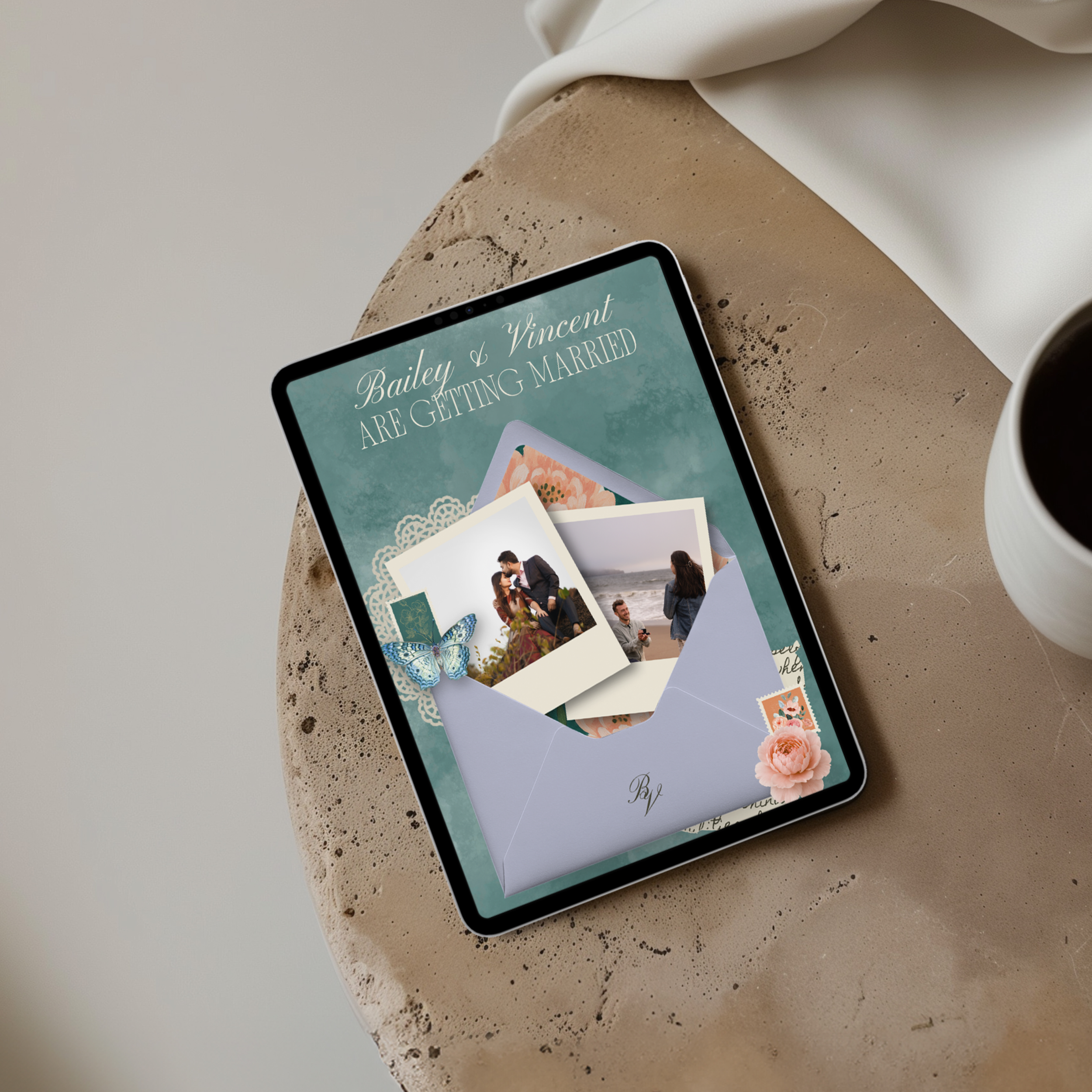
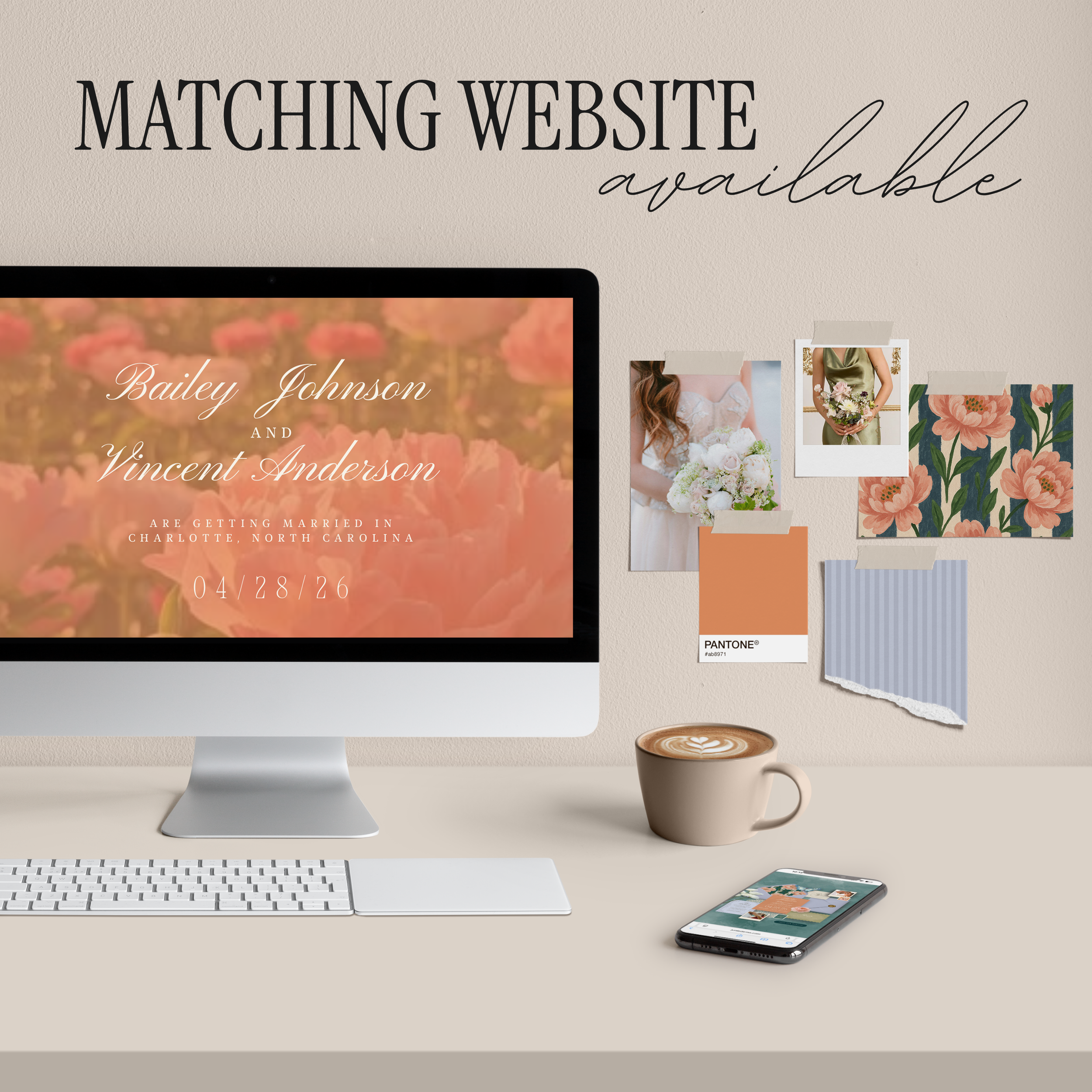
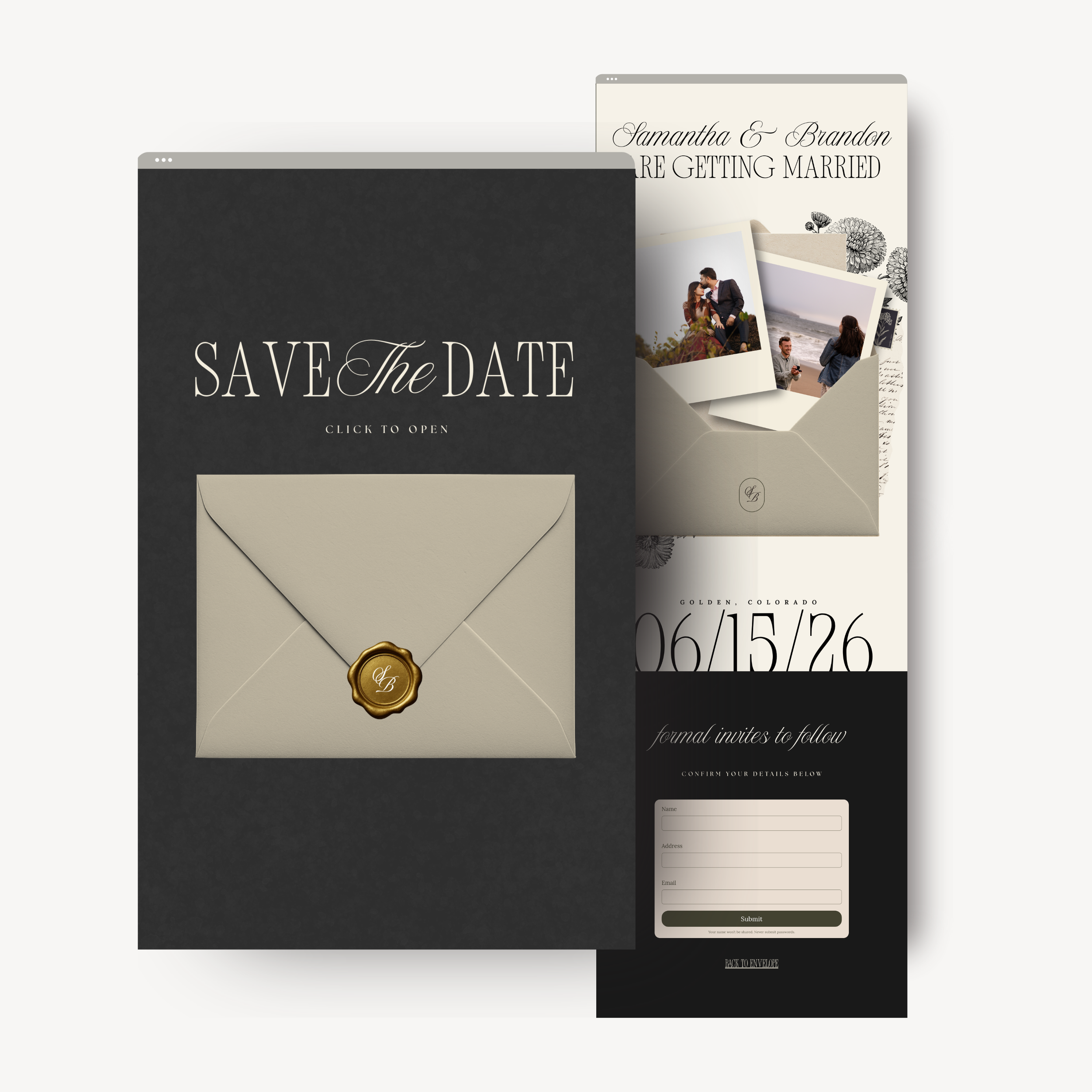
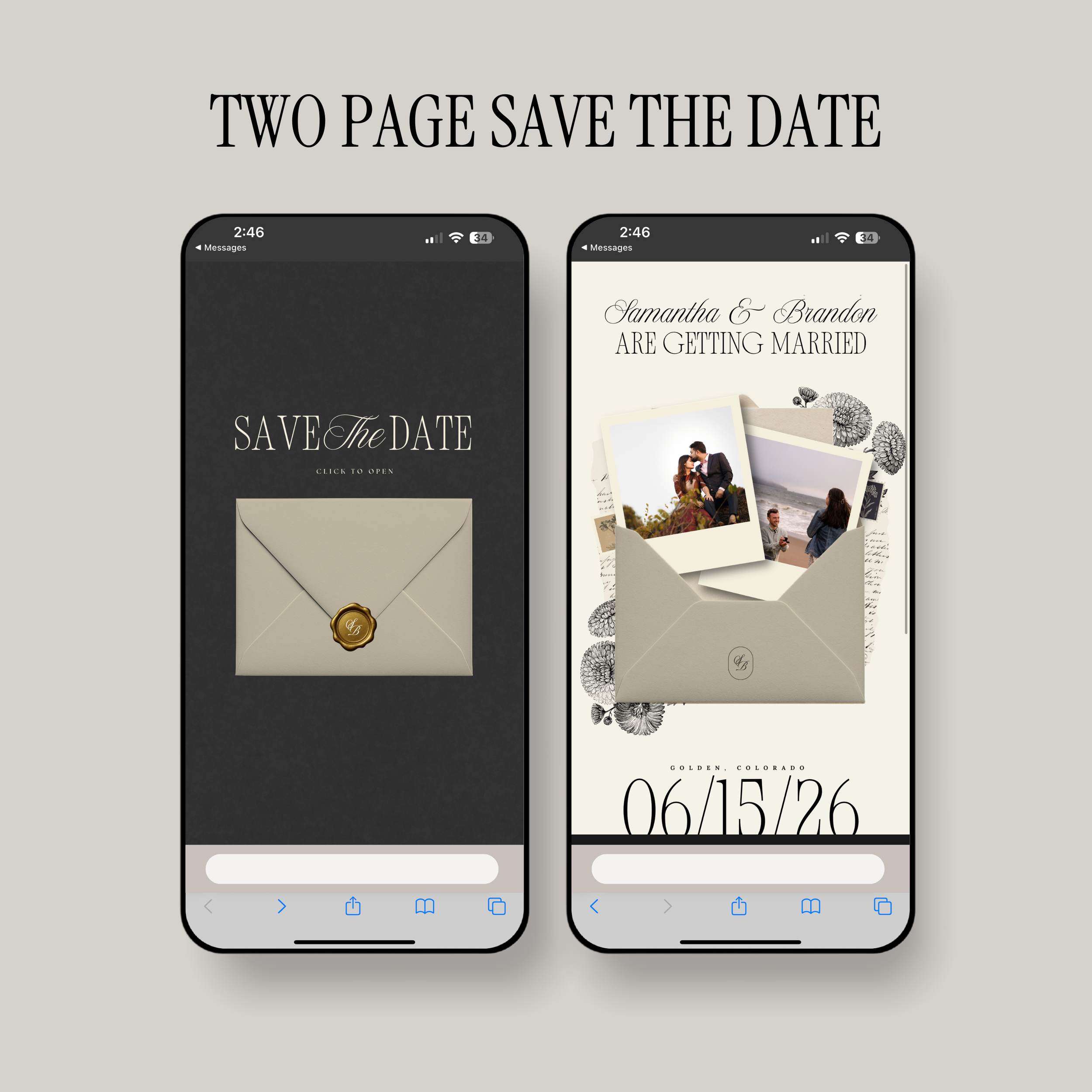
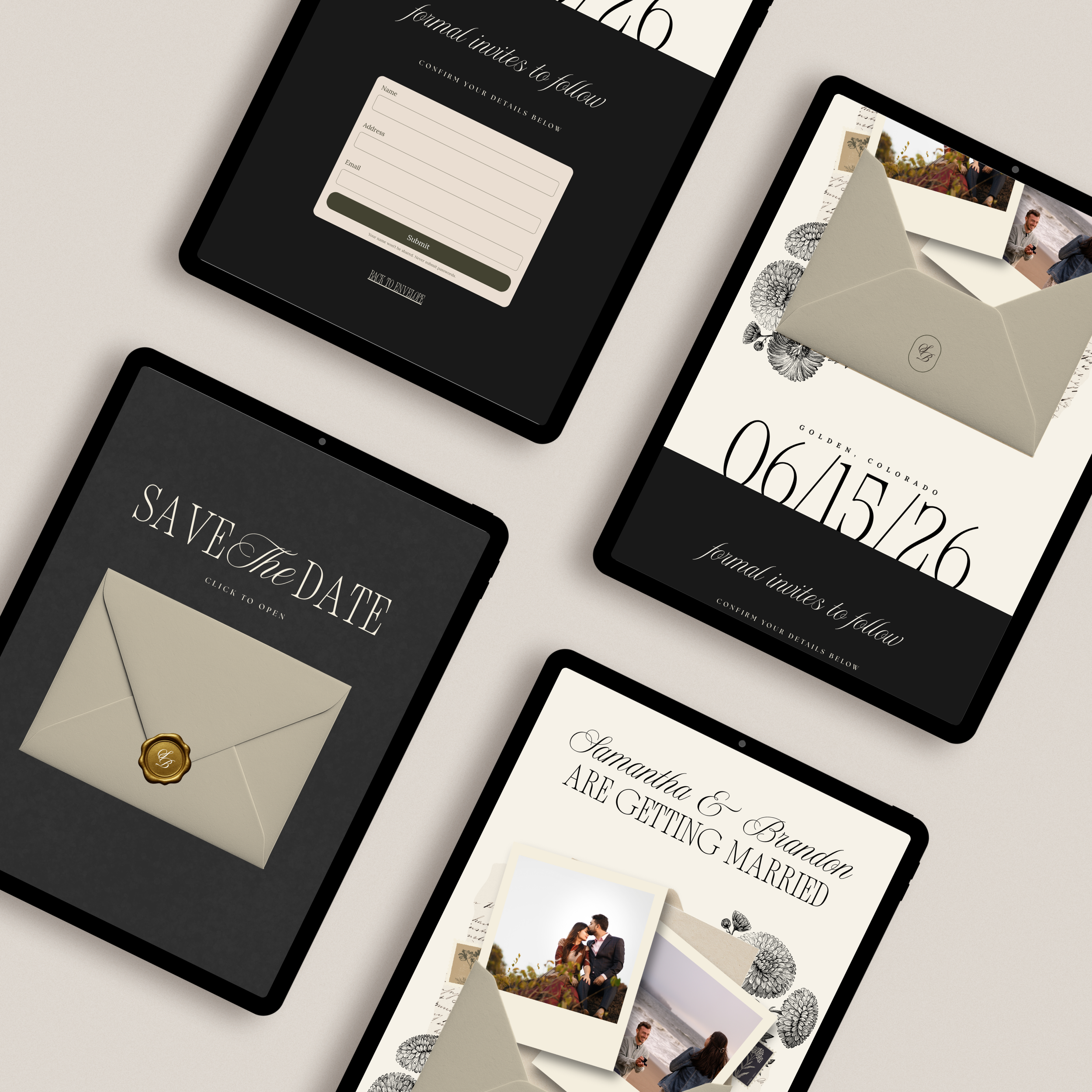
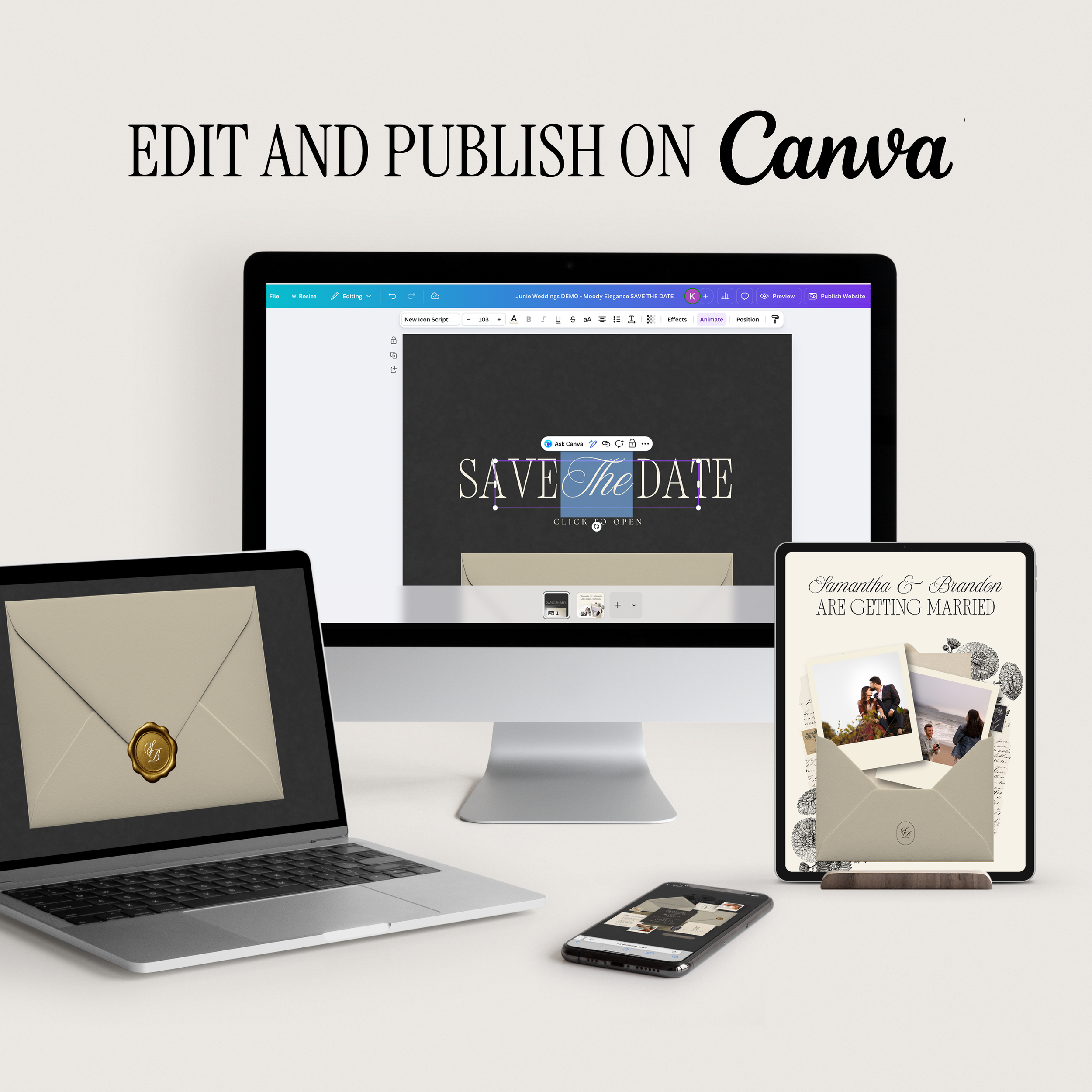
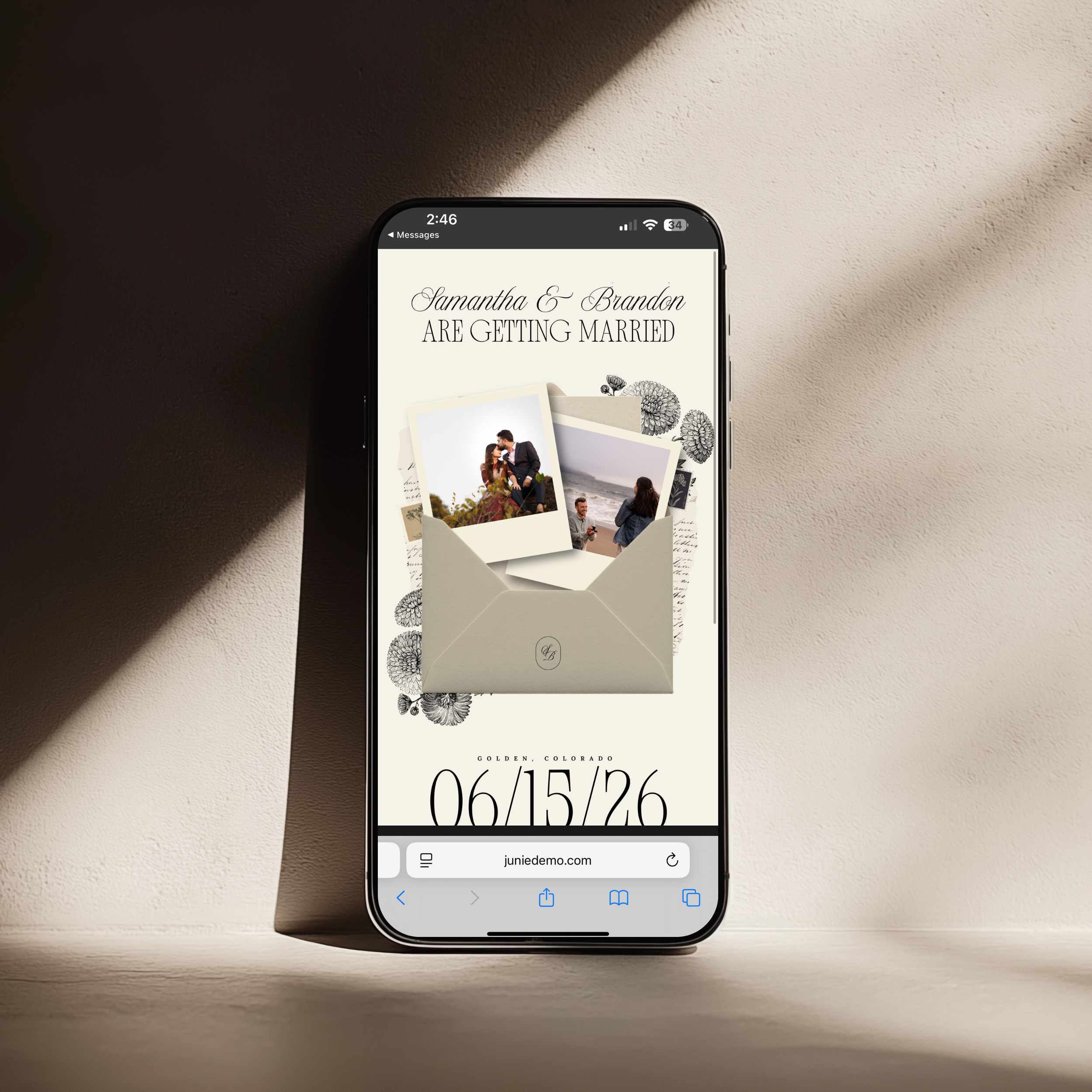
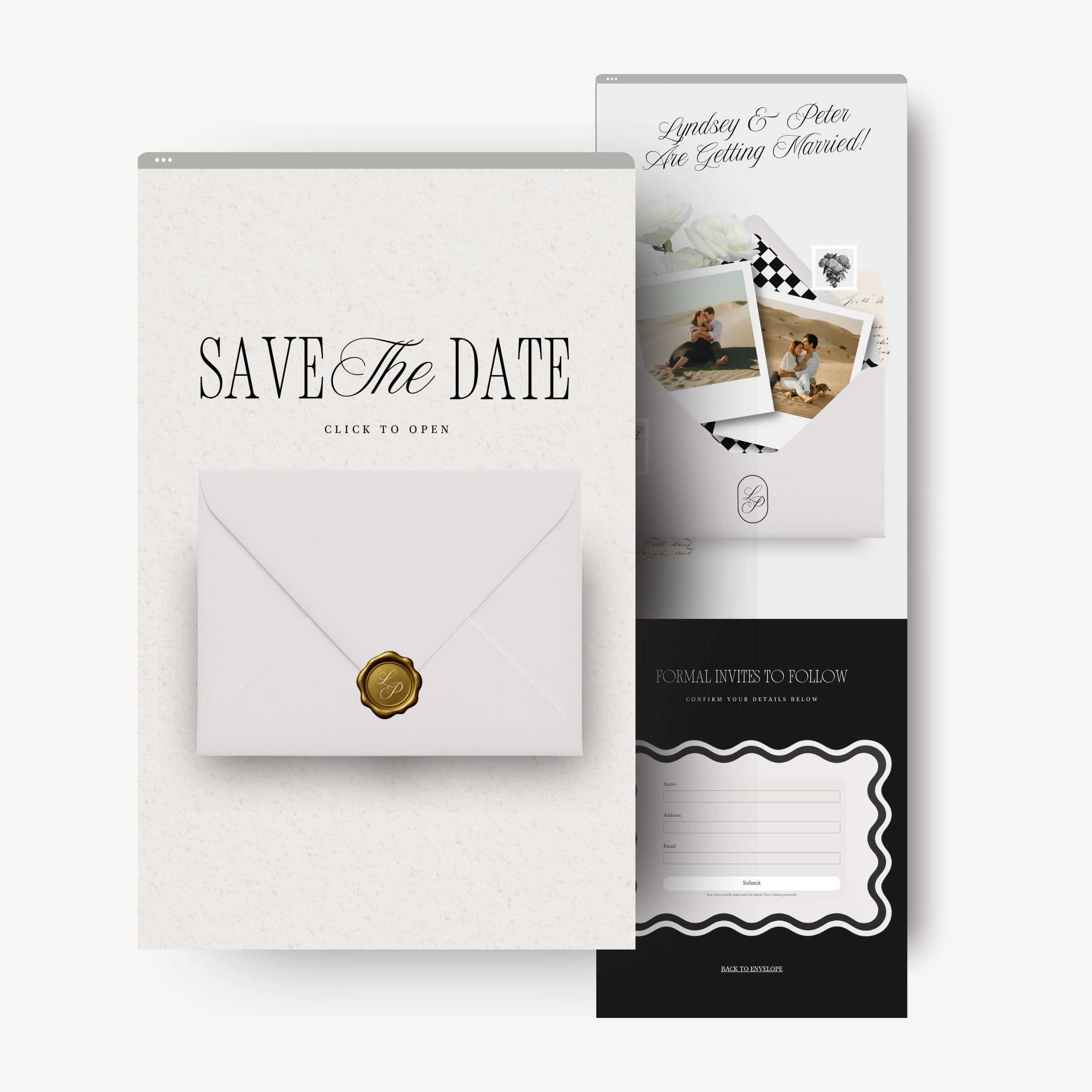
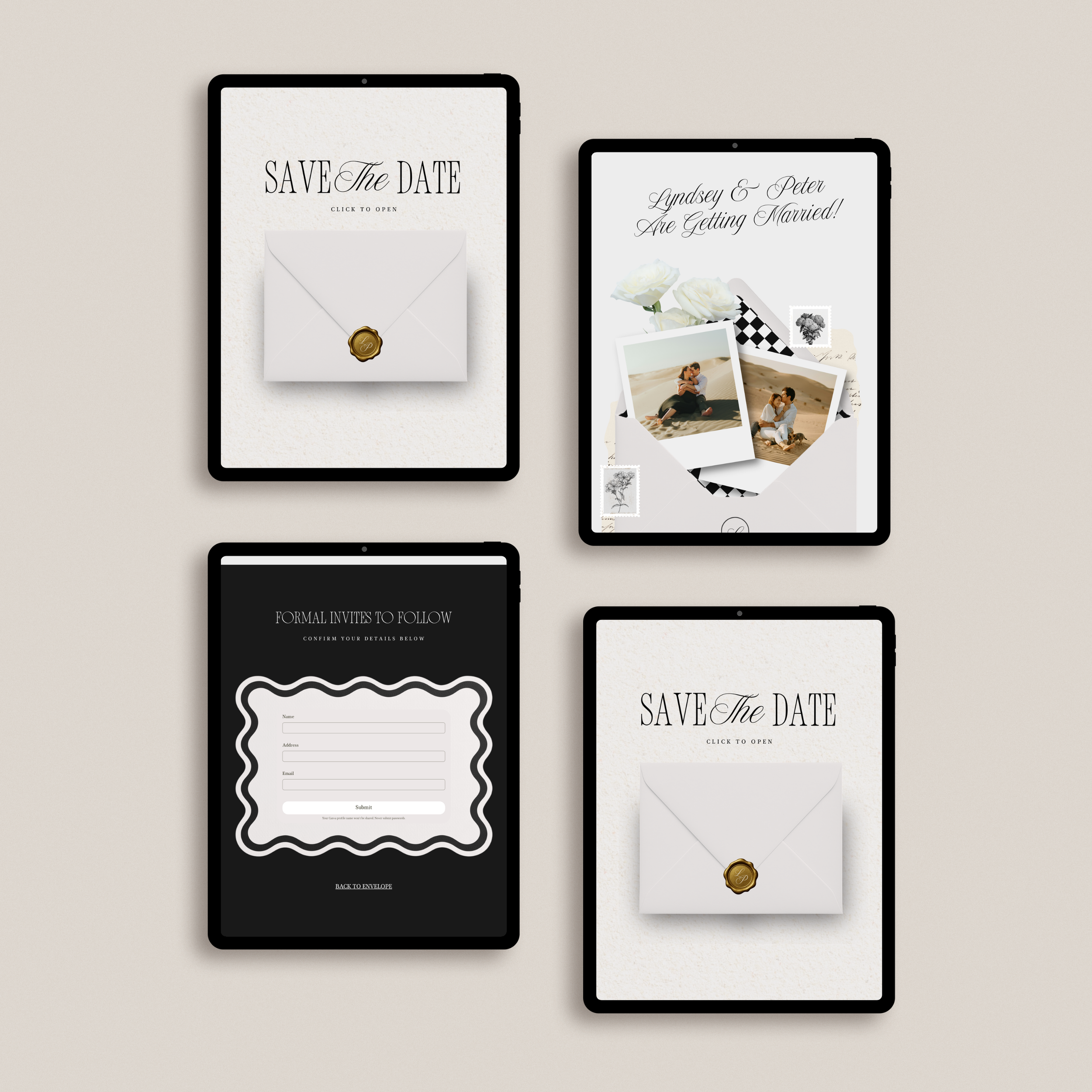
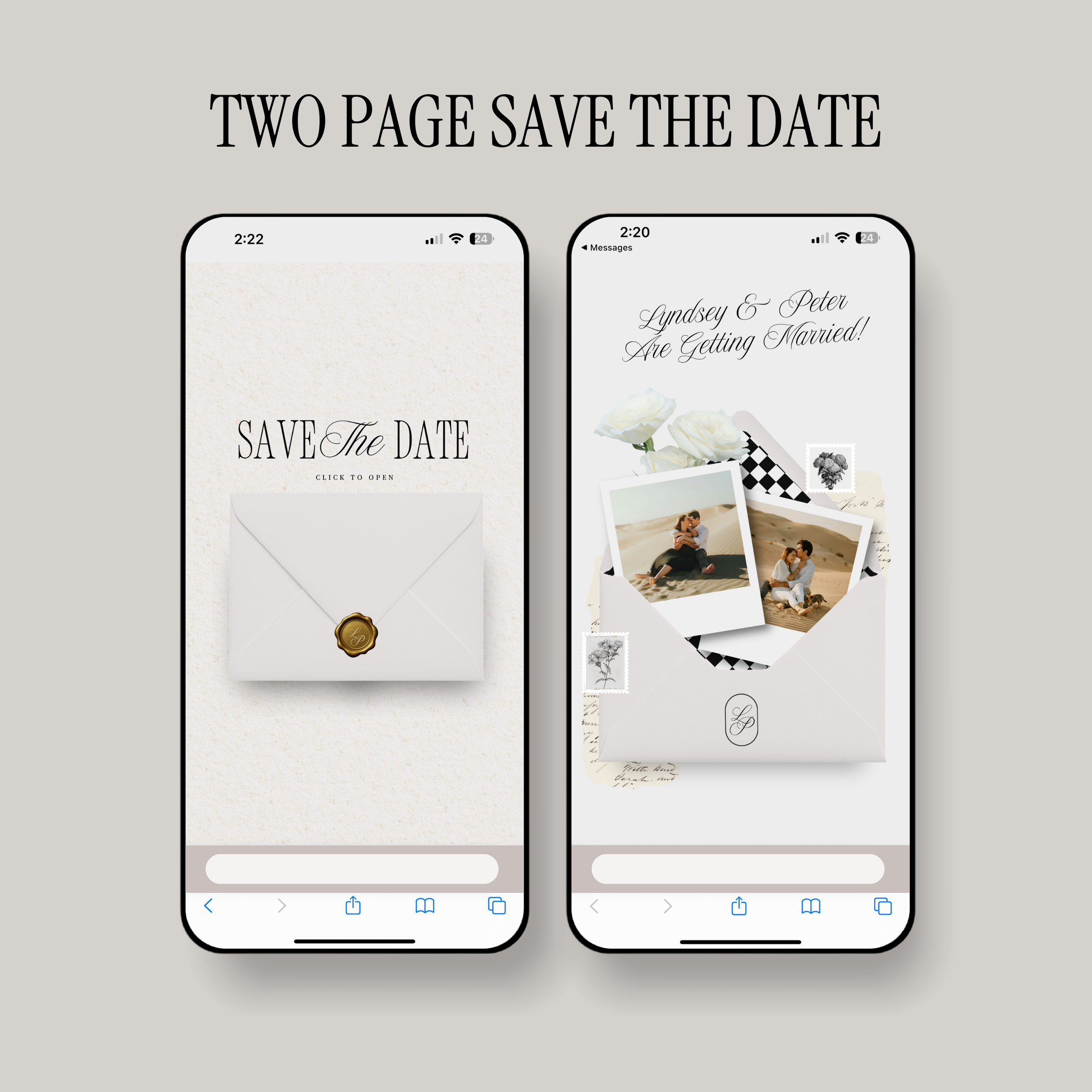
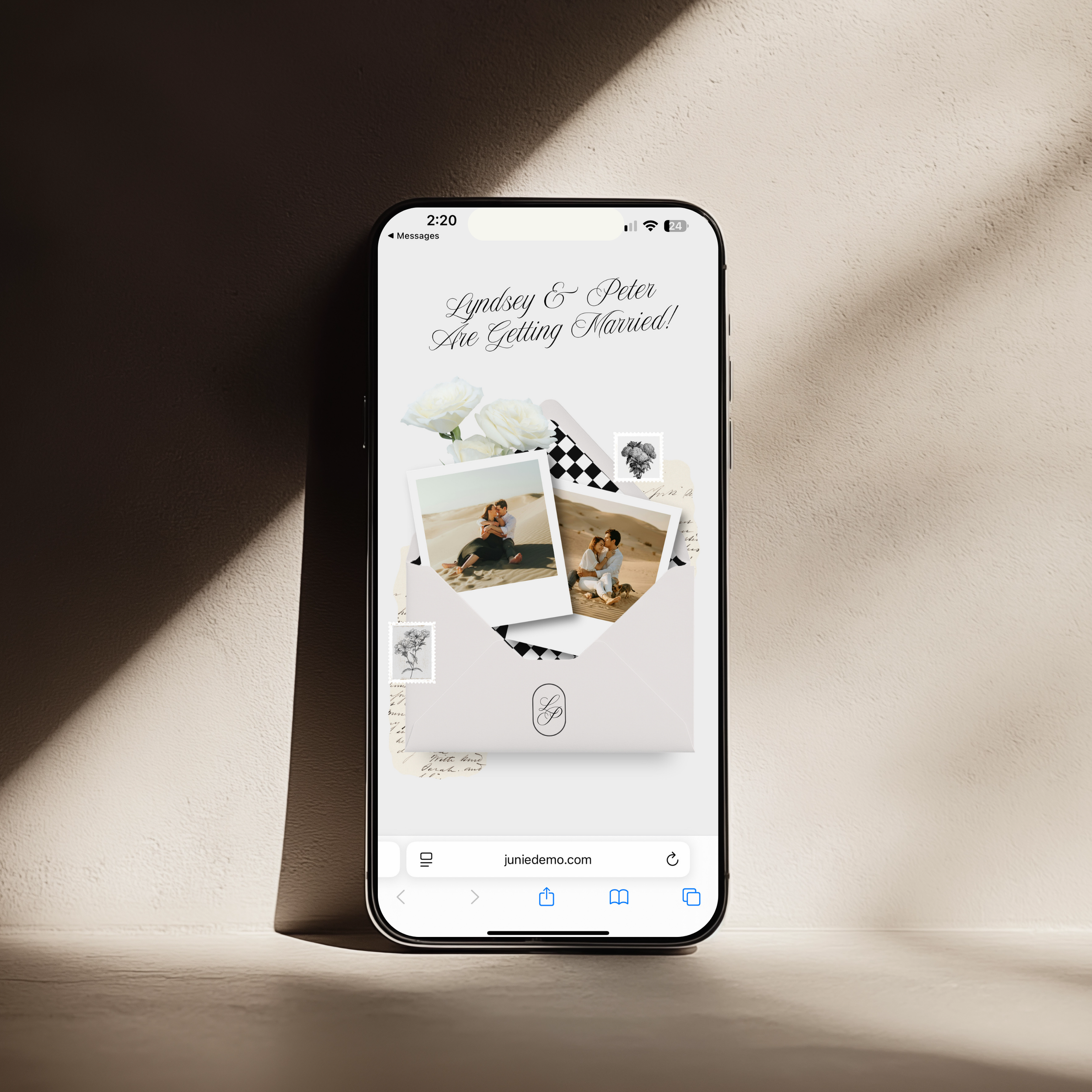
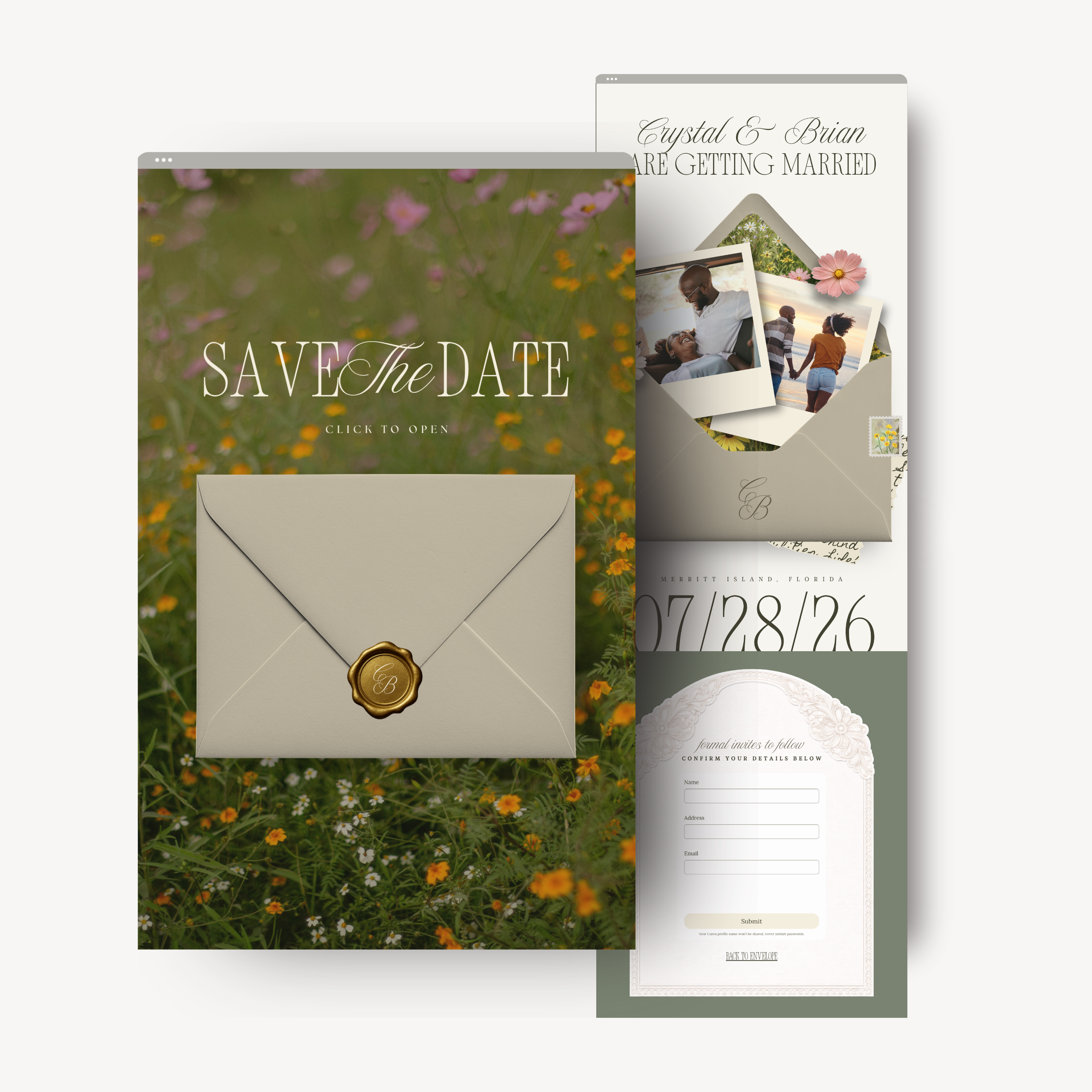
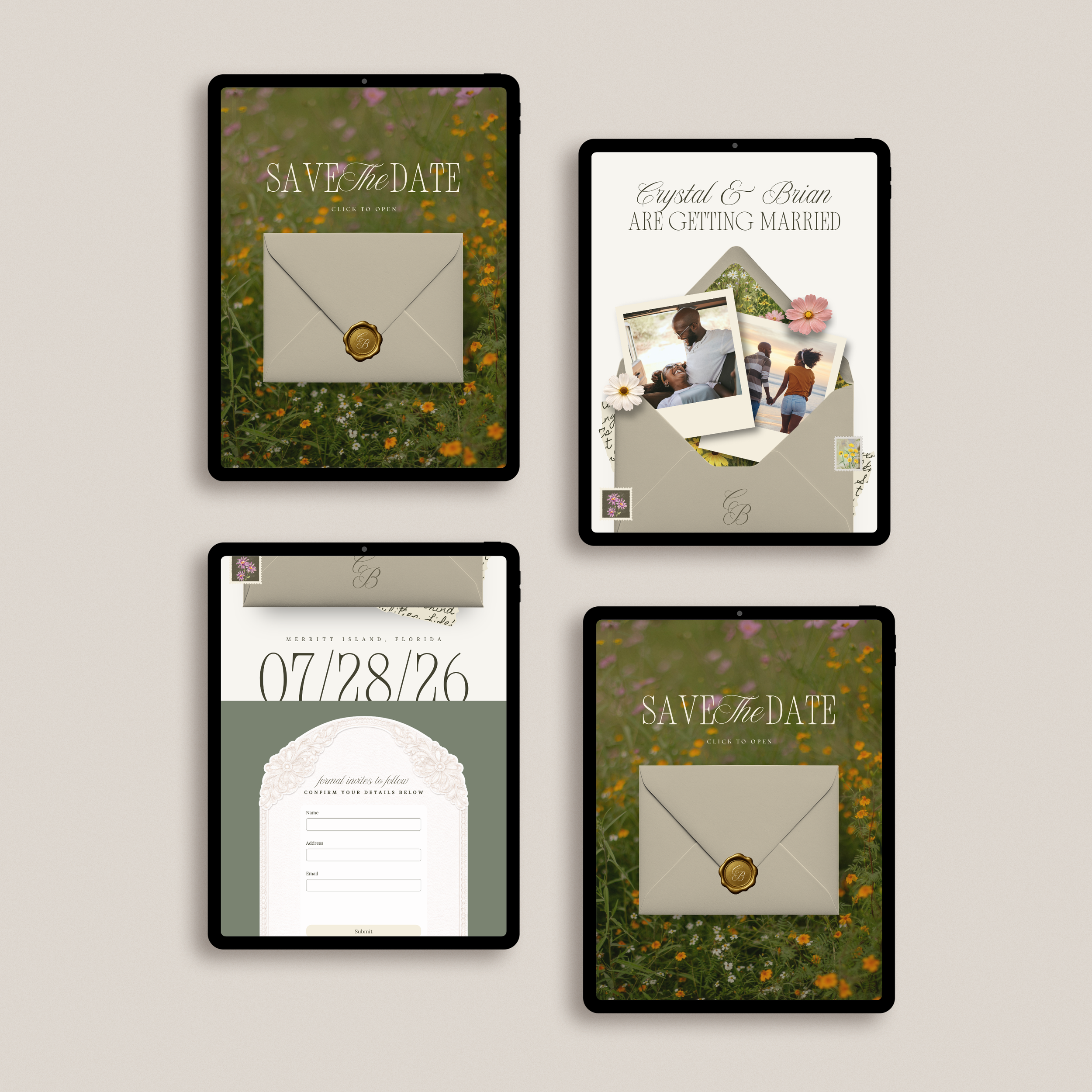
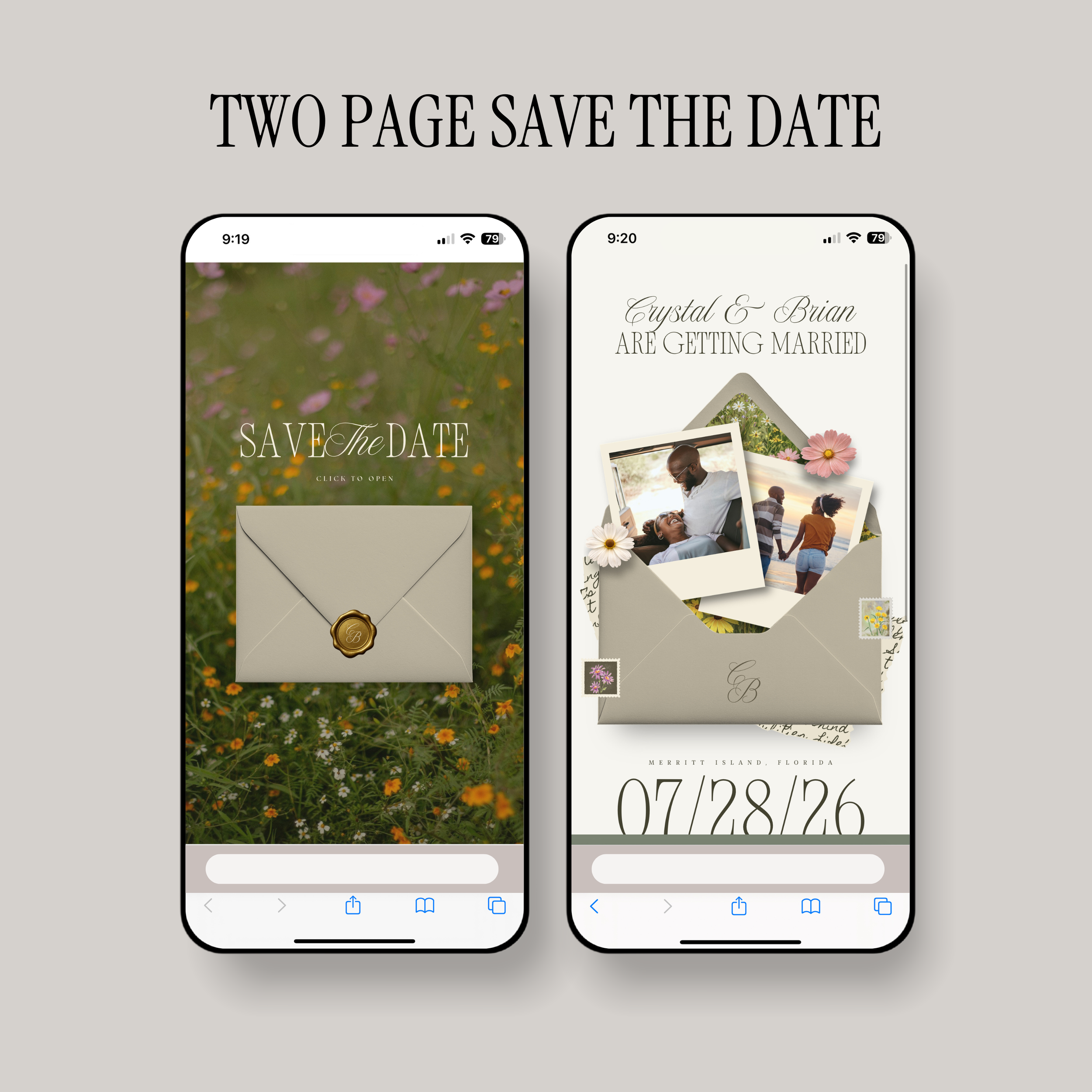
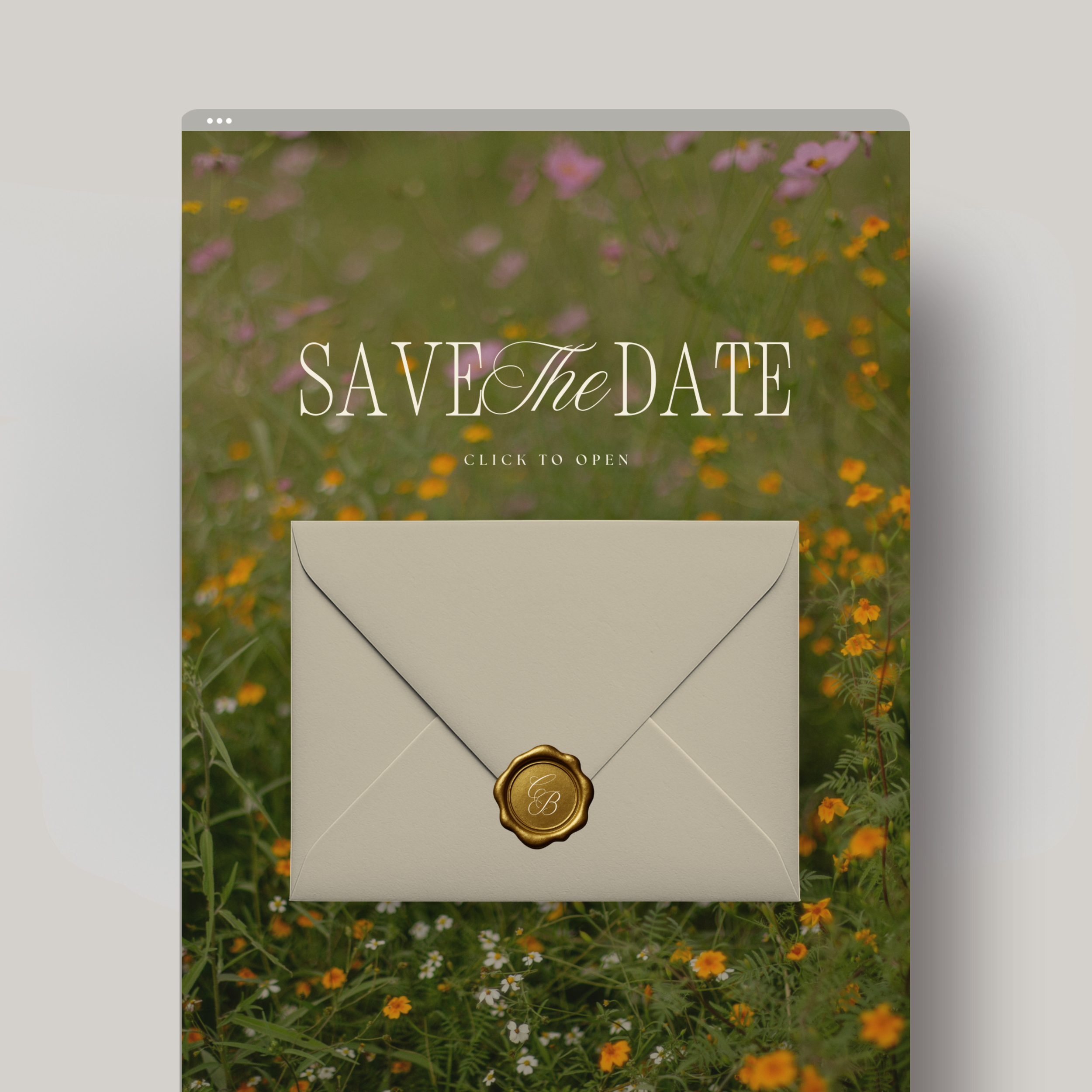
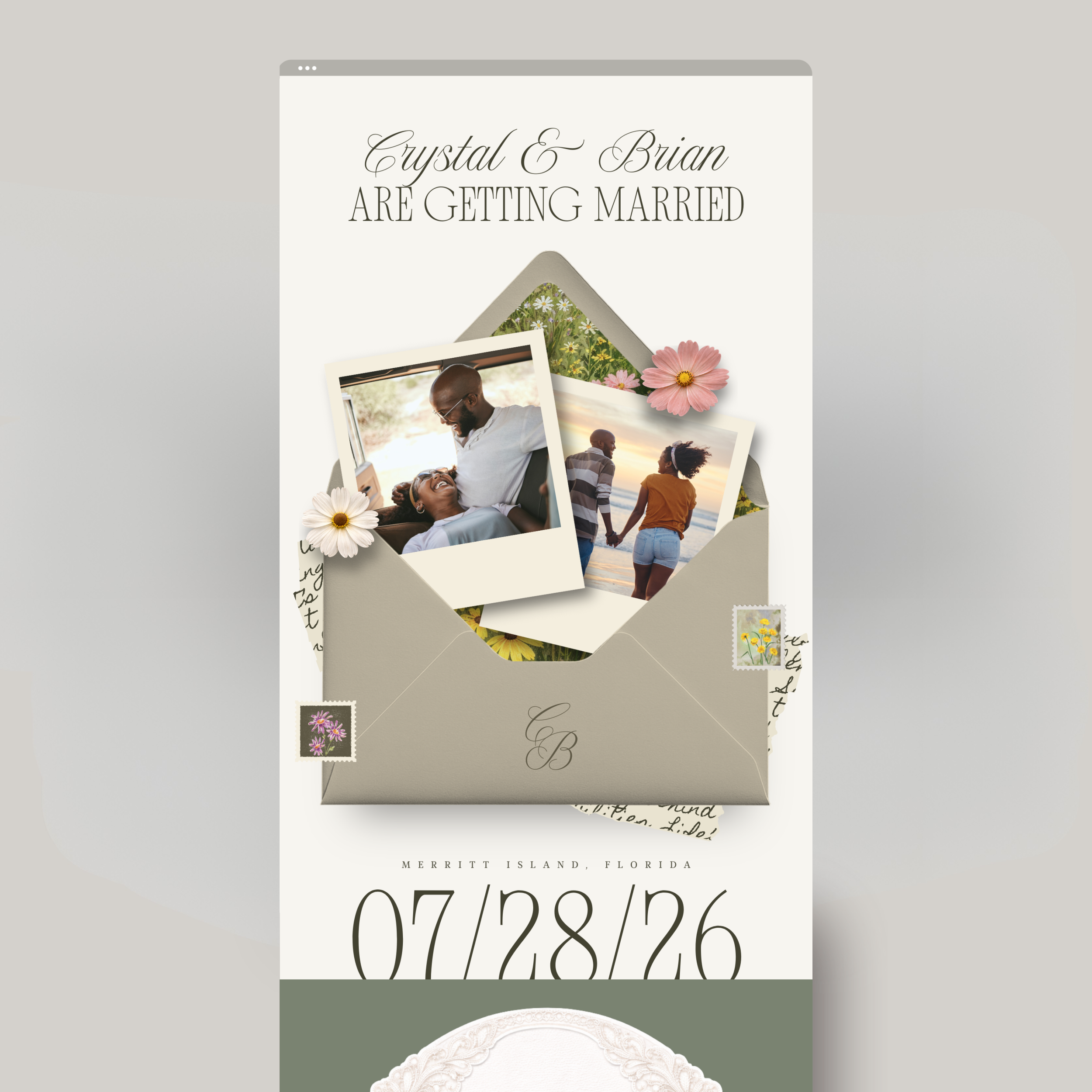
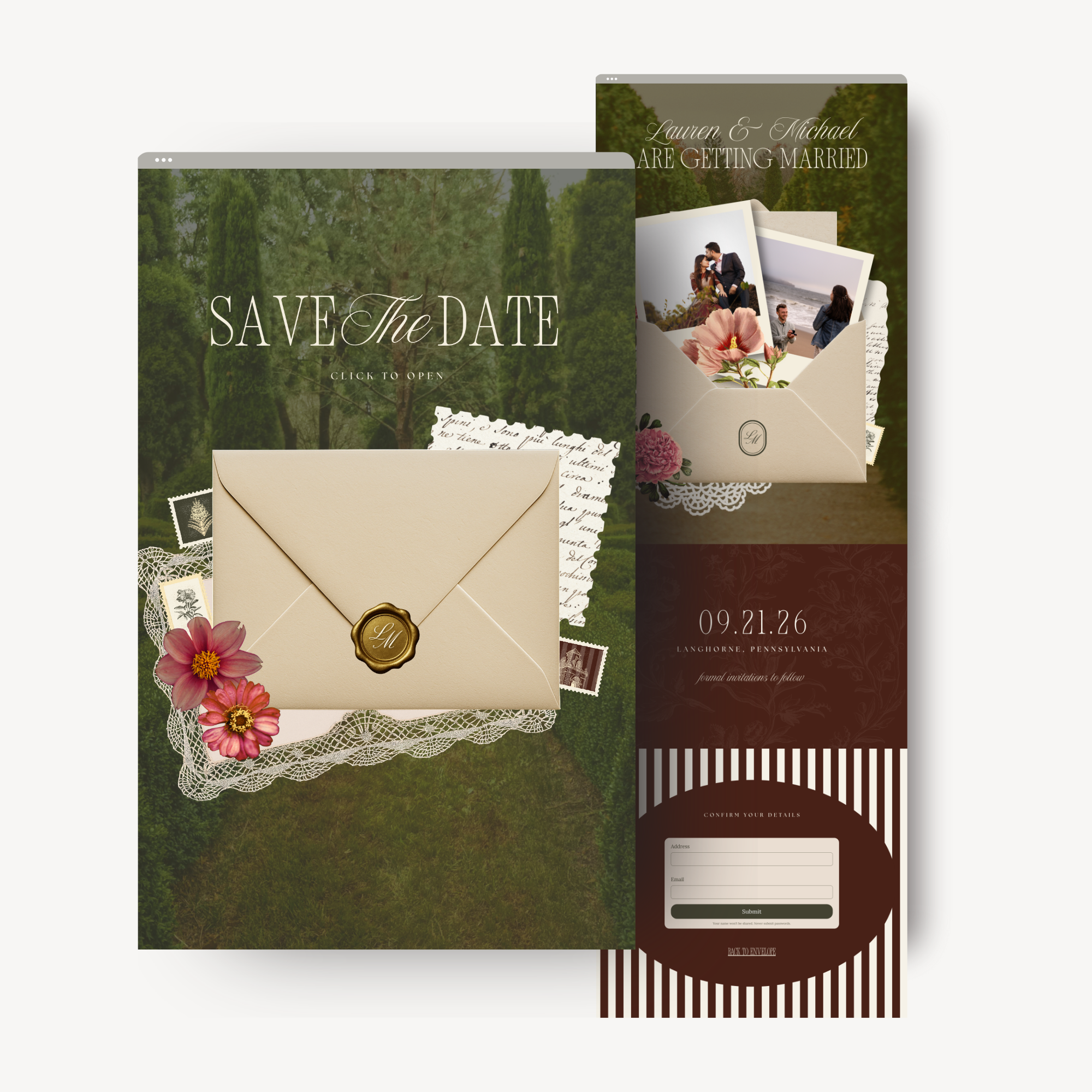
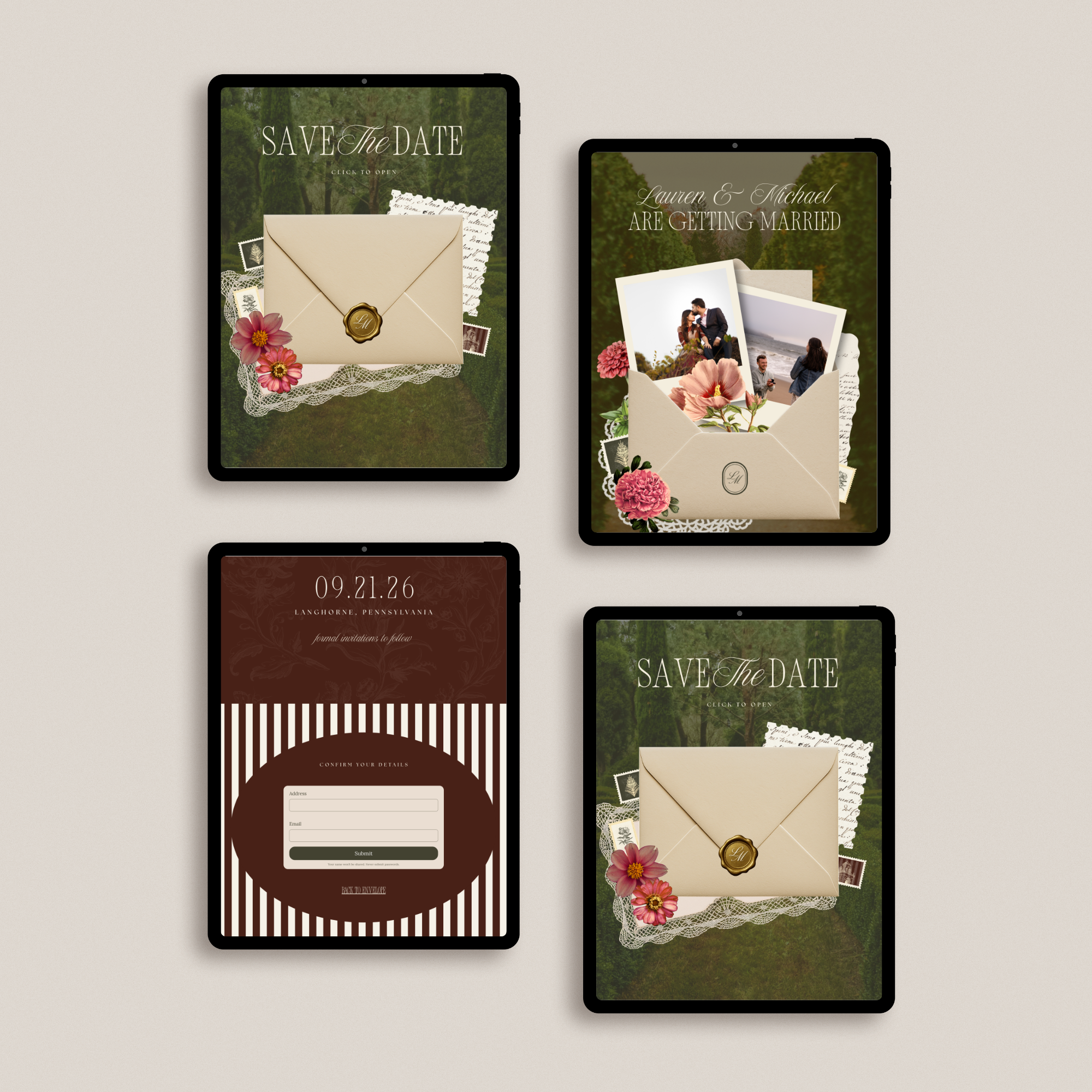
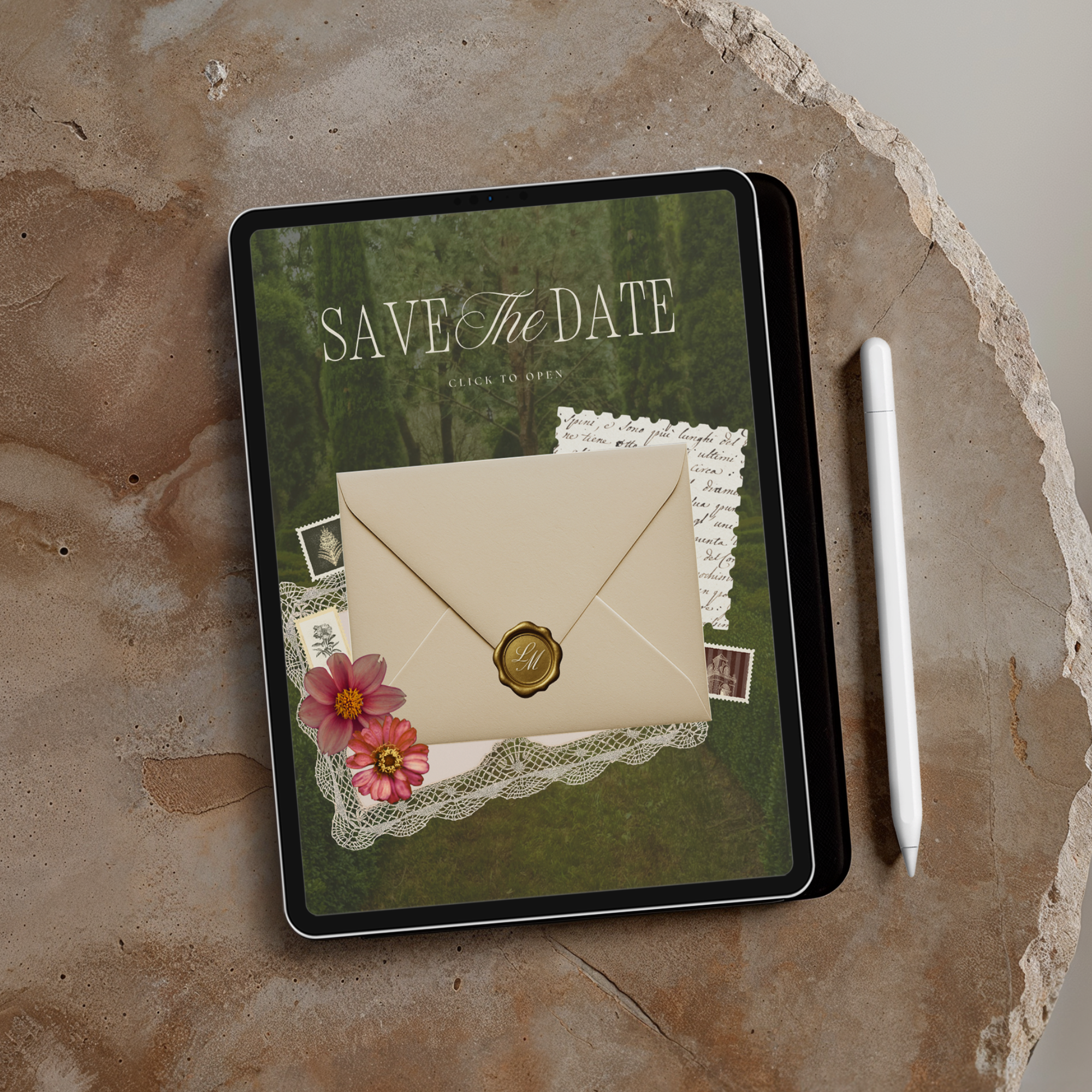
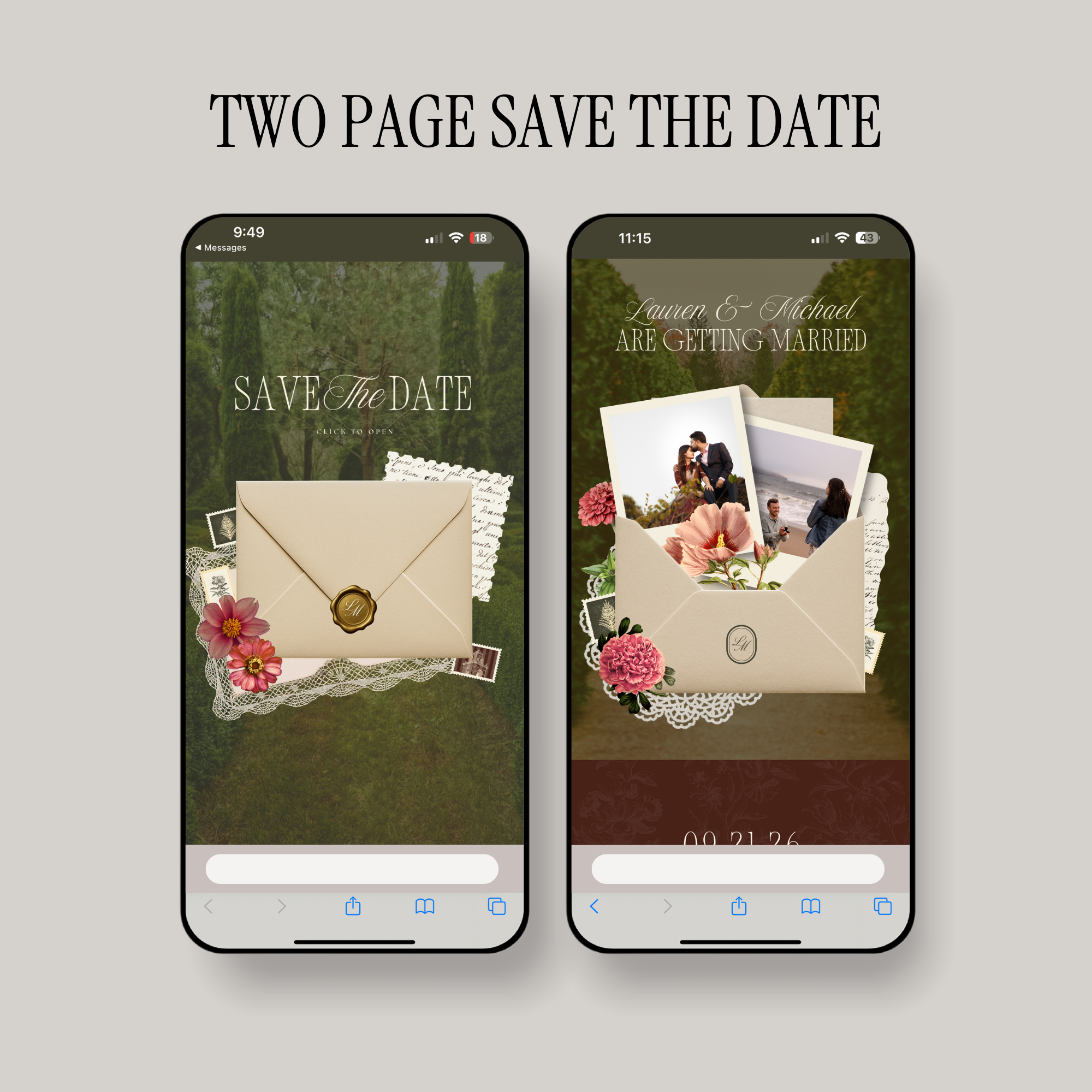
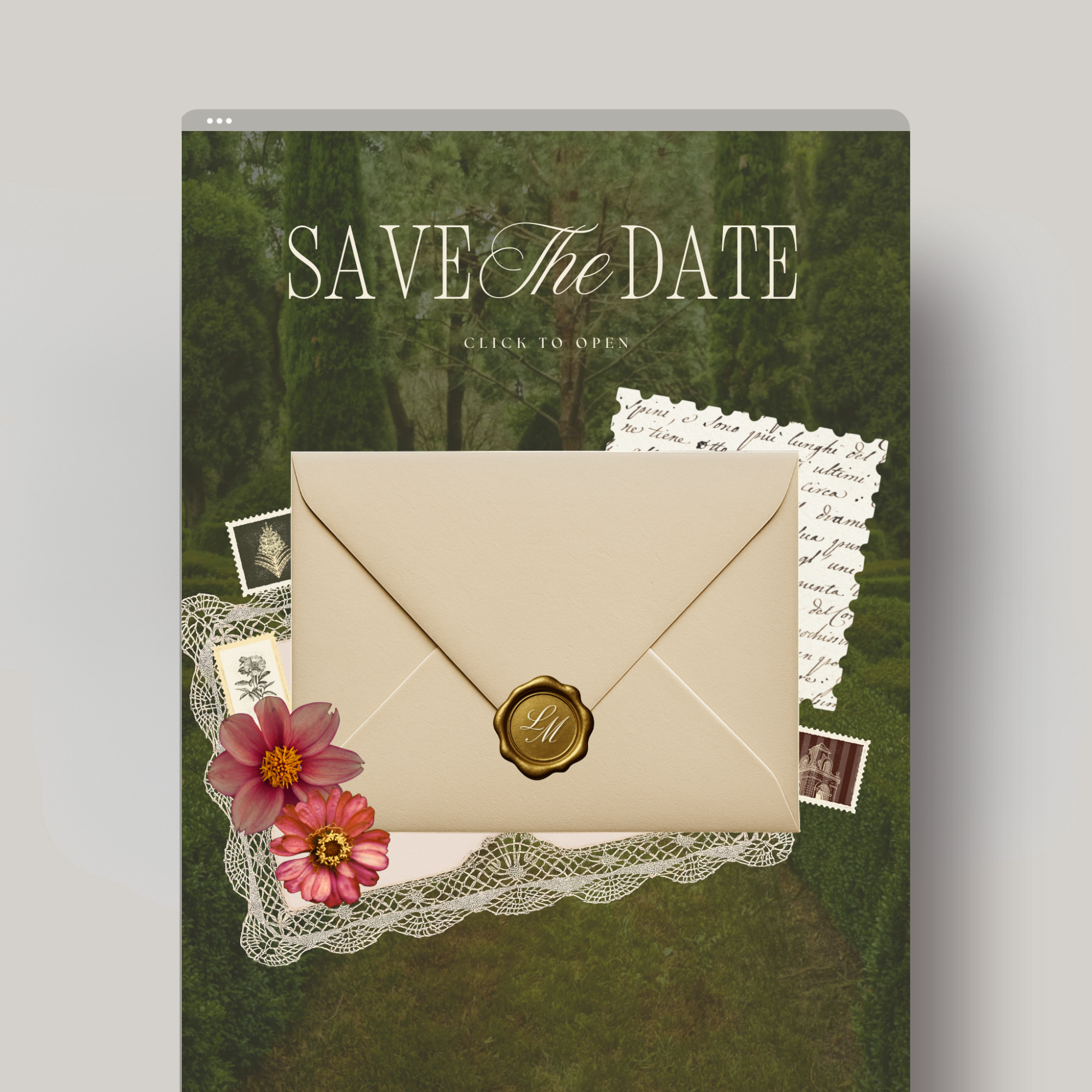
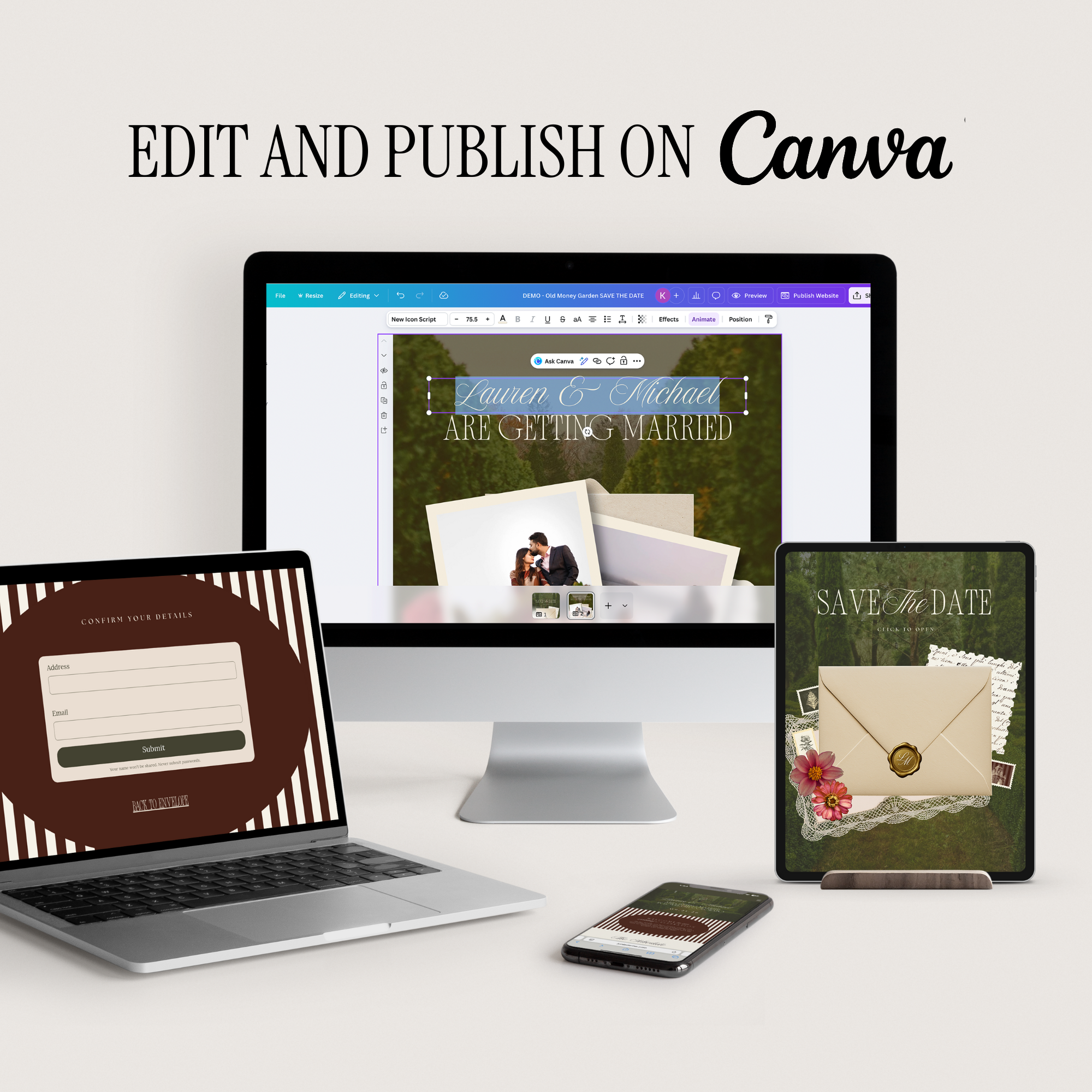
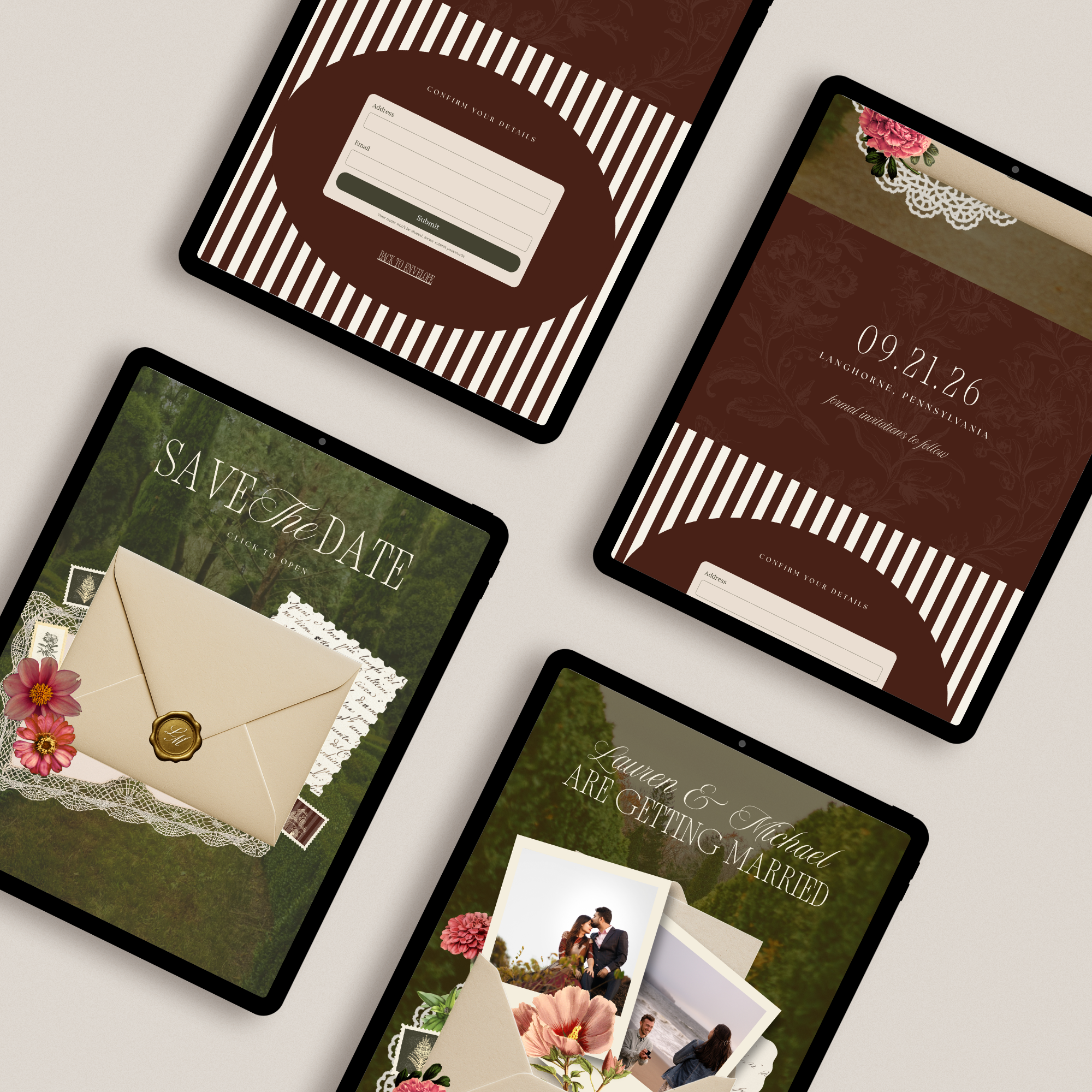
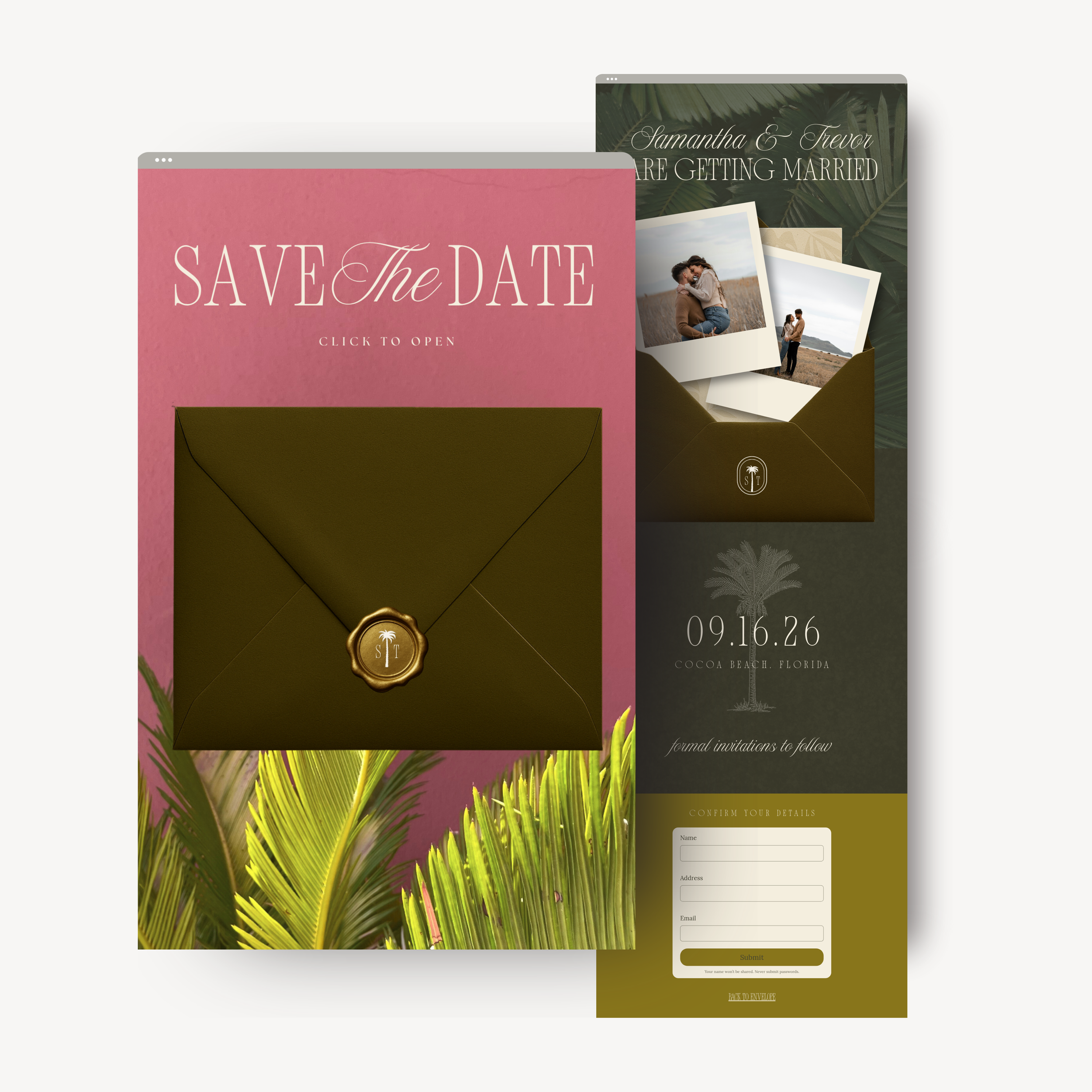
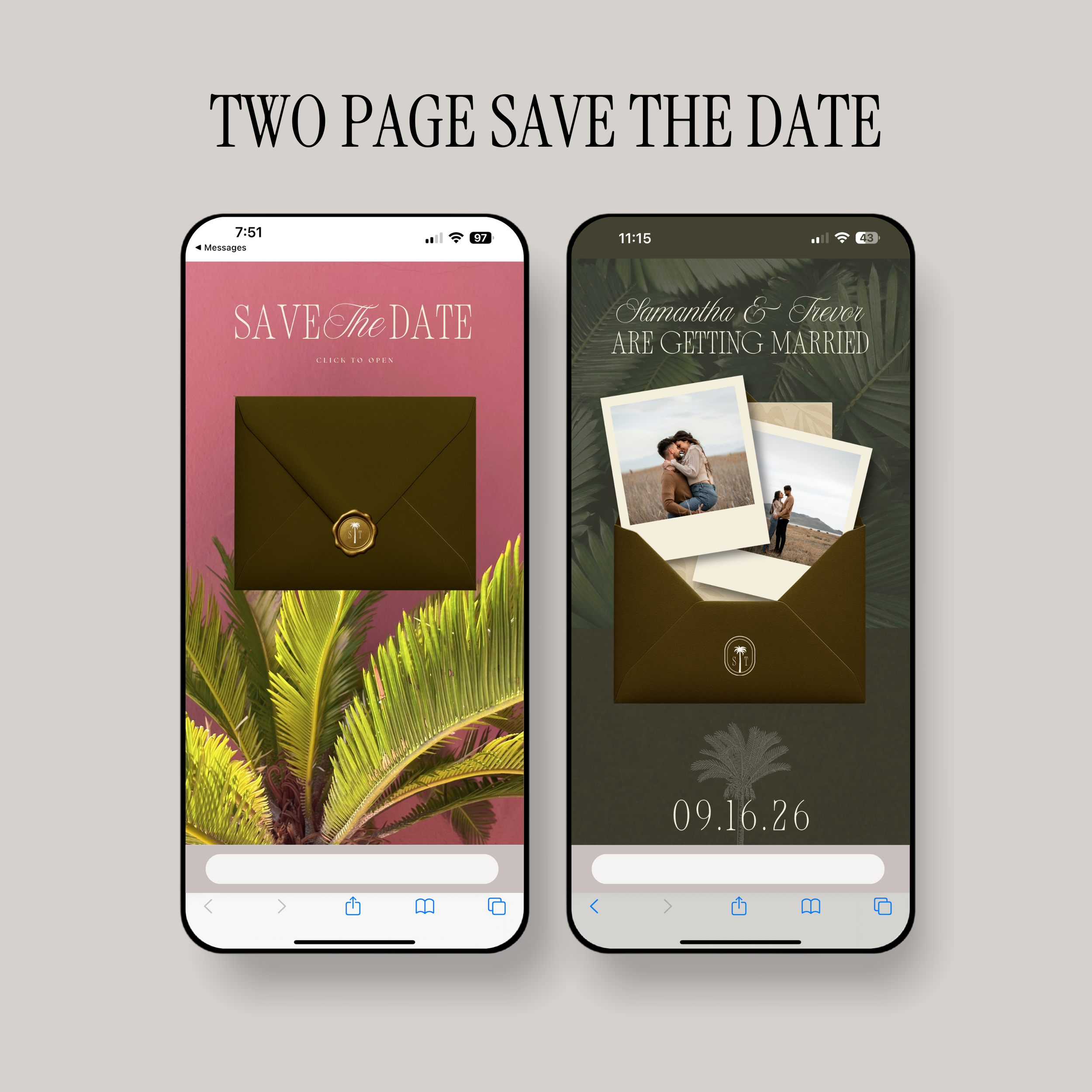
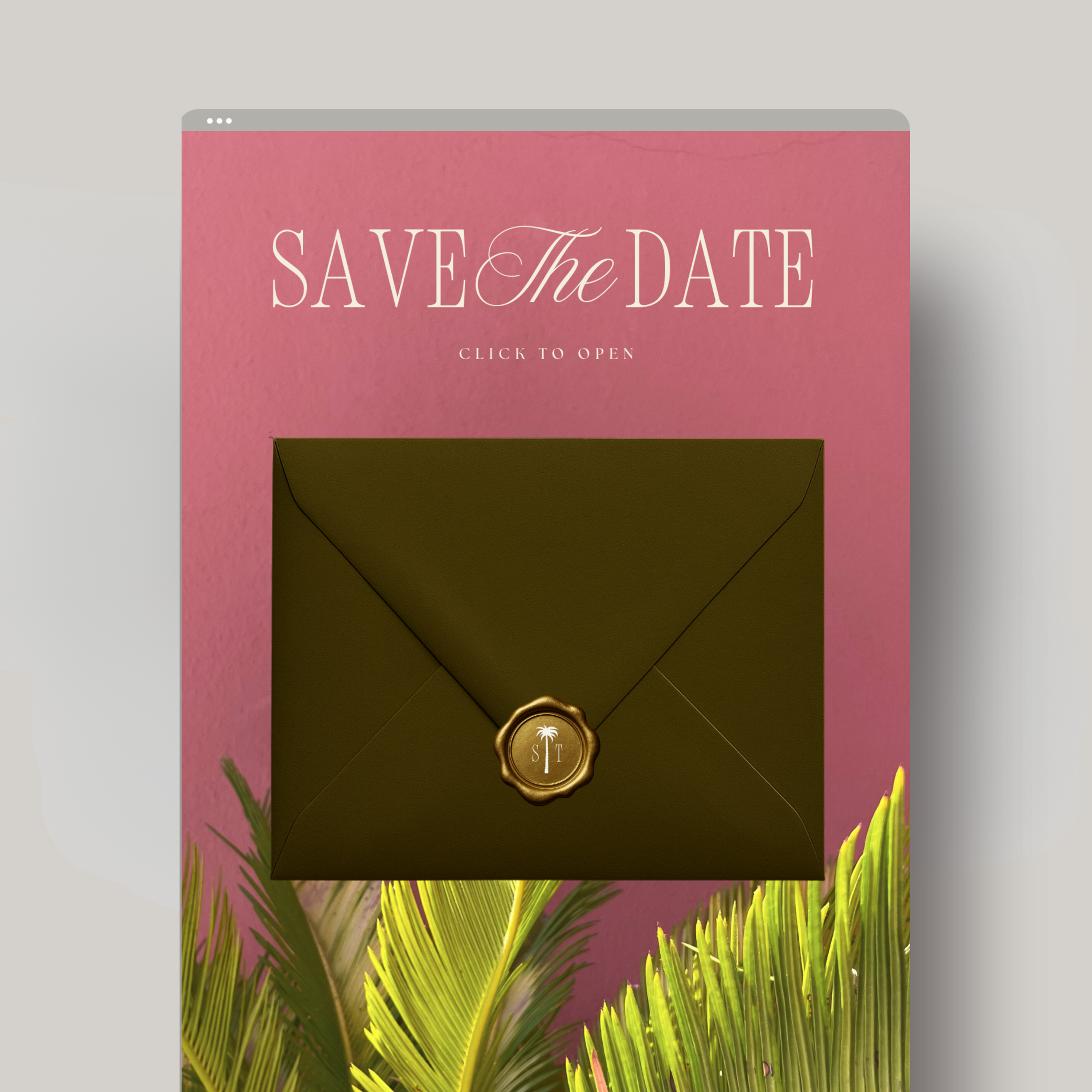
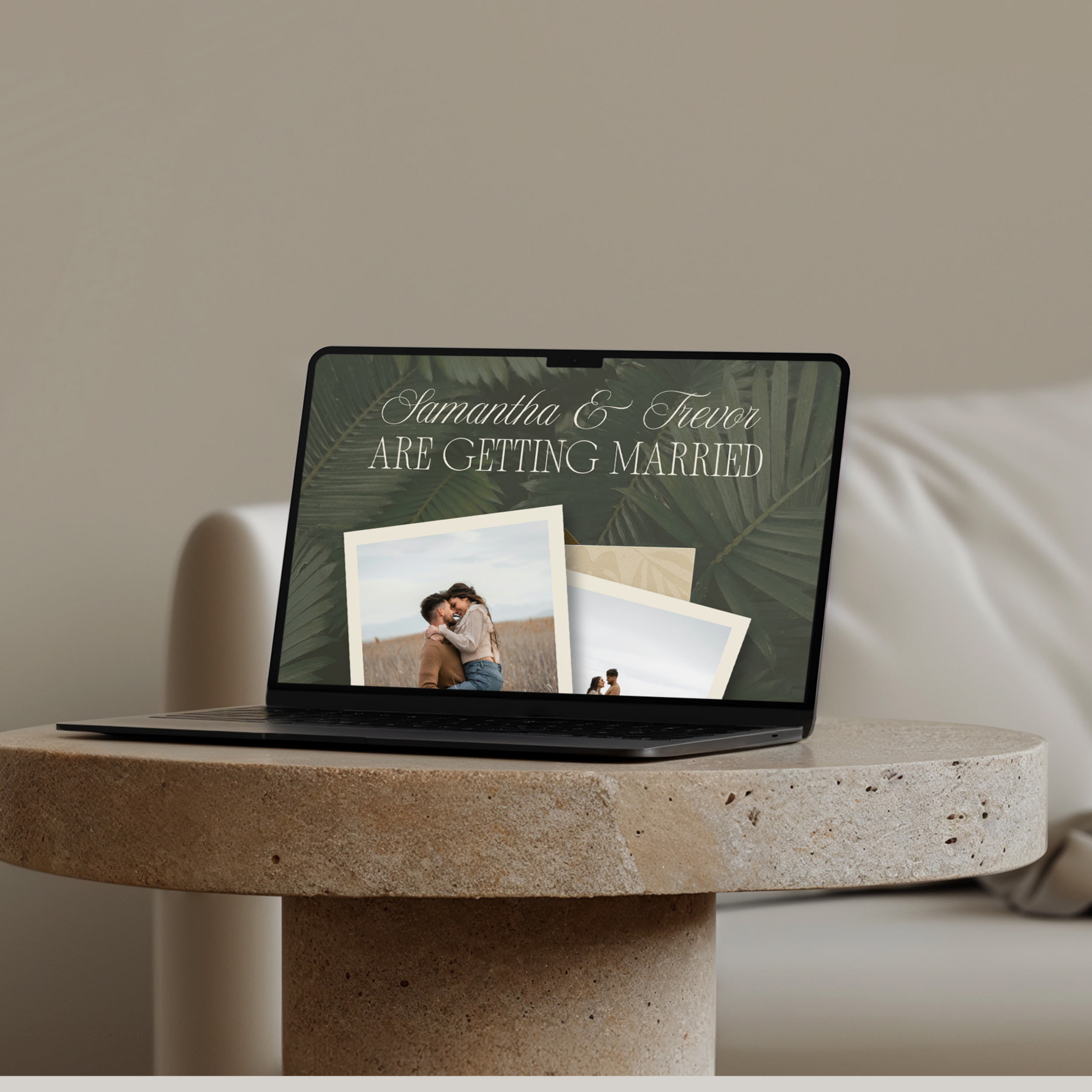
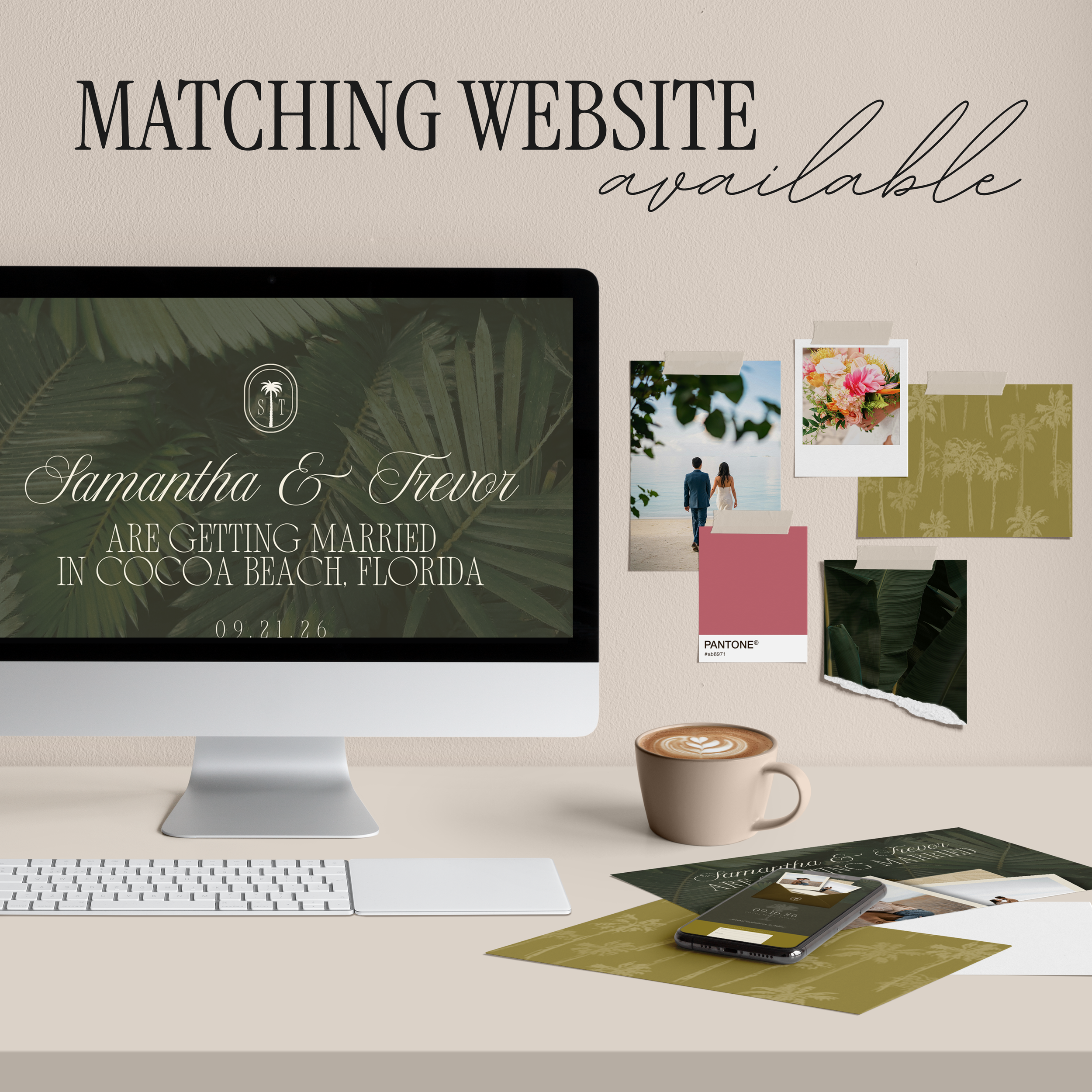
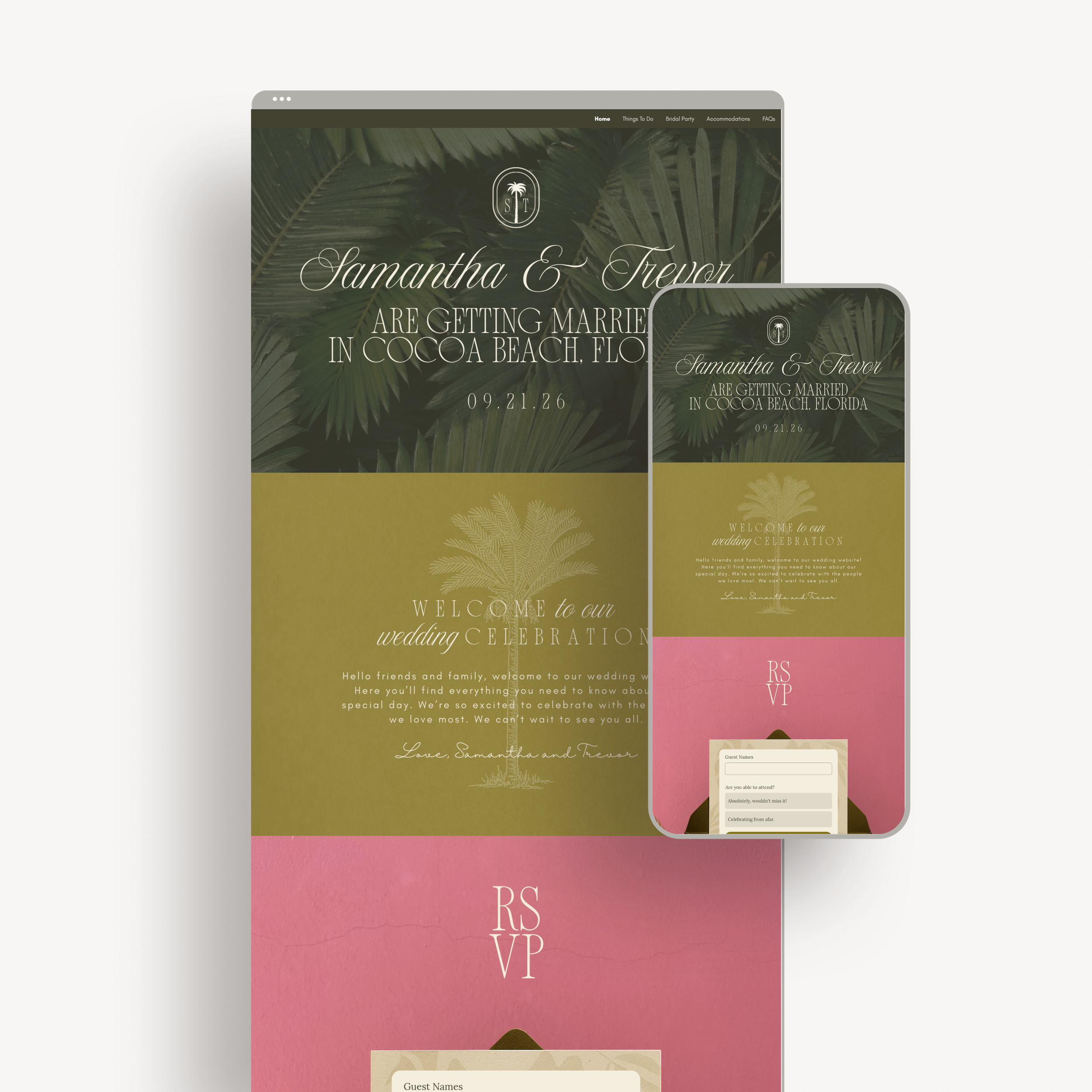
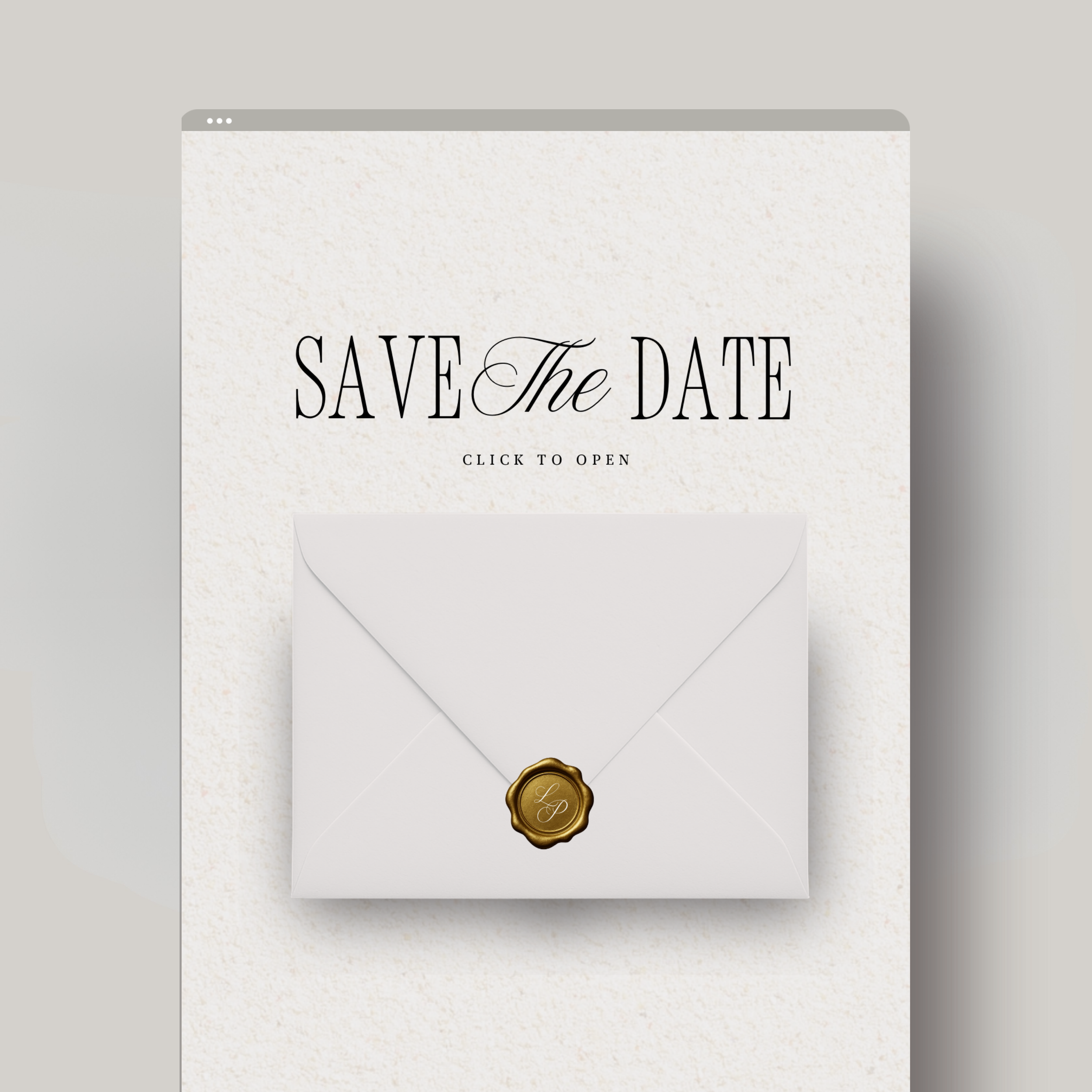
Make a lasting first impression with this luxury tropical Save the Date website, designed to feel as elevated and intentional as your wedding itself. Created entirely inCanva, this interactivetwo-page digital Save the Dateblends refined design with a romantic island-inspired aesthetic—perfect for destination weddings, coastal celebrations, or couples who love timeless luxury with a modern twist.
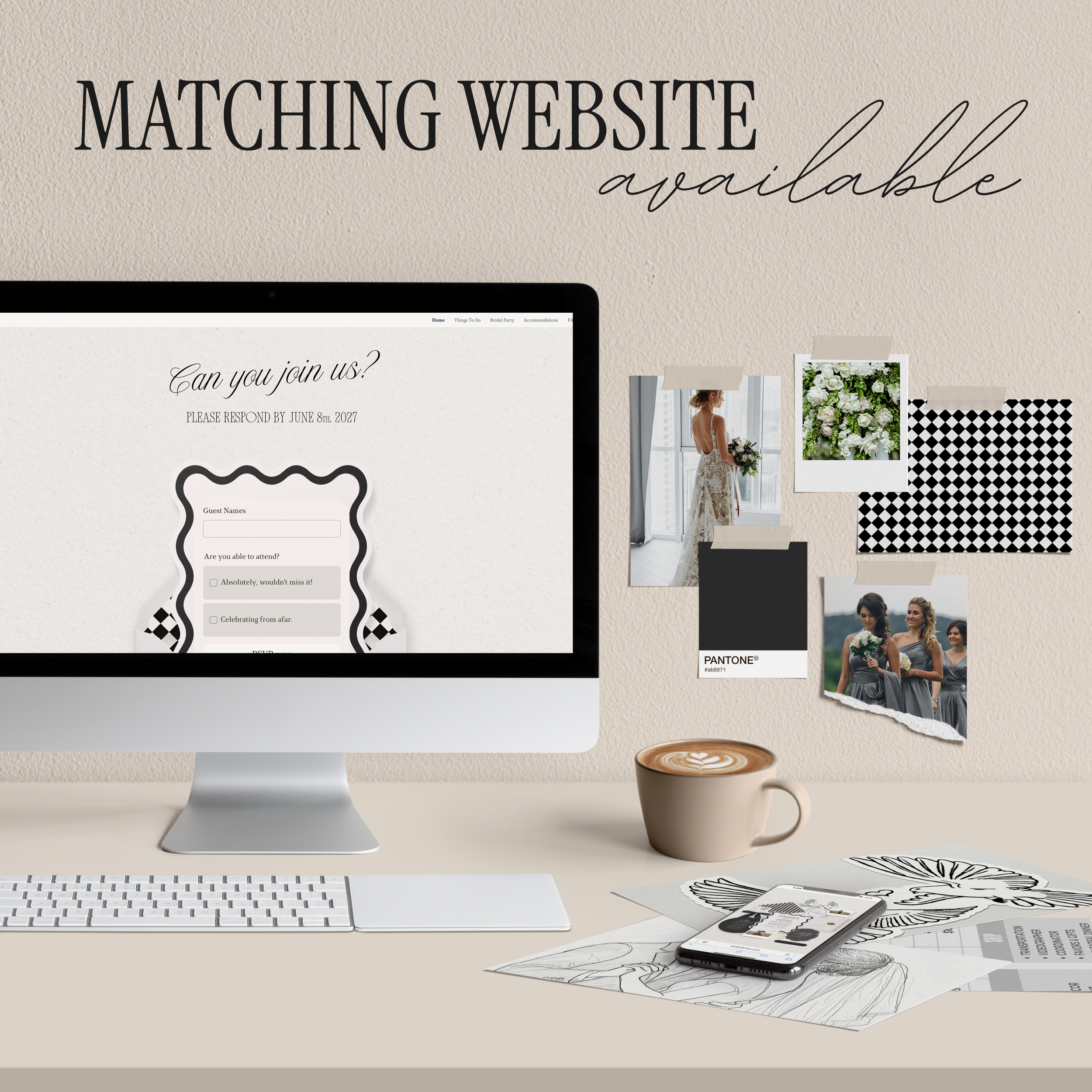
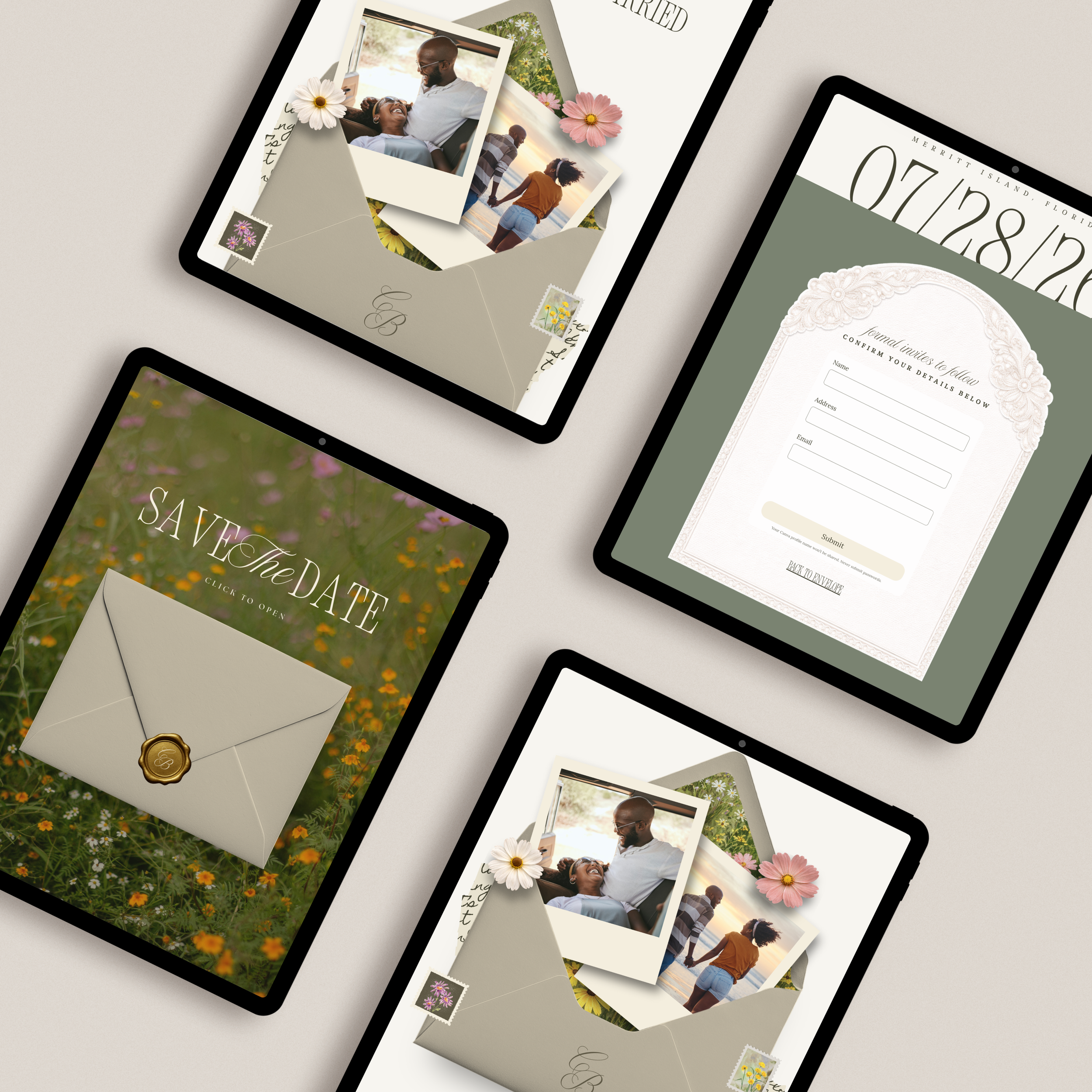
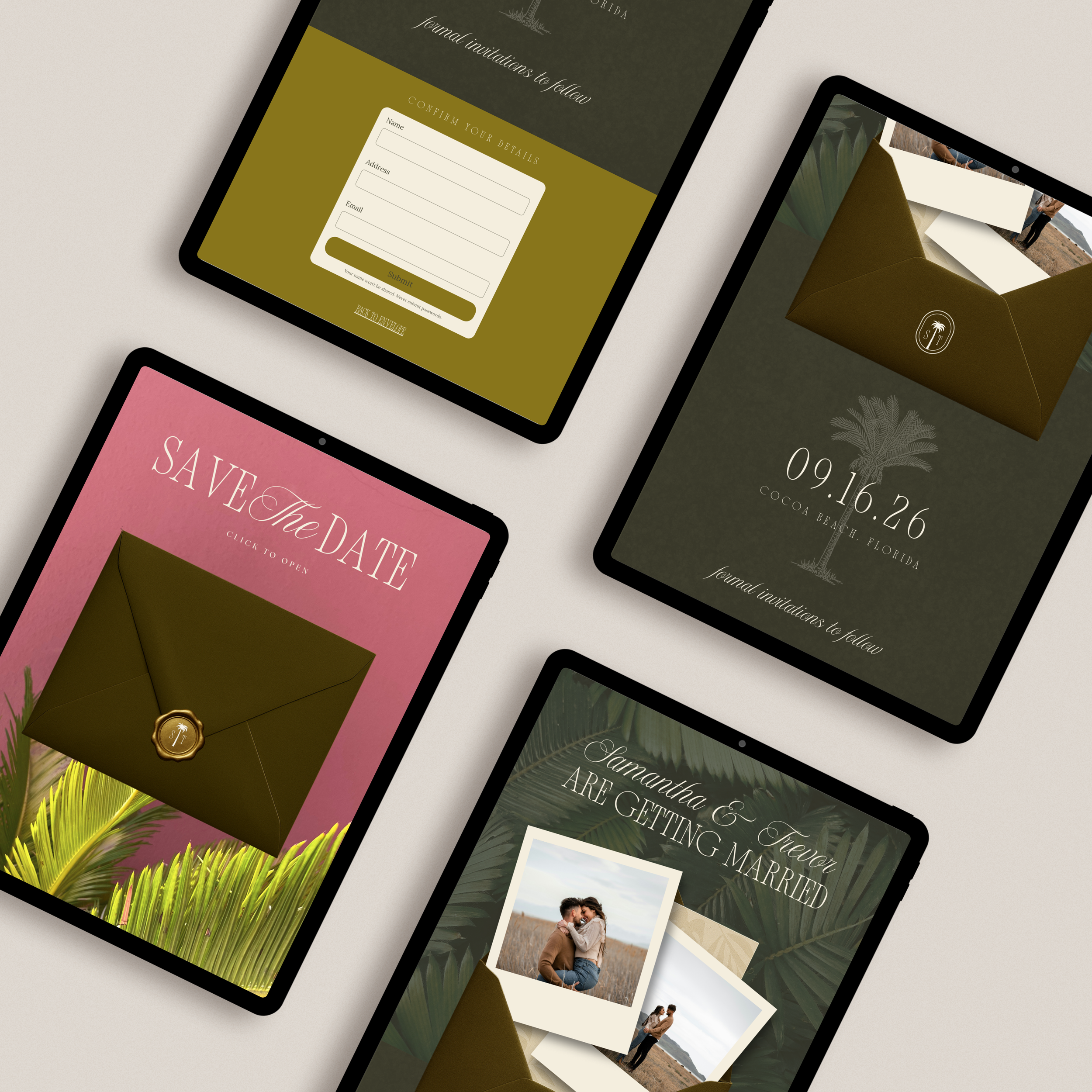
To make things even more effortless for you, the website includes adetails confirmation form, allowing guests to submit their information for your formal invitation mailing list—keeping everything organized and beautifully streamlined from the very start.
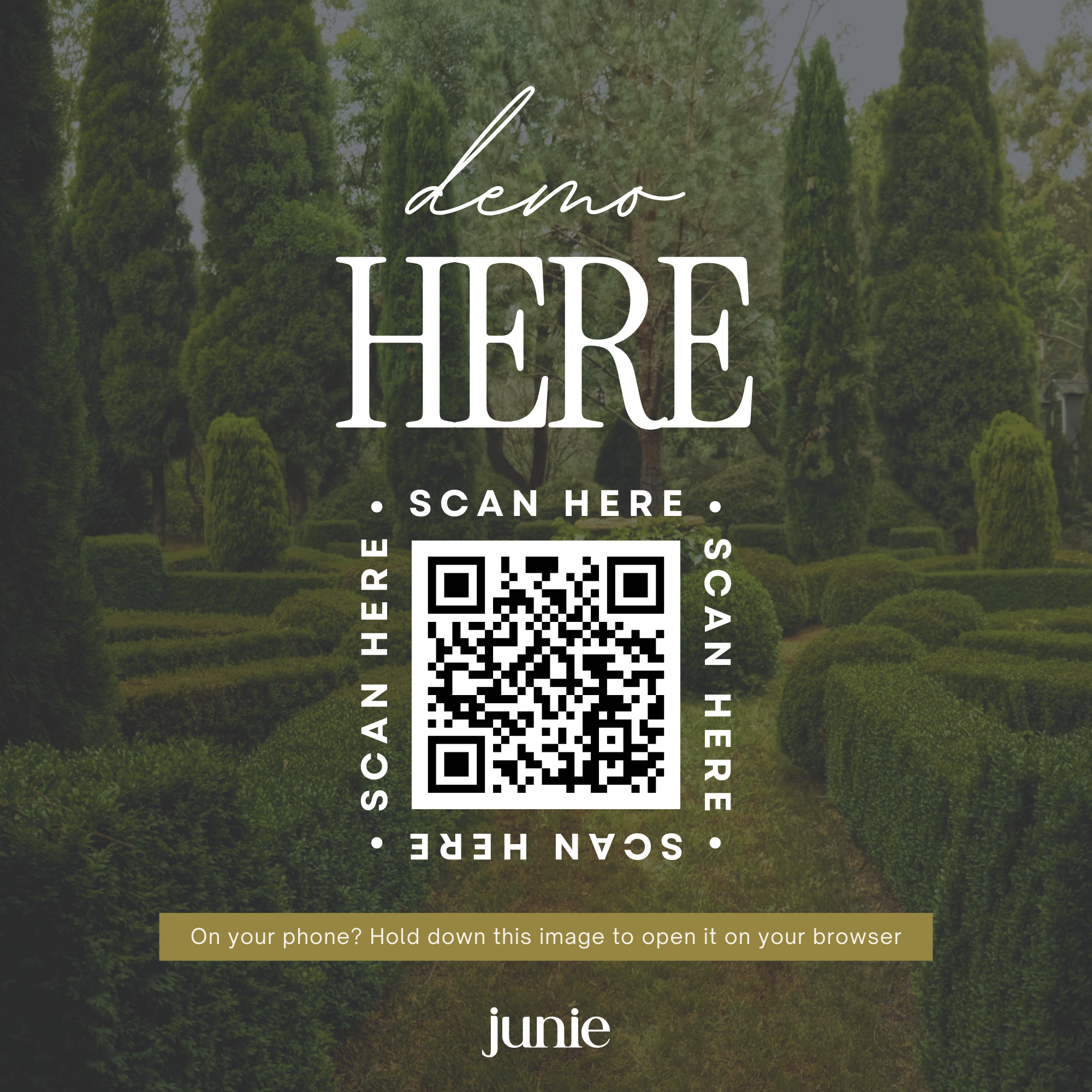
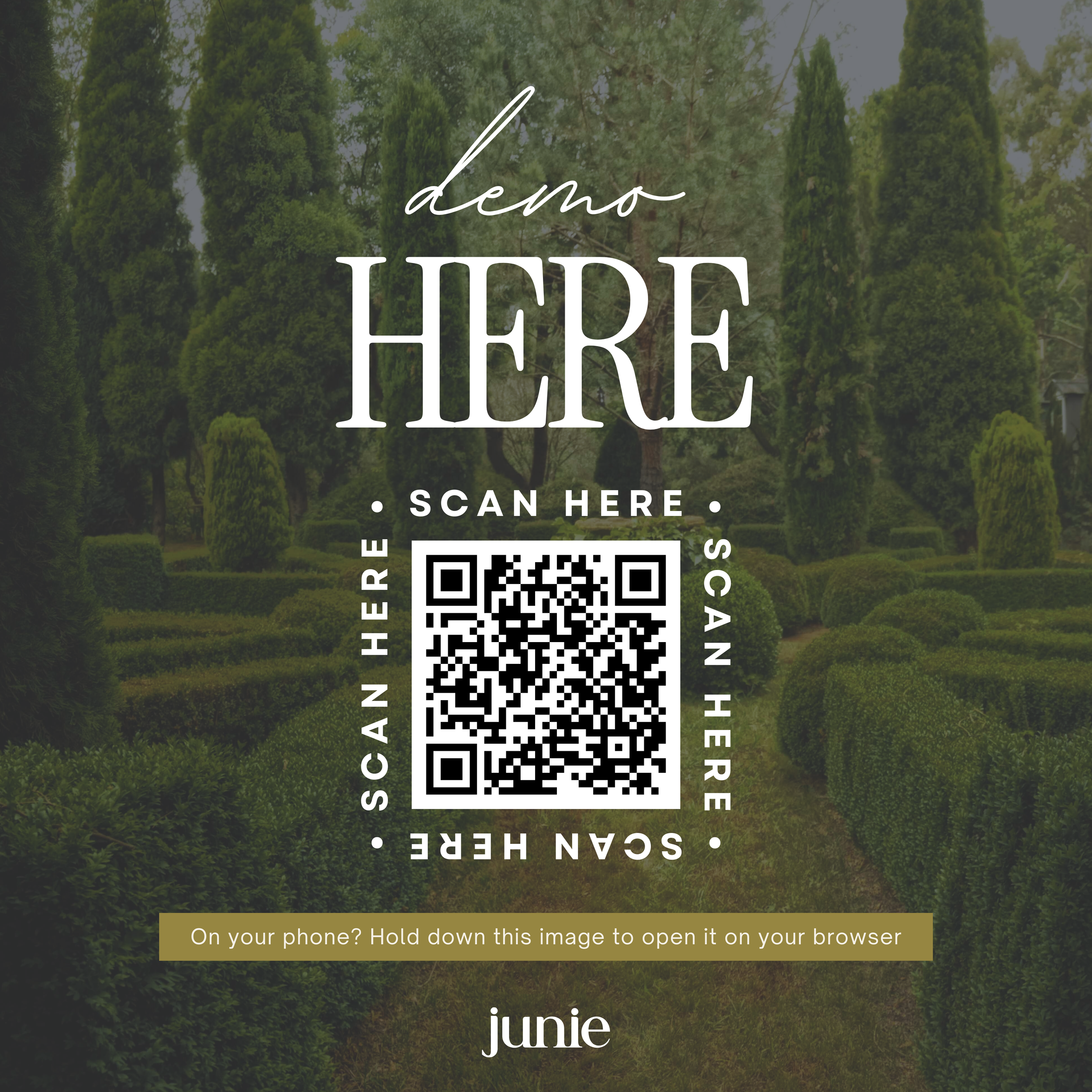
Demo:
https://juniedemo.com/tropicalluxurysavethedate
What’s Included:
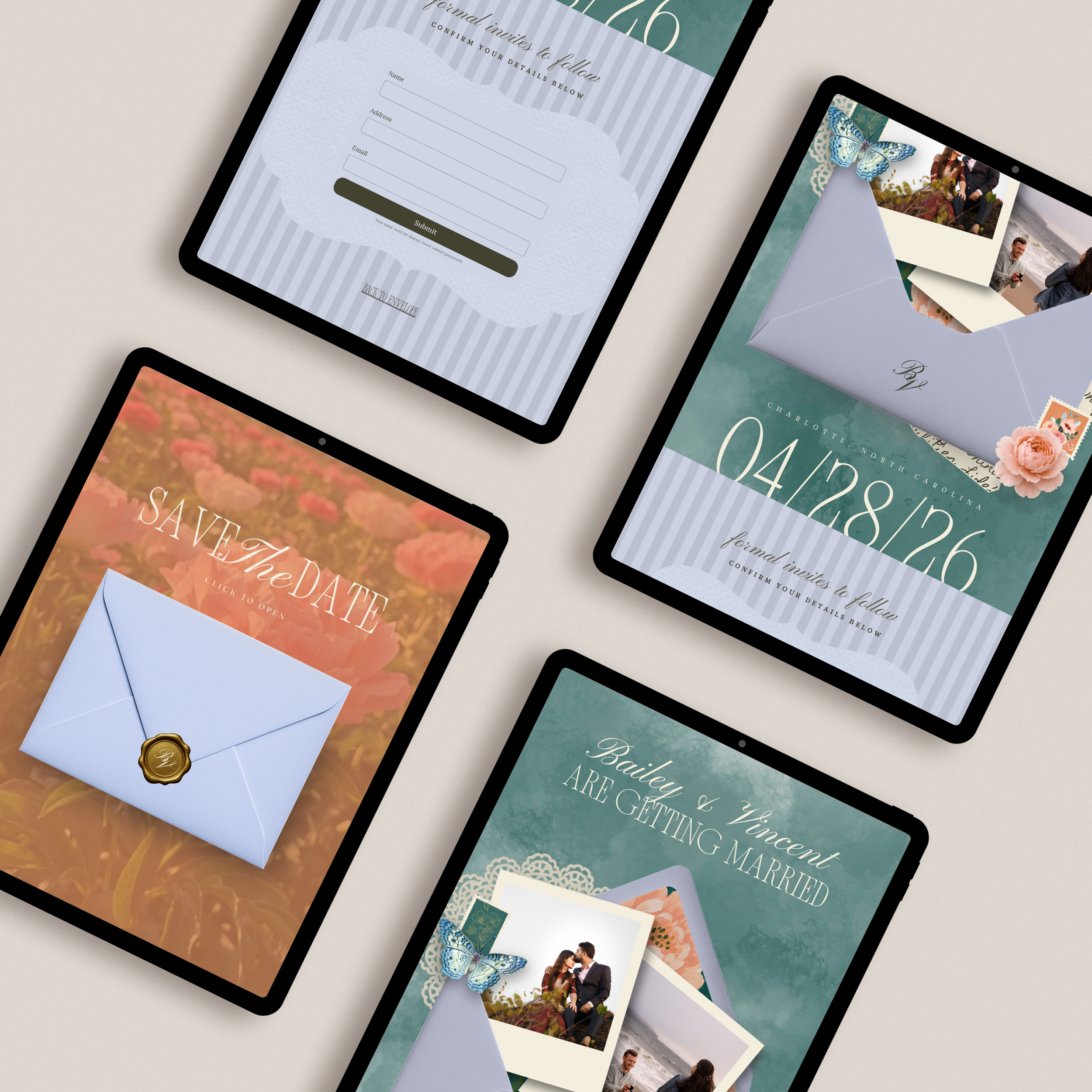
2-page interactive Save the Date website
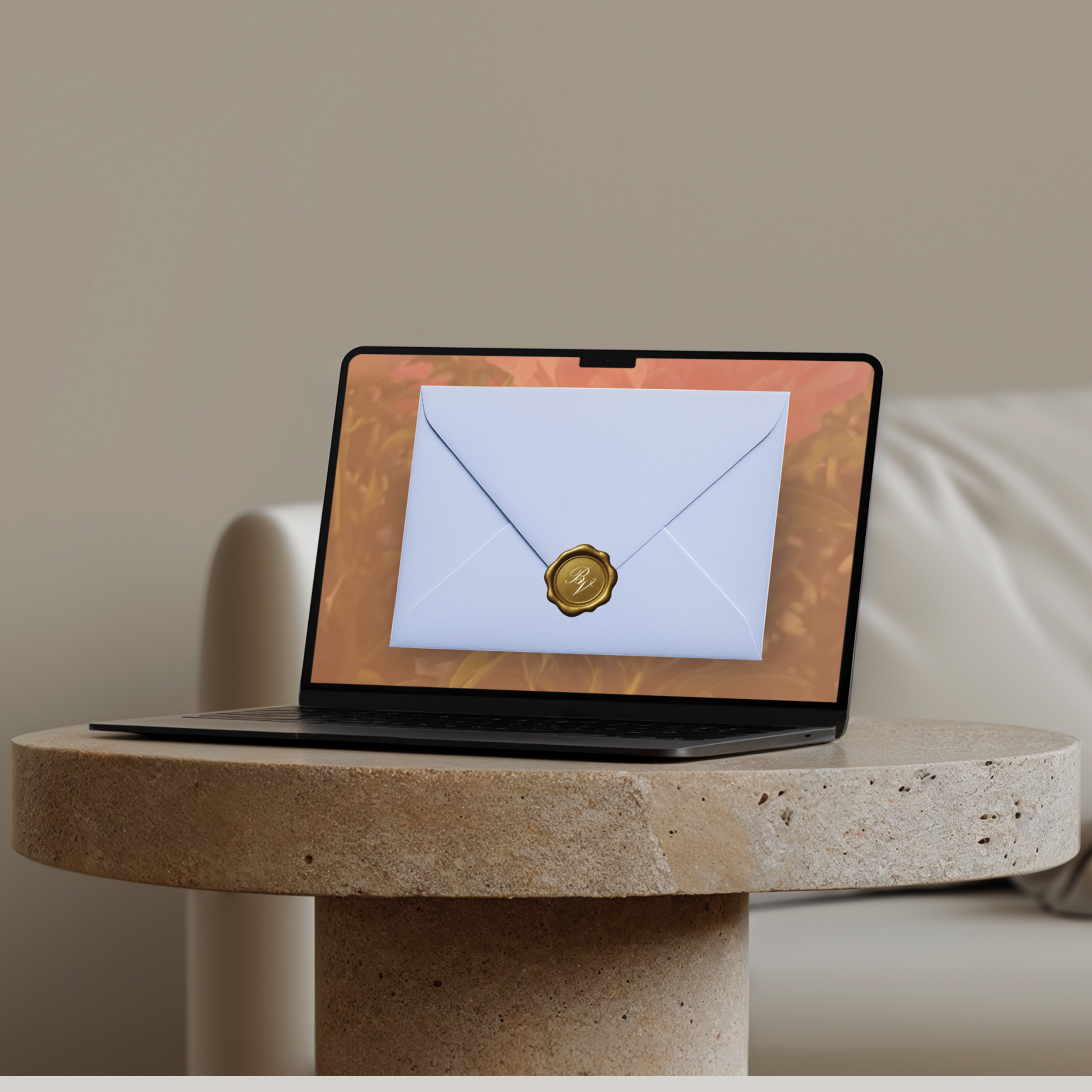
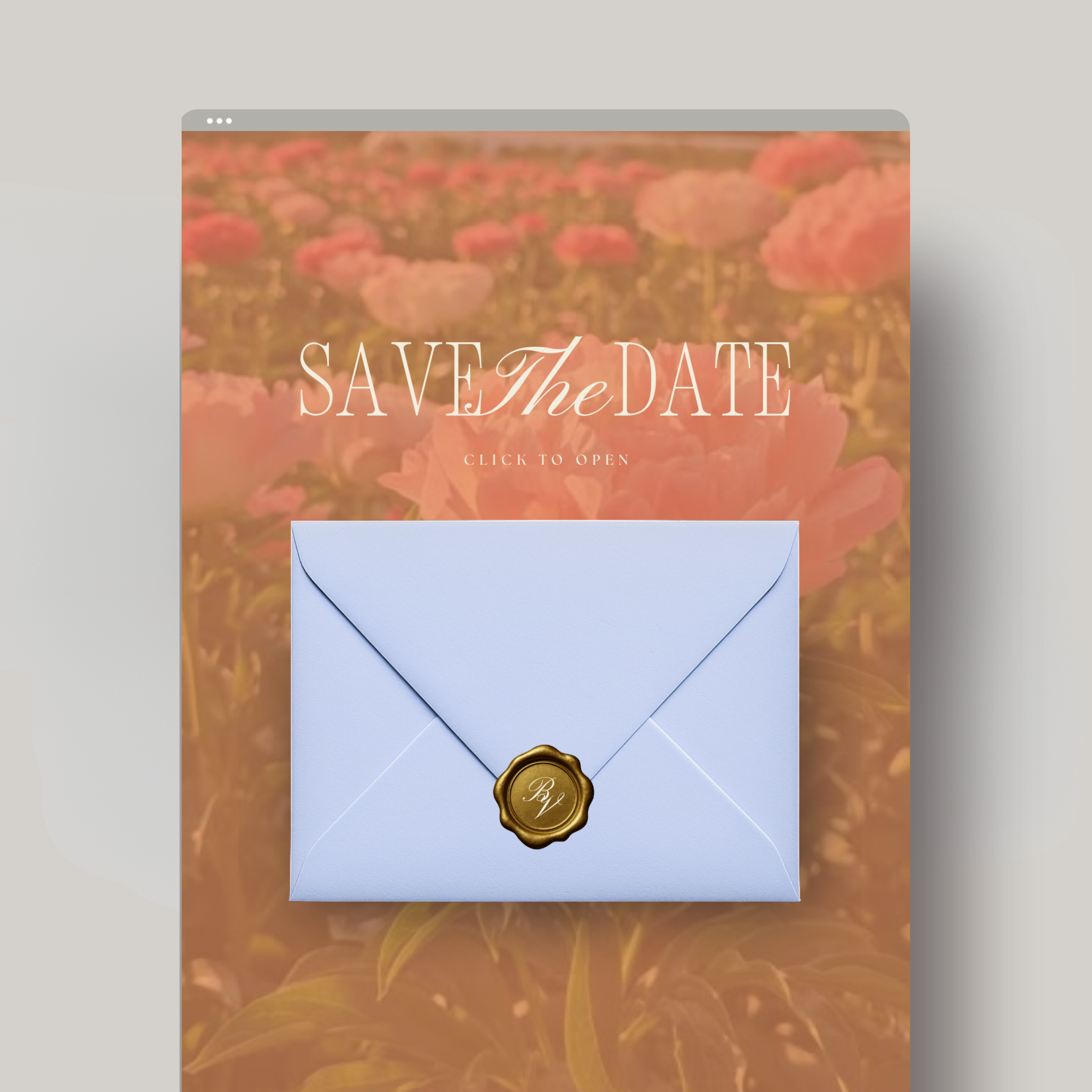
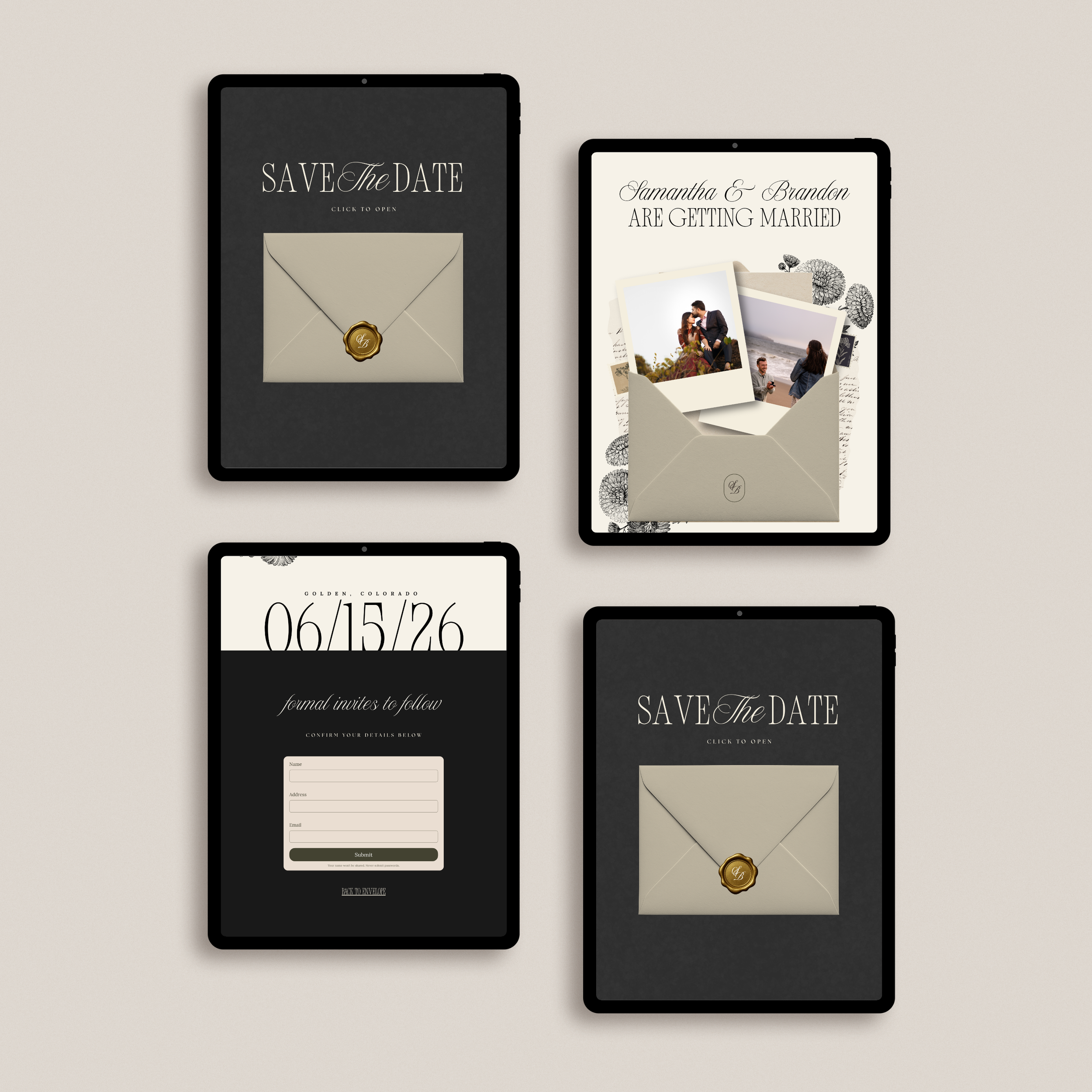
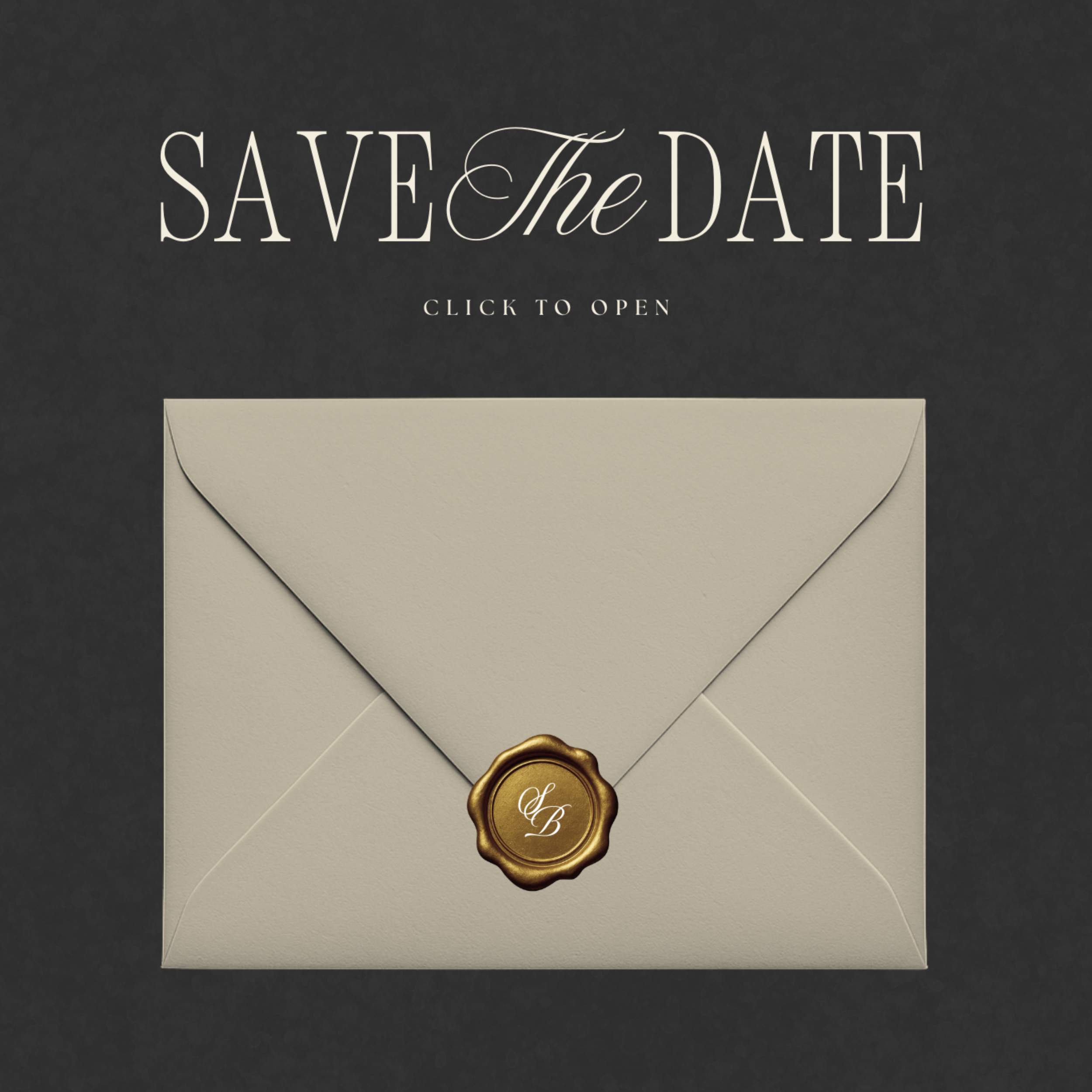
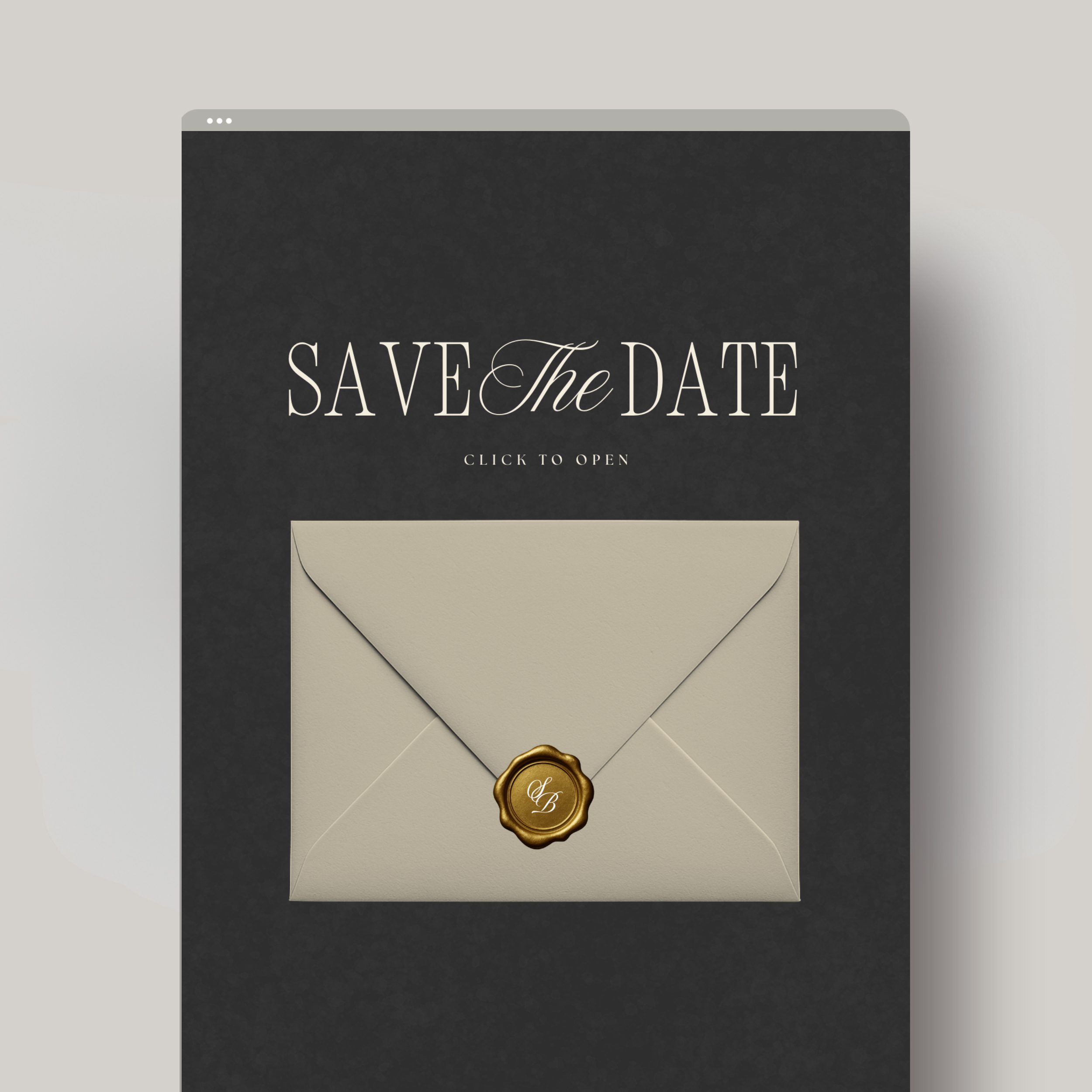
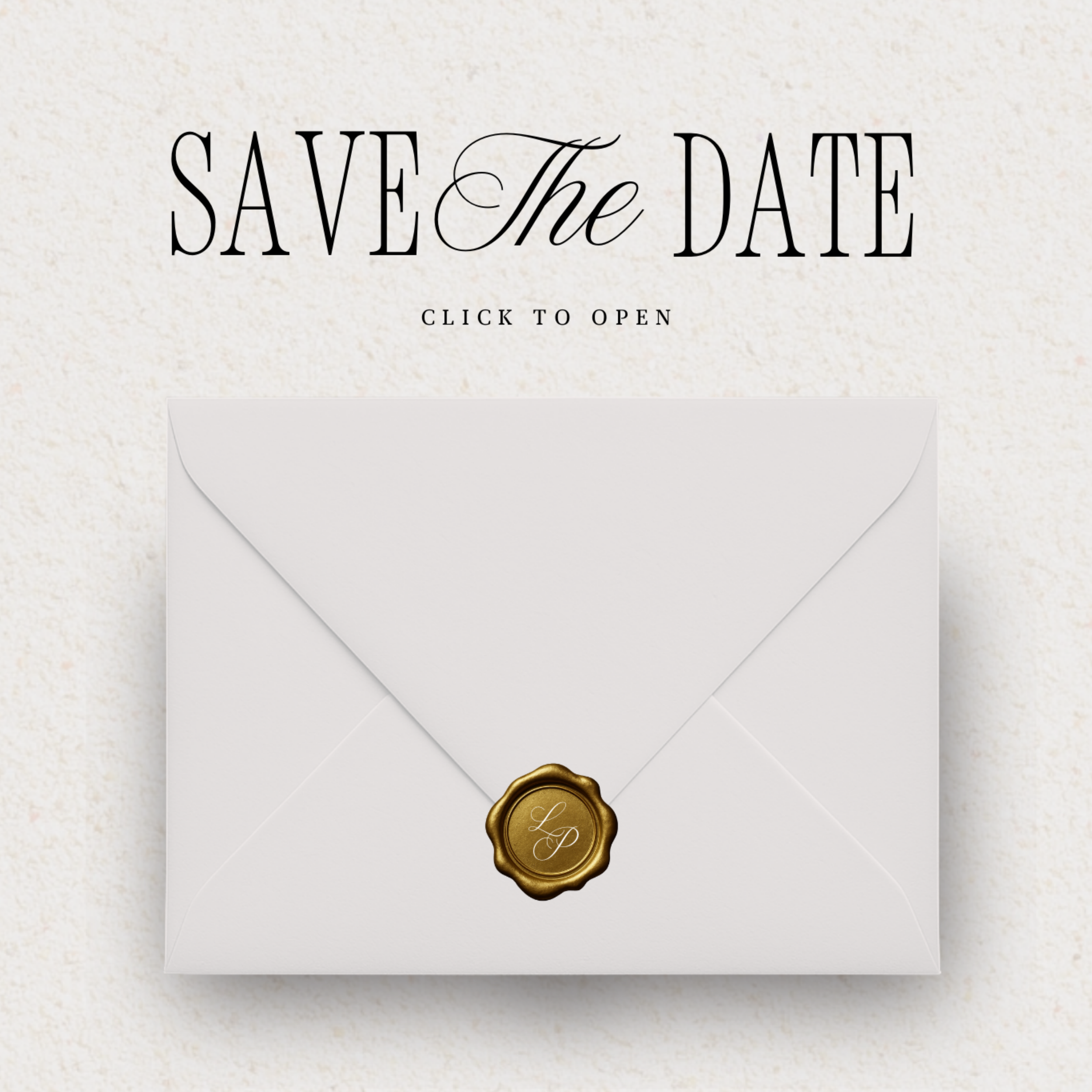
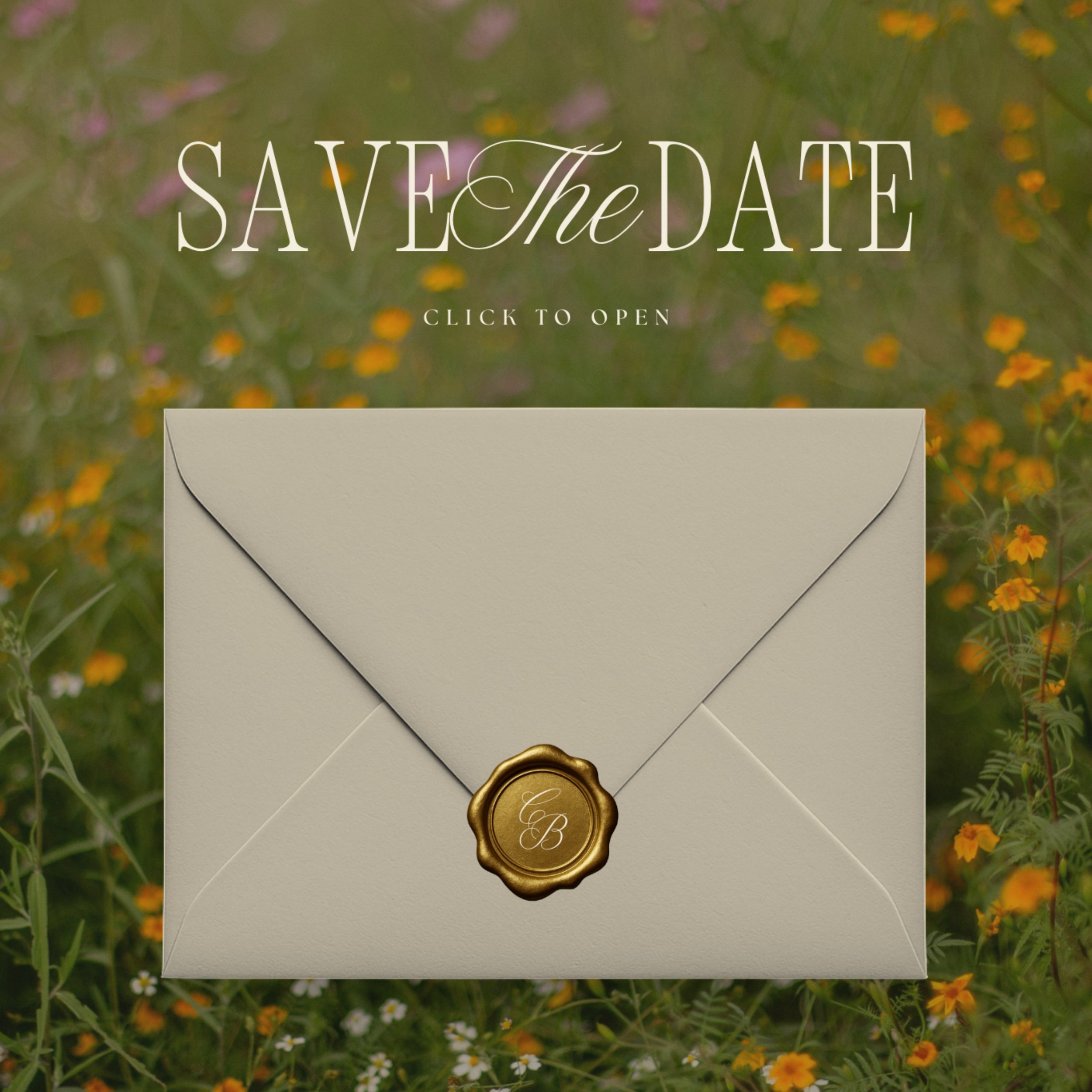
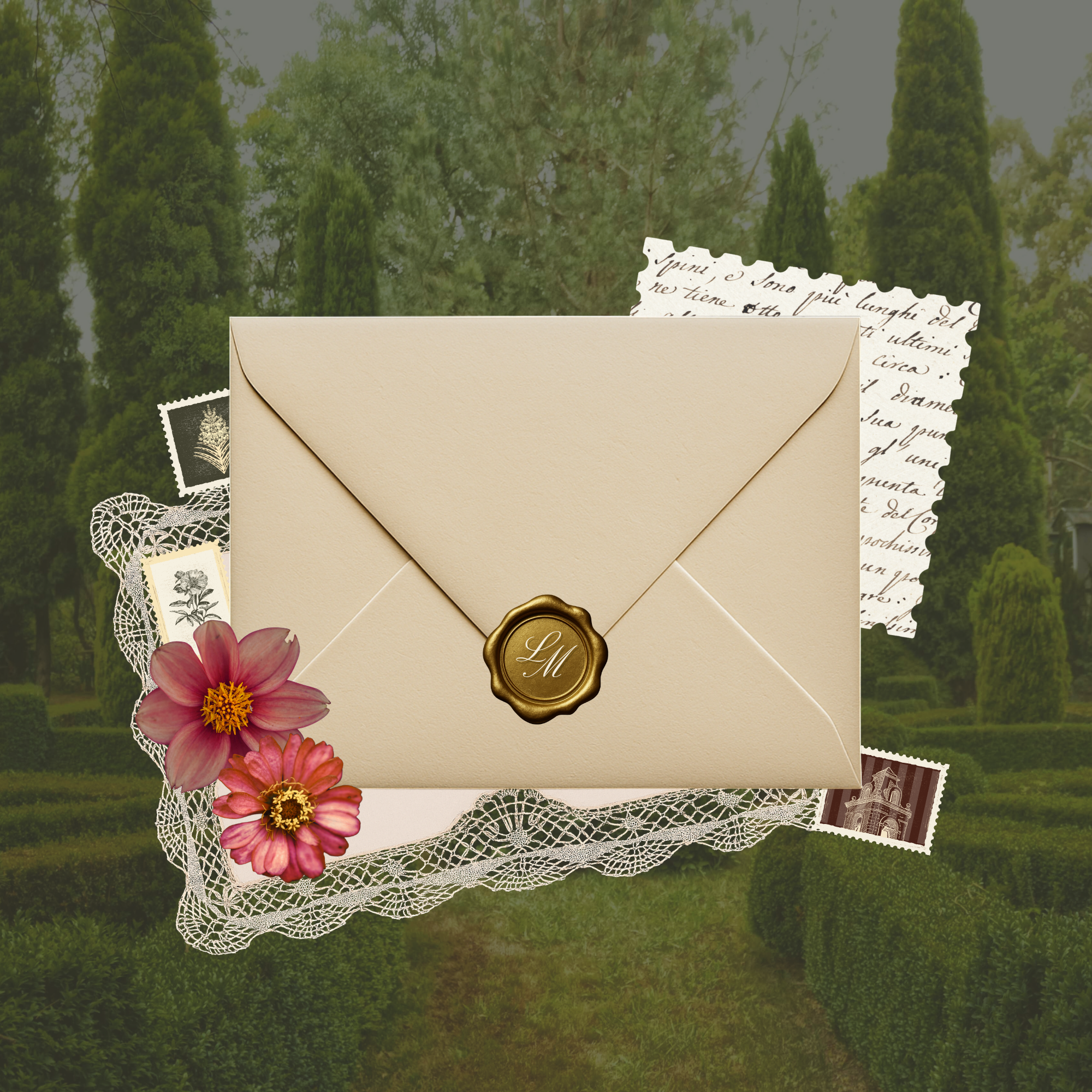
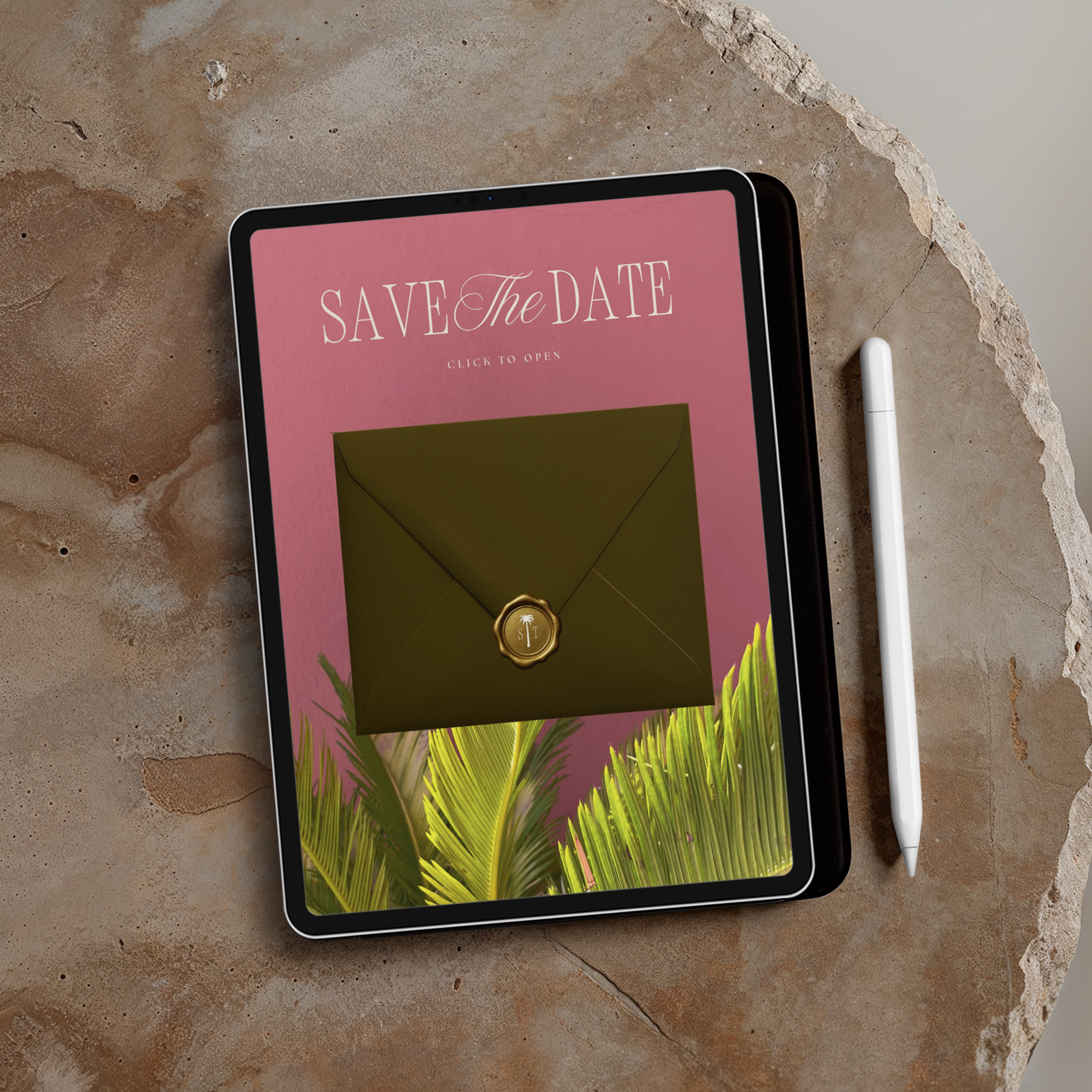
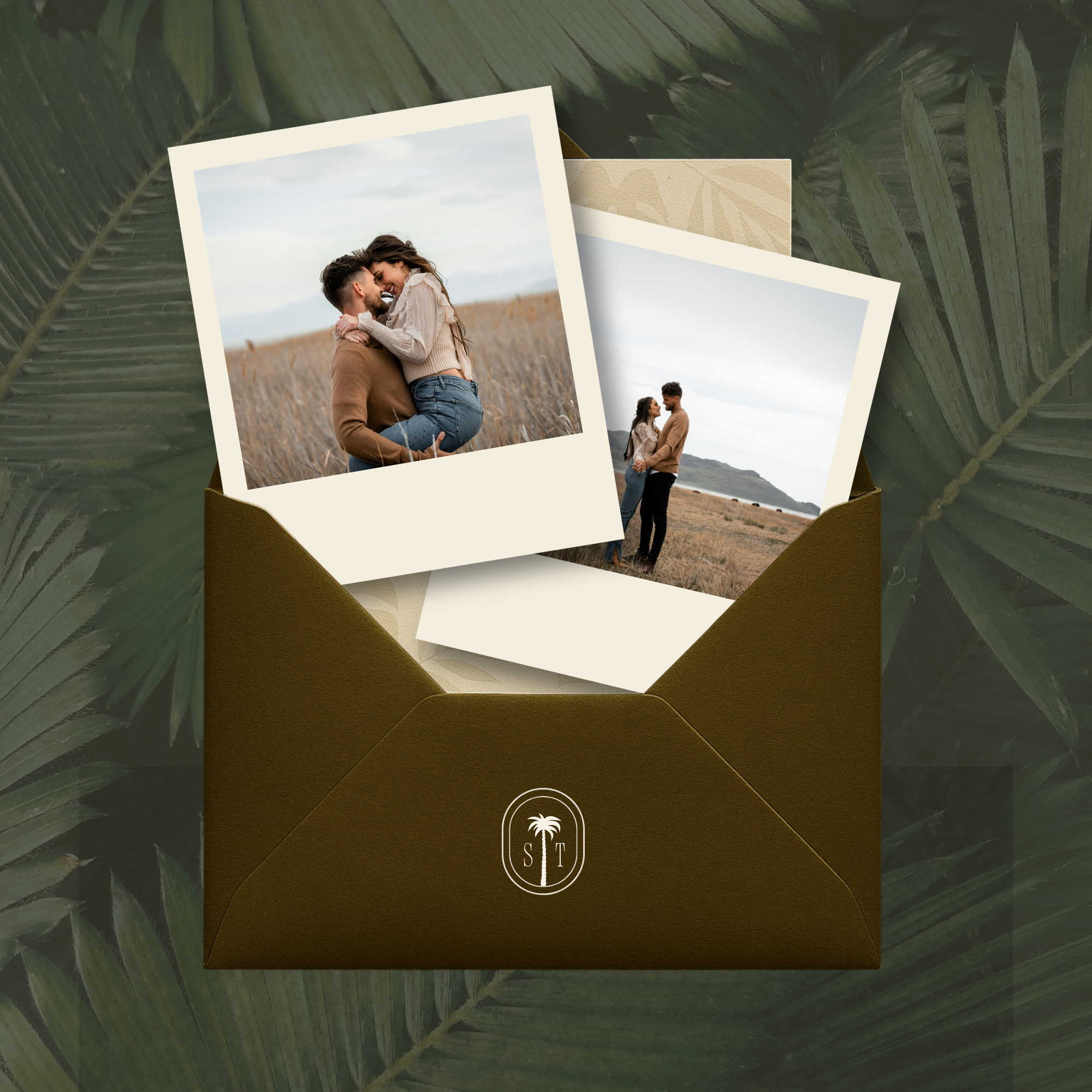
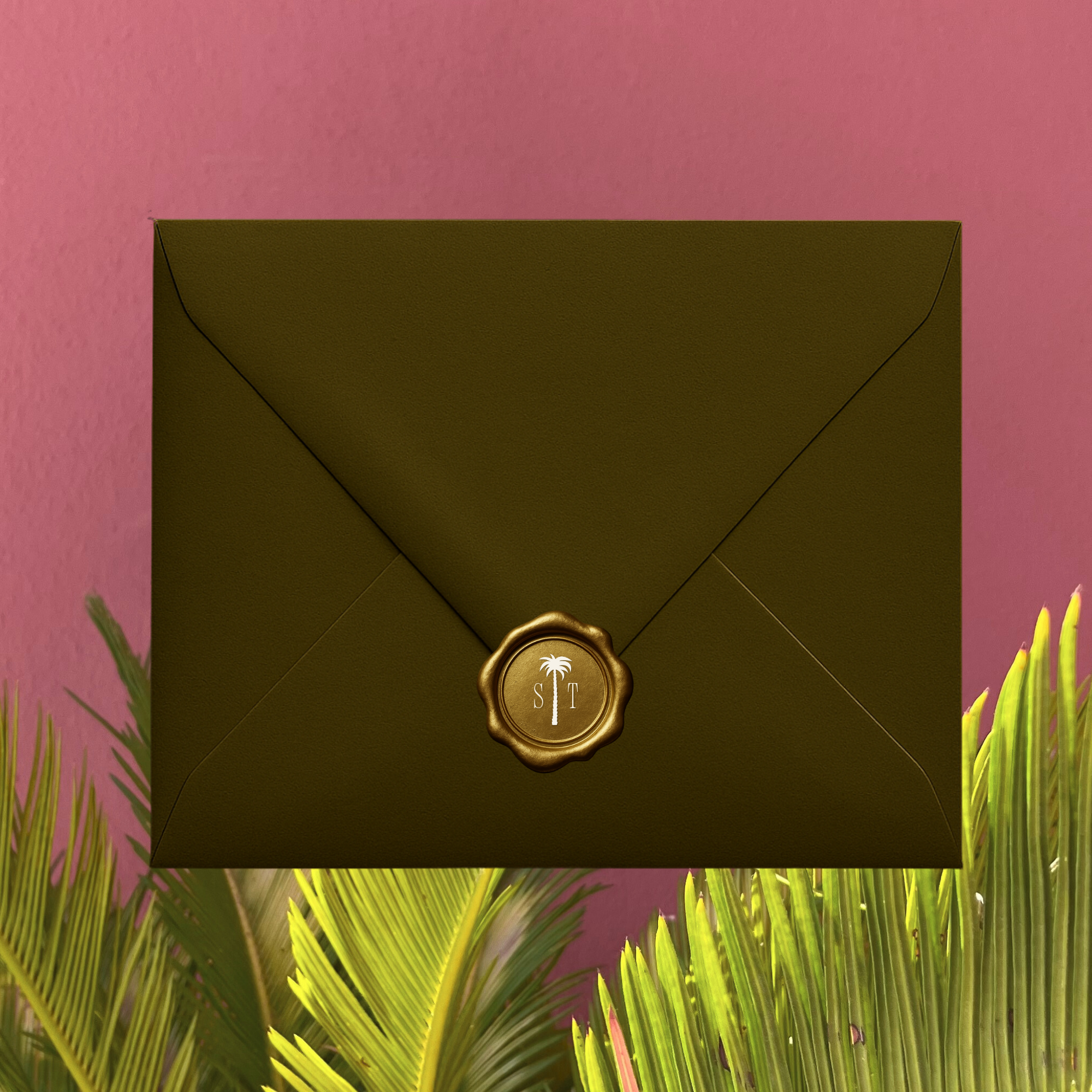
“Click to Open” envelope animation-style layout
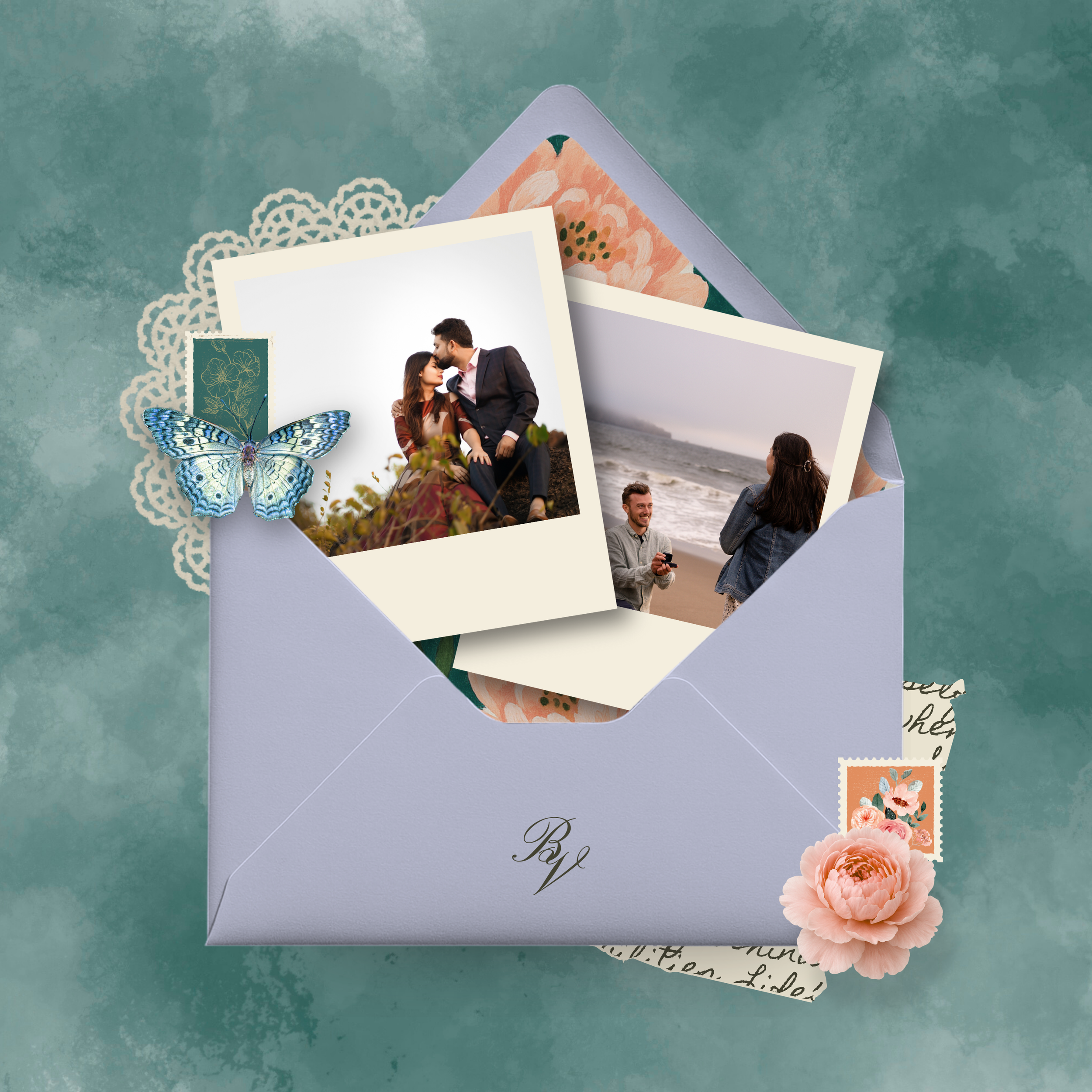
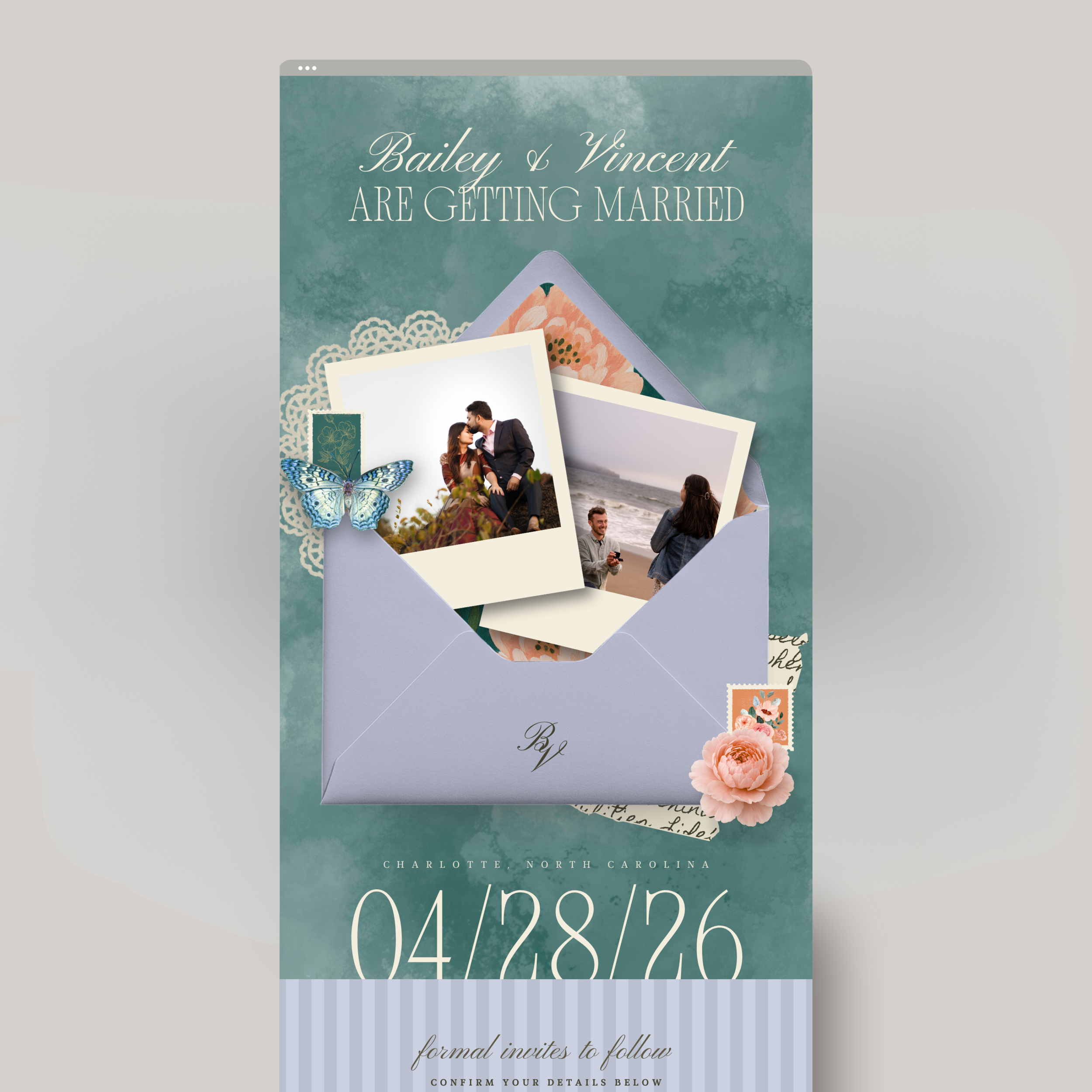
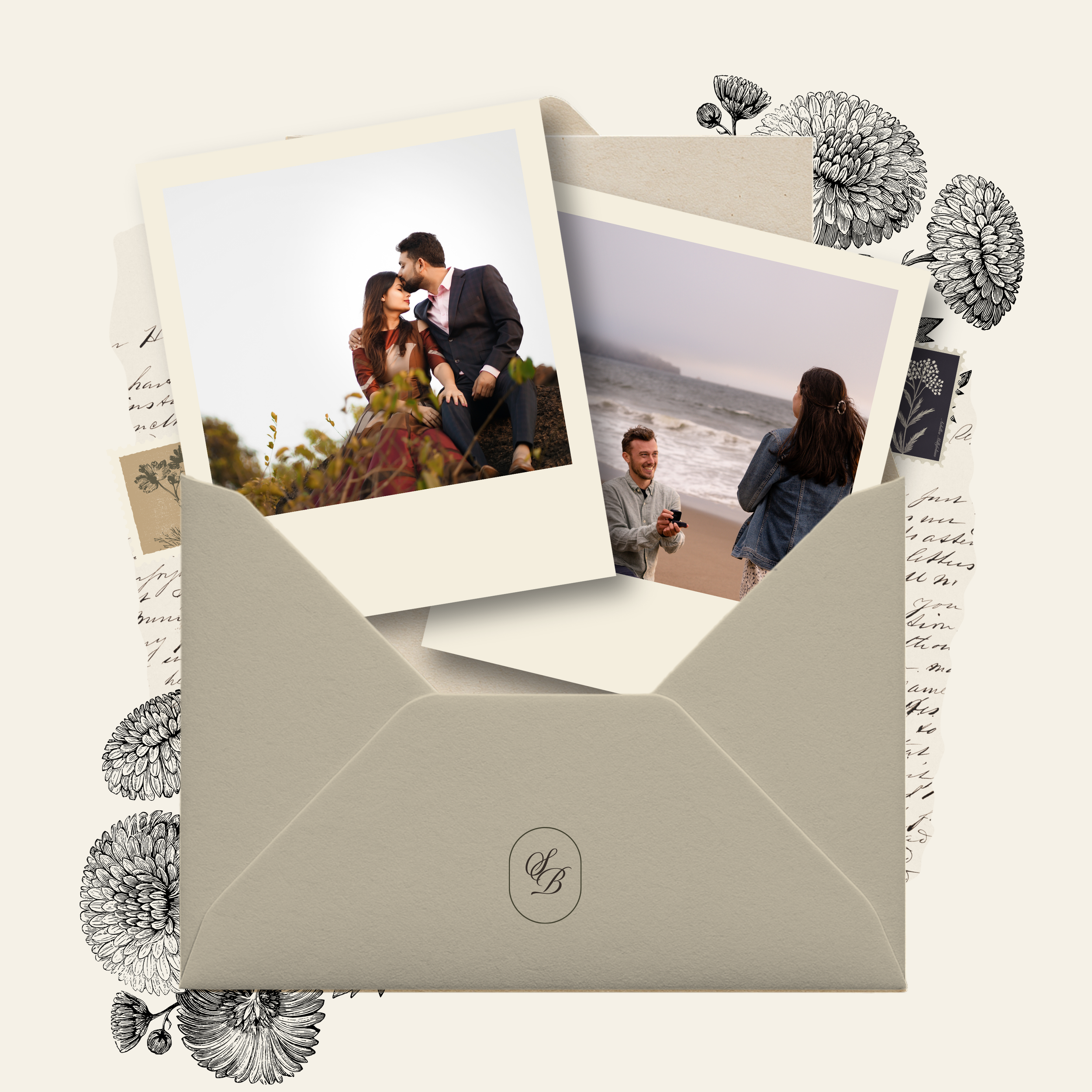
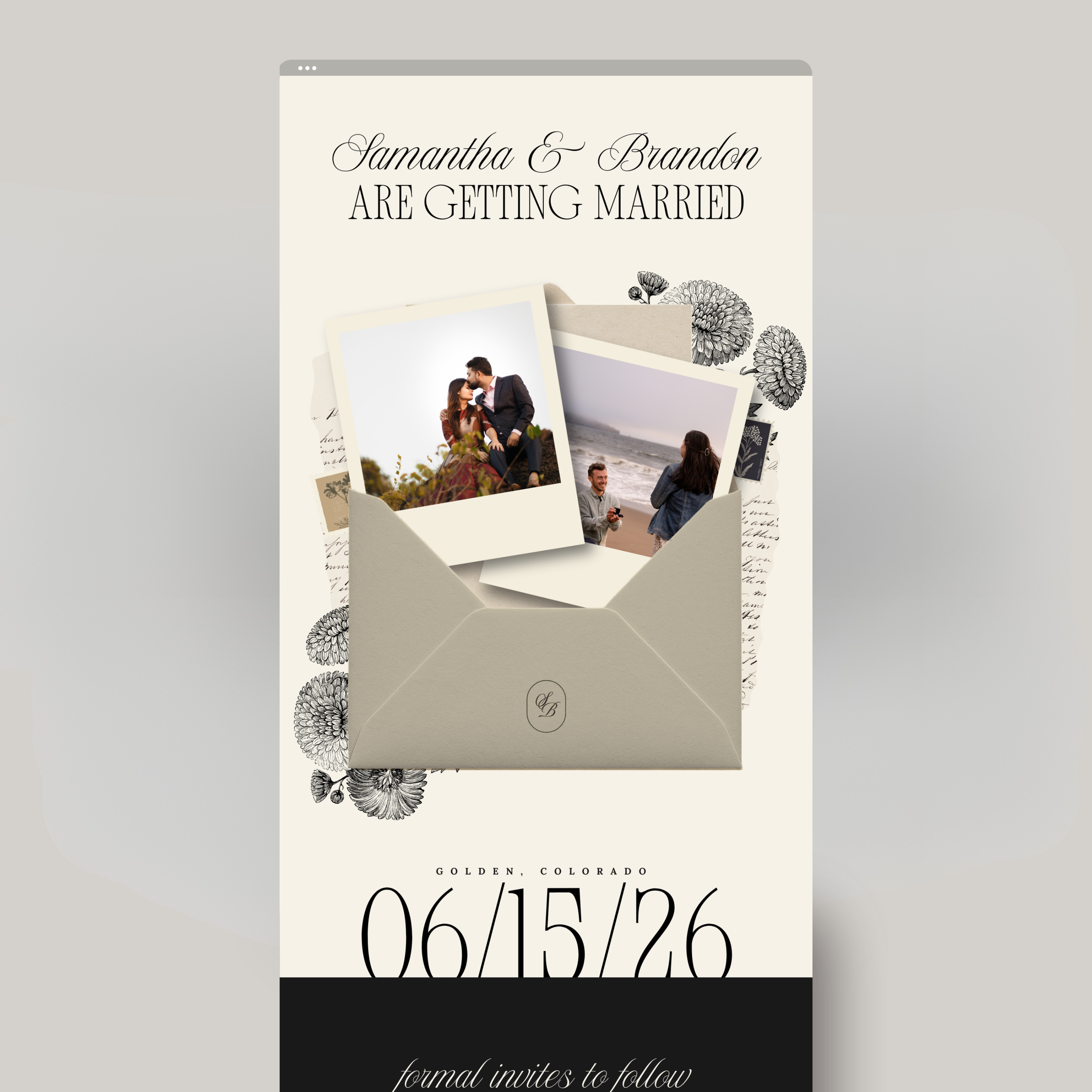
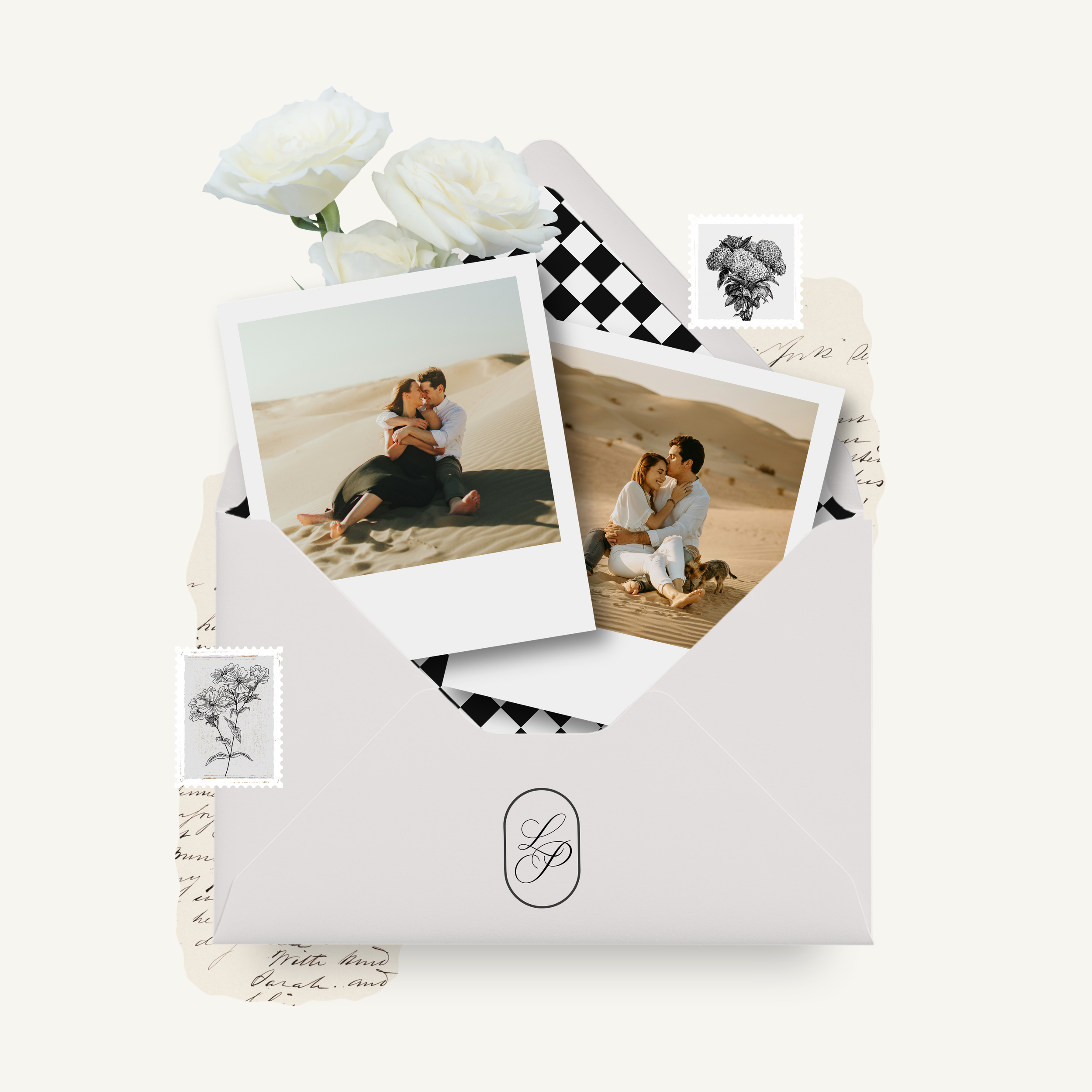
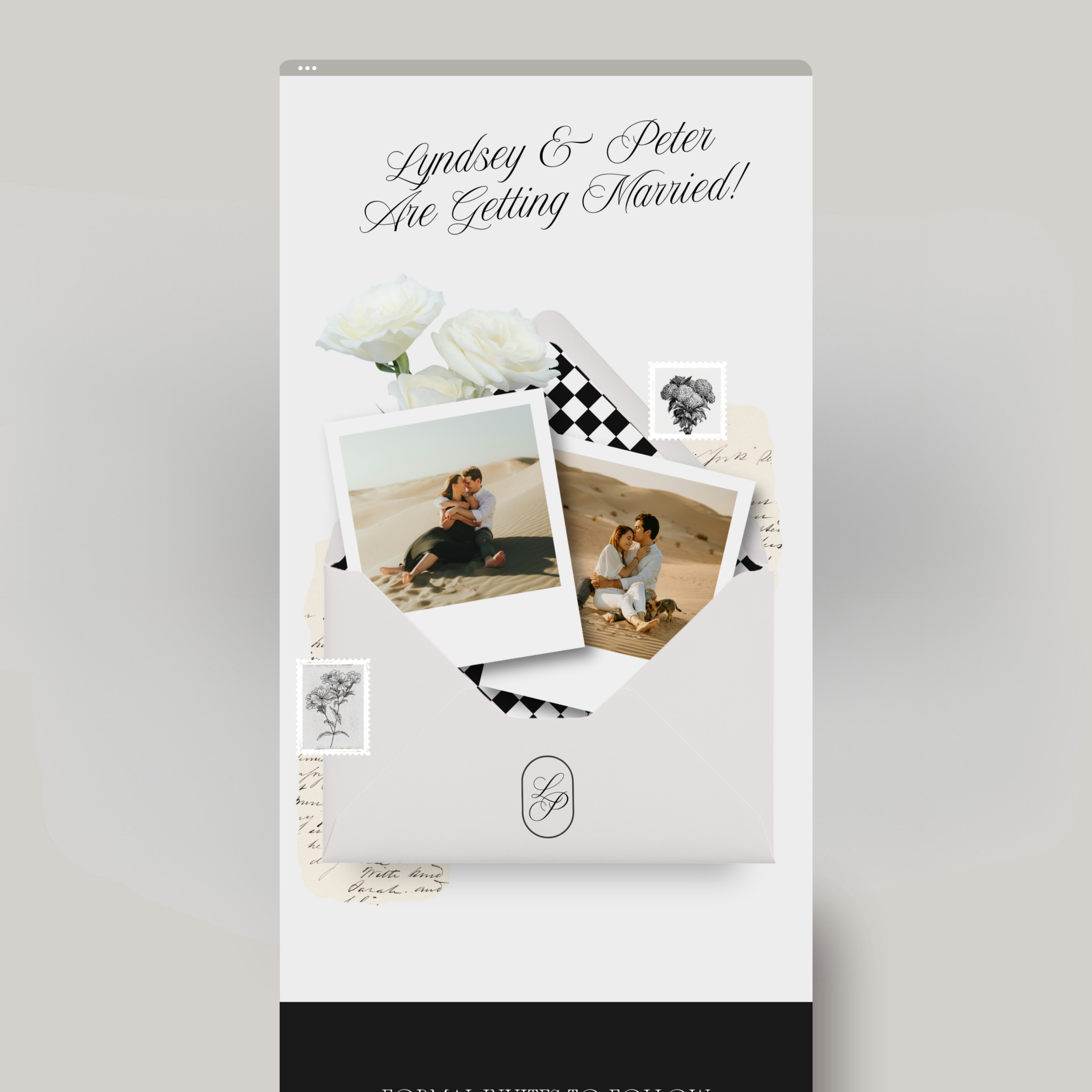
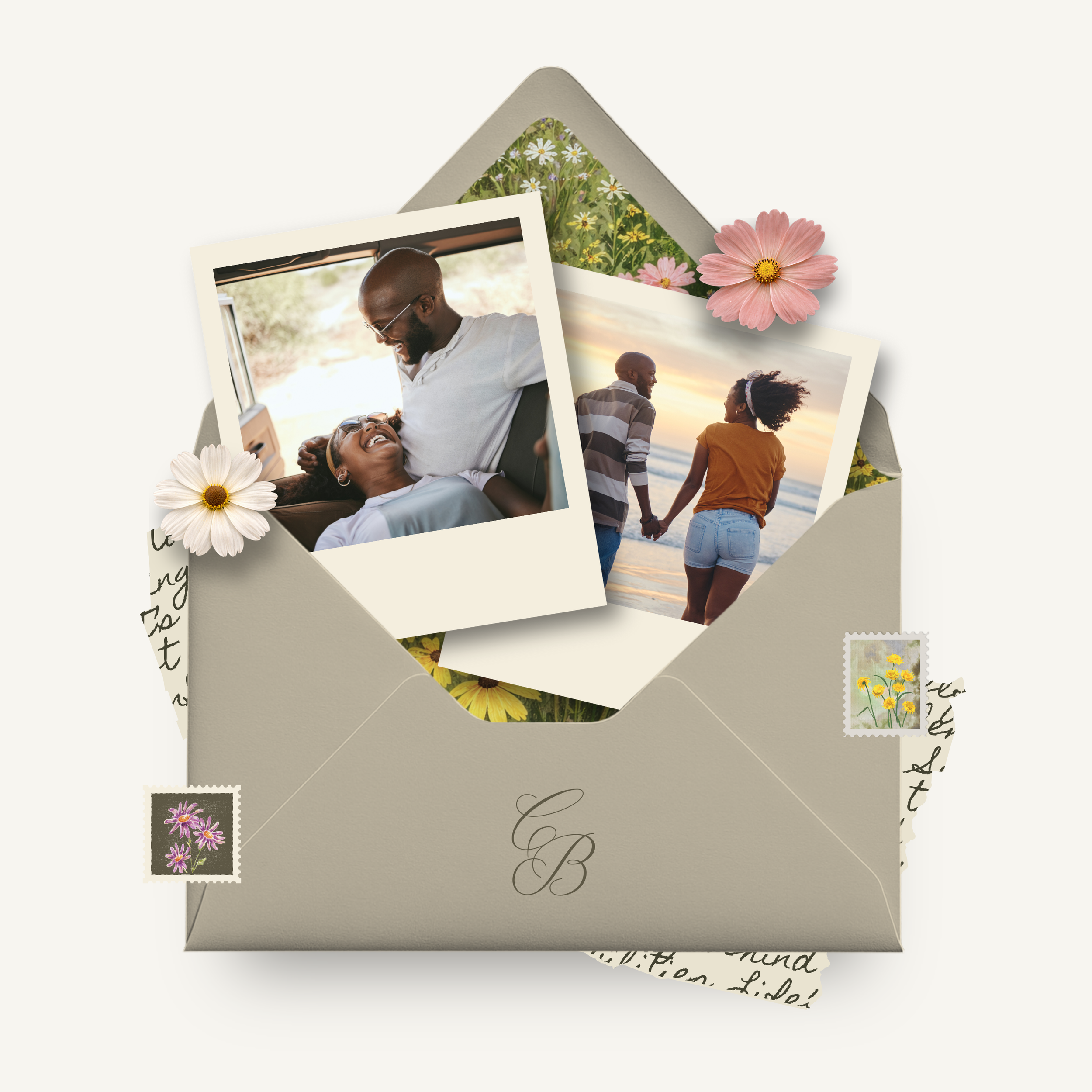
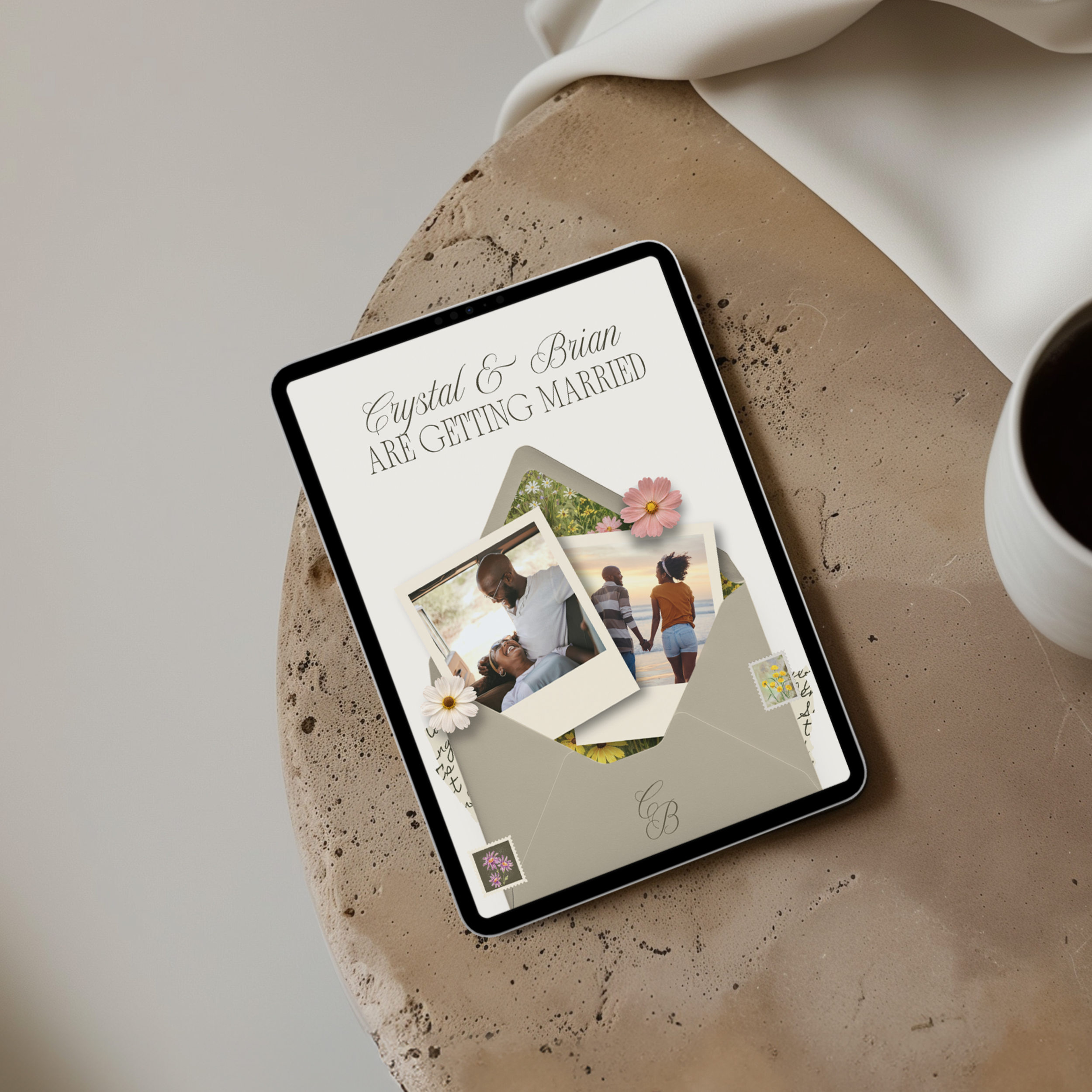
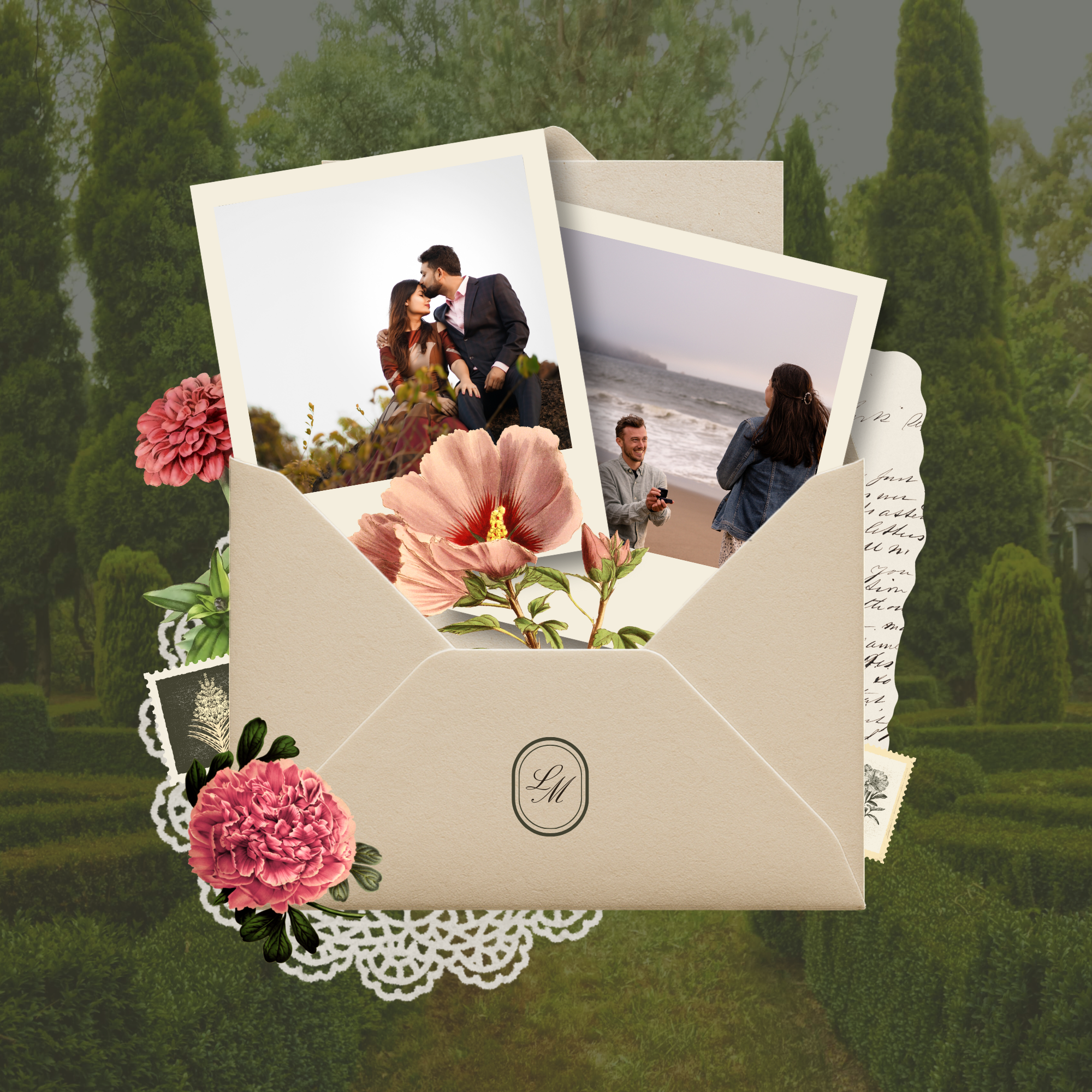
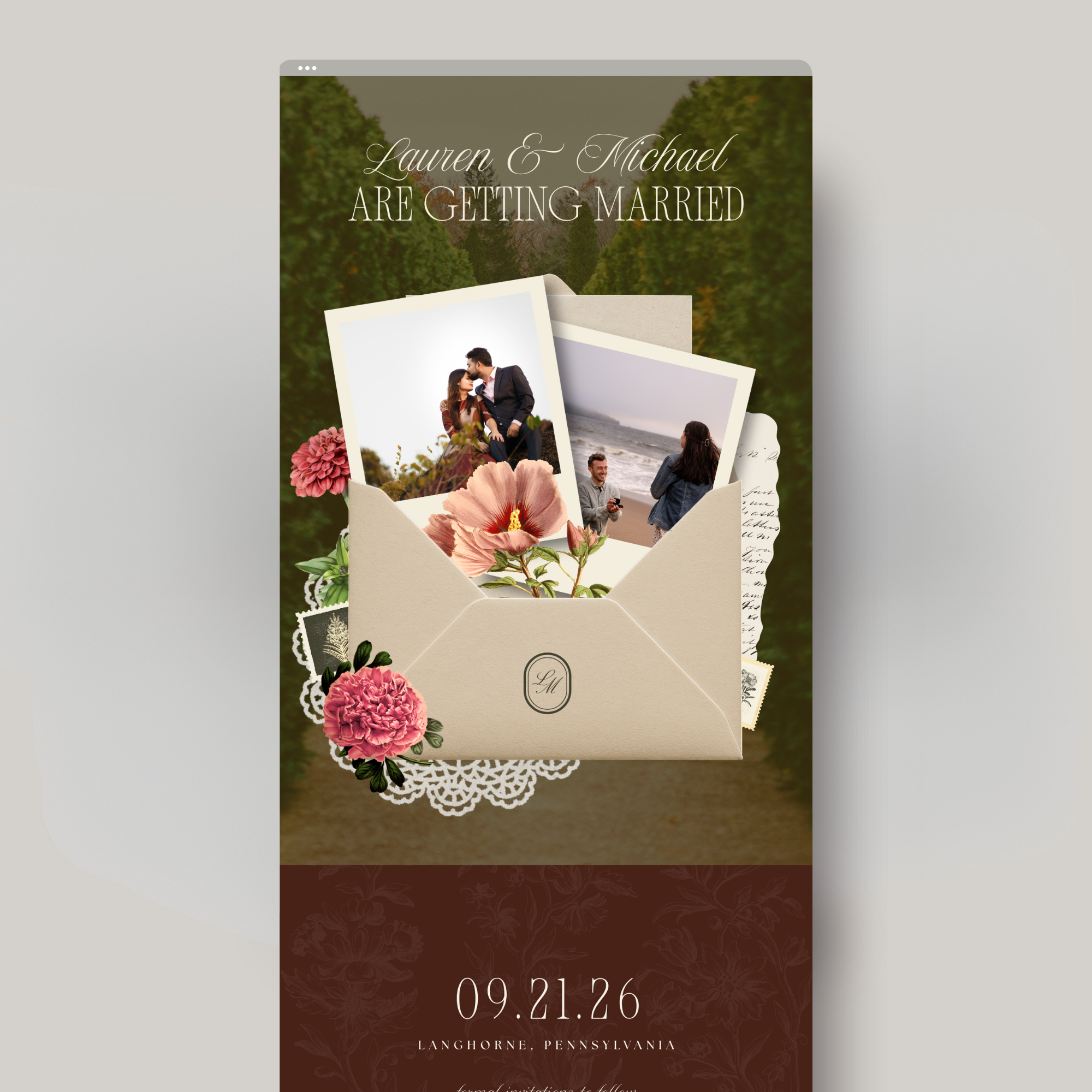
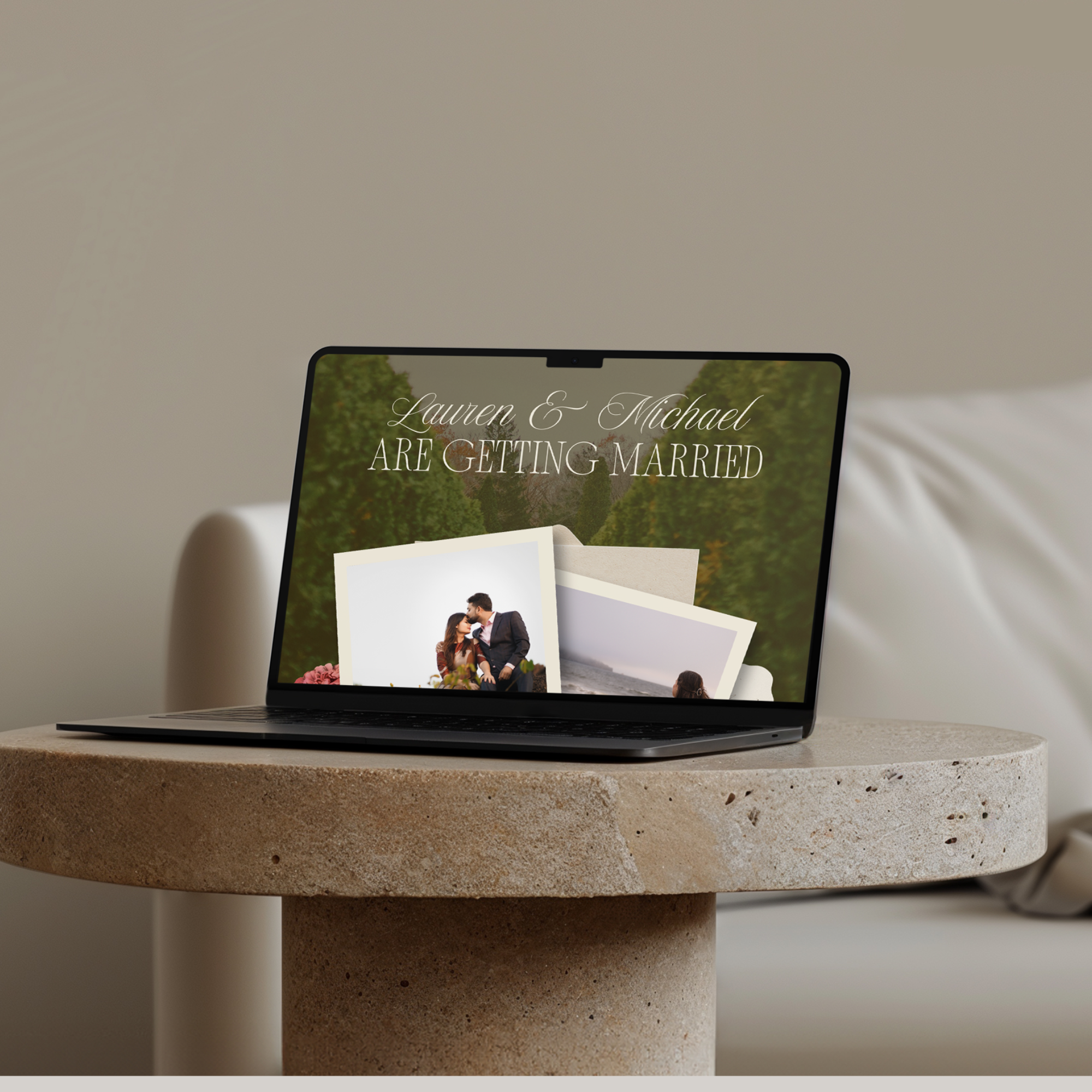
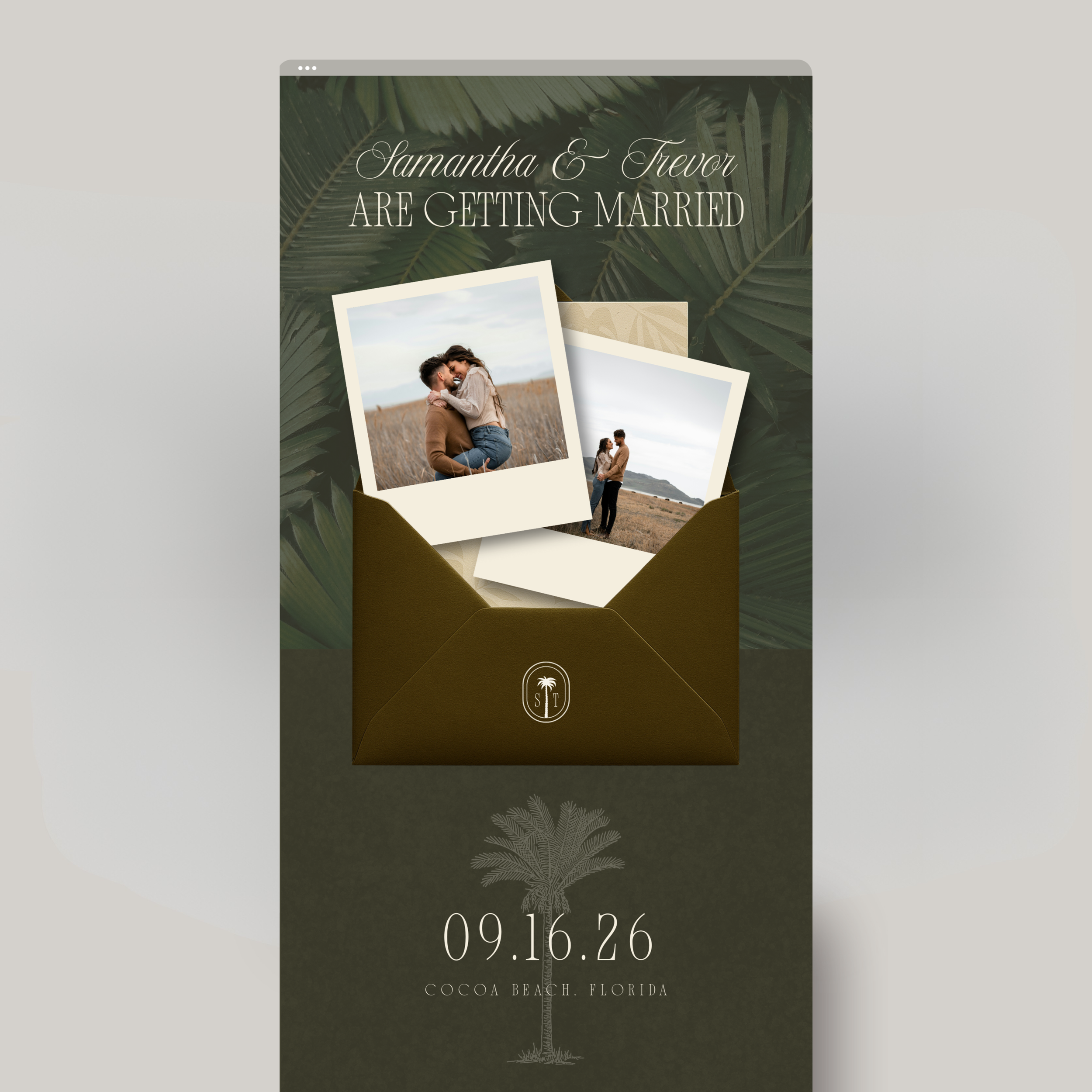
Collage-style reveal design inspired by physical stationery
Wedding date & location section
Guest details form for collecting formal invitation information
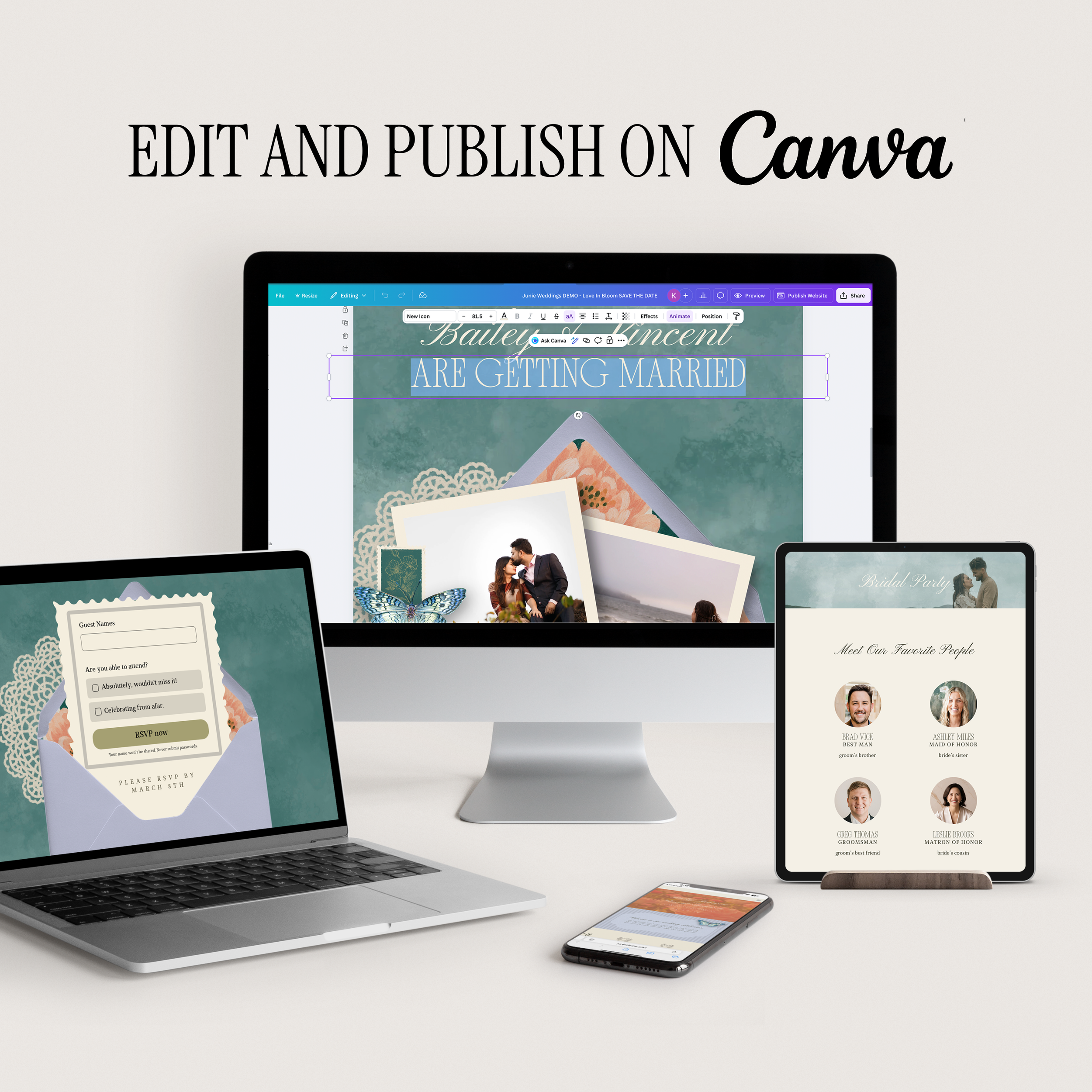
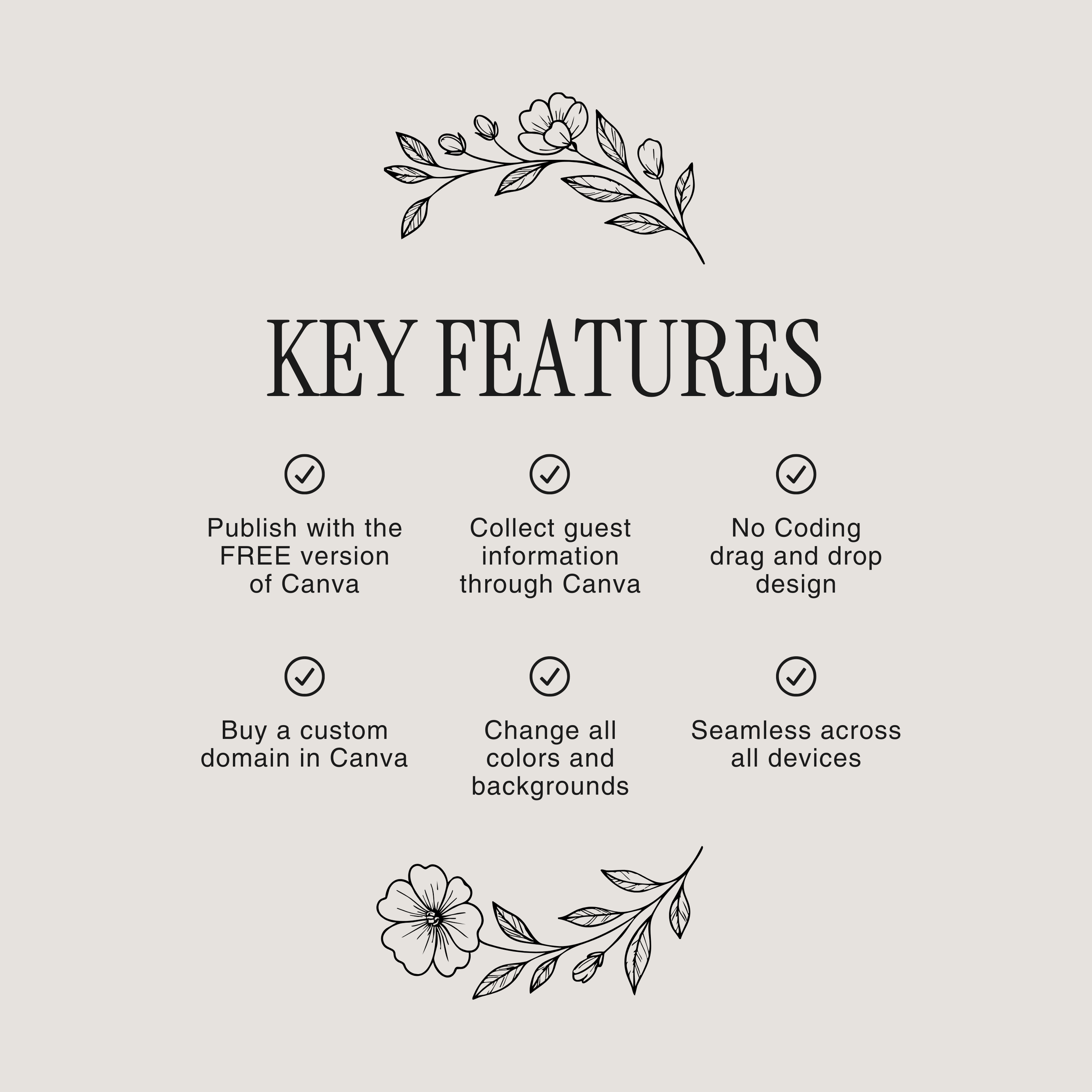
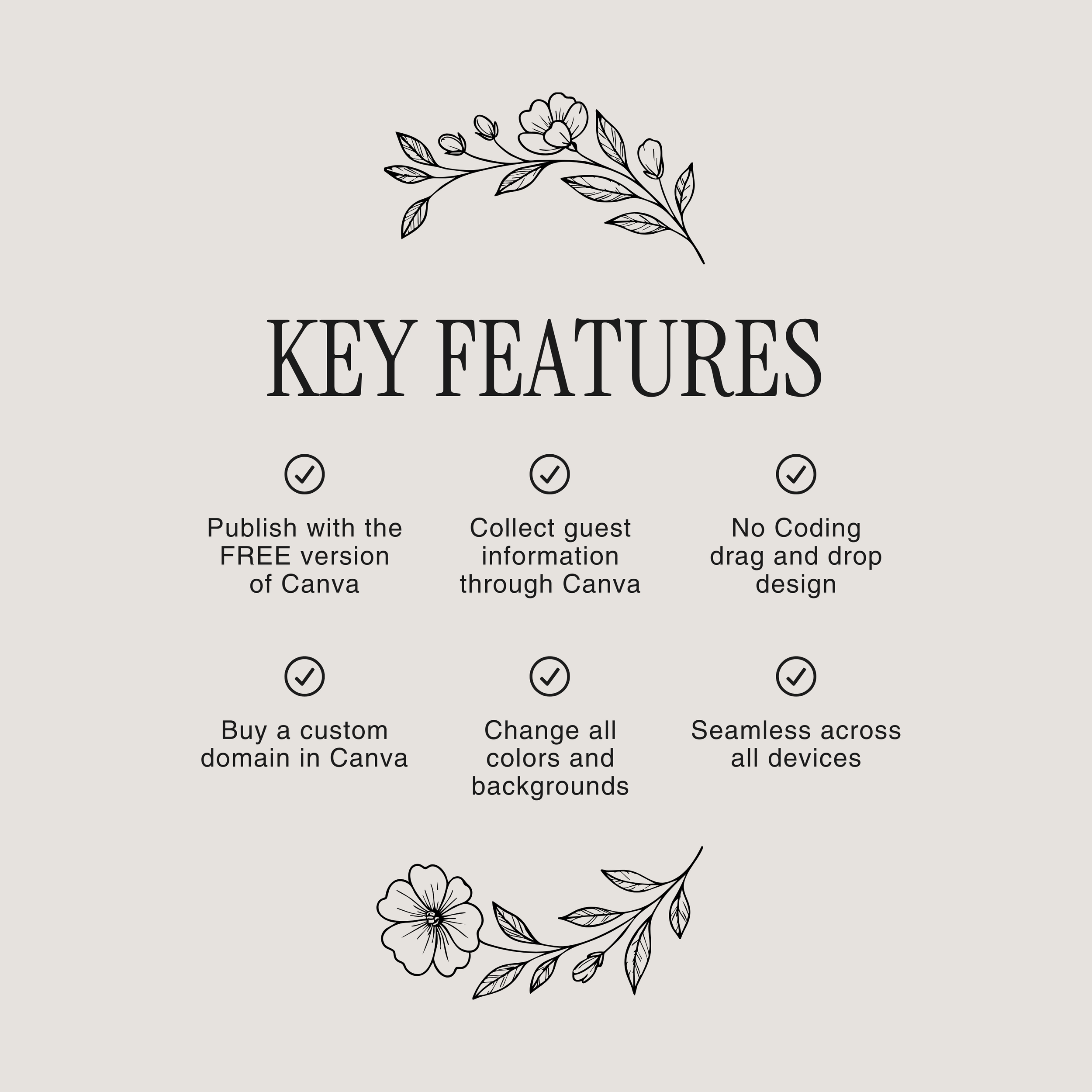
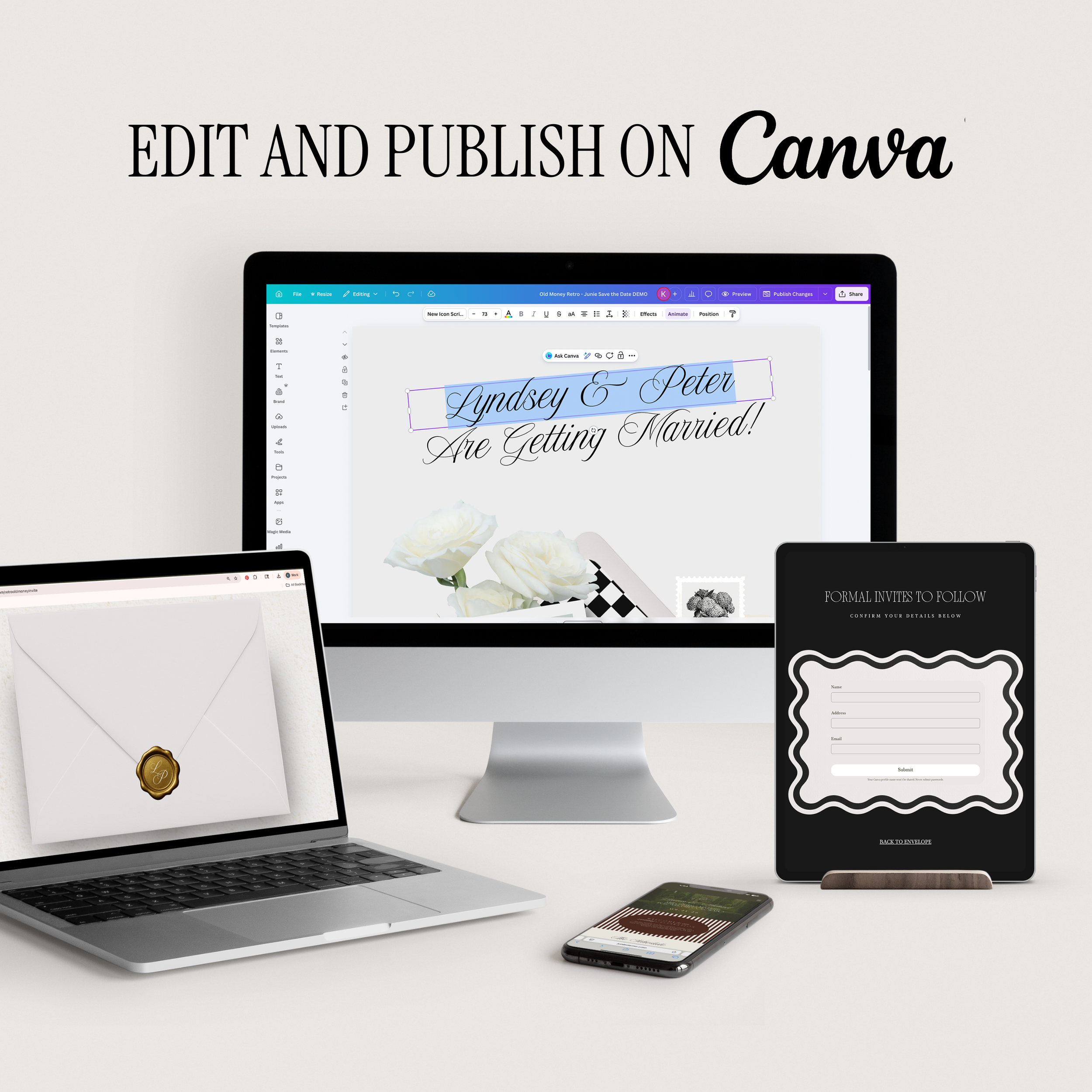
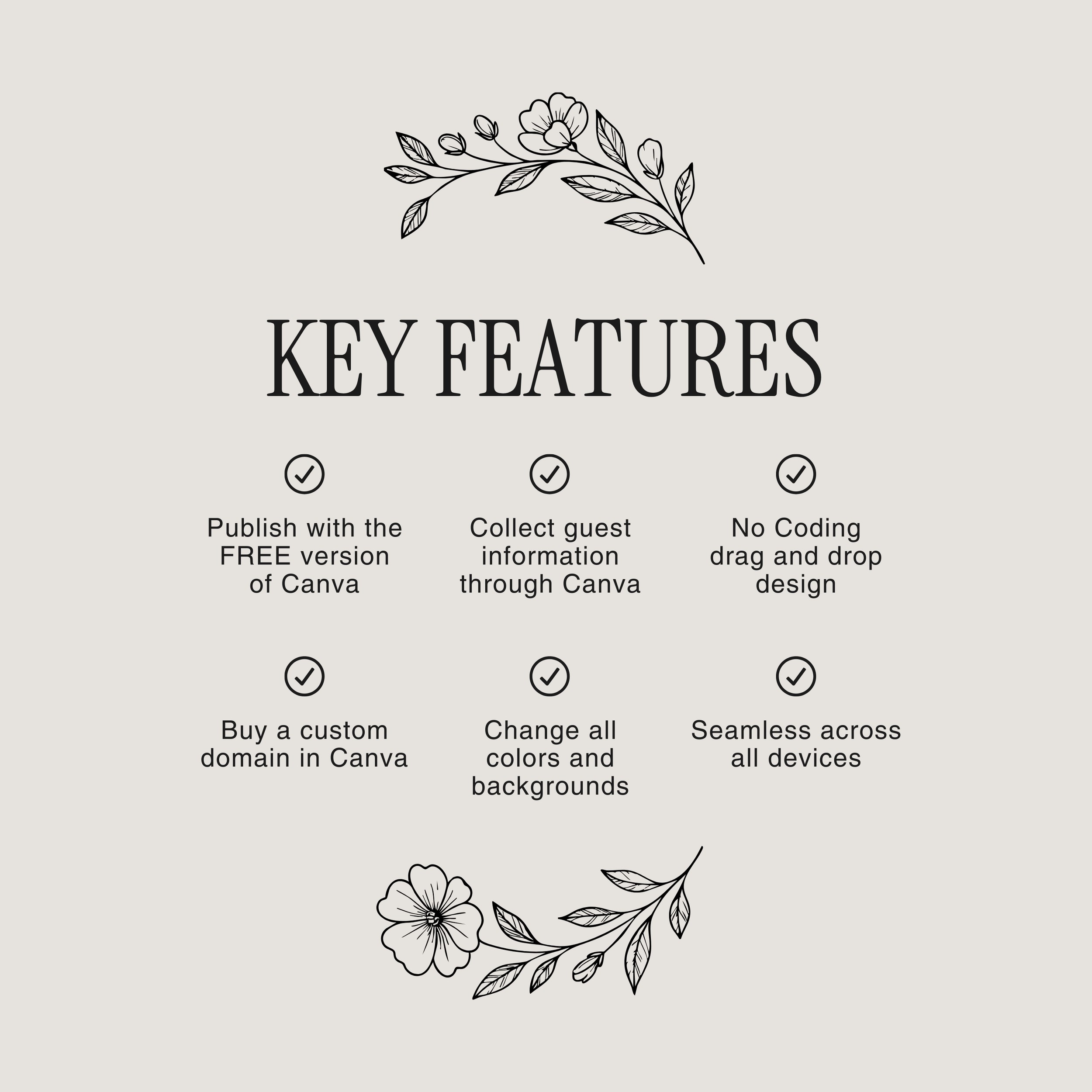
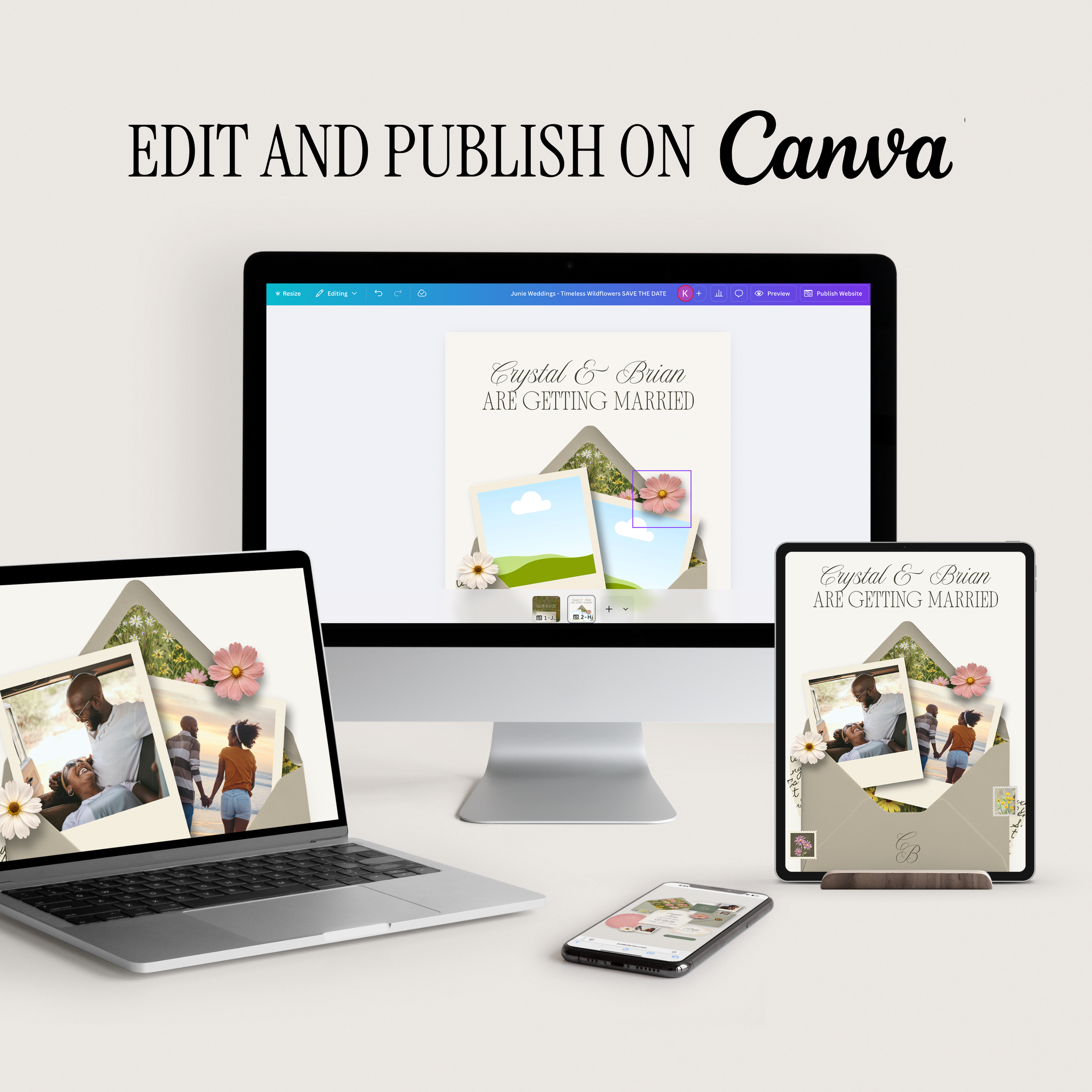
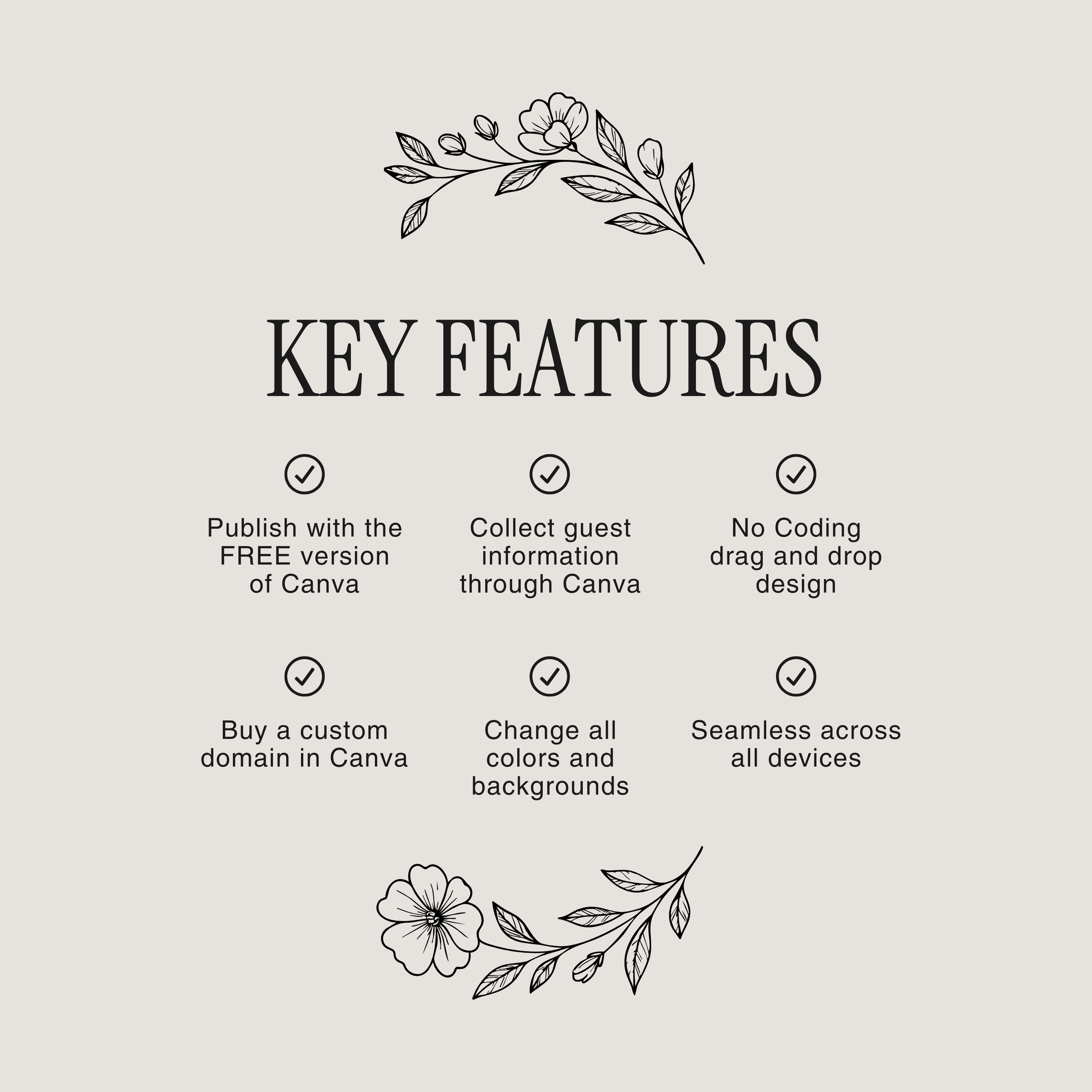
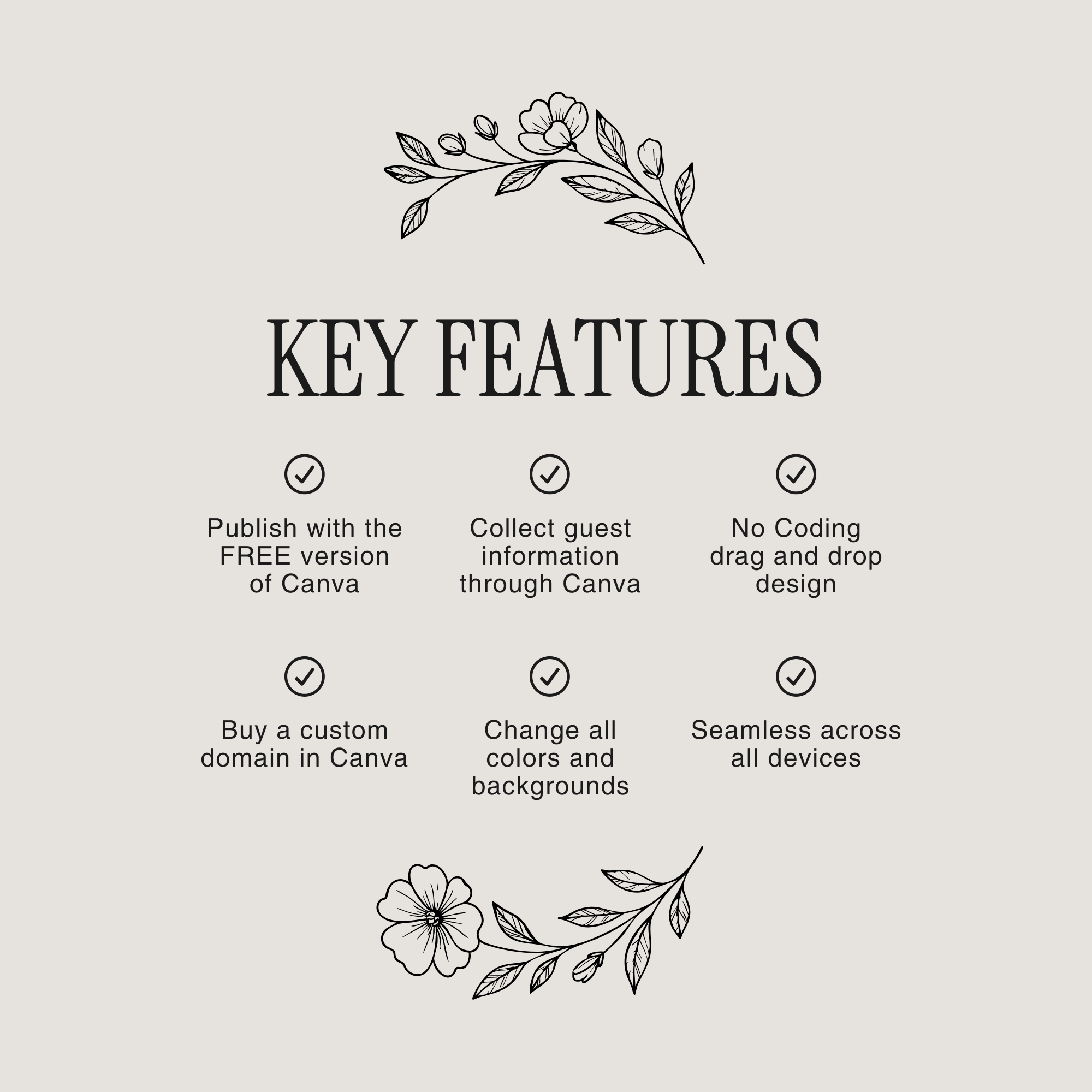
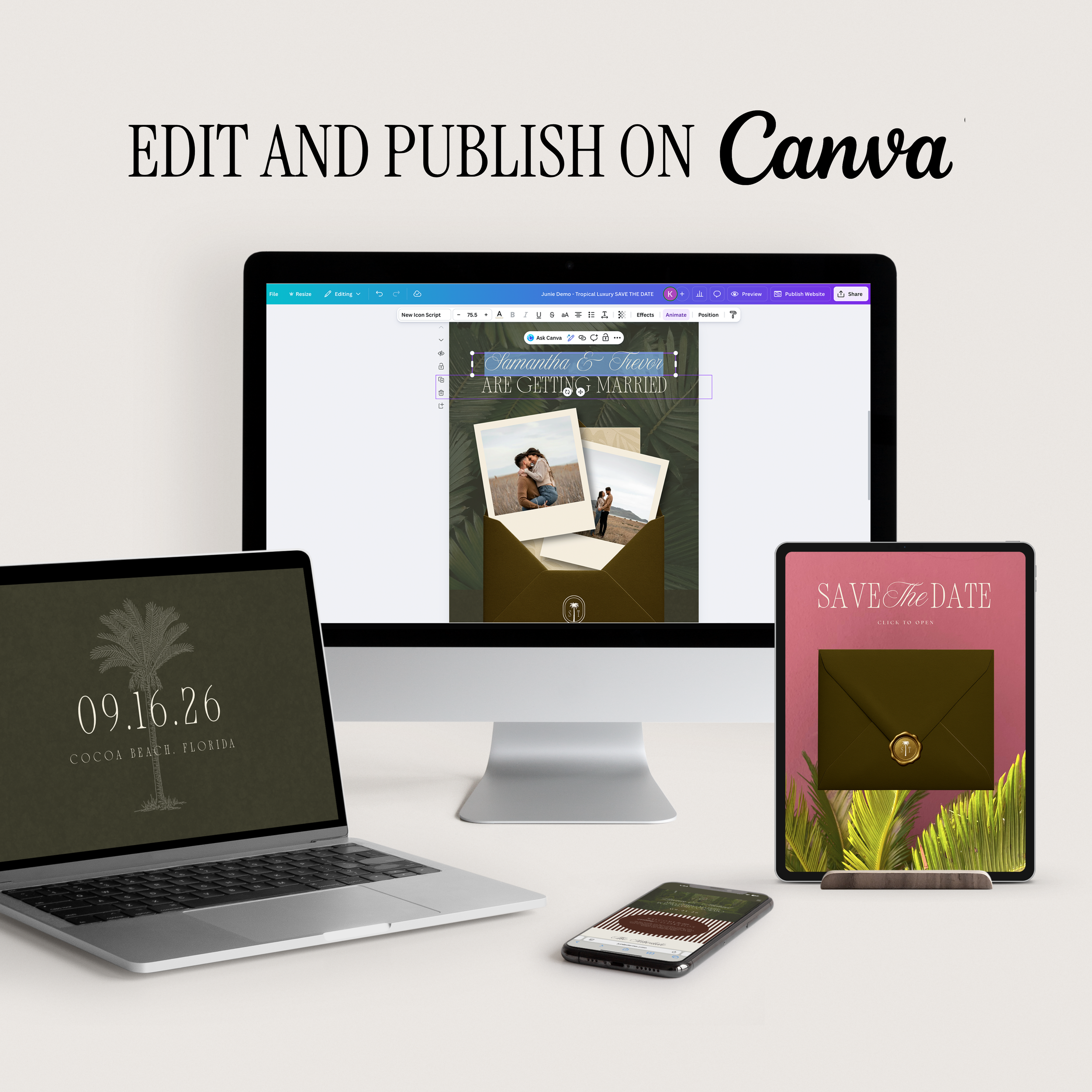
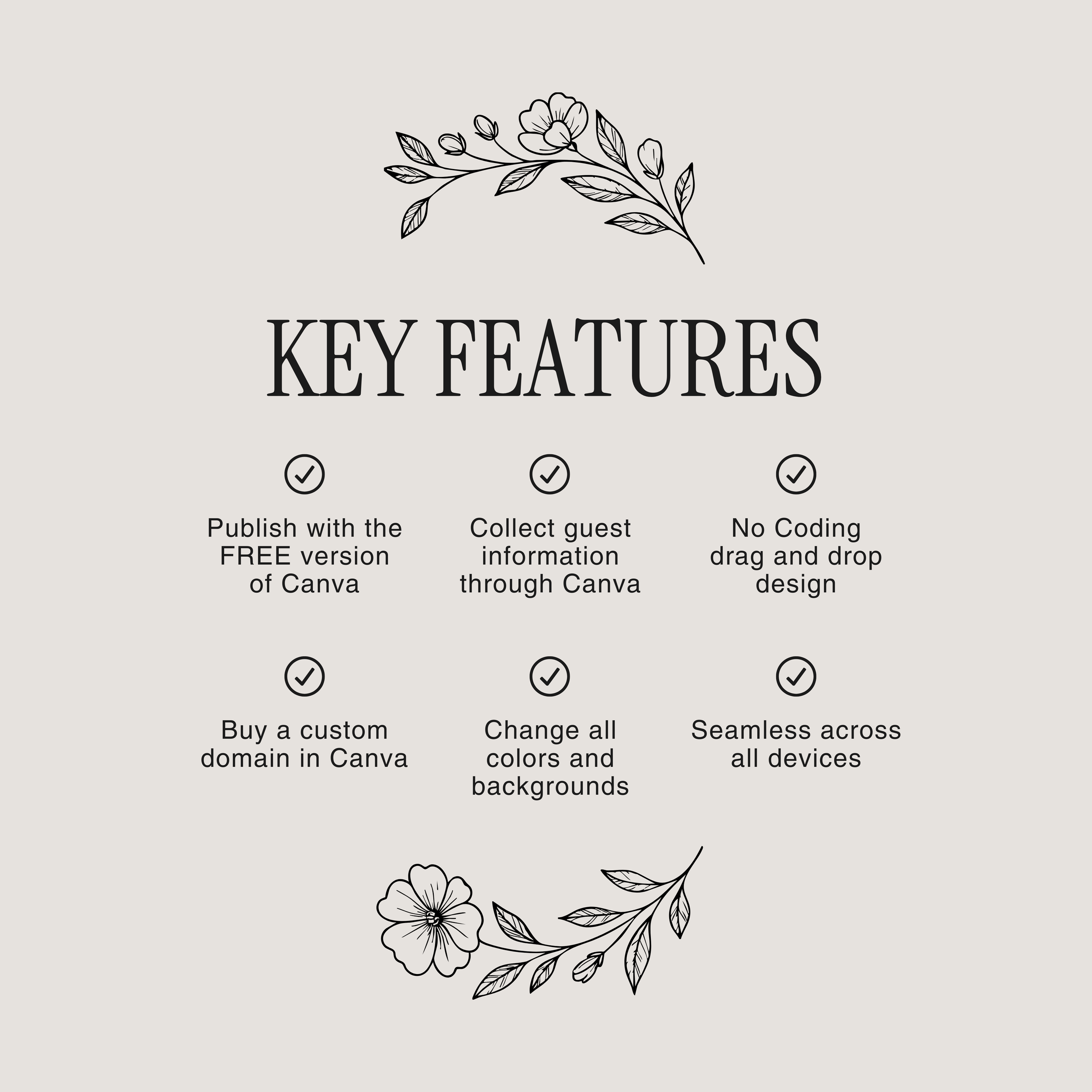
Fully editable in the free version of Canva
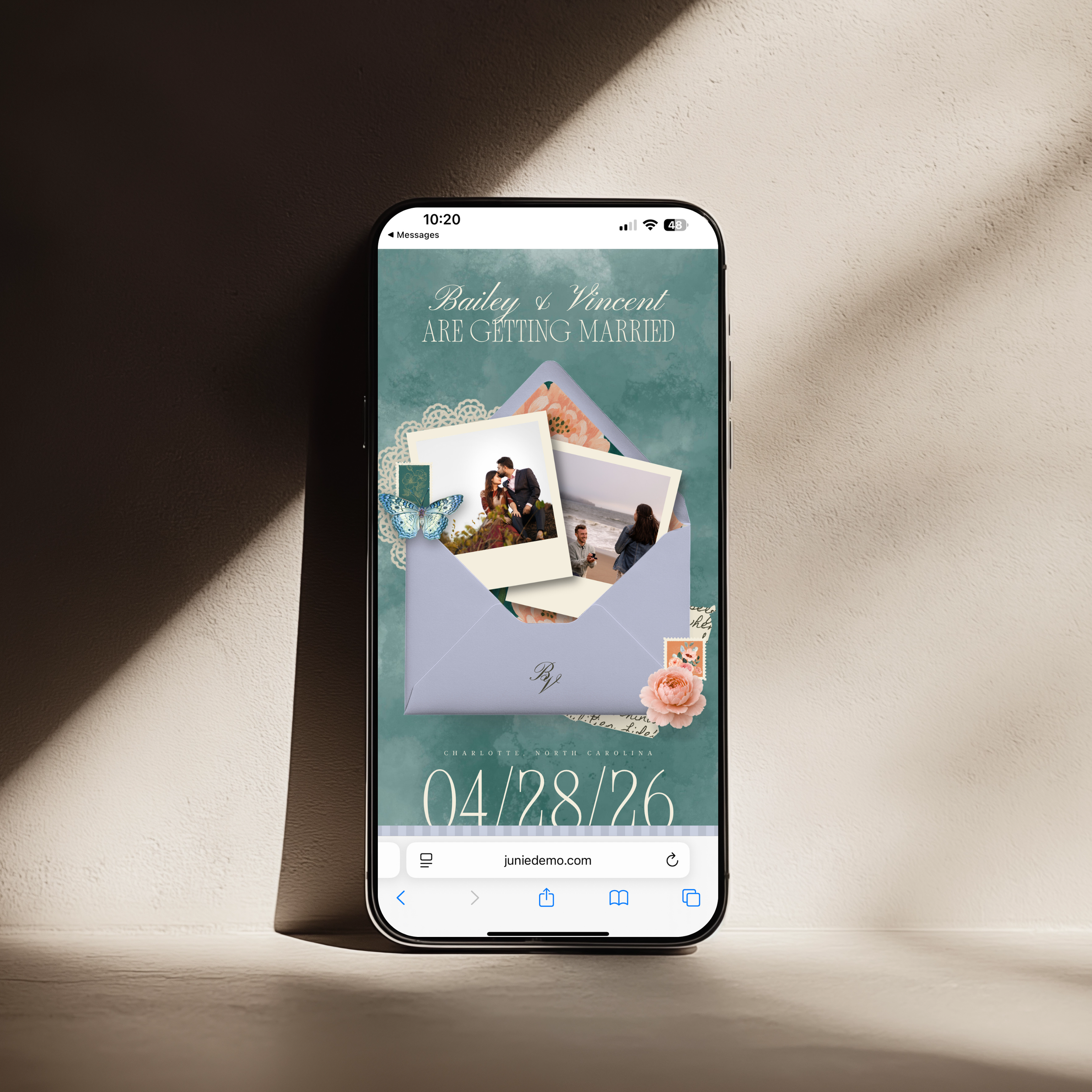
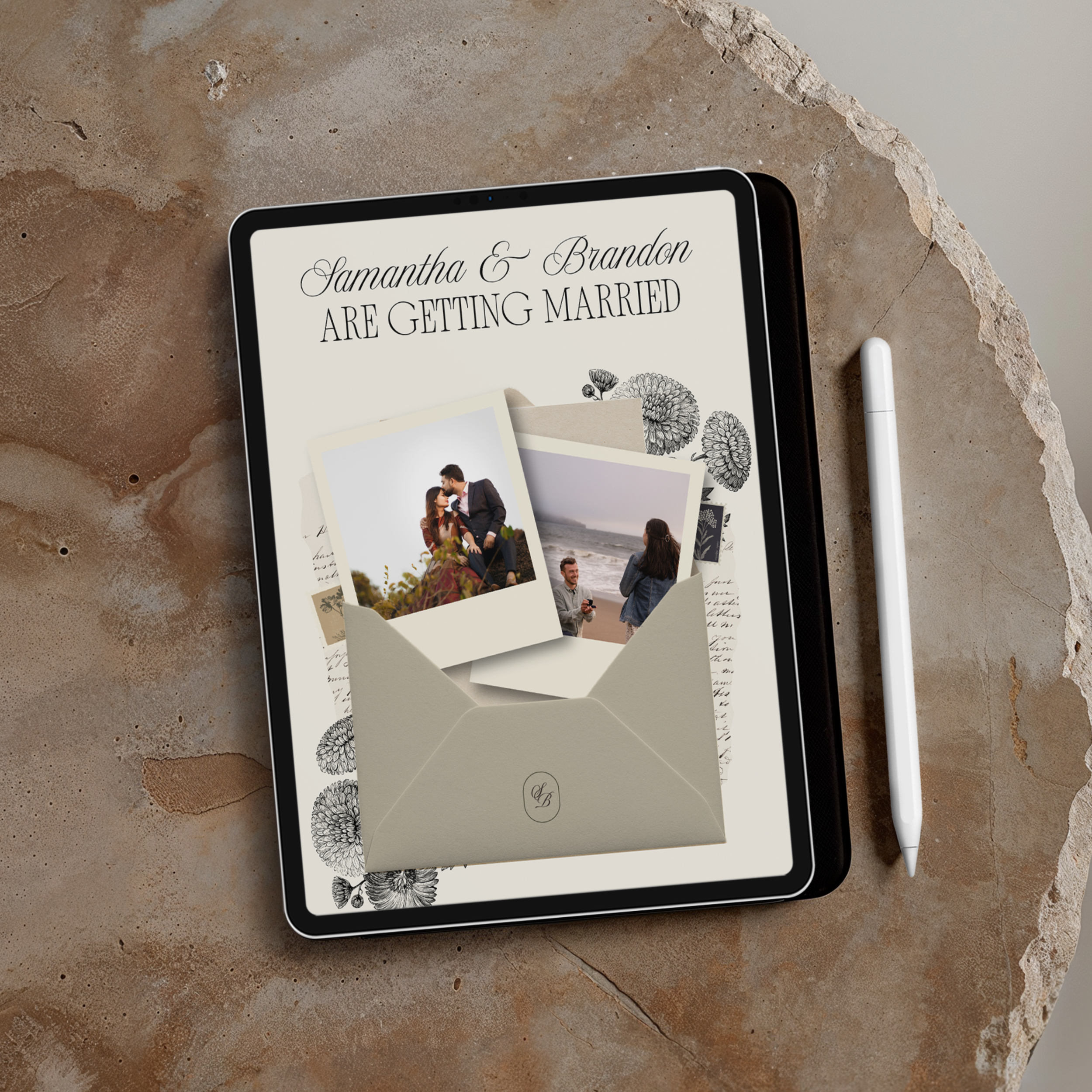
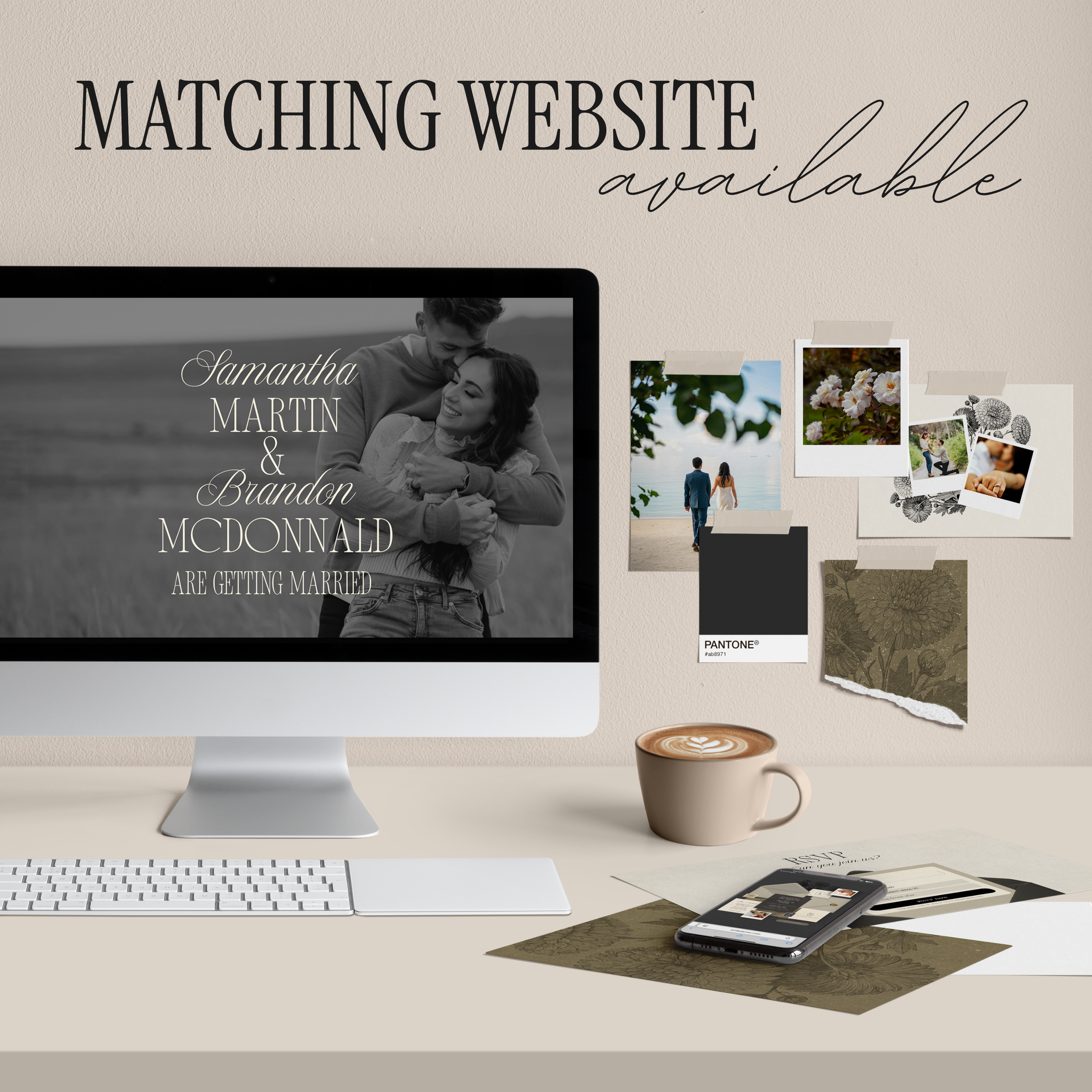
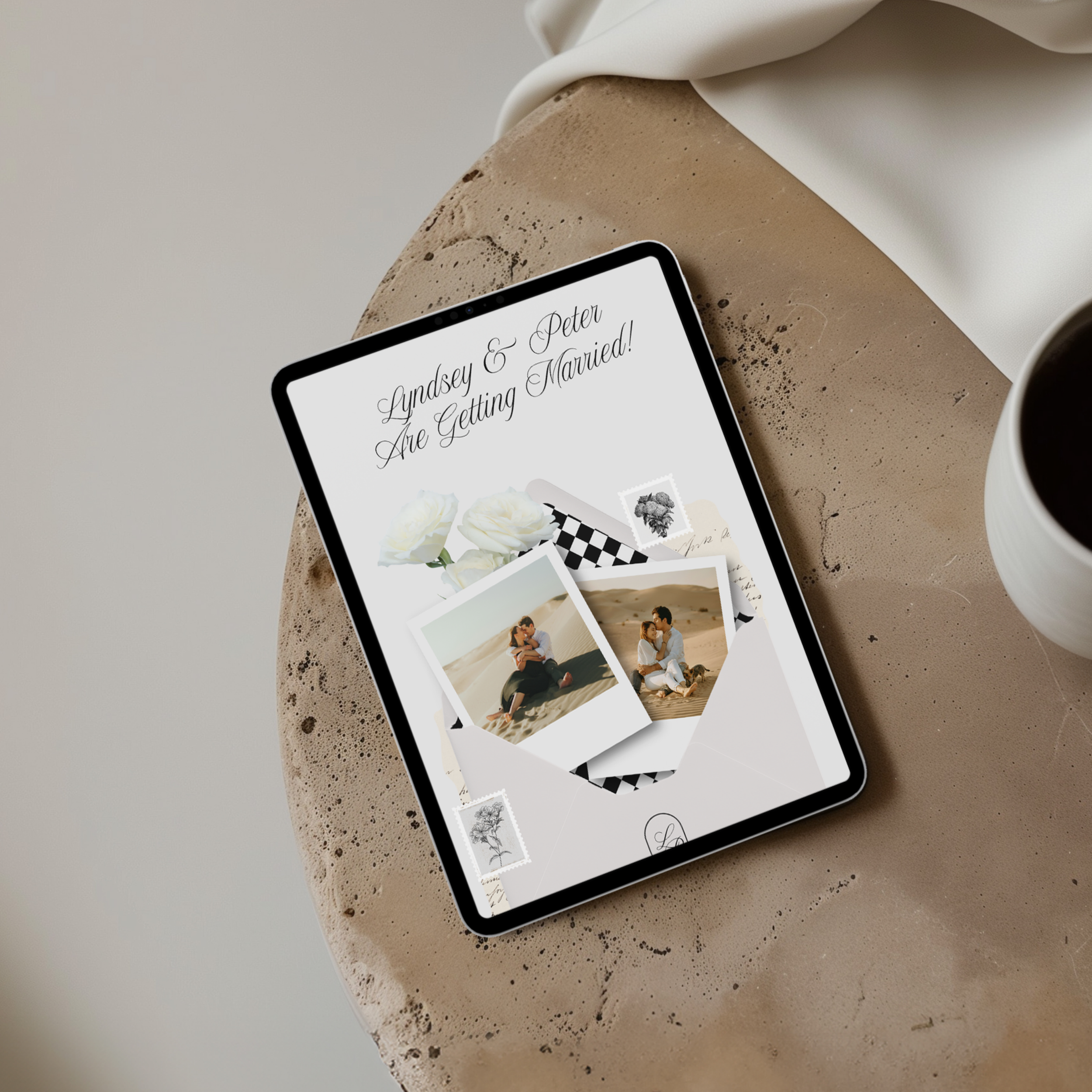
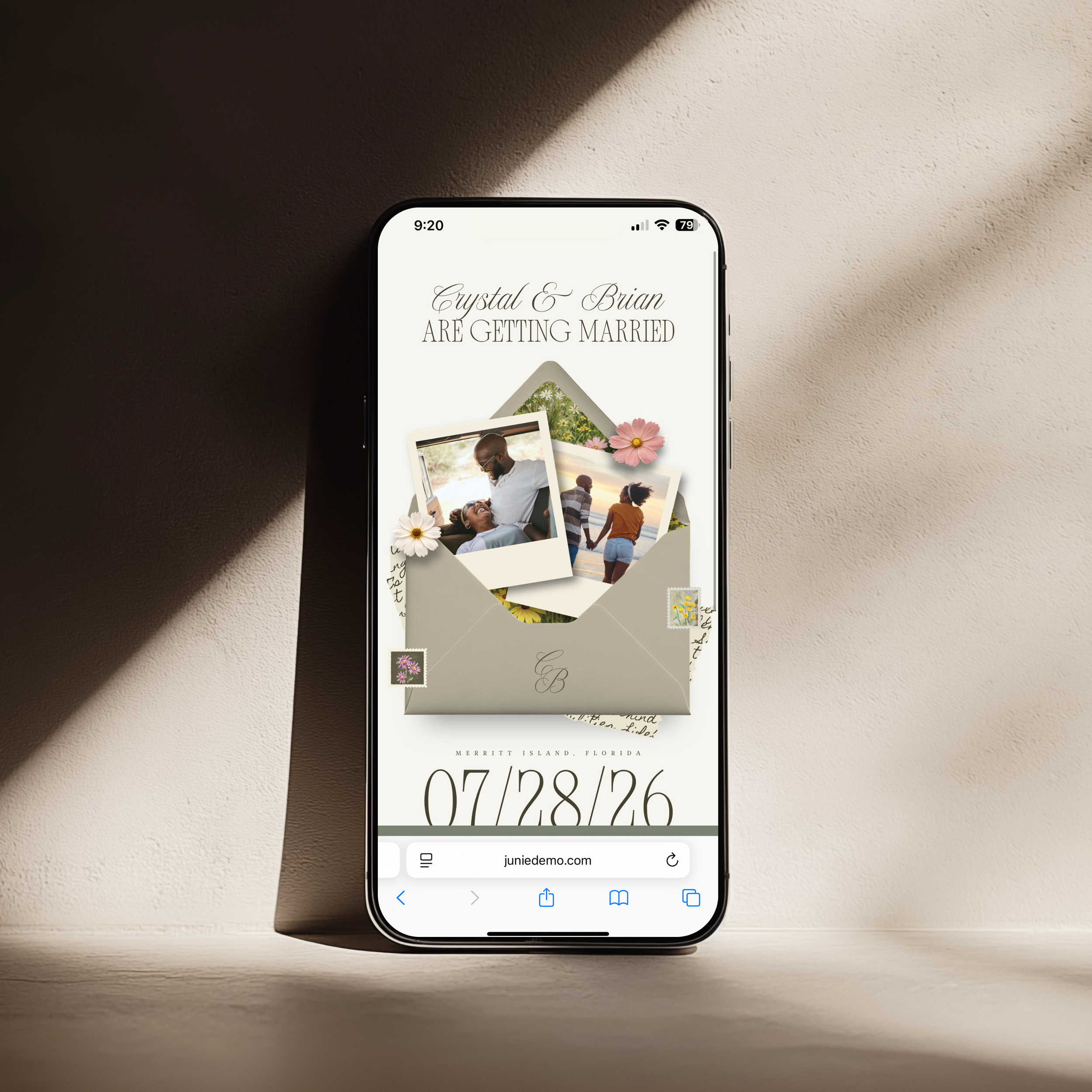
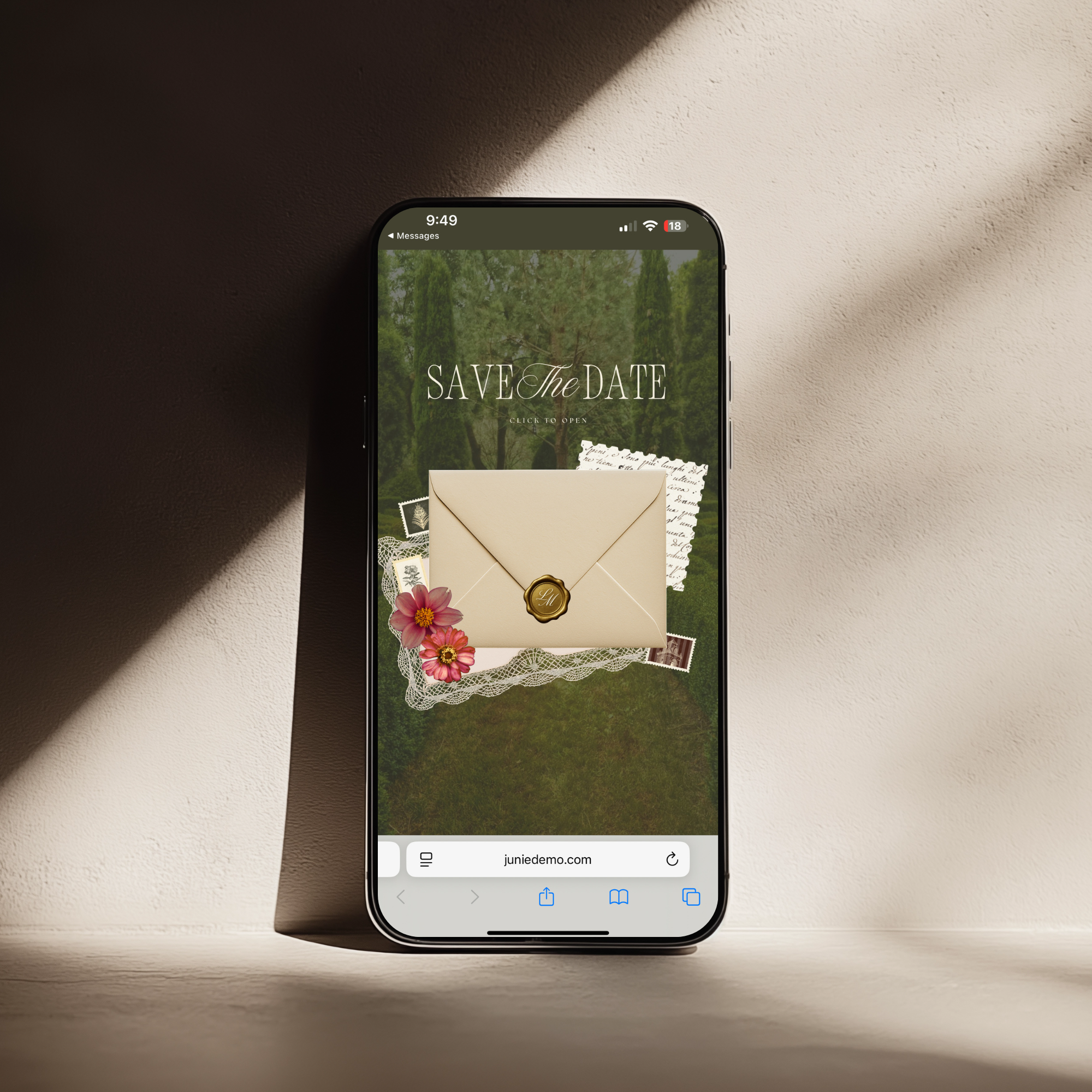
Optimized for mobile, tablet, and desktop viewing
No design or coding experience necessary
Perfect For:
Luxury or destination weddings
Tropical, coastal, or resort-style celebrations
Couples who want a modern alternative to traditional paper Save the Dates
Brides looking for a high-end, cohesive digital invitation suite
Why You’ll Love It:
This design bridges the gap betweentraditional stationery and modern digital convenience—giving you the look and feel of luxury paper goods with the ease of a shareable website link. Simply customize in Canva, publish, and send directly to your guests.
✨ A Save the Date that feels elevated, intentional, and unforgettable—from the very first click.
Canva Account & Domain Information
This template is fully editable using afree Canva account. You donotneed Canva Pro to customize, publish, or share your Save the Date website.
ACanva Pro account is only requiredif:
You choose to use or swap inPro elements(fonts, photos, graphics labeled “Pro”), or
You want toconnect a custom domaindirectly through Canva
If you don’t have Canva Pro, you can still publish your site using Canva’sfree sharing link. Please note that when using Canva’s free domain,Canva branding will appear on the site.
If you connect your own custom domain, theCanva branding is removed, giving your Save the Date a more seamless, polished, and luxury presentation.
Using a Custom Domain (Optional but Recommended)
If you decide to purchase and connect acustom domain, Canva allows you to useone domain for multiple projects—which makes your entire wedding suite feel cohesive and elevated.
For example, you could use:
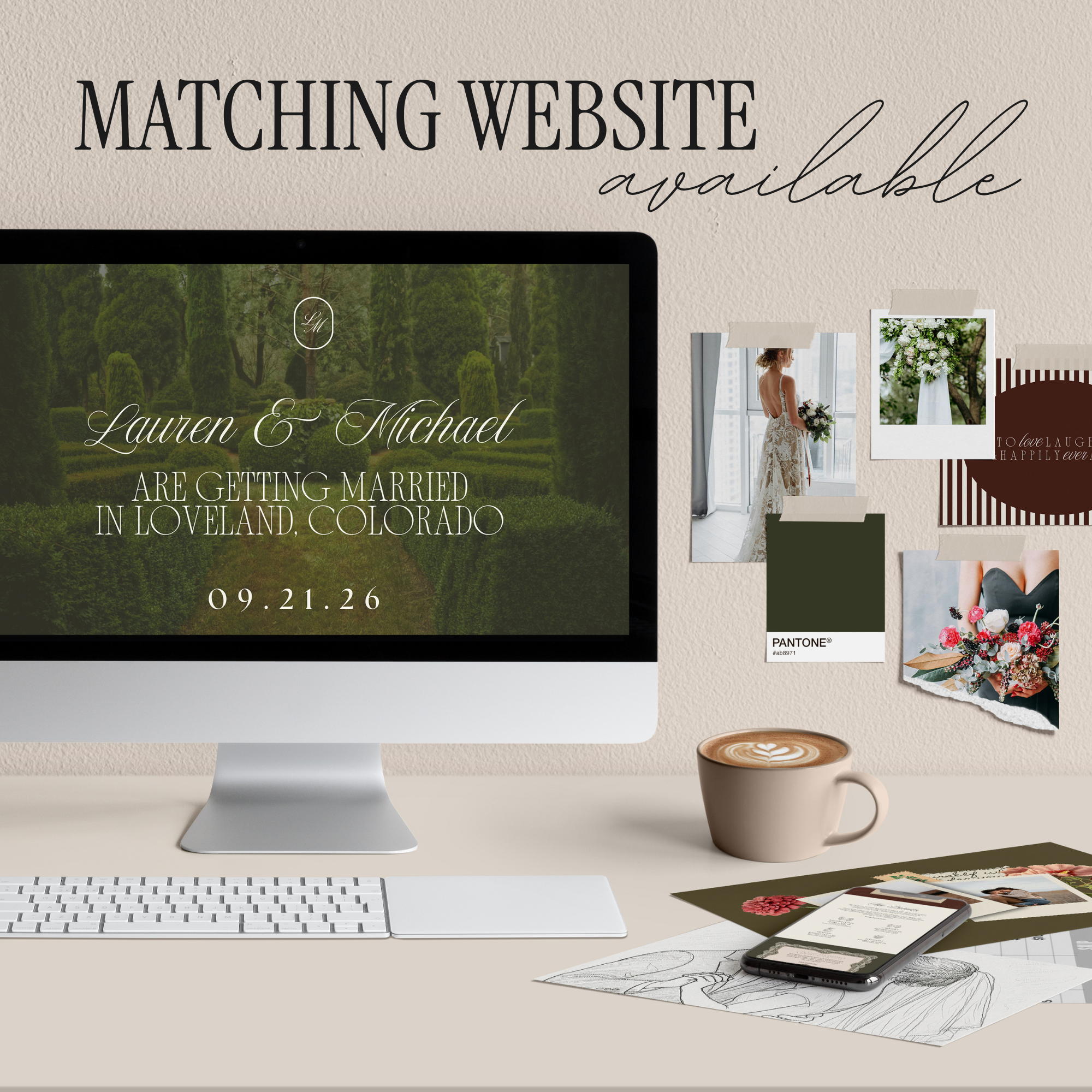
This means if you purchase a Save the Date, digital invitation, and wedding website, they canall live under the same domain, just with different page links (also called “slugs”). It keeps everything organized, professional, and incredibly easy for your guests to navigate.
✨ One domain. One cohesive wedding experience. Multiple beautifully connected moments.
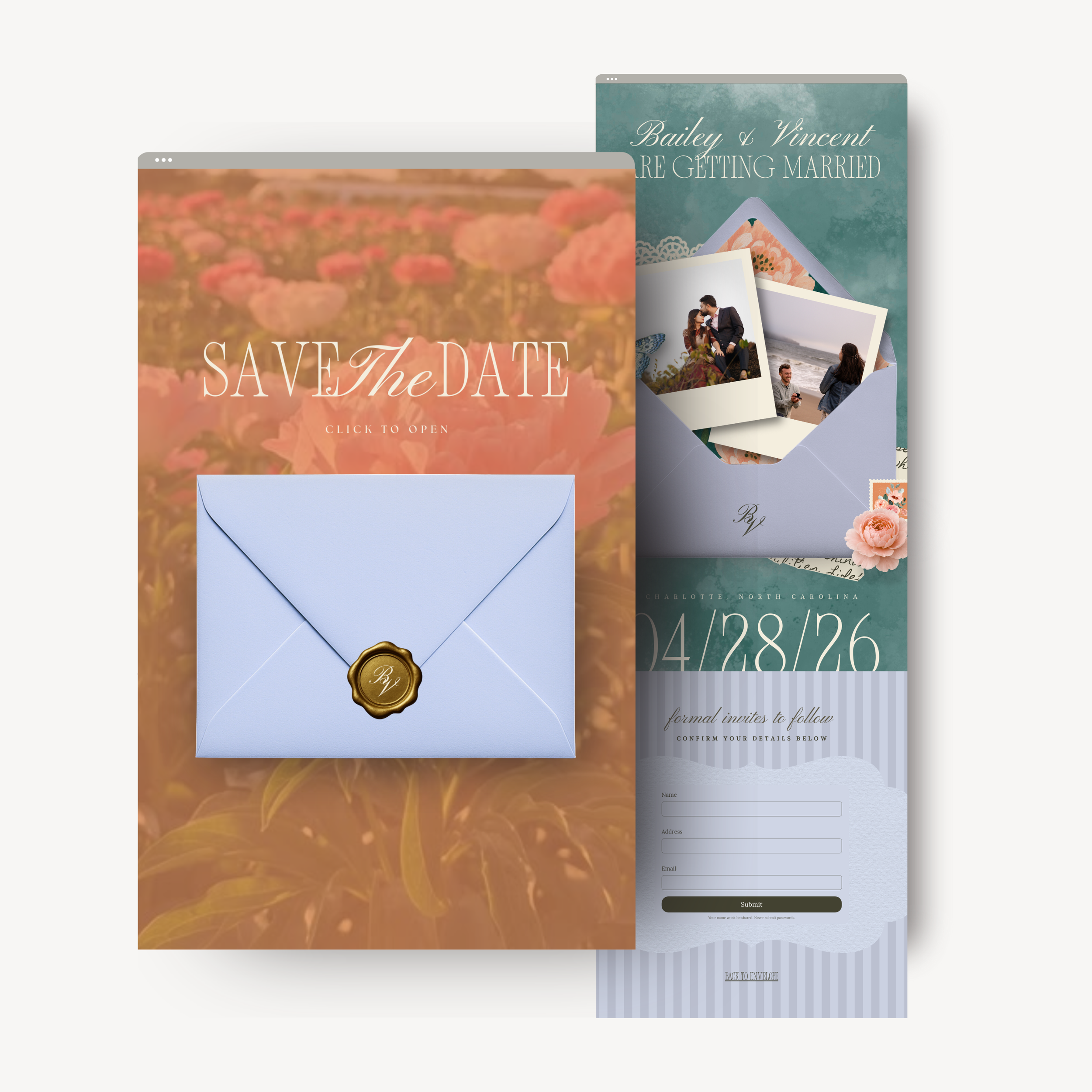
Make a lasting first impression with this luxury tropical Save the Date website, designed to feel as elevated and intentional as your wedding itself. Created entirely inCanva, this interactivetwo-page digital Save the Dateblends refined design with a romantic island-inspired aesthetic—perfect for destination weddings, coastal celebrations, or couples who love timeless luxury with a modern twist.
To make things even more effortless for you, the website includes adetails confirmation form, allowing guests to submit their information for your formal invitation mailing list—keeping everything organized and beautifully streamlined from the very start.
Demo:
https://juniedemo.com/tropicalluxurysavethedate
What’s Included:
2-page interactive Save the Date website
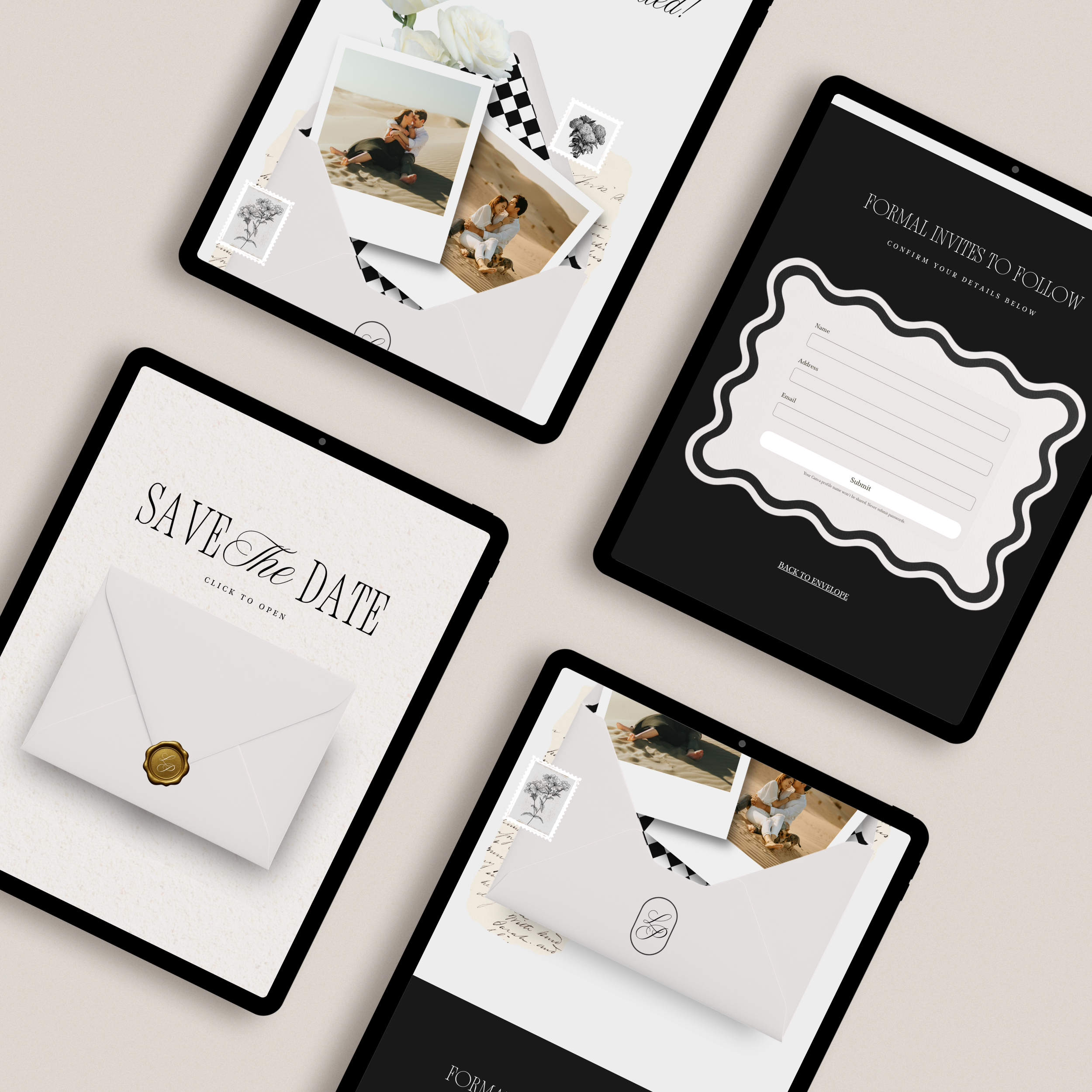
“Click to Open” envelope animation-style layout
Collage-style reveal design inspired by physical stationery
Wedding date & location section
Guest details form for collecting formal invitation information
Fully editable in the free version of Canva
Optimized for mobile, tablet, and desktop viewing
No design or coding experience necessary
Perfect For:
Luxury or destination weddings
Tropical, coastal, or resort-style celebrations
Couples who want a modern alternative to traditional paper Save the Dates
Brides looking for a high-end, cohesive digital invitation suite
Why You’ll Love It:
This design bridges the gap betweentraditional stationery and modern digital convenience—giving you the look and feel of luxury paper goods with the ease of a shareable website link. Simply customize in Canva, publish, and send directly to your guests.
✨ A Save the Date that feels elevated, intentional, and unforgettable—from the very first click.
Canva Account & Domain Information
This template is fully editable using afree Canva account. You donotneed Canva Pro to customize, publish, or share your Save the Date website.
ACanva Pro account is only requiredif:
You choose to use or swap inPro elements(fonts, photos, graphics labeled “Pro”), or
You want toconnect a custom domaindirectly through Canva
If you don’t have Canva Pro, you can still publish your site using Canva’sfree sharing link. Please note that when using Canva’s free domain,Canva branding will appear on the site.
If you connect your own custom domain, theCanva branding is removed, giving your Save the Date a more seamless, polished, and luxury presentation.
Using a Custom Domain (Optional but Recommended)
If you decide to purchase and connect acustom domain, Canva allows you to useone domain for multiple projects—which makes your entire wedding suite feel cohesive and elevated.
For example, you could use:
This means if you purchase a Save the Date, digital invitation, and wedding website, they canall live under the same domain, just with different page links (also called “slugs”). It keeps everything organized, professional, and incredibly easy for your guests to navigate.
✨ One domain. One cohesive wedding experience. Multiple beautifully connected moments.