
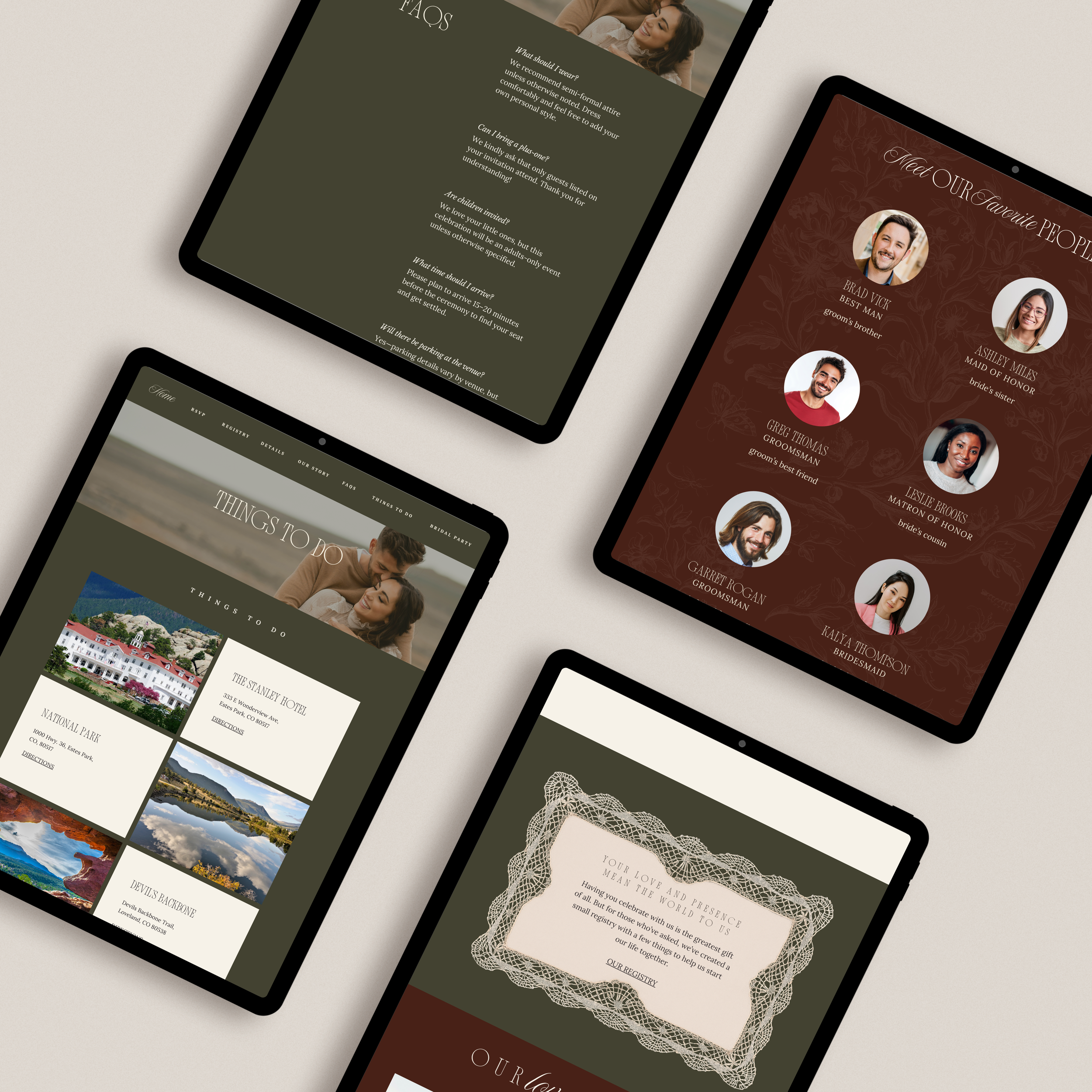
HOW IT WORKS

PDF guide and video tutorial included with all purchases!
01.
Purchase the template that matches your vibe! Download the PDF and open your template’s project file.
02.
Login to your Canva account. You do not need the PRO version to edit your file. You only need the Pro version if you plan to use Canva Pro assets or connect an external domain.
03.
Make all the edits to suit your needs. Change fonts, colors, backgrounds and add images and any external links!
04.
Publish your website!
Use Canva’s free domain to host it or purchase a custom domain straight through Canva.
05.
Copy your published website’s link. Add it to your formal invites, one of our digital invite suites or simply text it.

A SEAMLESS DIGITAL
WEDDING EXPERIENCE
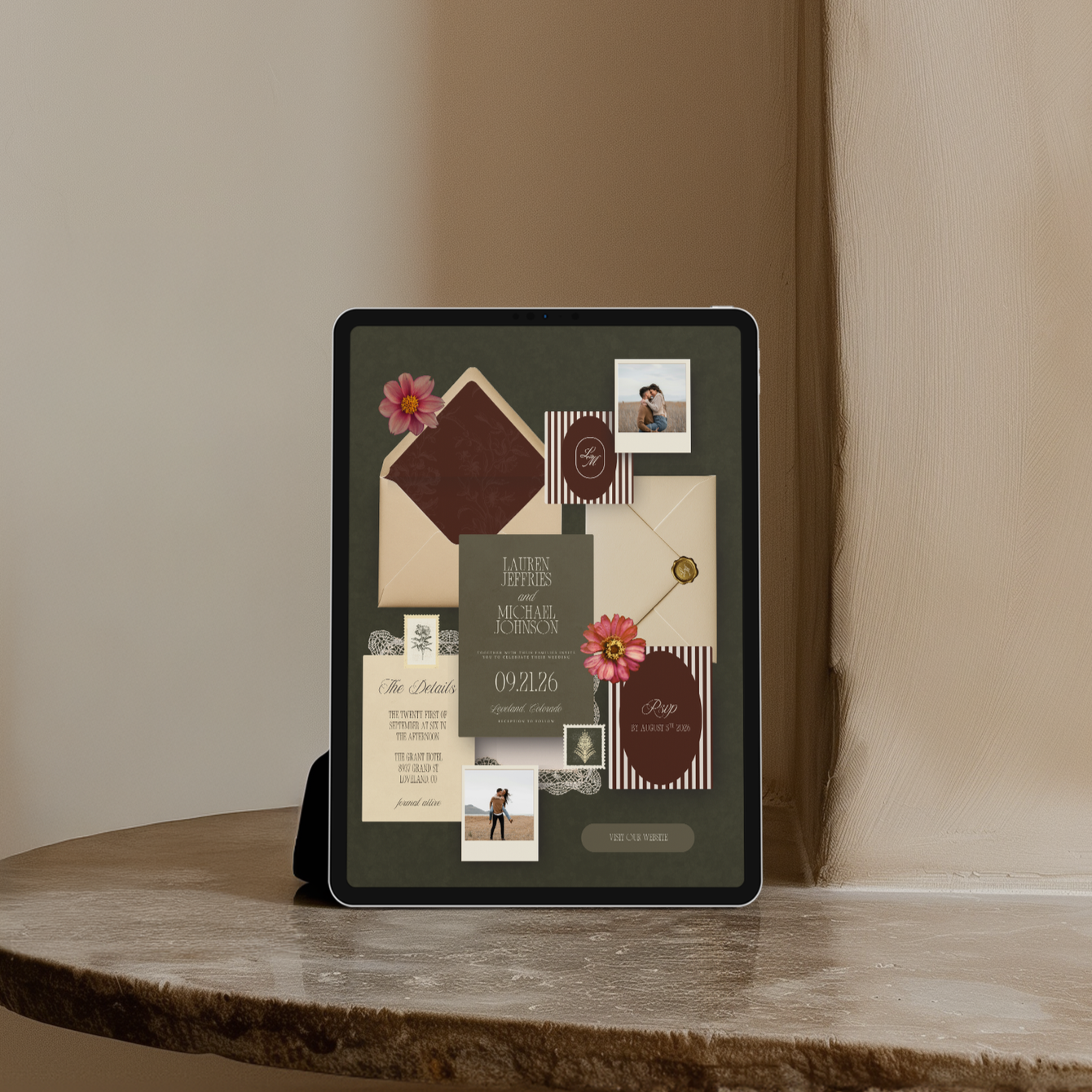
Link your invitations directly to your website to create a beautifully unified look.

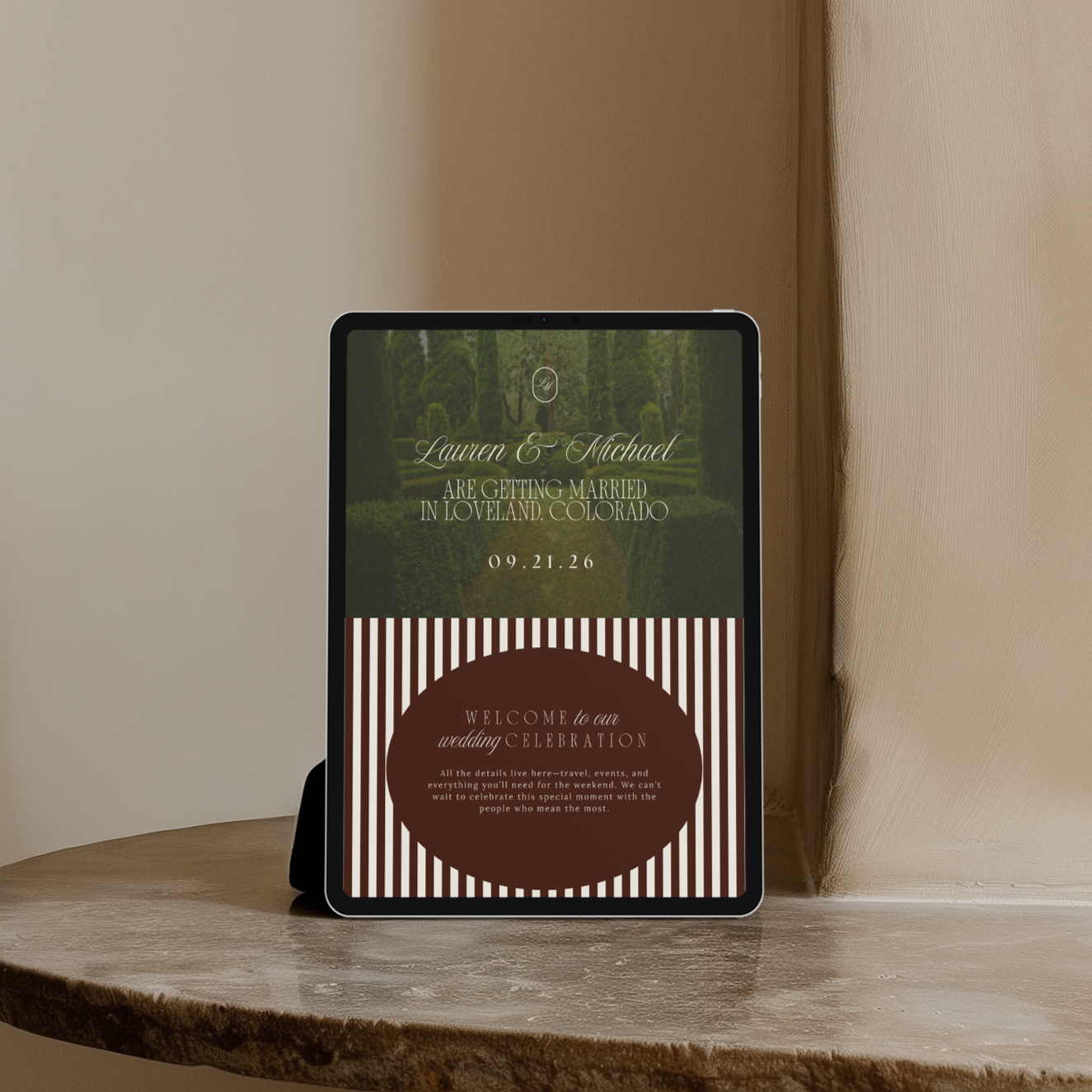
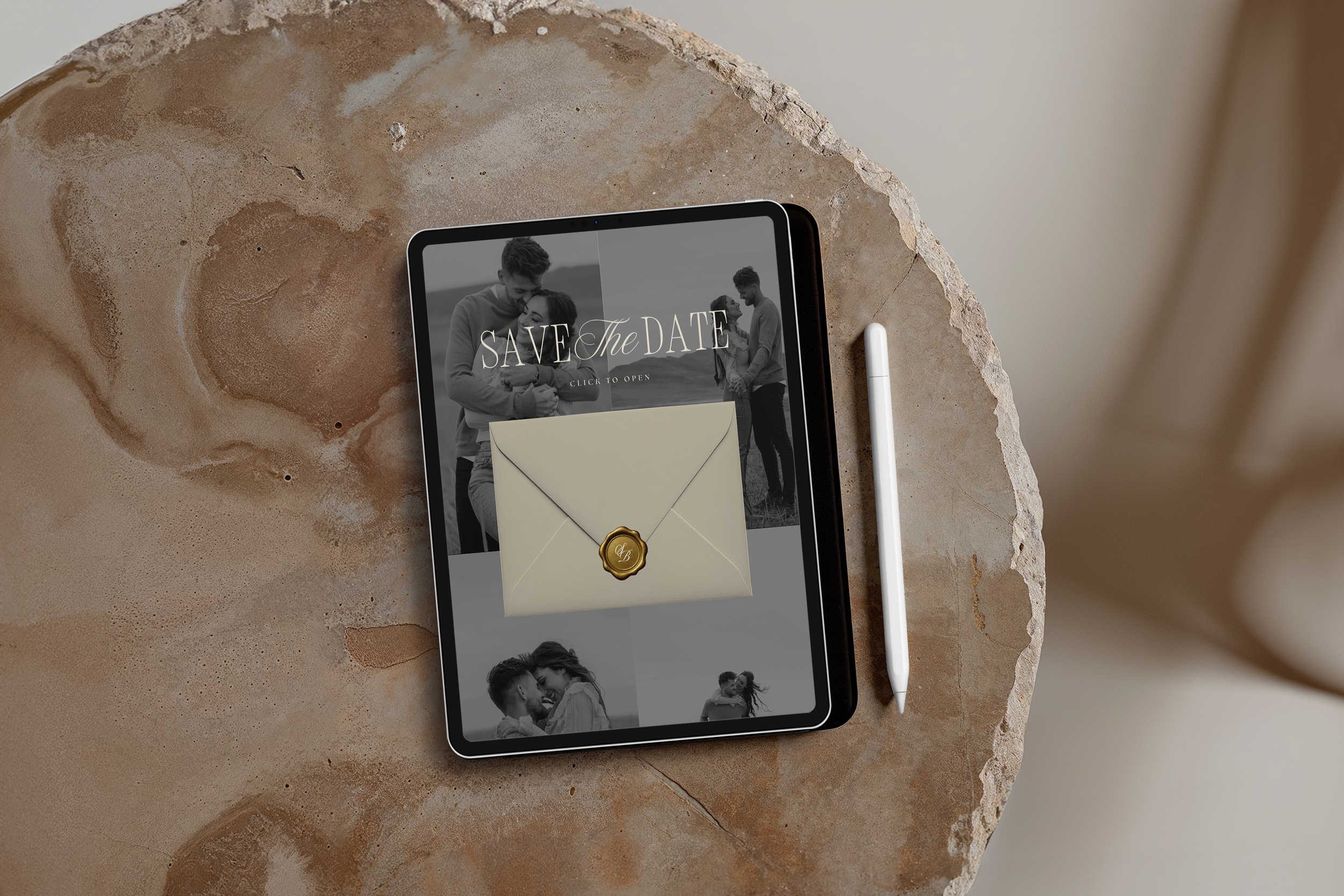
CUSTOM DOMAINS
Purchase a custom domain through Canva (or connect one you already own) and house each project under that domain for a seamless, high-end user journey. Every project can receive its own subpath—for example:
1. laurenandmichael2026.com/invitation
2. laurenandmichael2026.com/savethedate
3.. laurenandmichael2026.com/website
