
Old Money Garden Website Template
$35.00
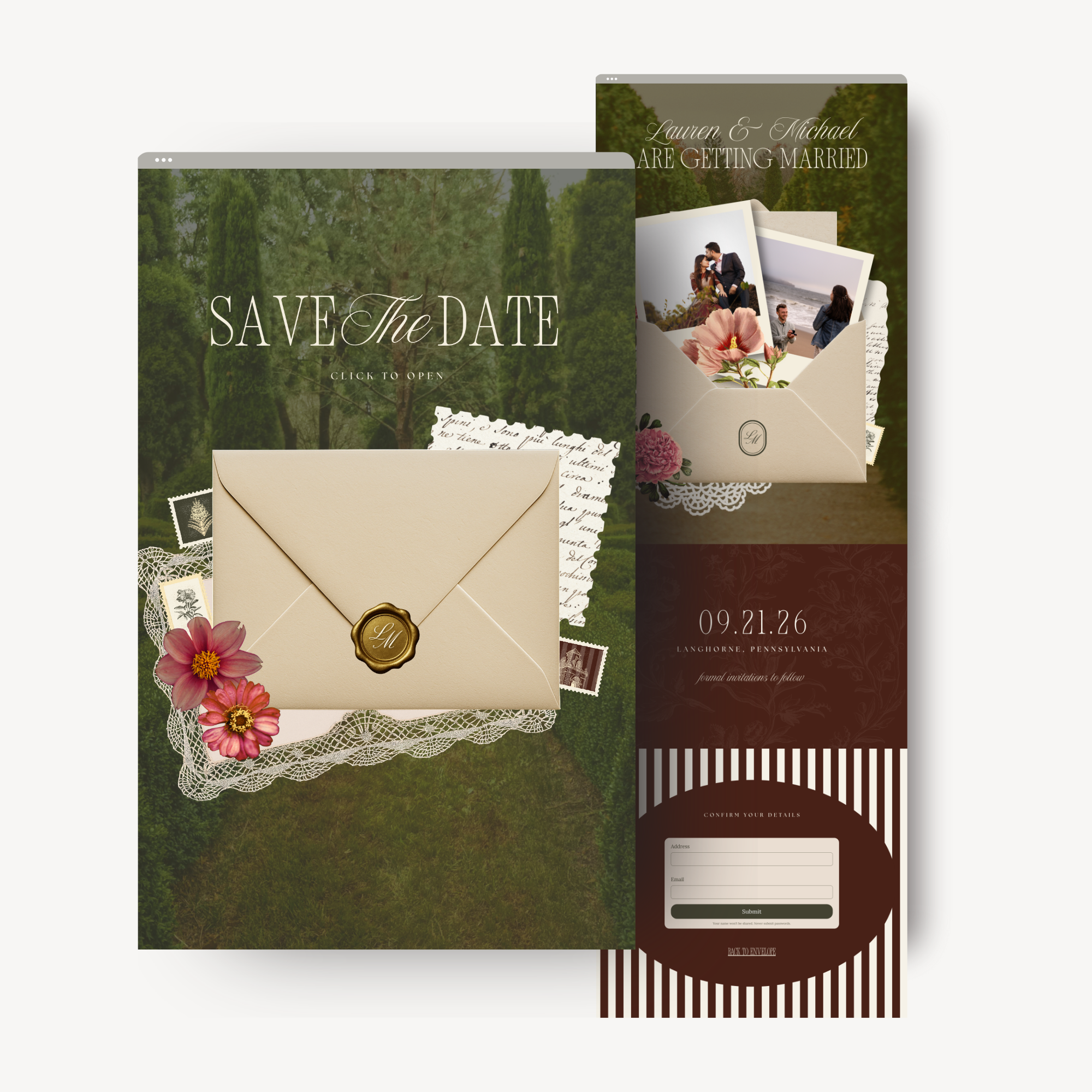
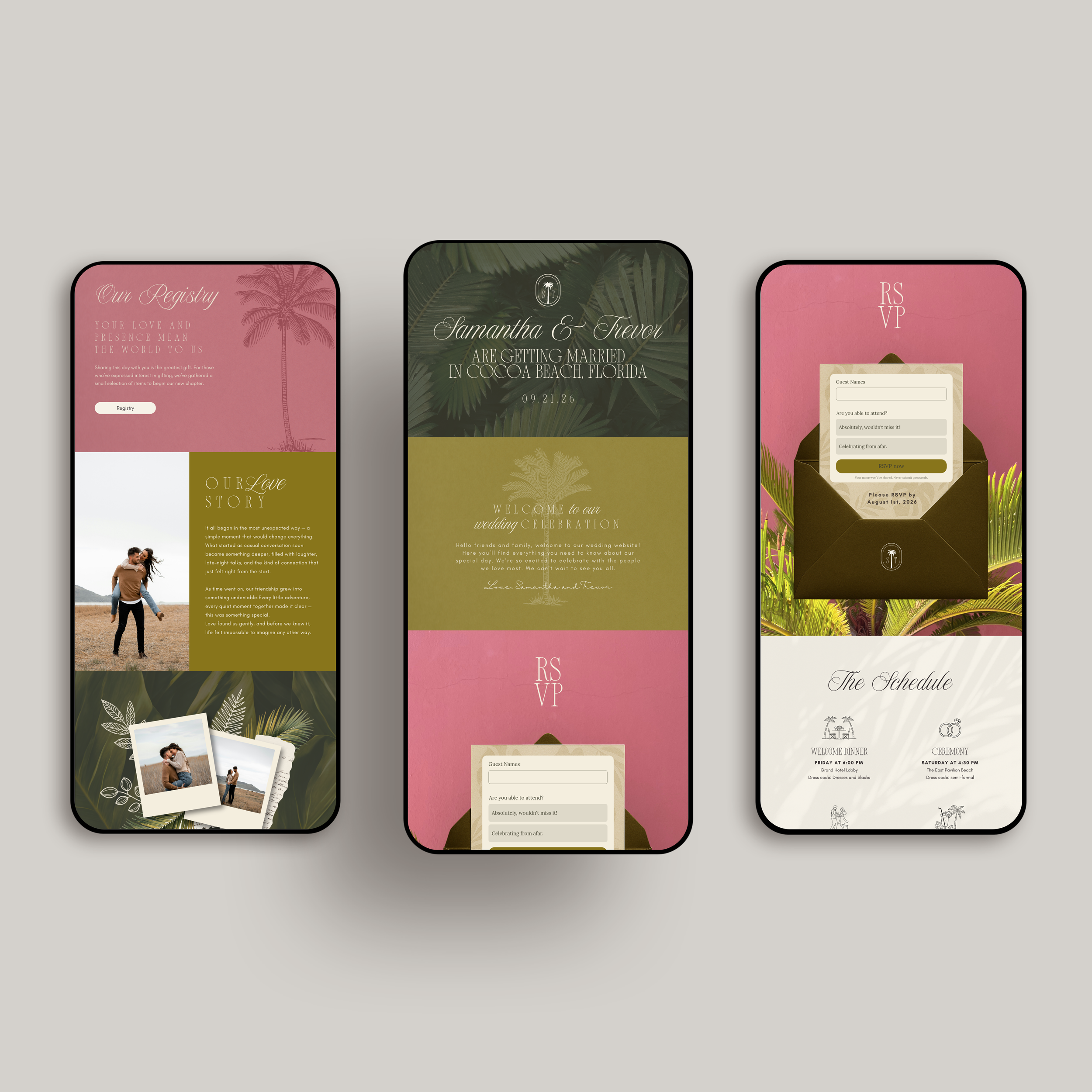
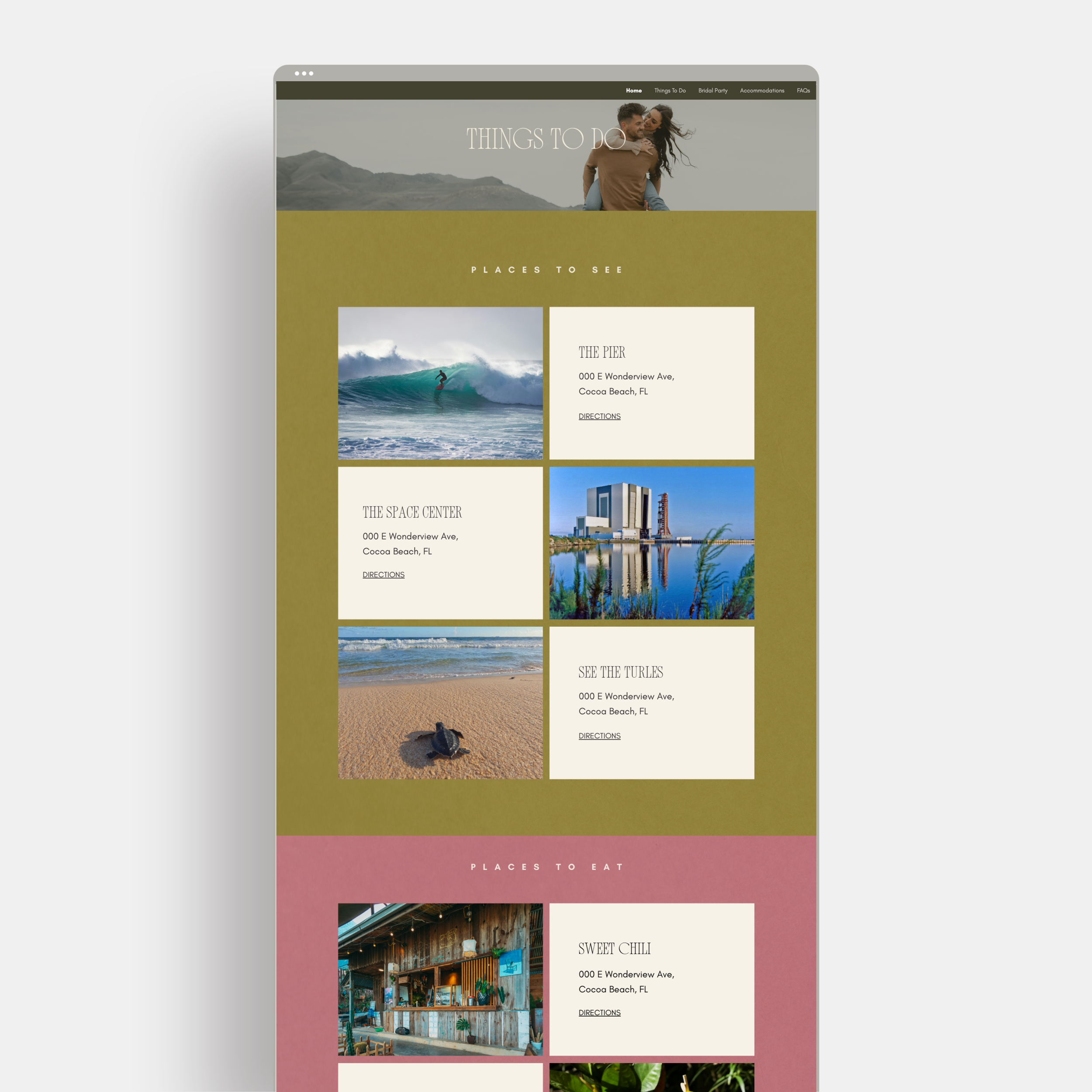
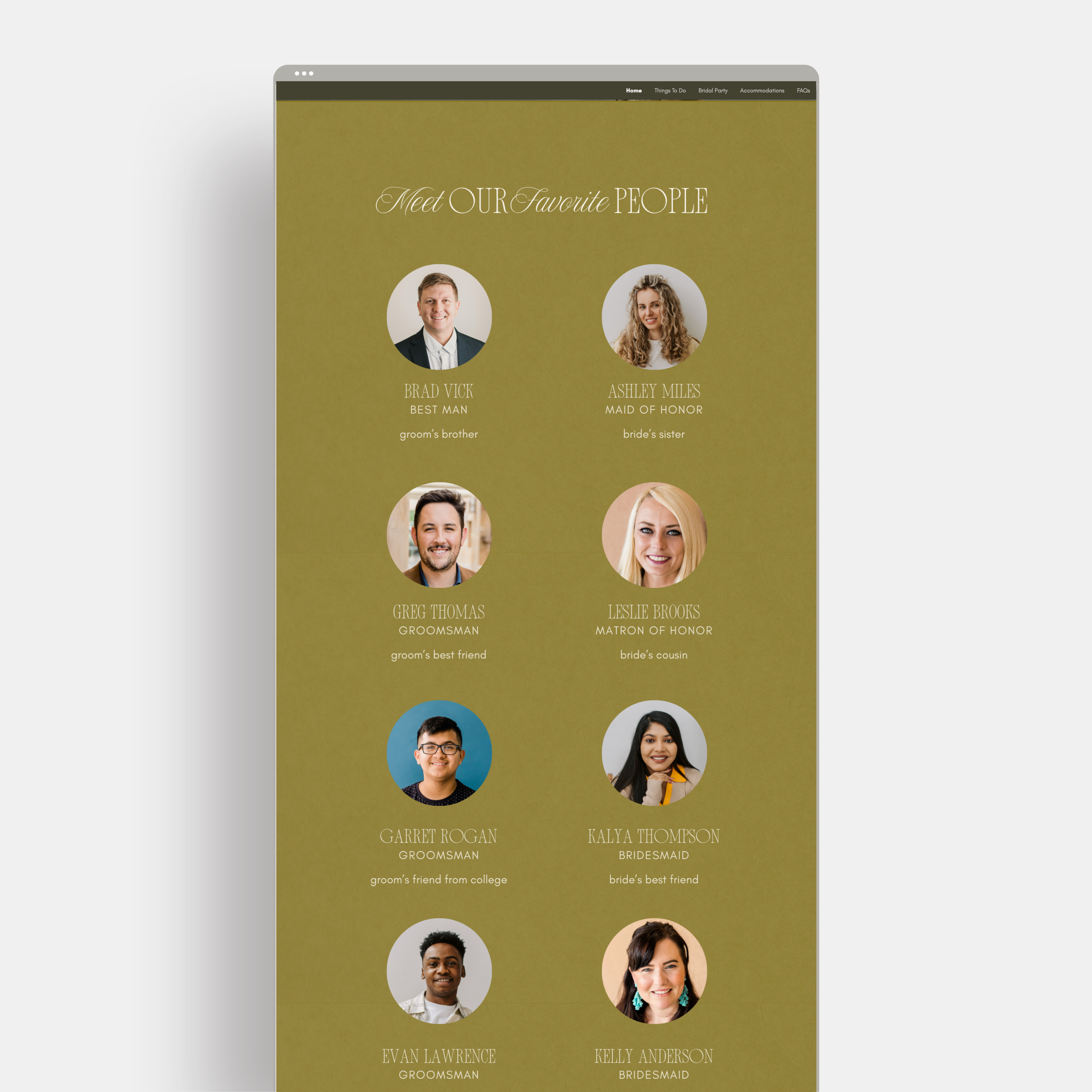
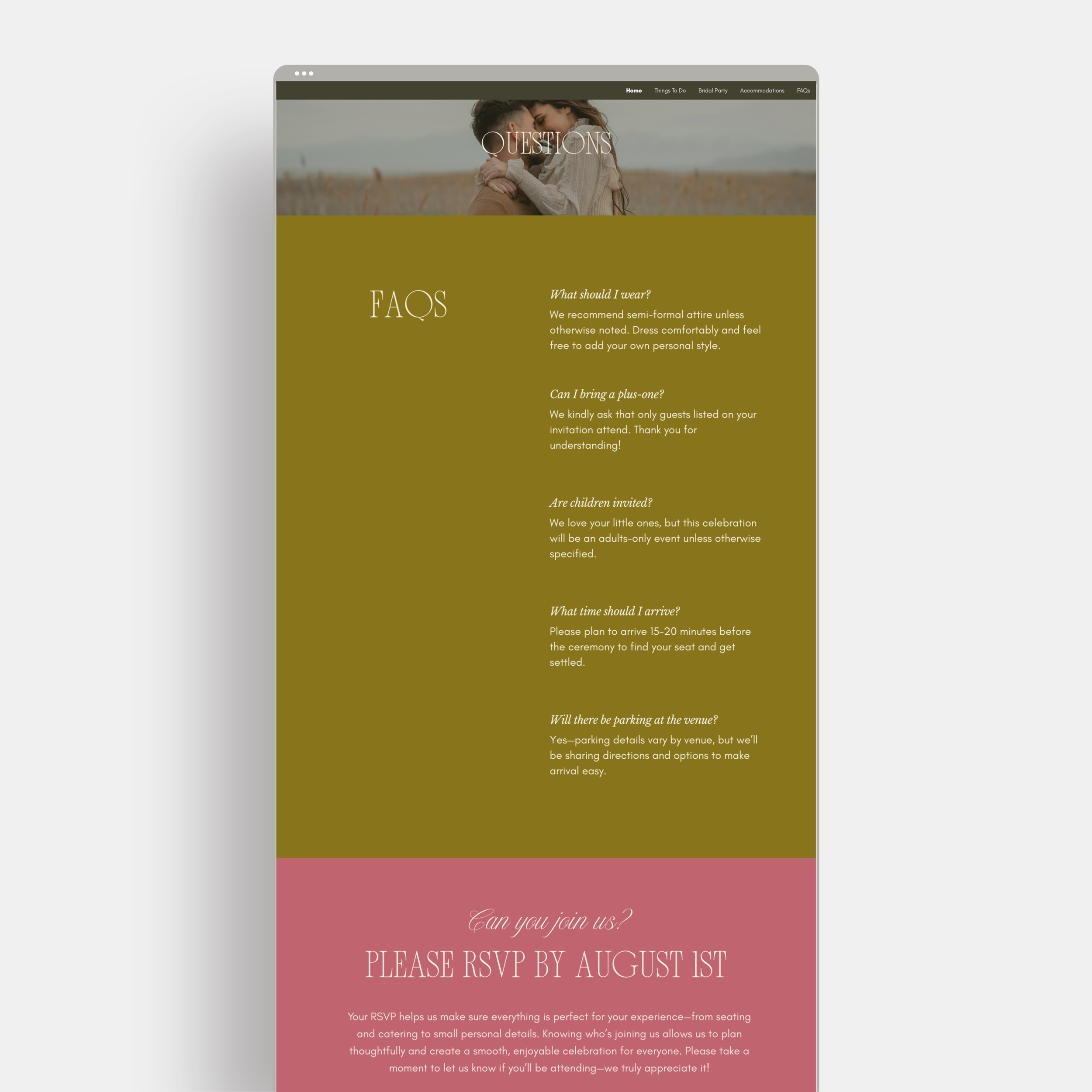
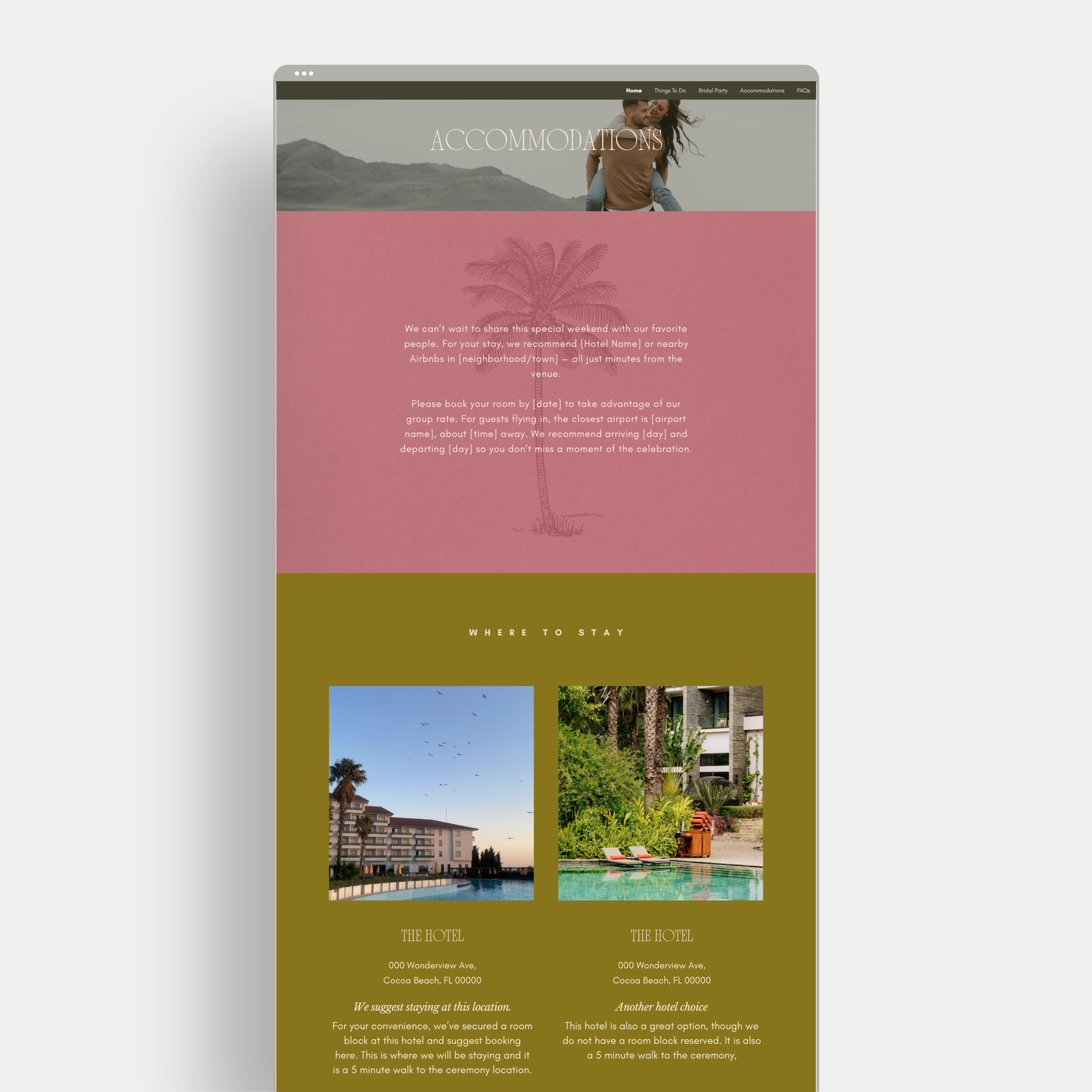
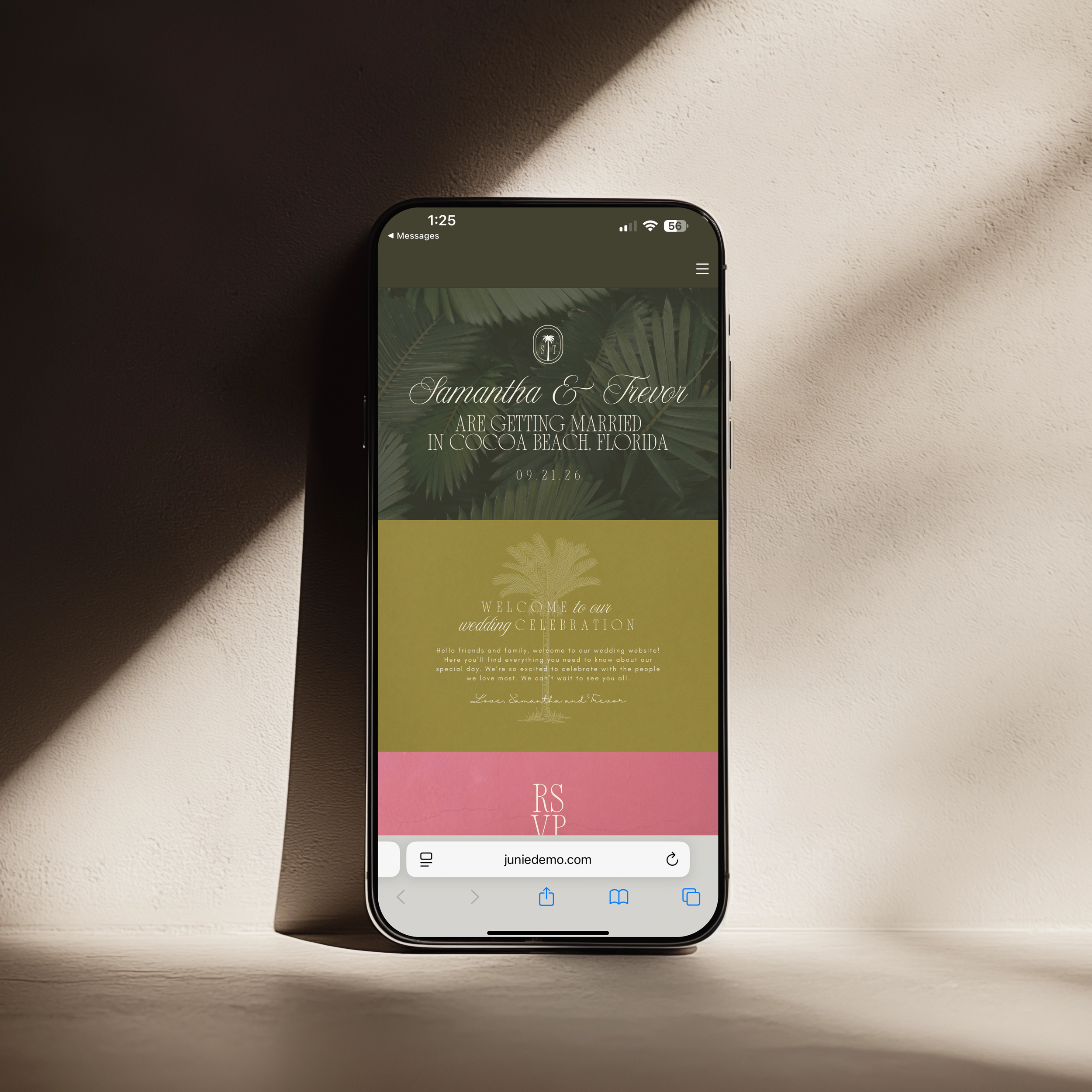
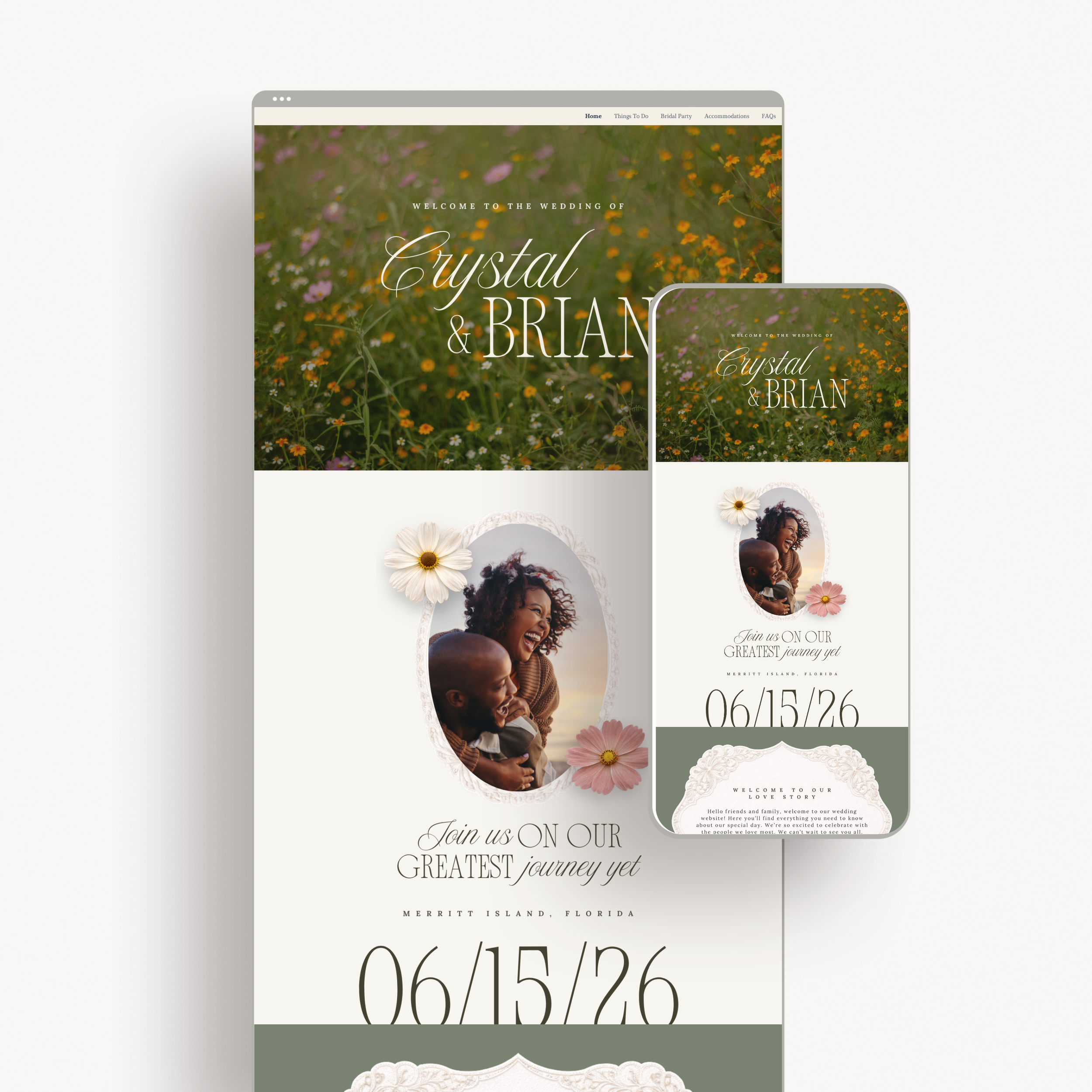
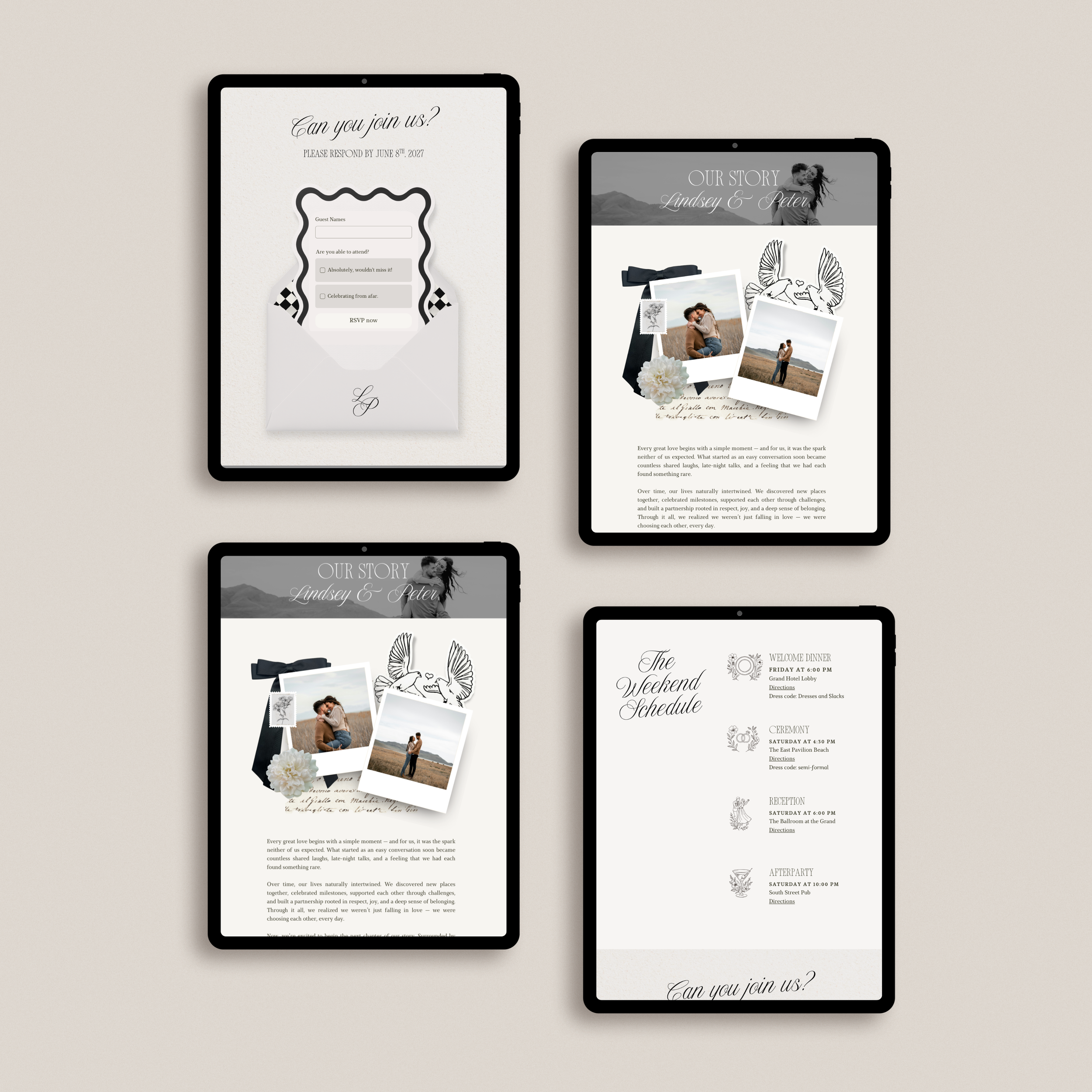
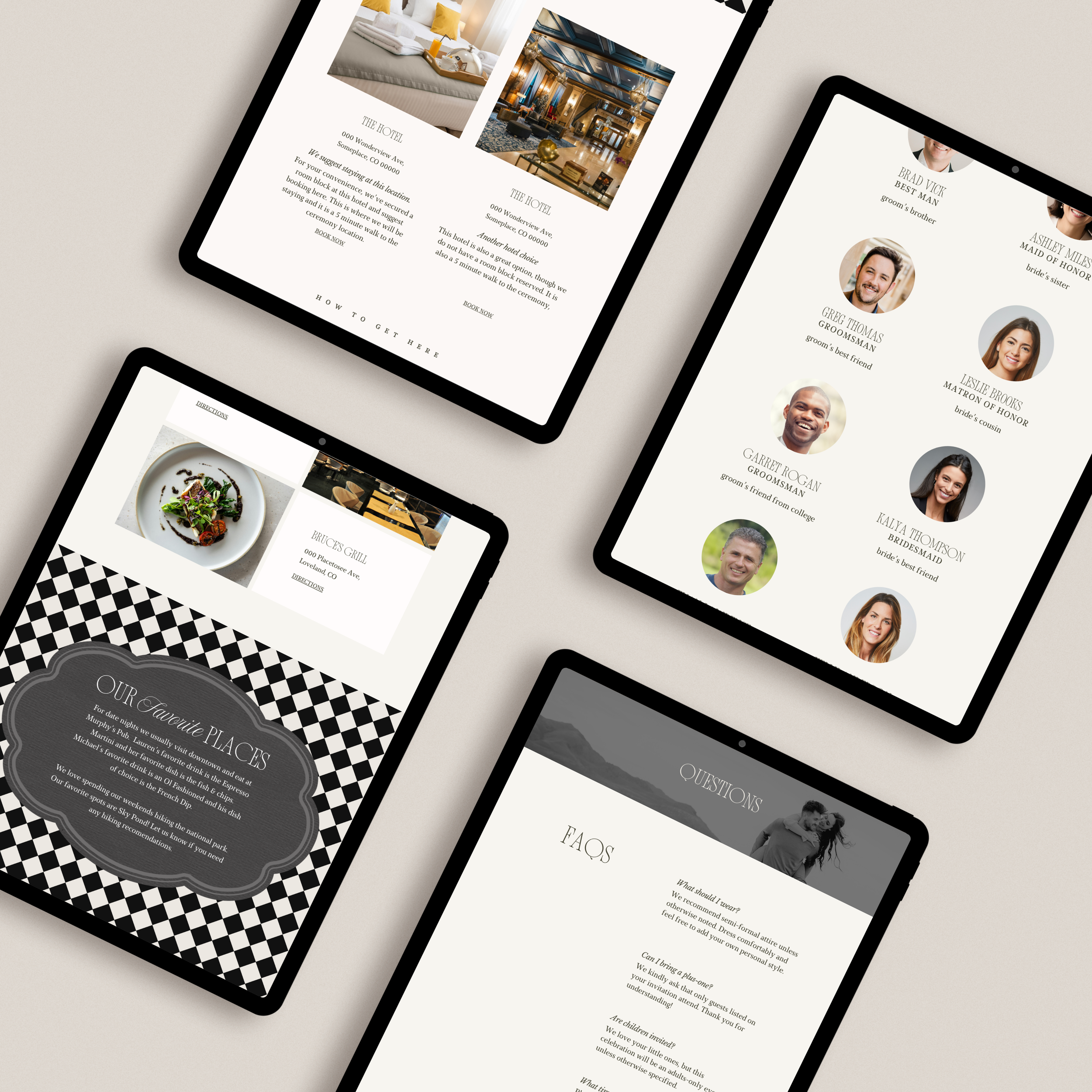
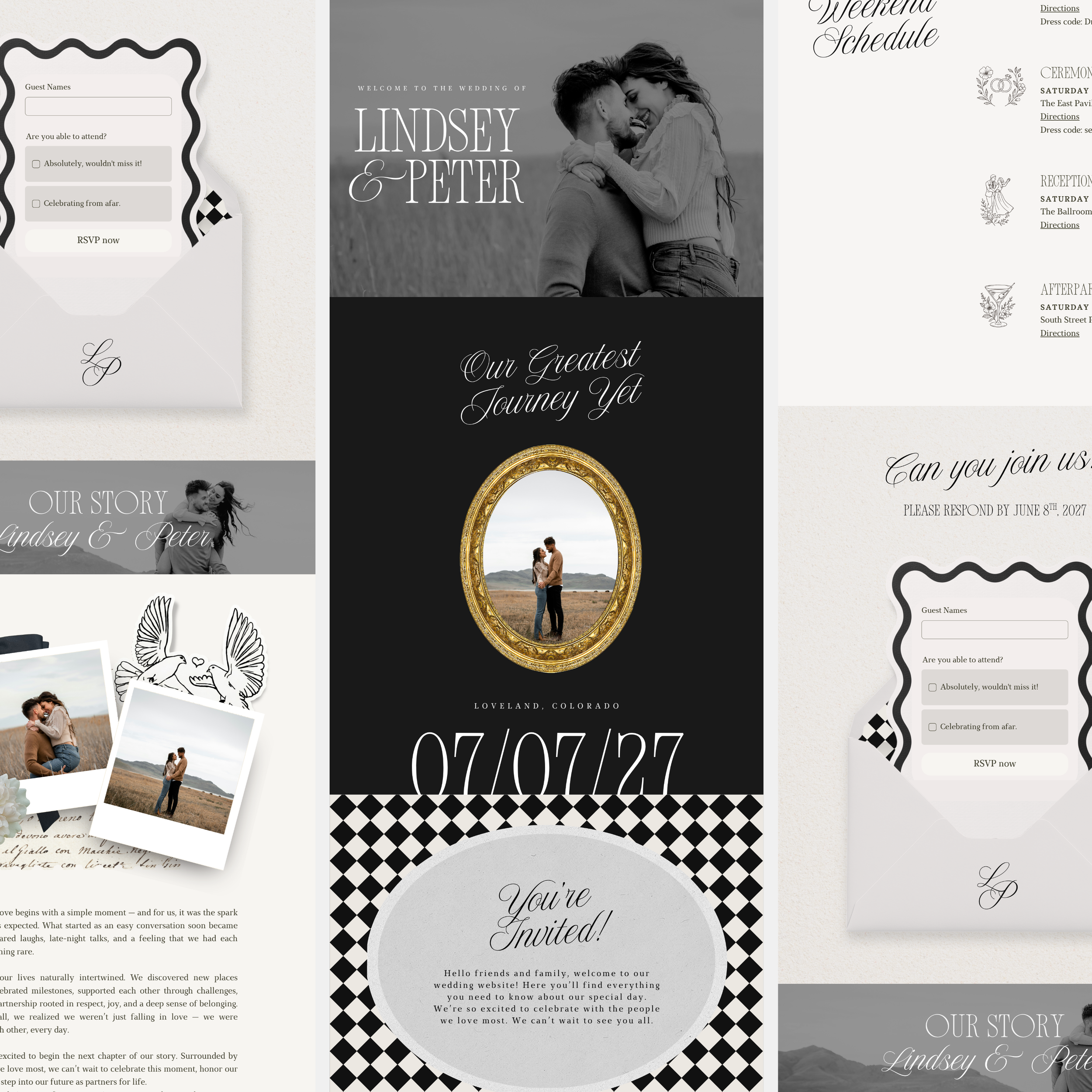
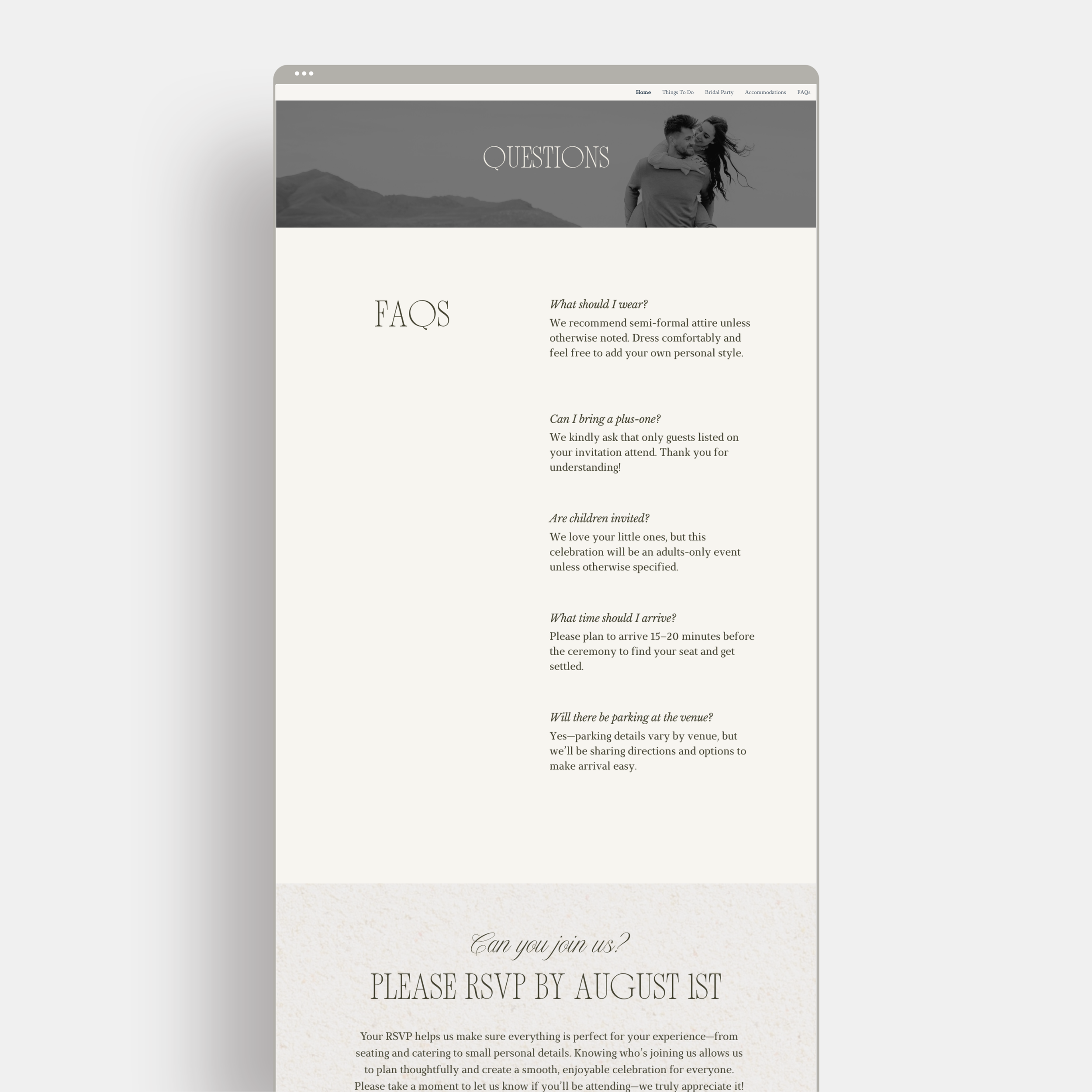
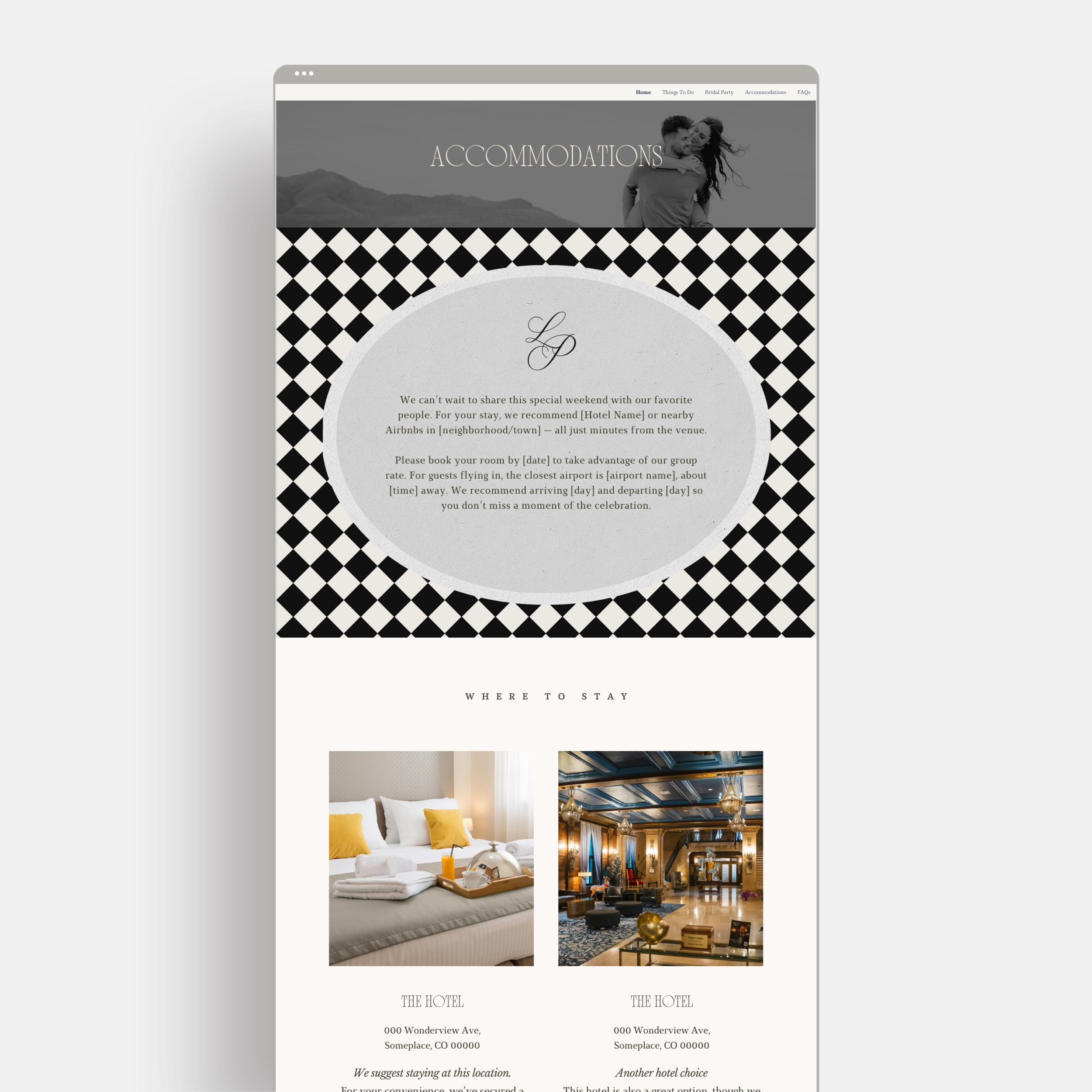
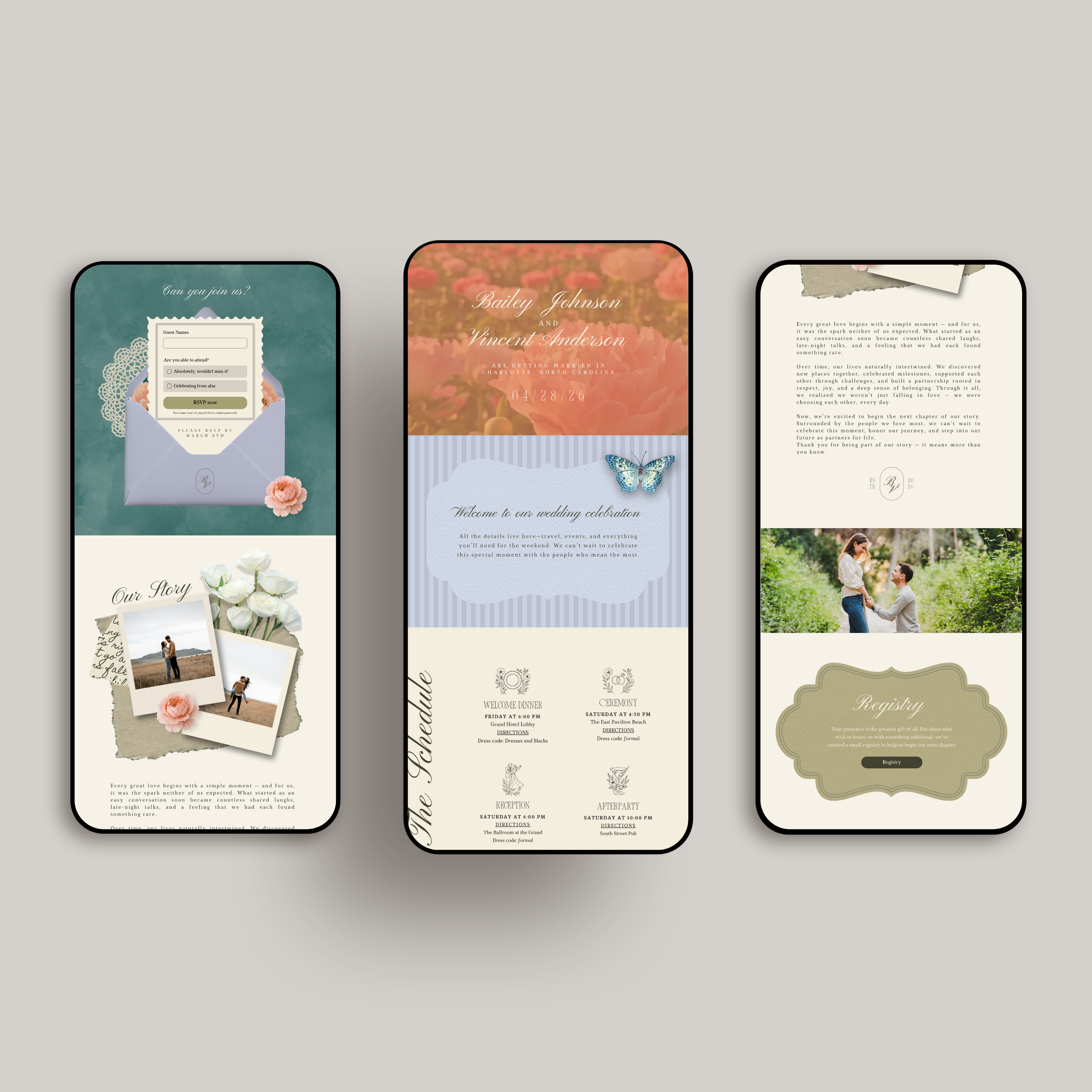
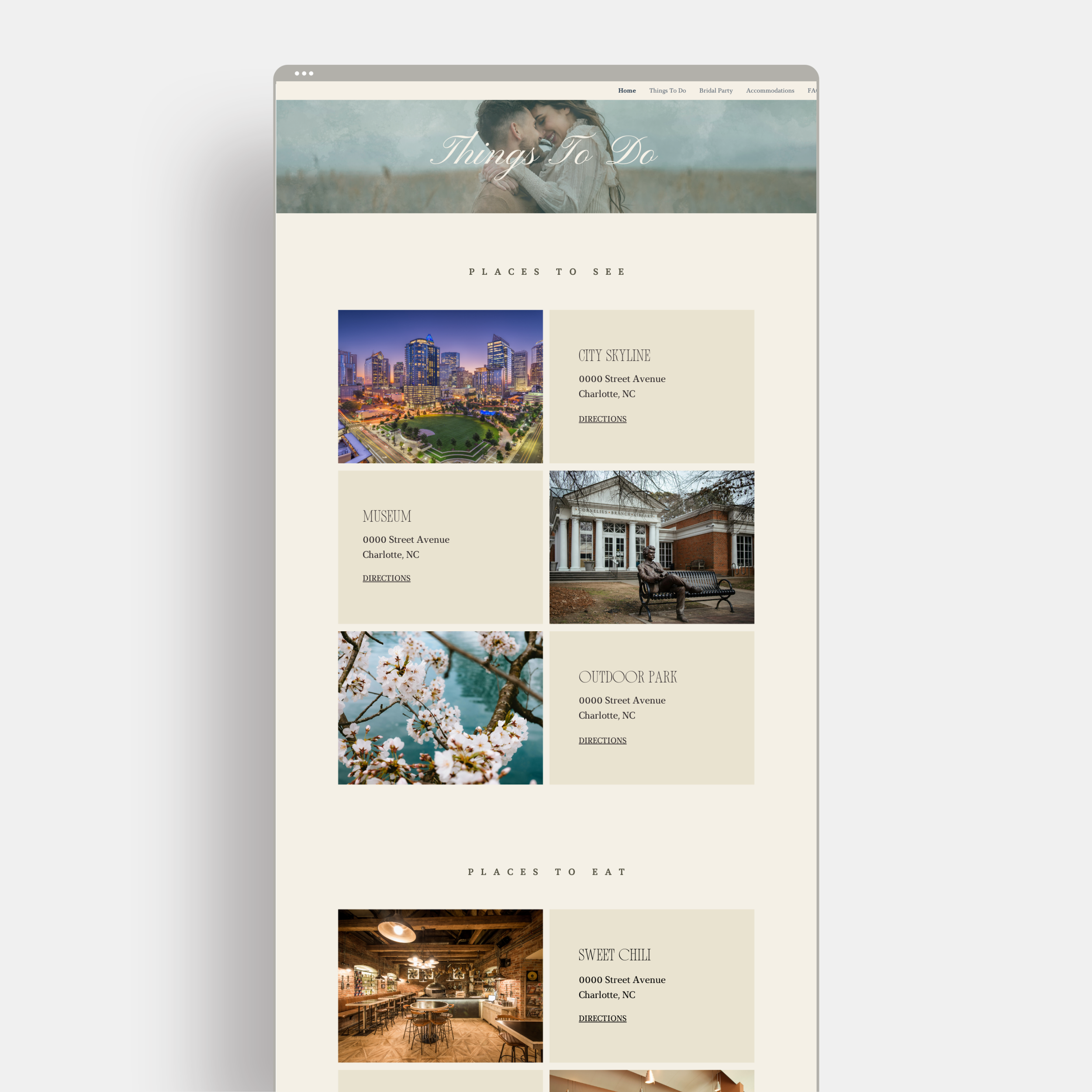
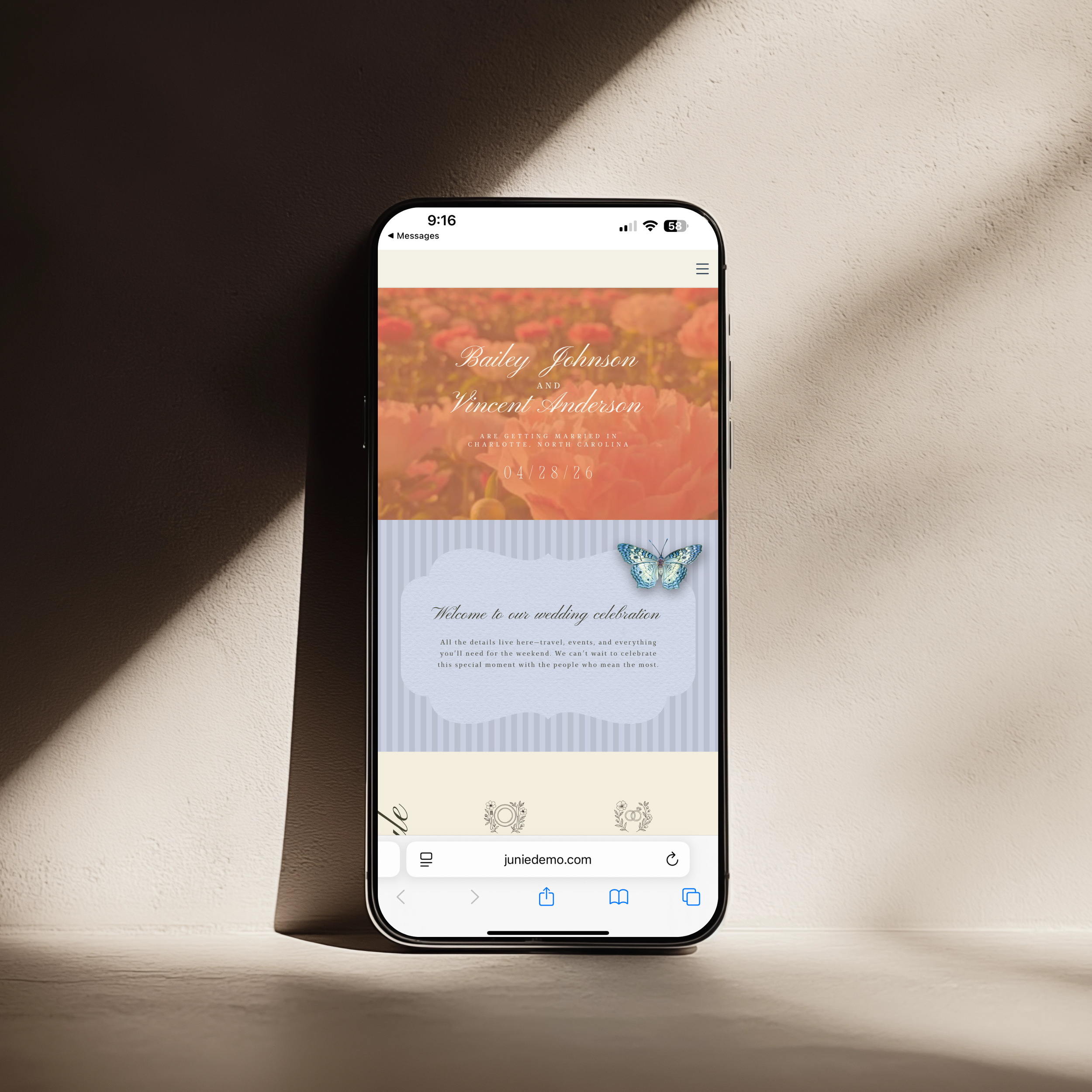
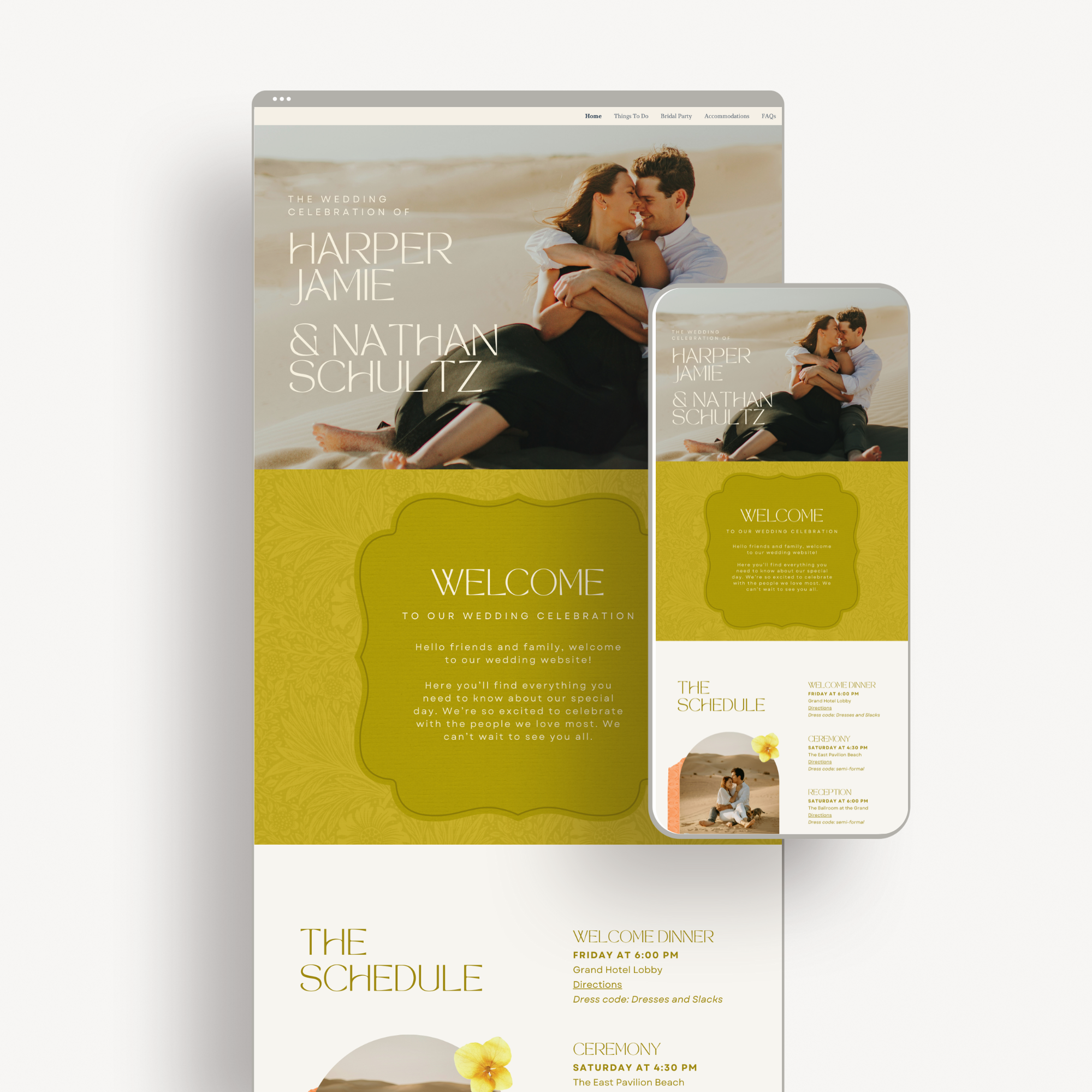
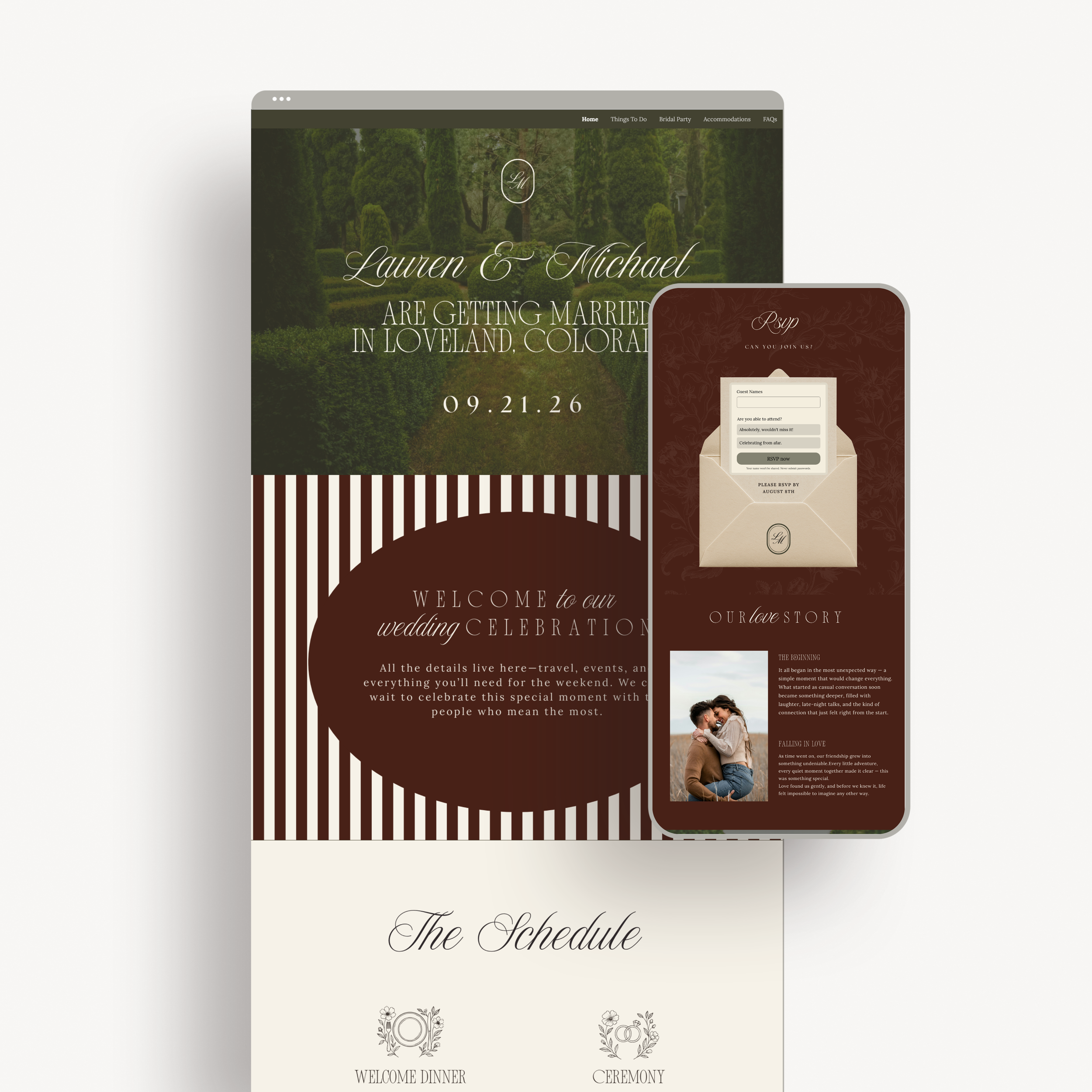
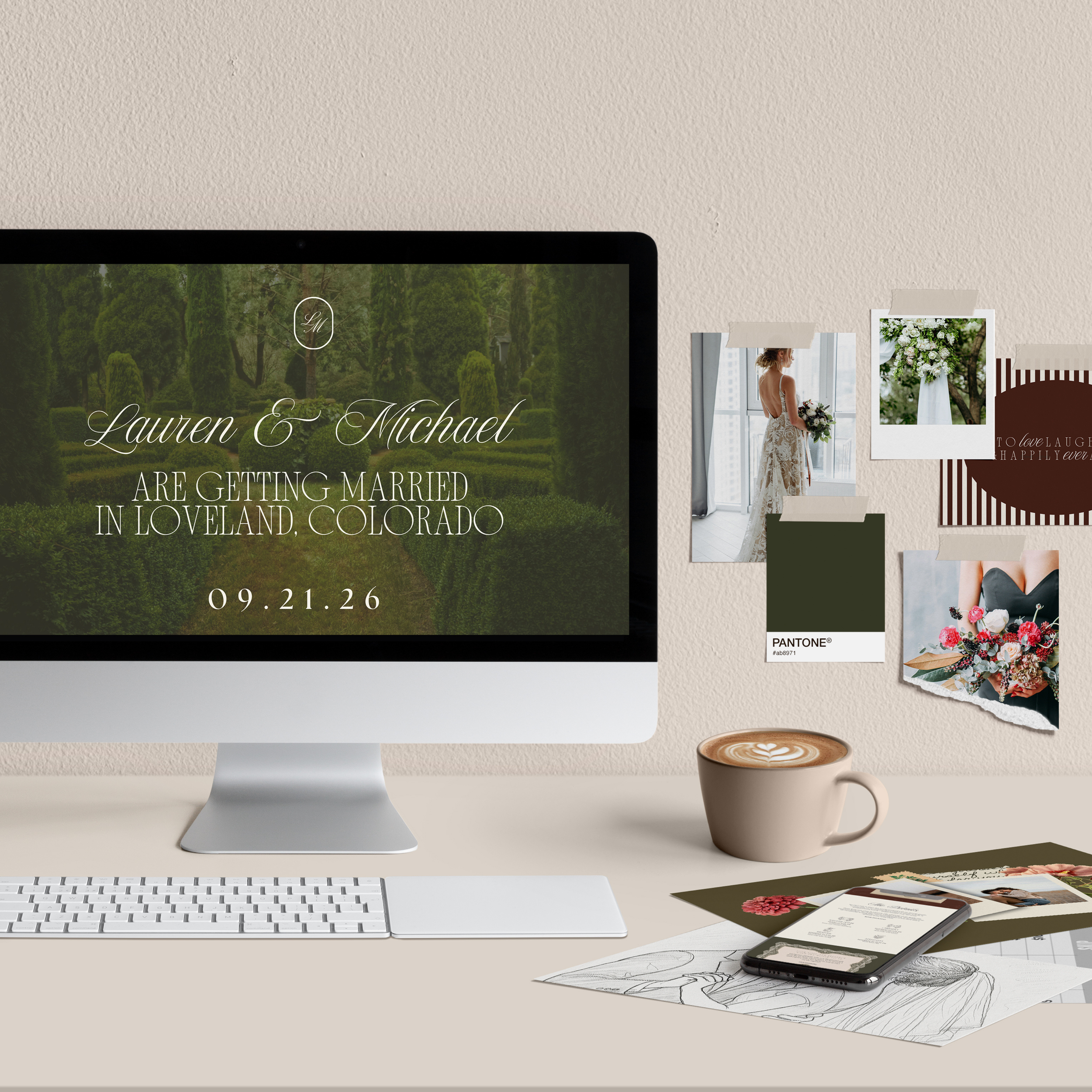
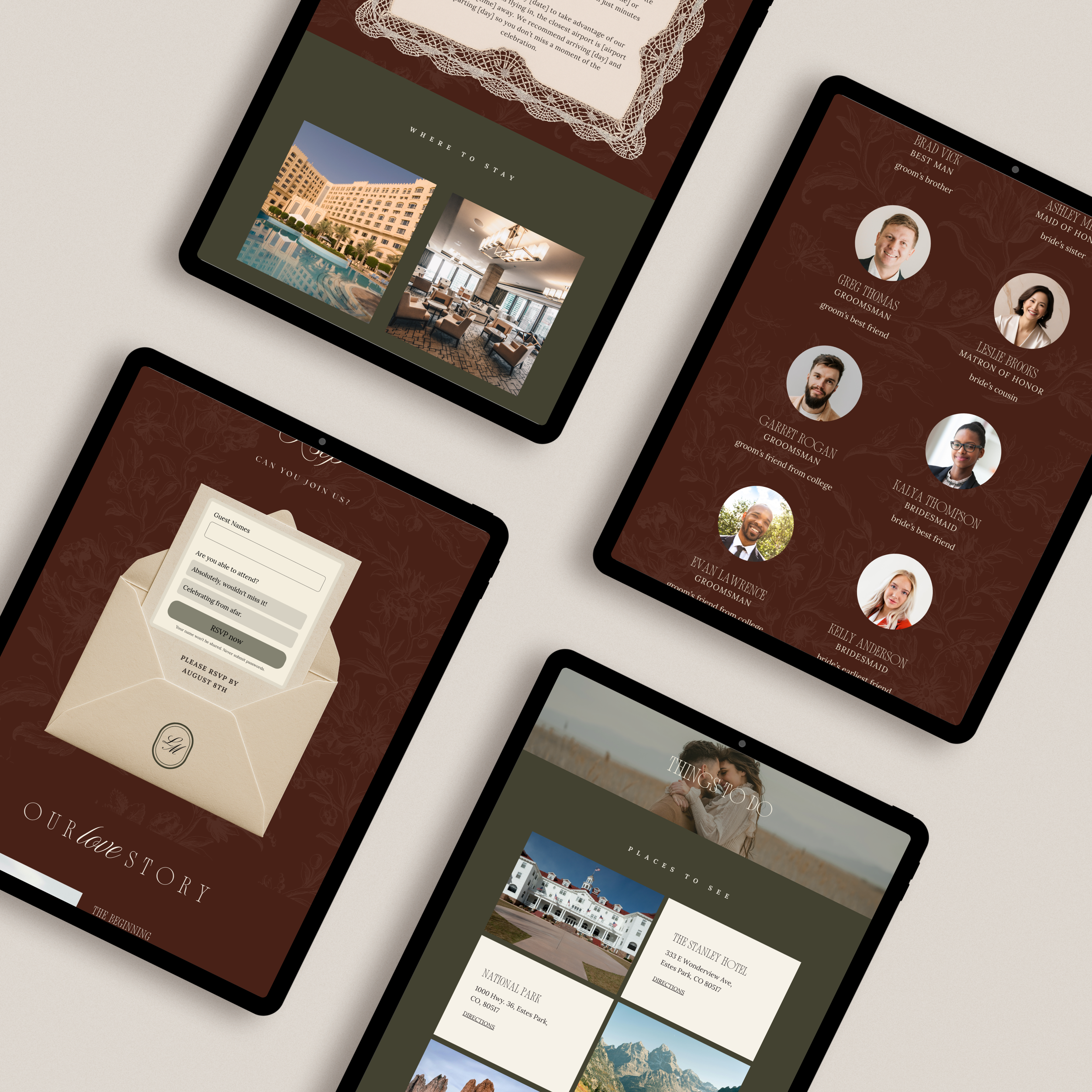
Designed with timeless sophistication in mind, thisold money–inspired luxury wedding websiteoffers a refined, editorial approach to sharing your wedding details. Created entirely inCanva, this multi-page website draws inspiration from classic estates, European gardens, and traditional stationery—perfect for couples who value elegance, restraint, and enduring style.
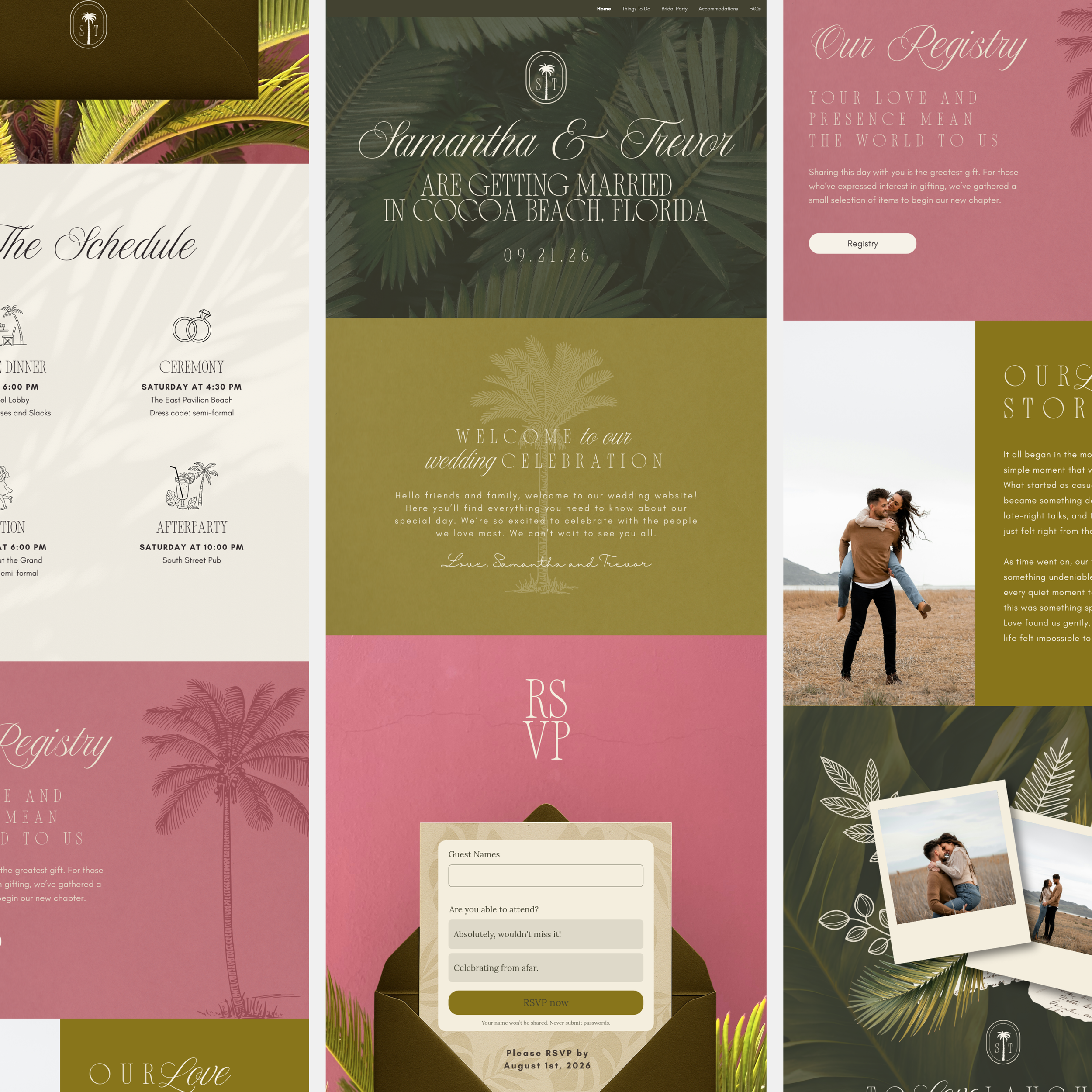
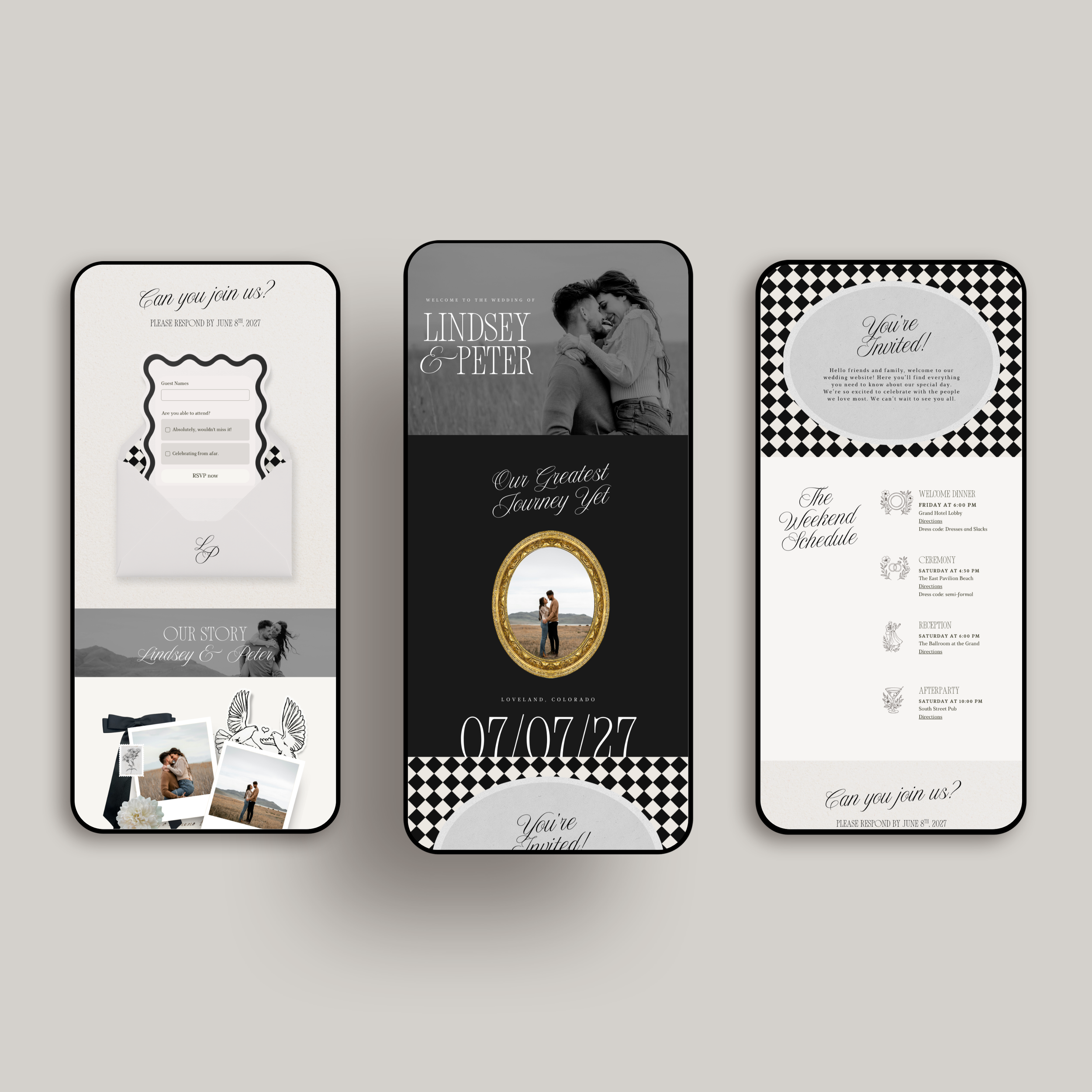
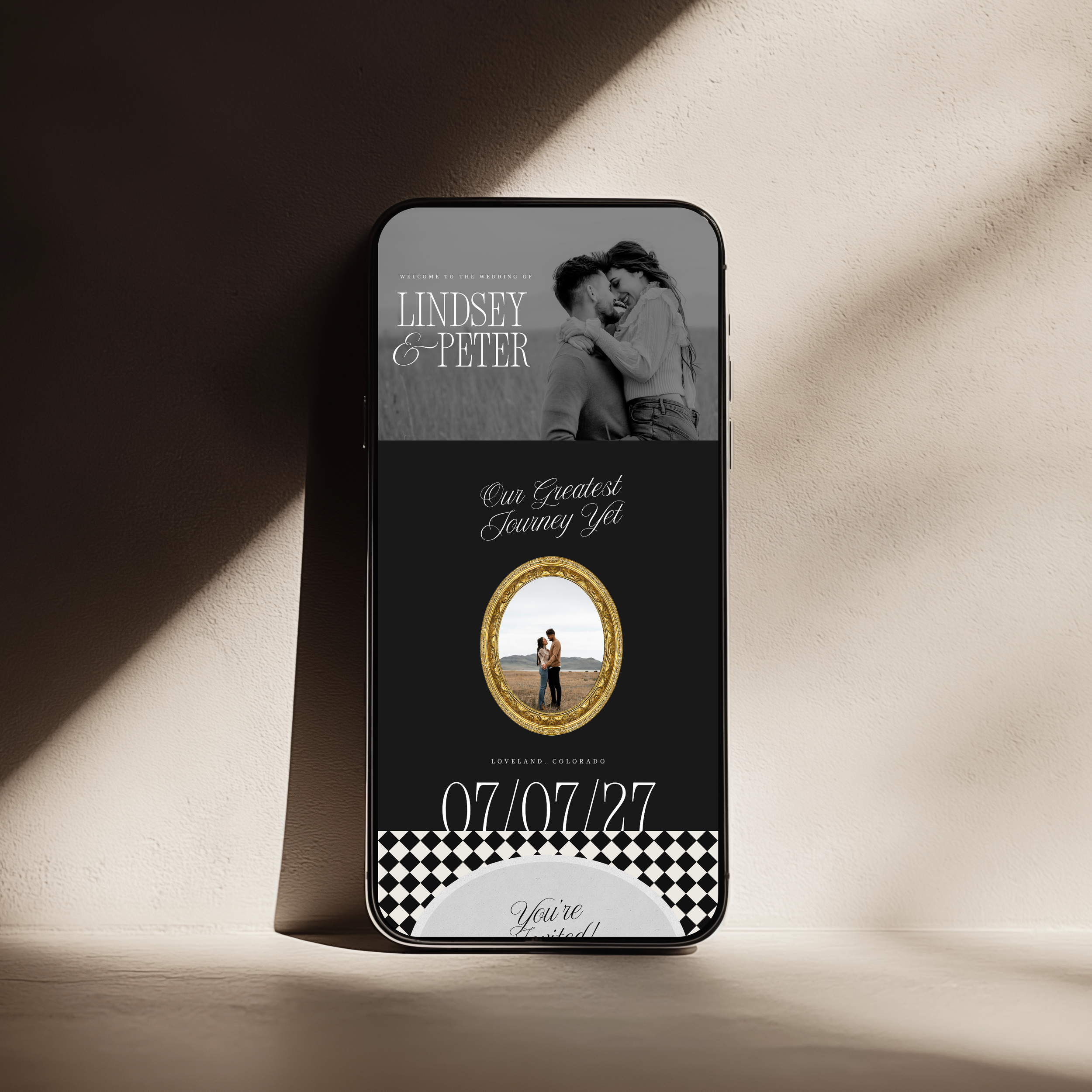
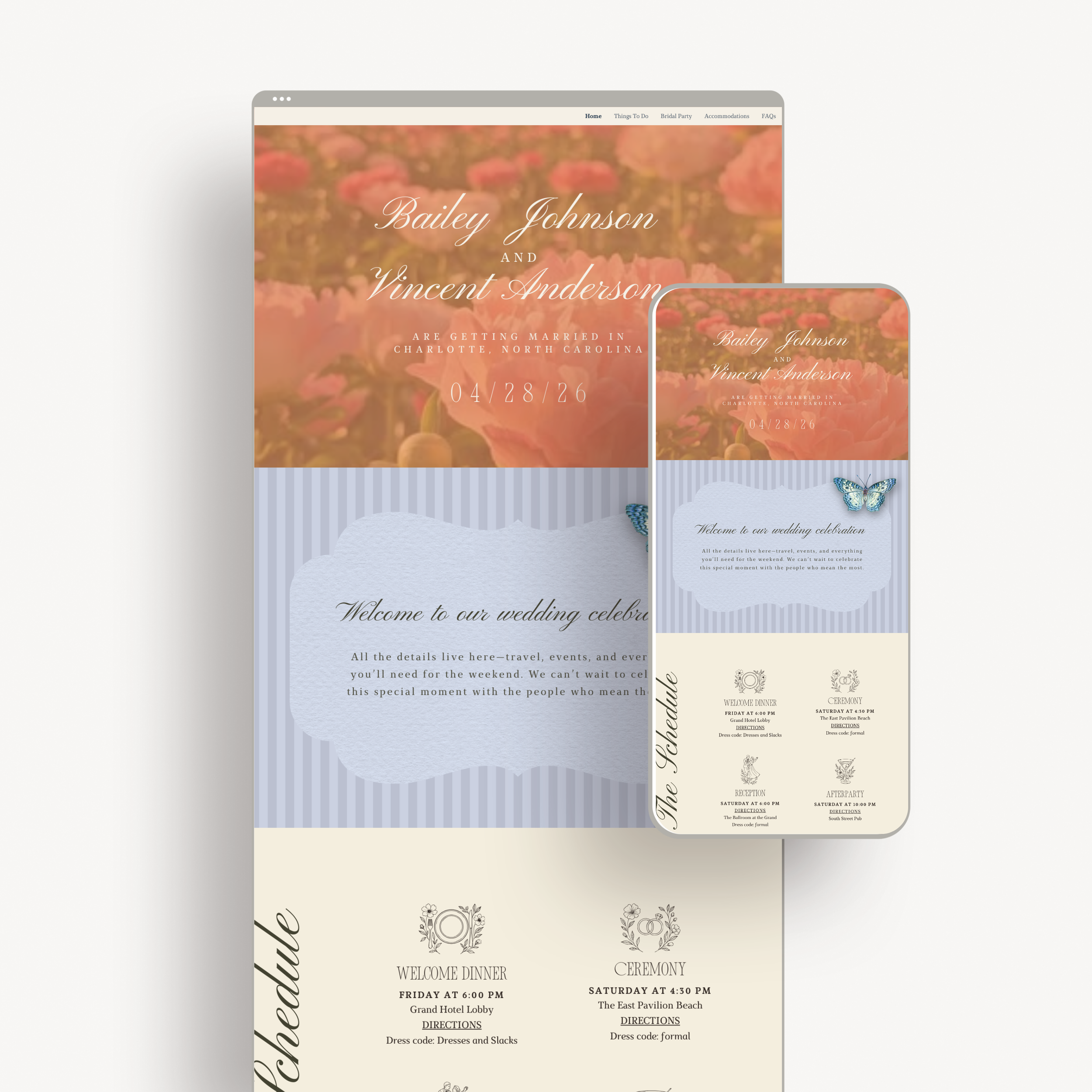
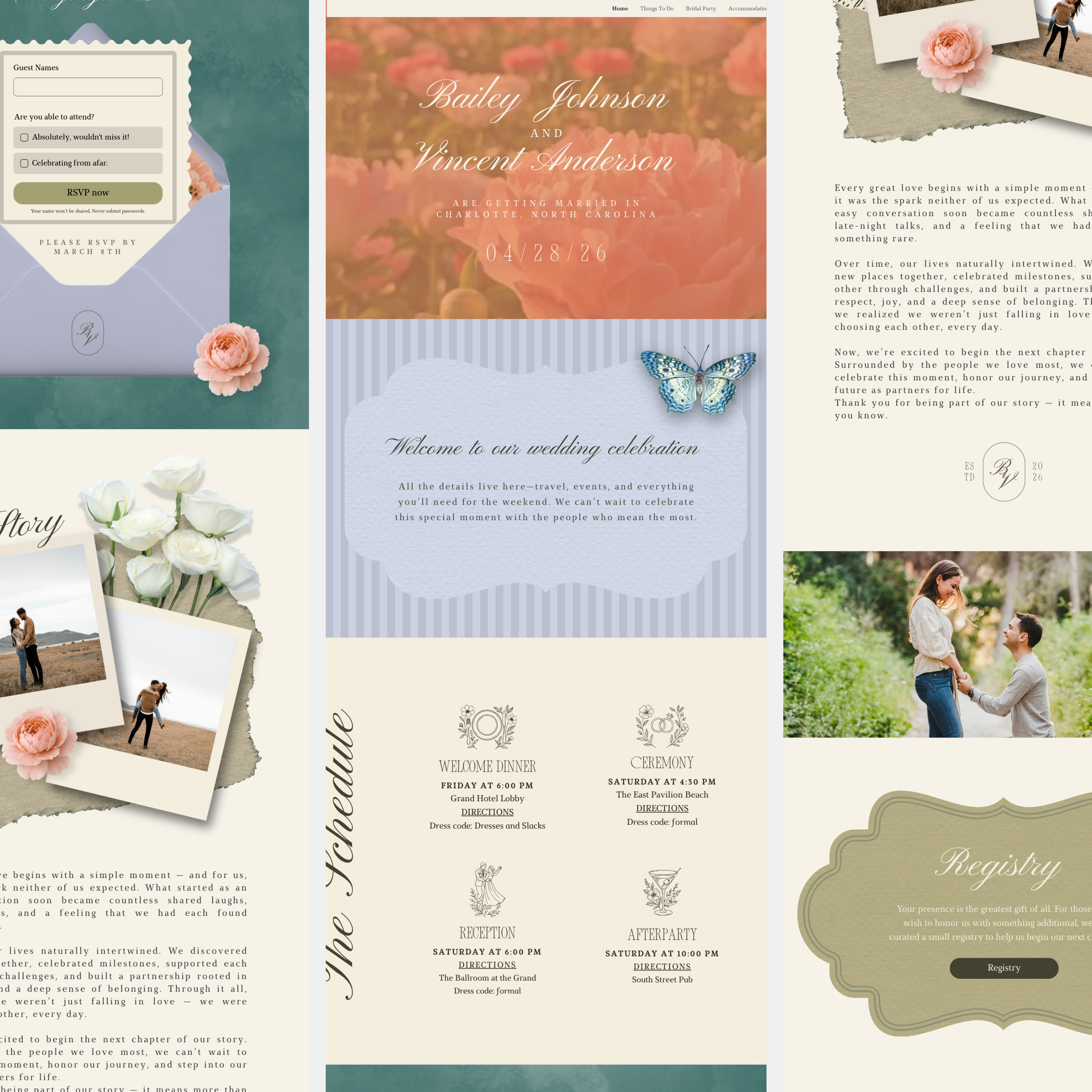
From the moment guests arrive, they are welcomed with a stately introduction featuring classic typography, rich muted tones, and thoughtfully layered design elements. The layout feels intentional and composed—never overstated—setting the tone for a celebration rooted in tradition, romance, and timeless beauty.
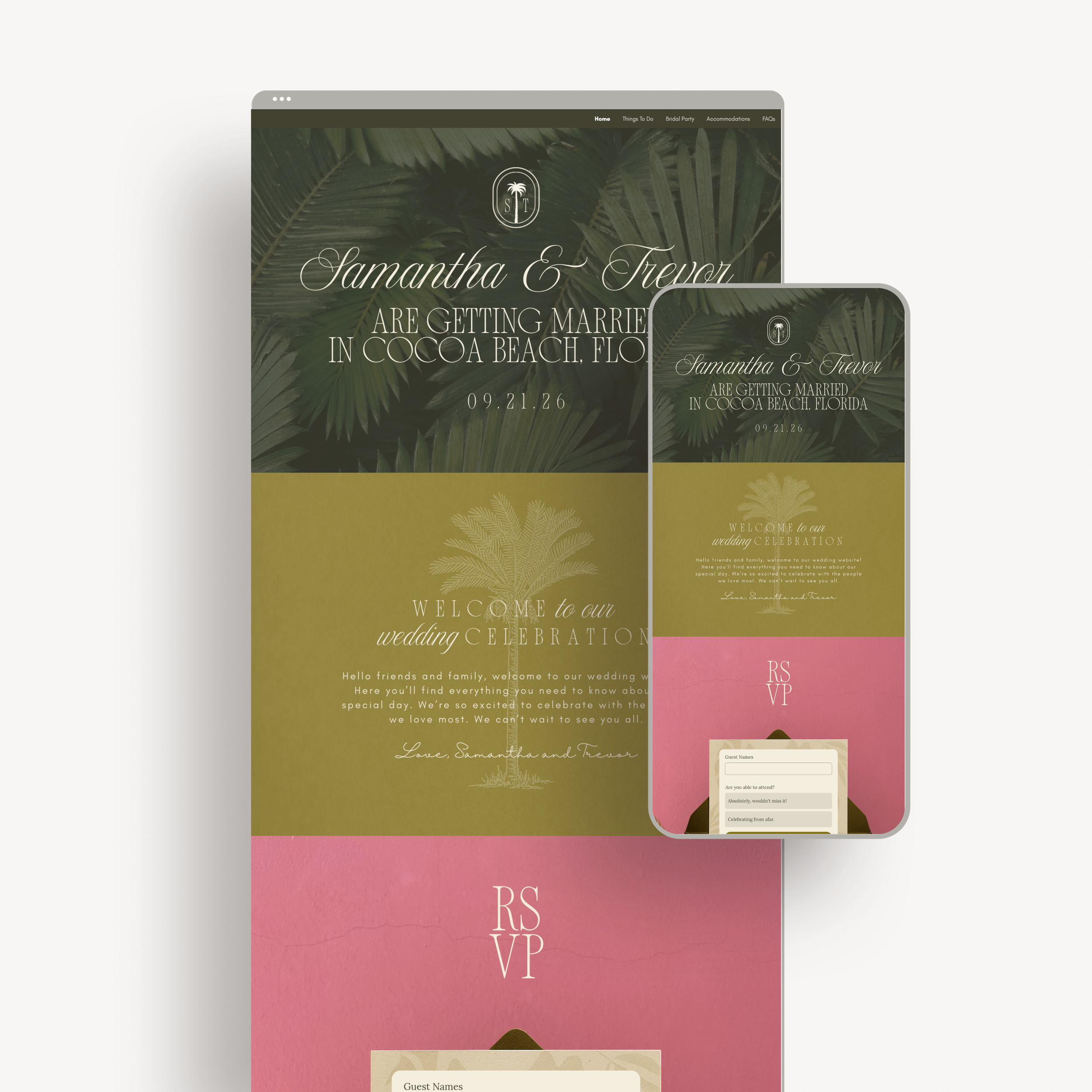
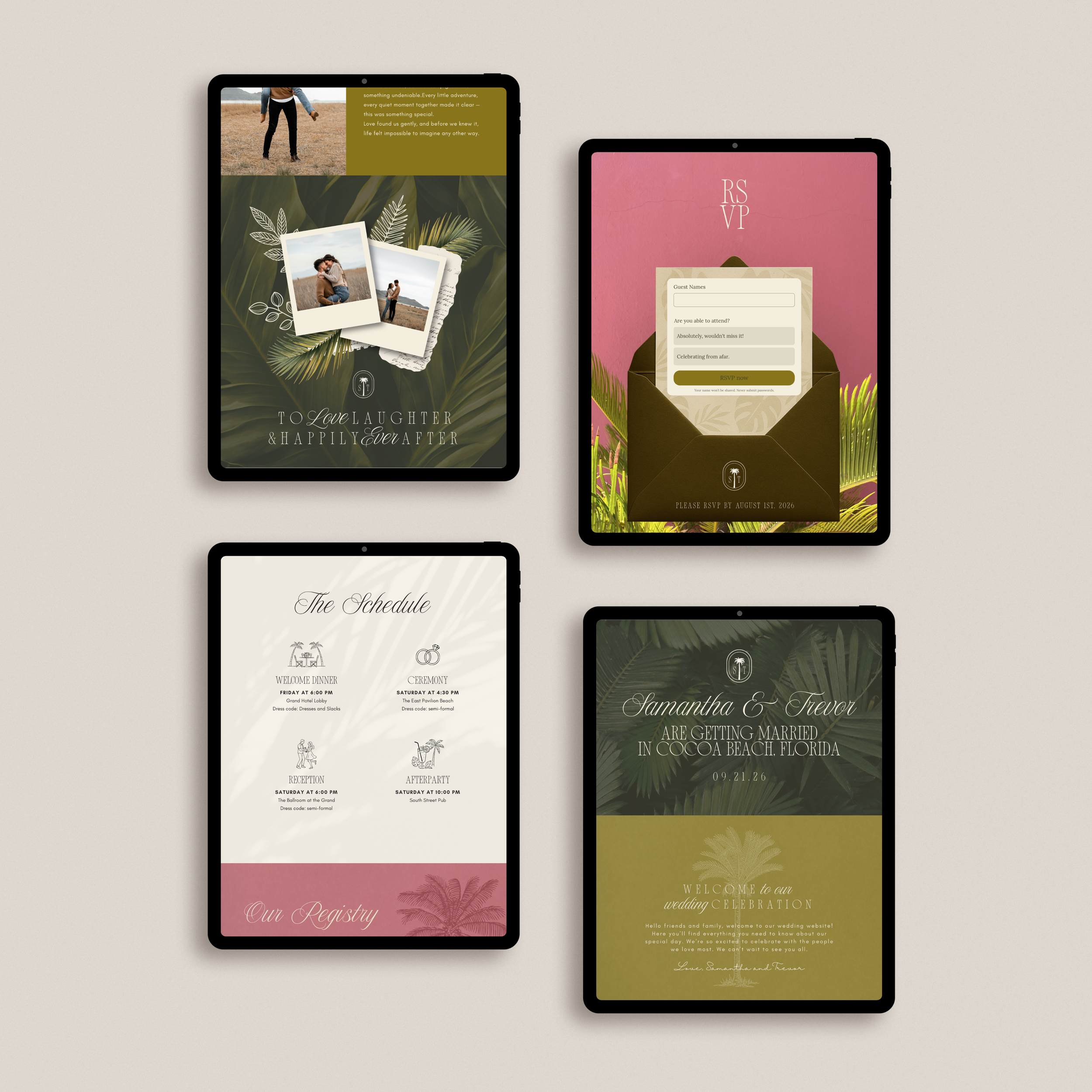
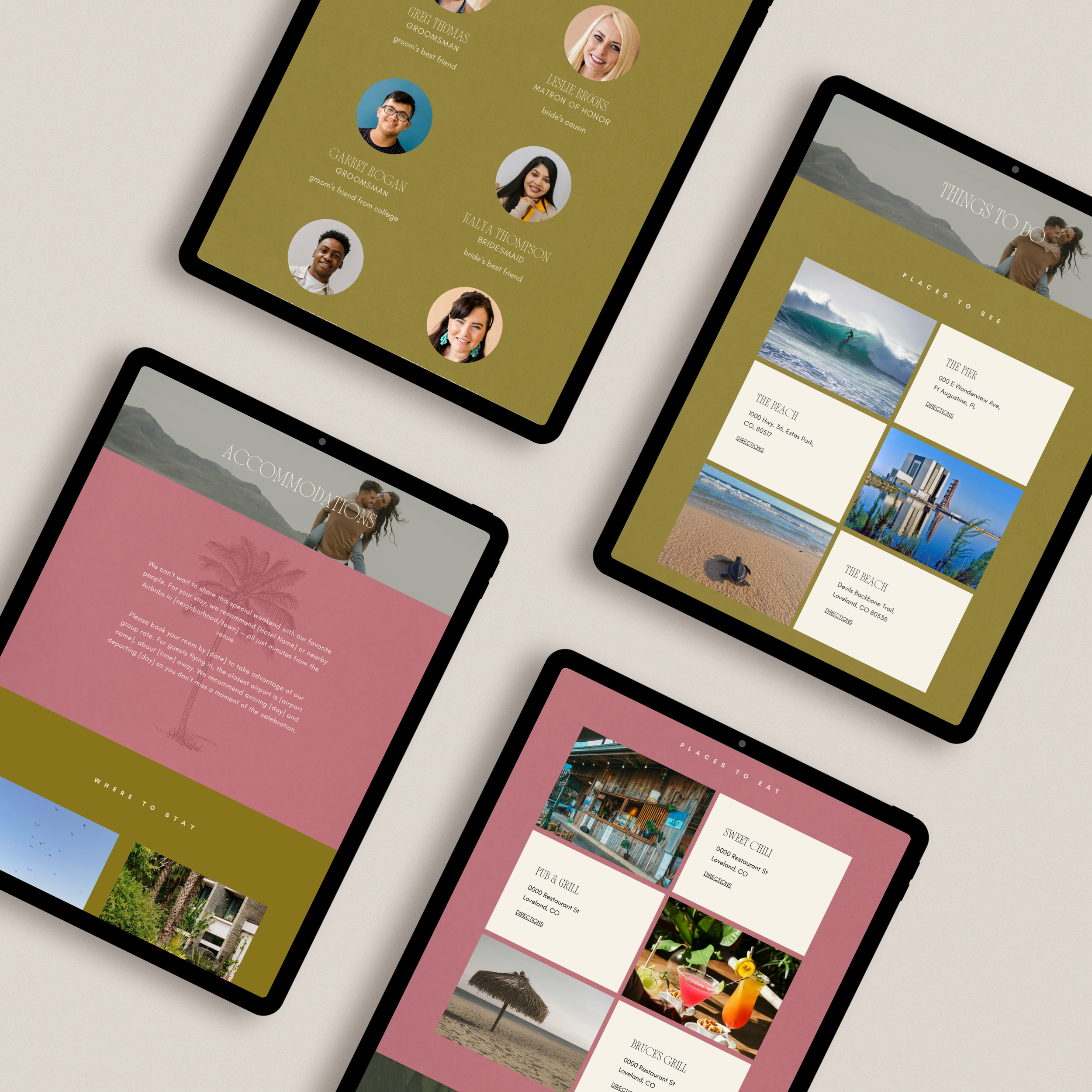
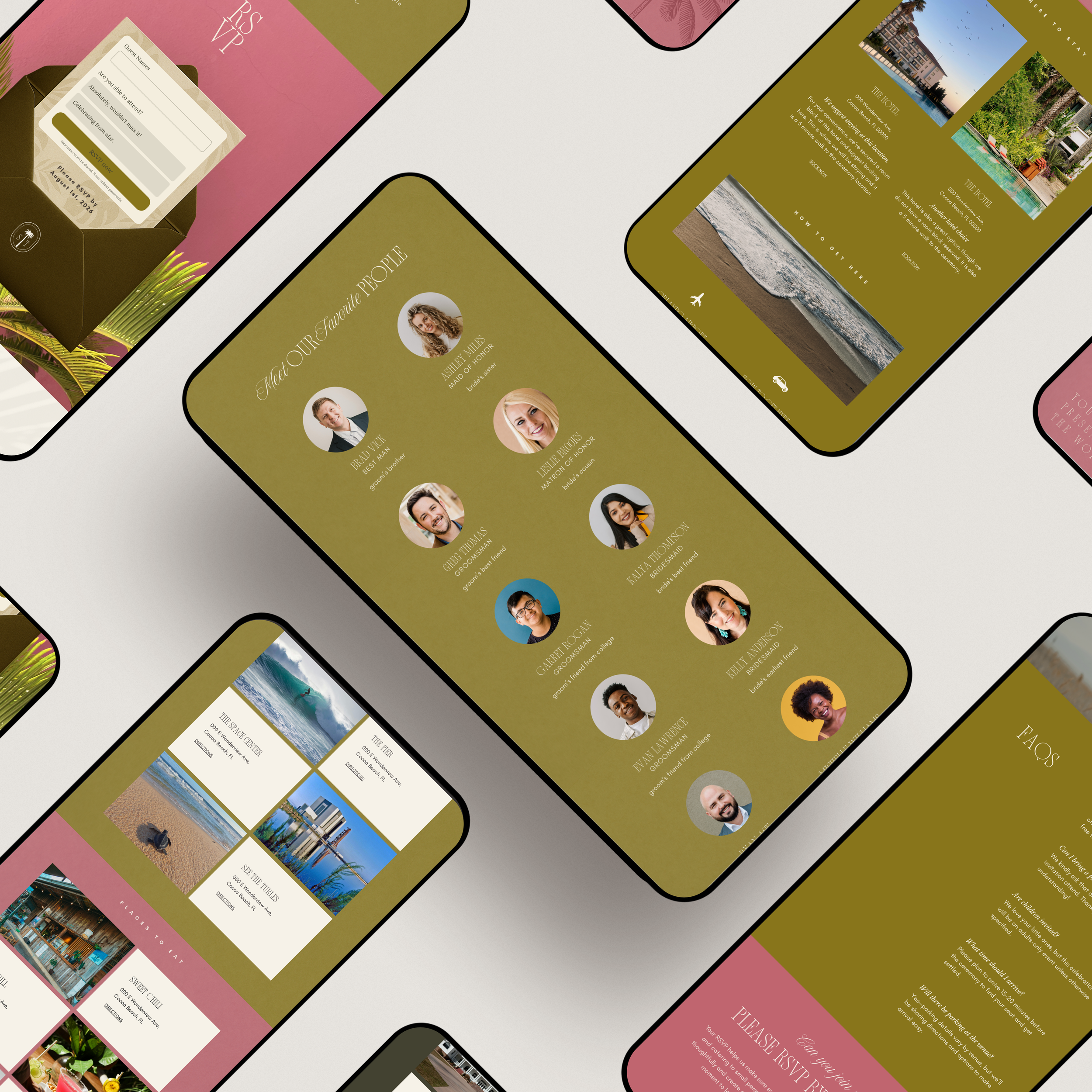
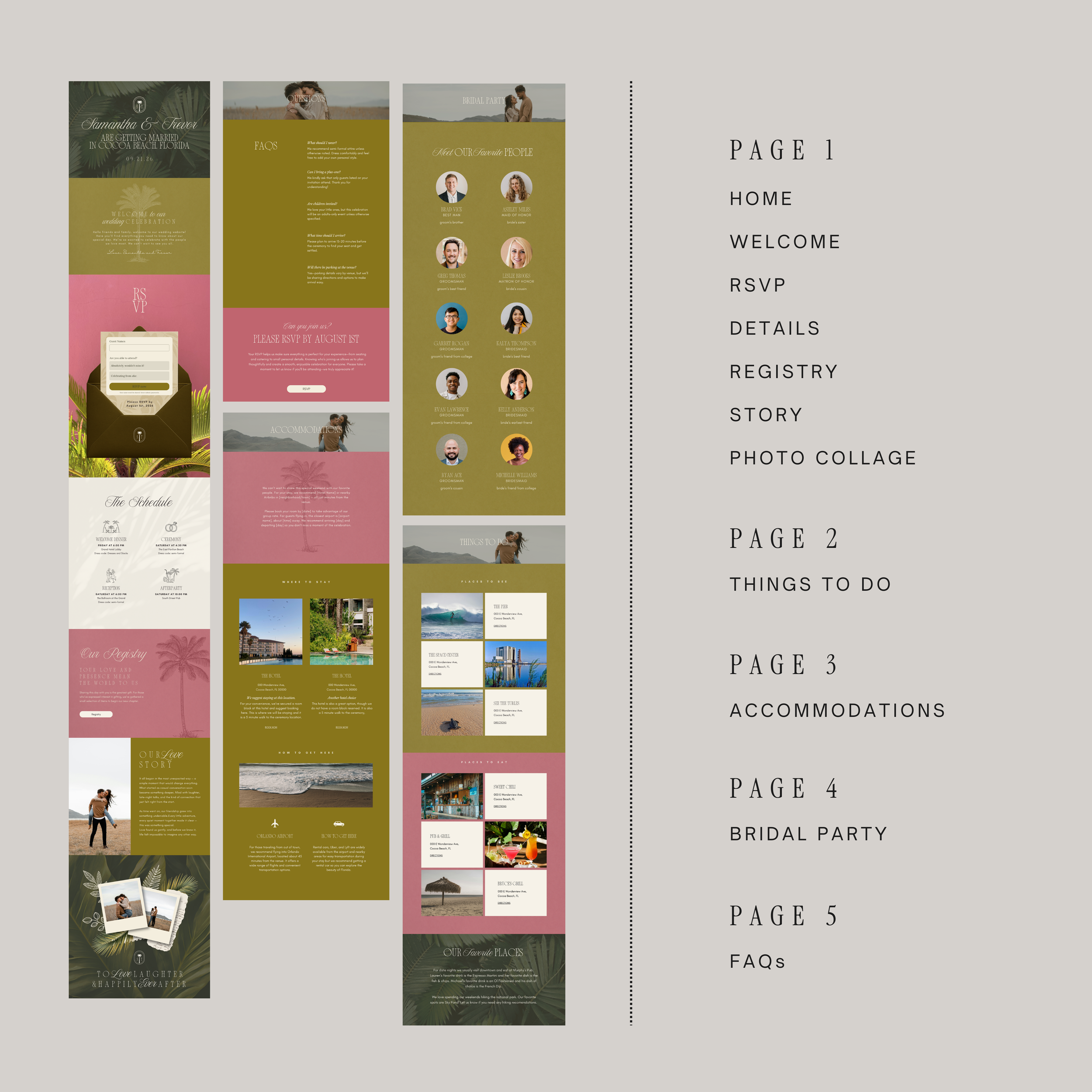
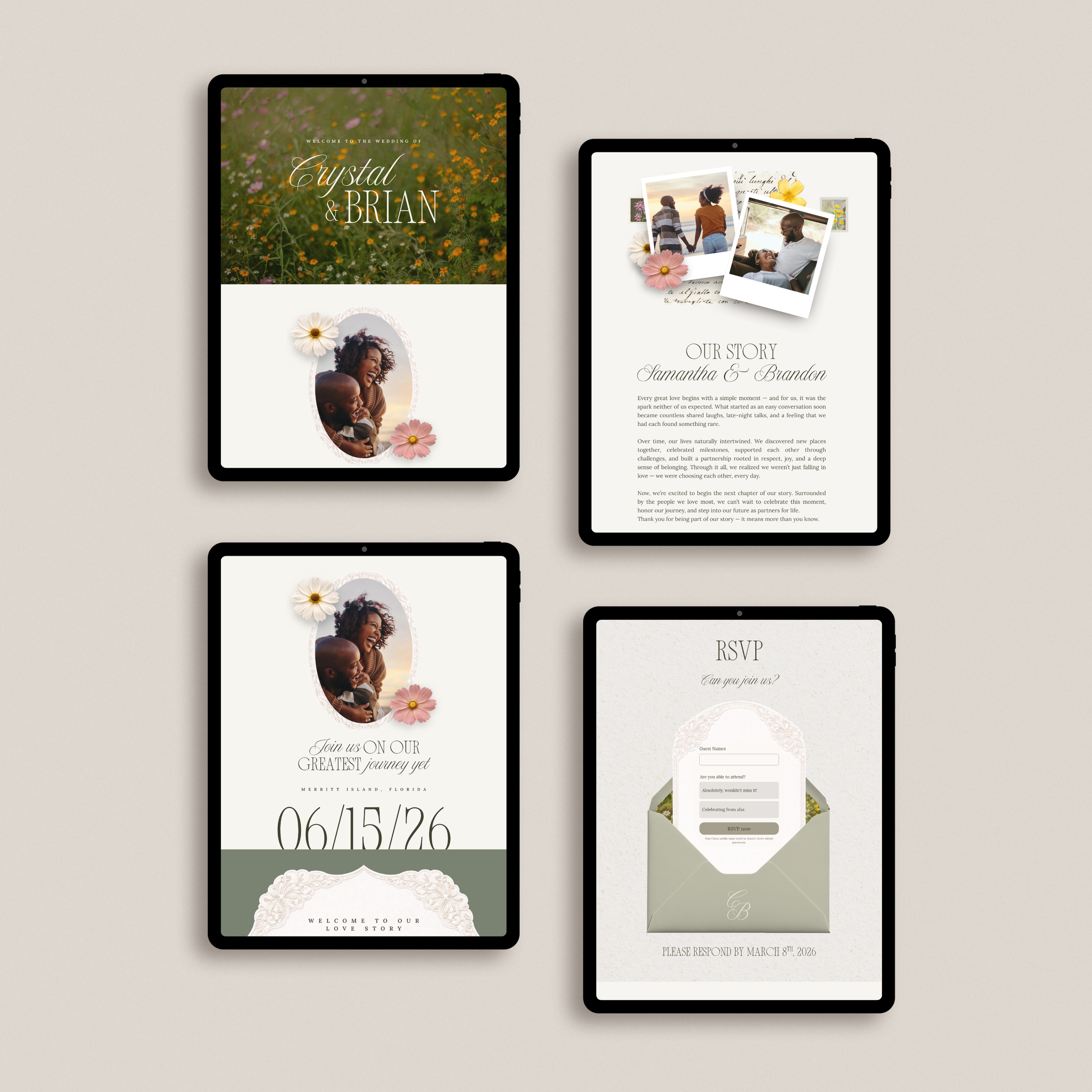
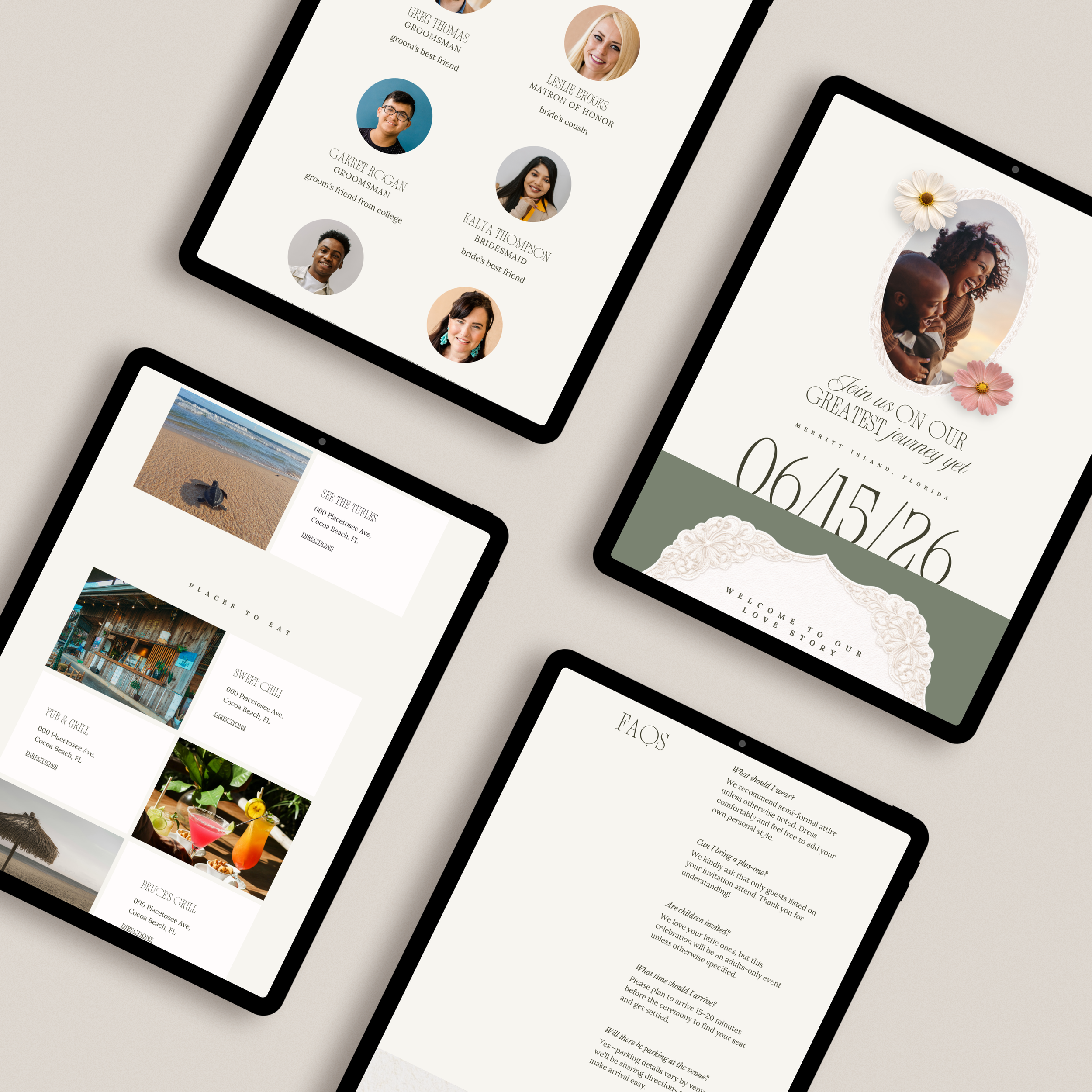
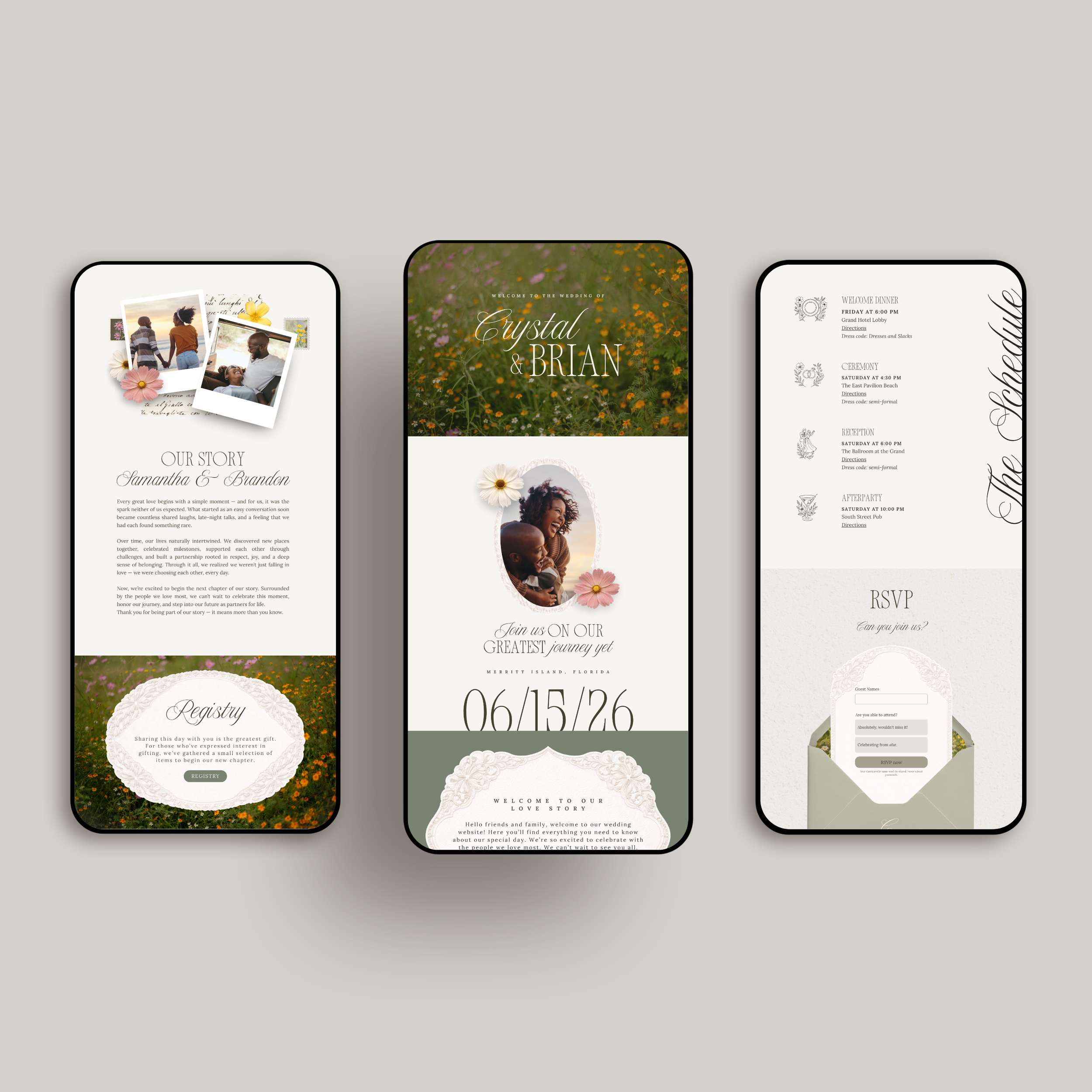
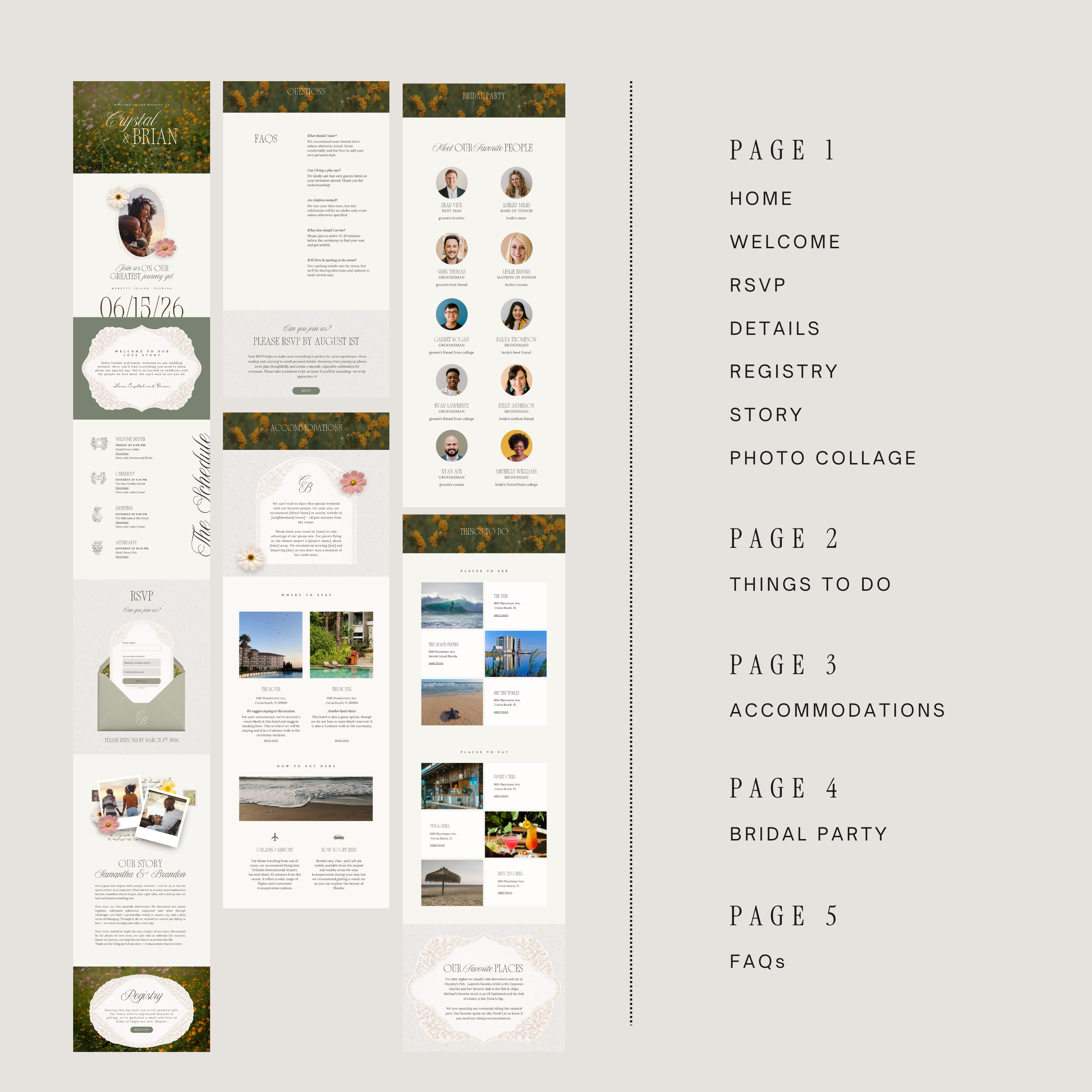
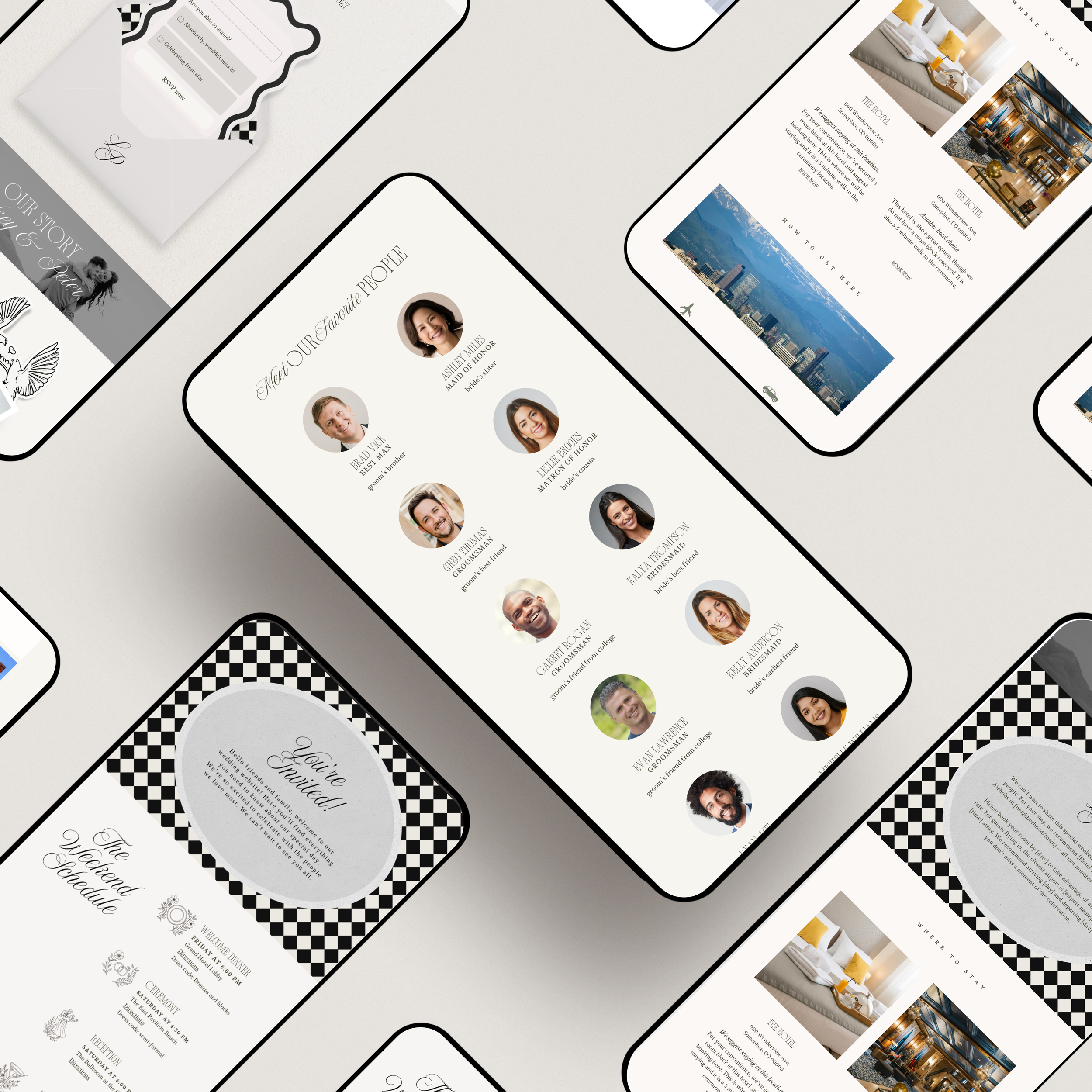
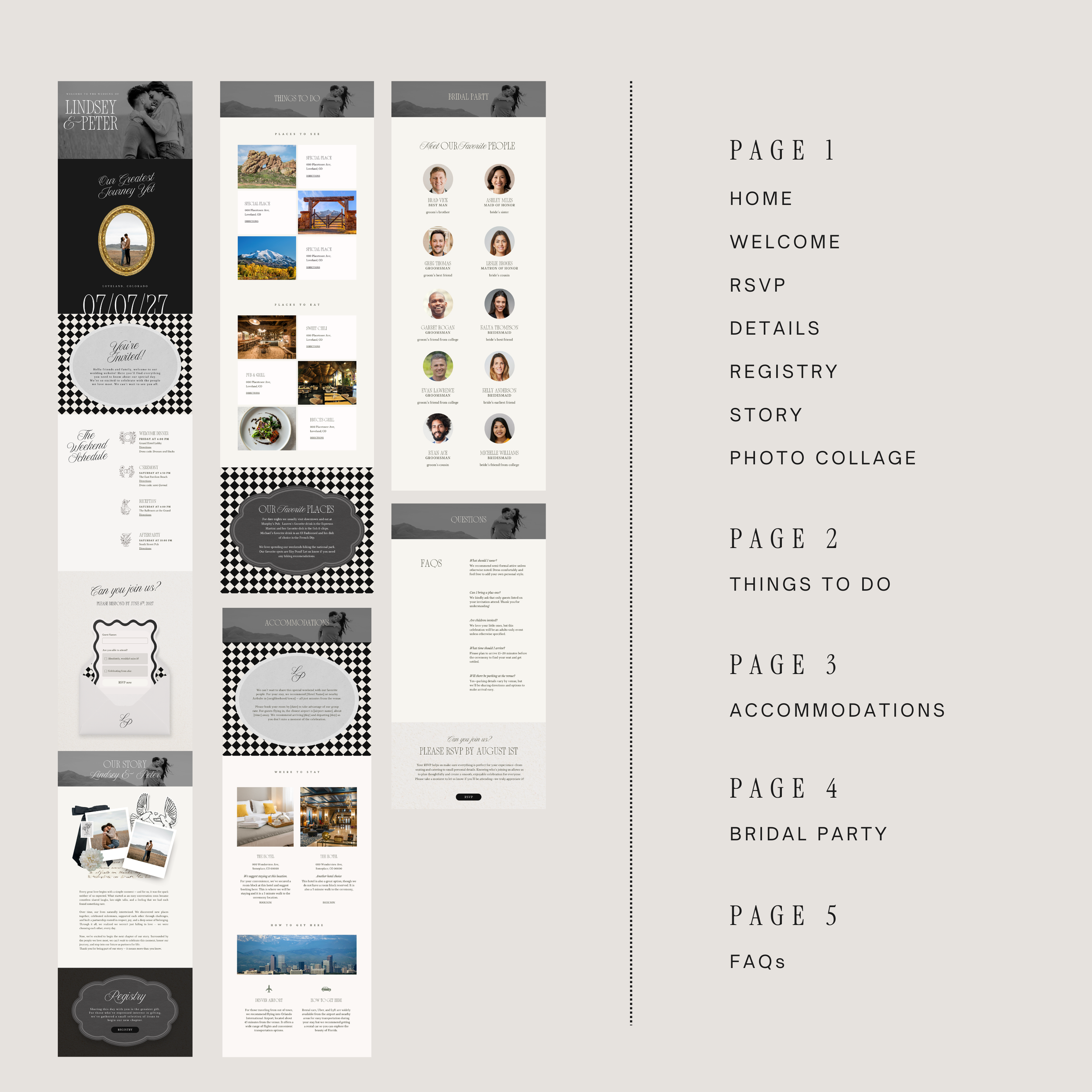
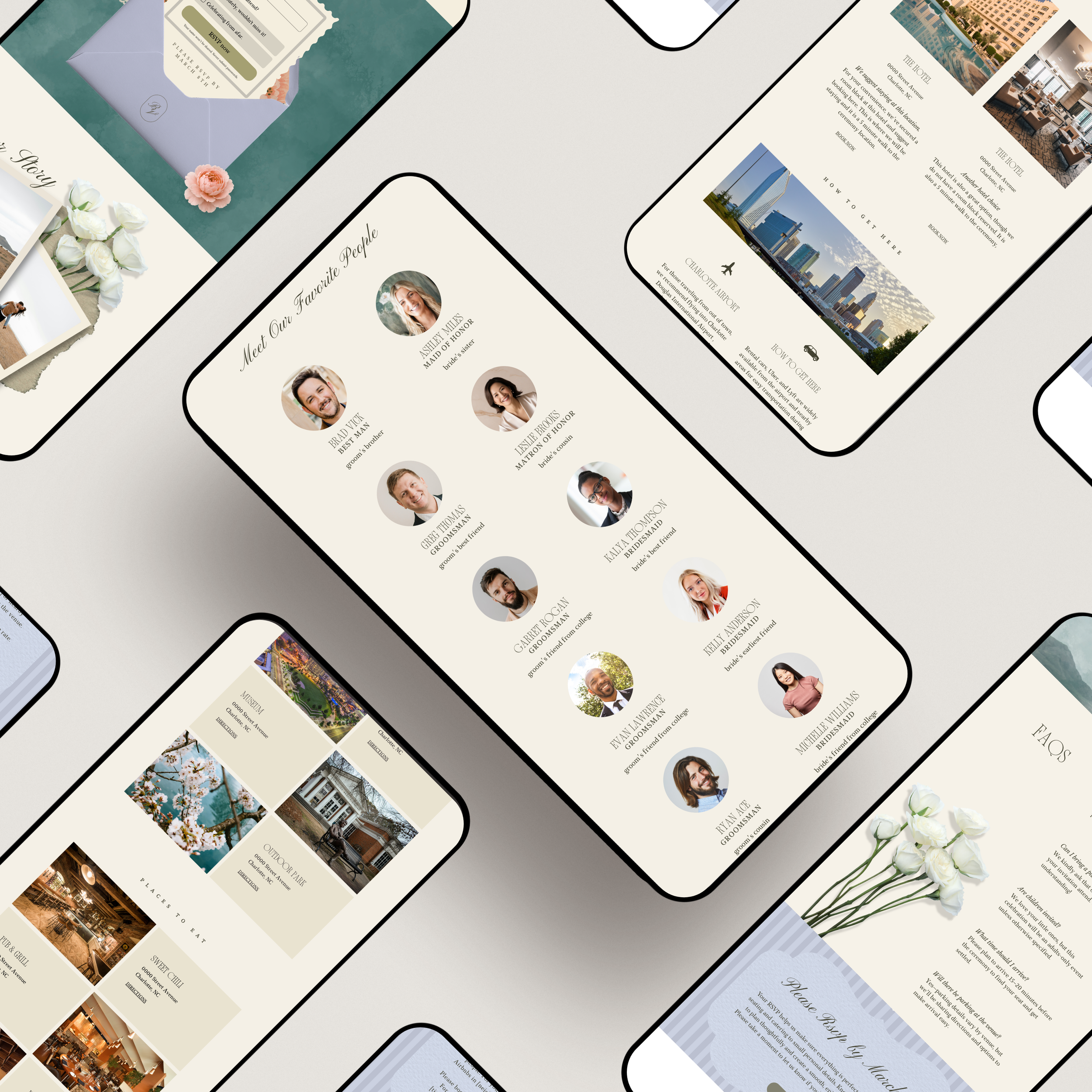
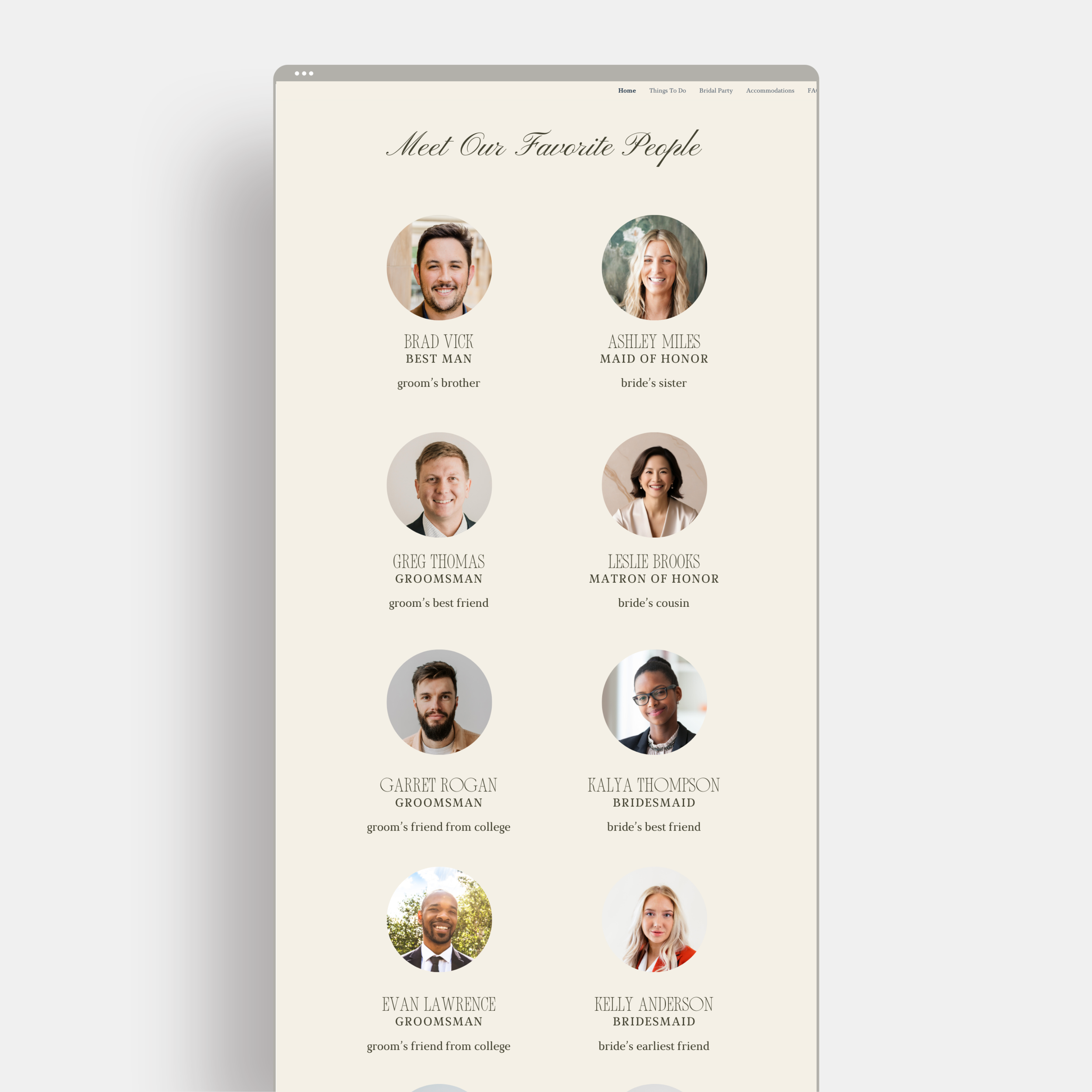
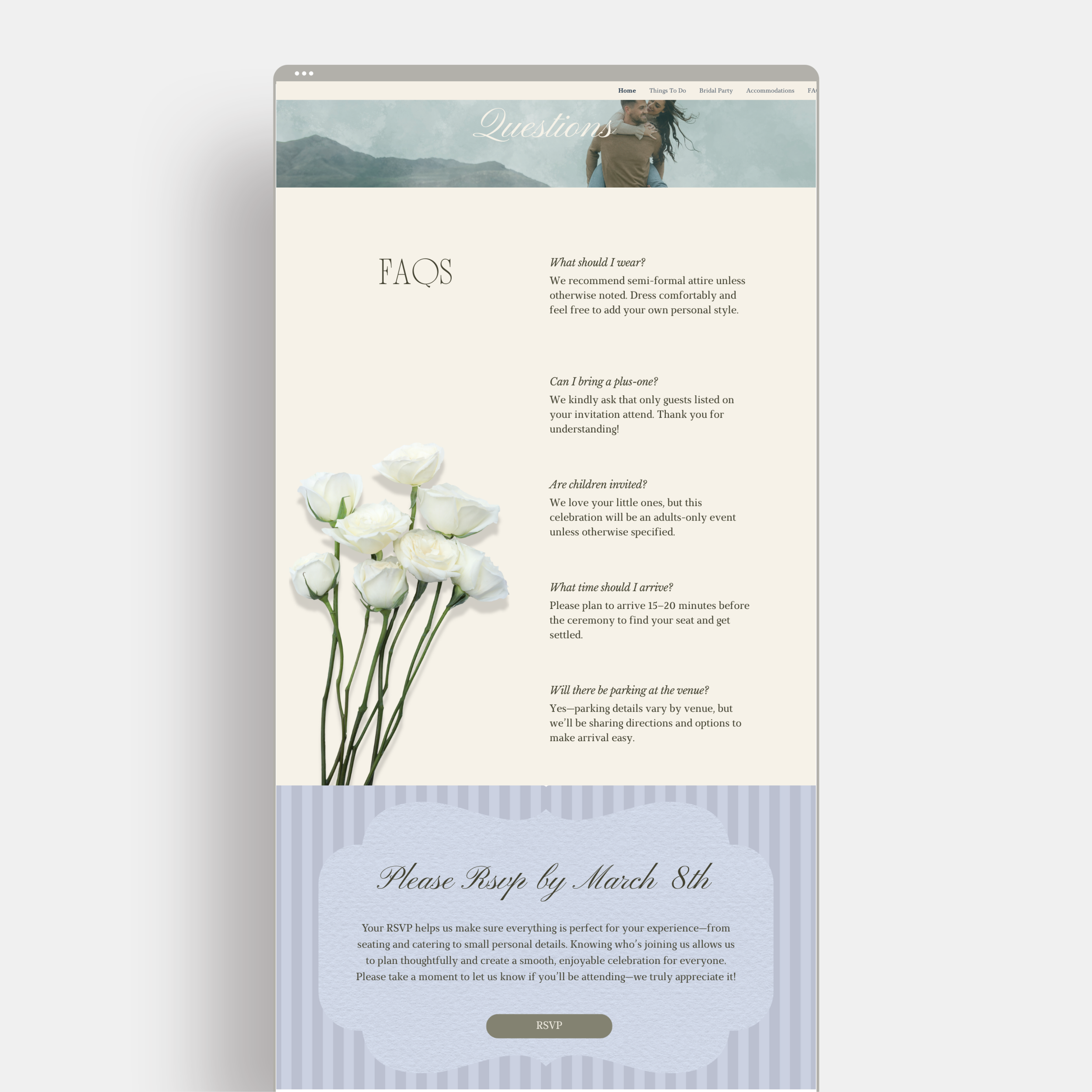
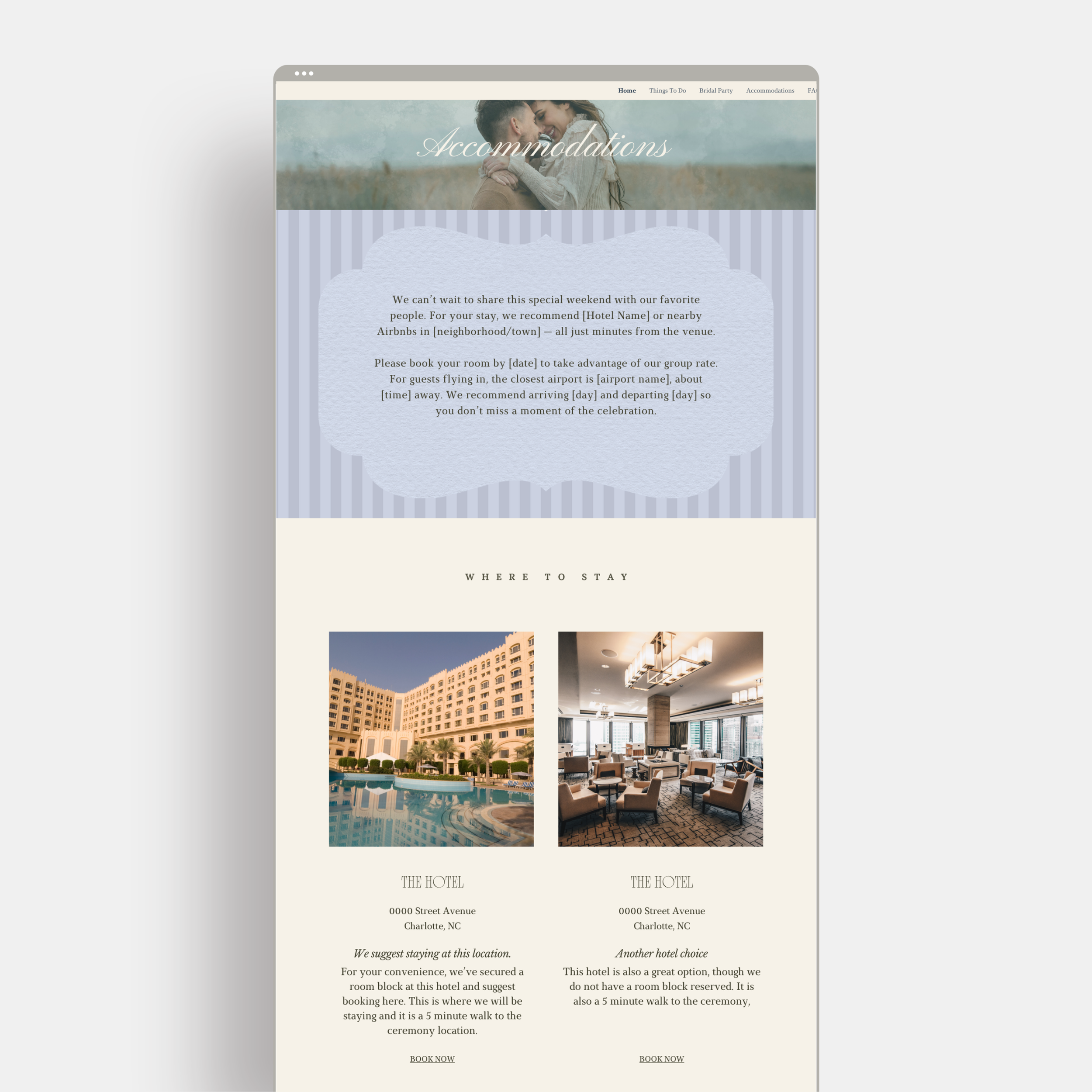
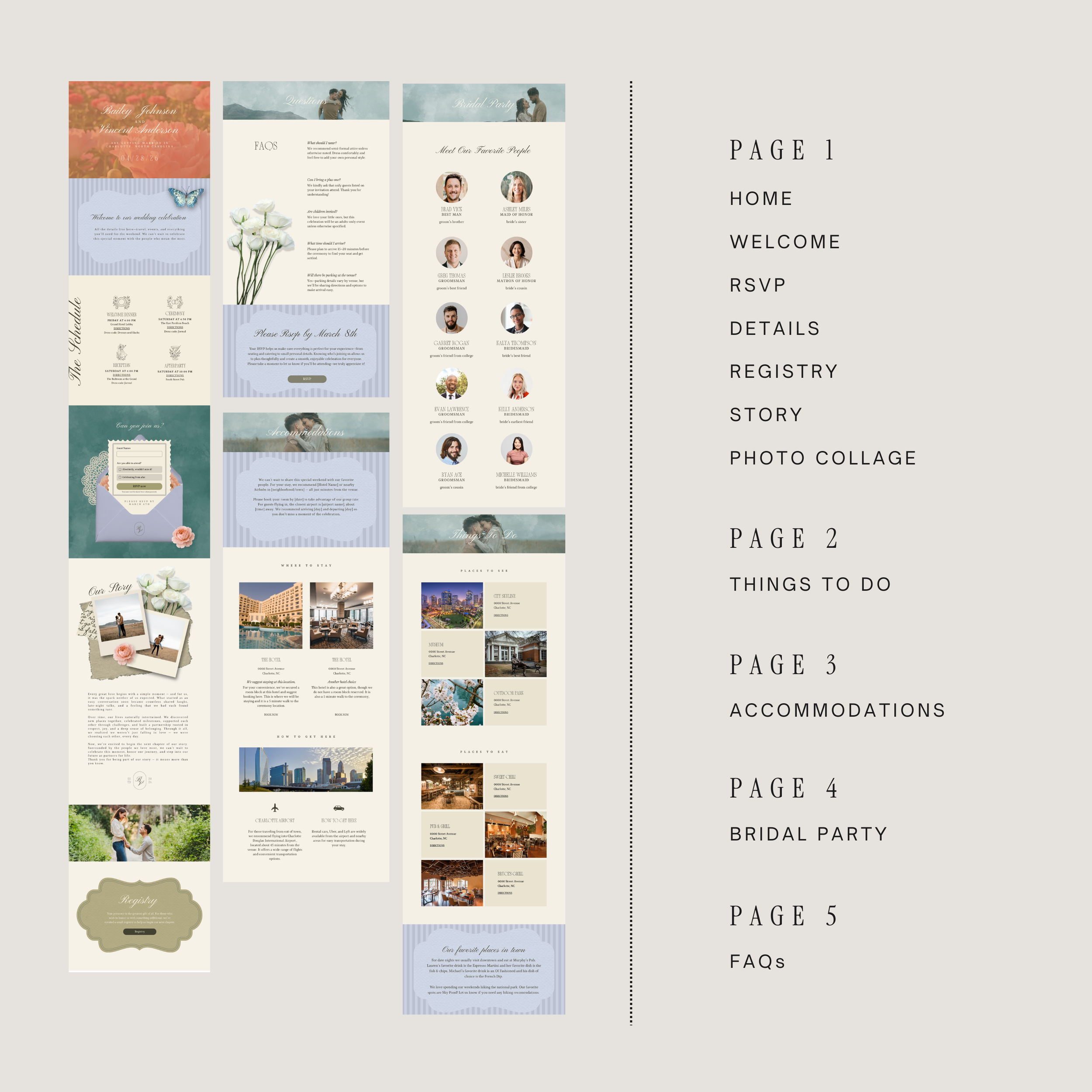
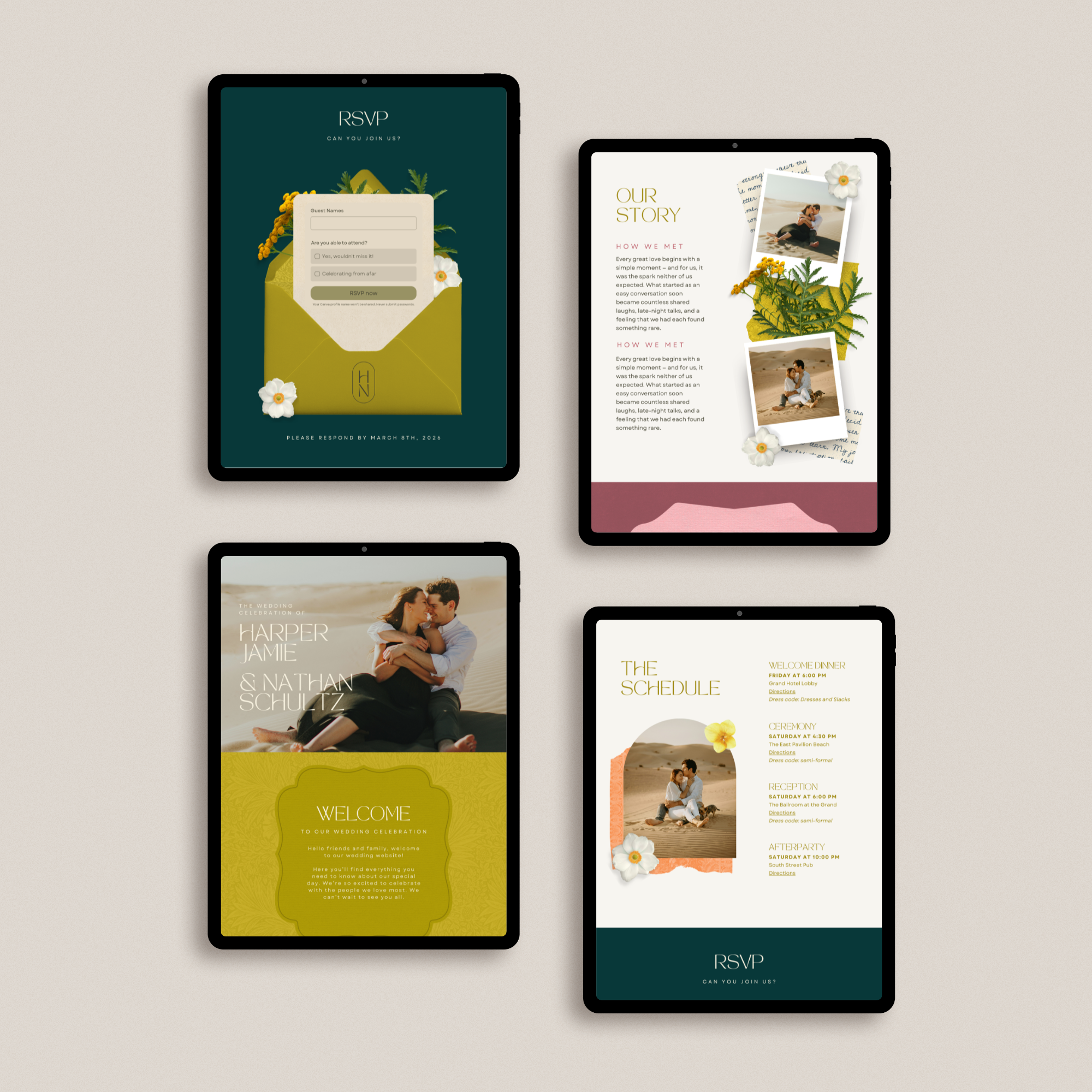
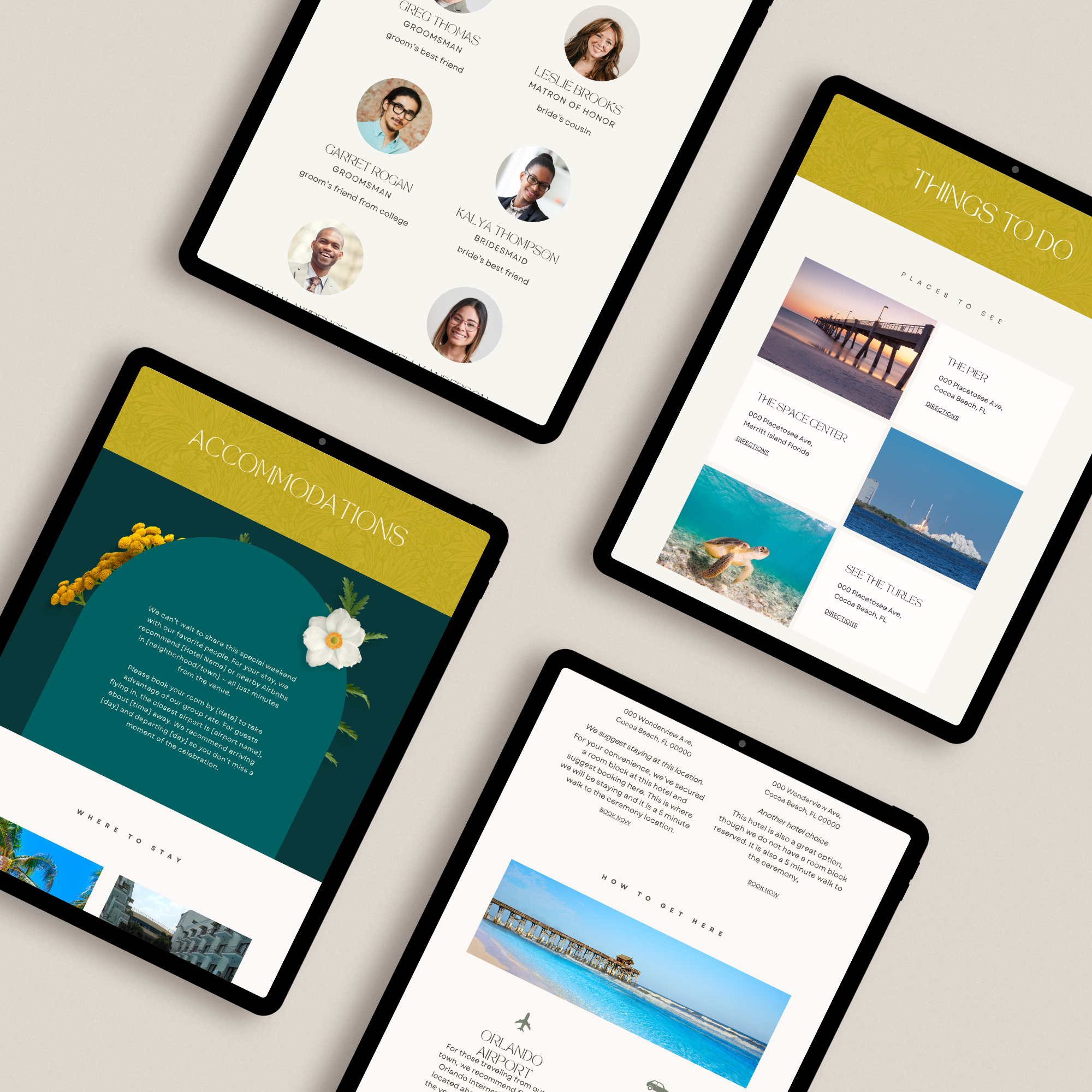
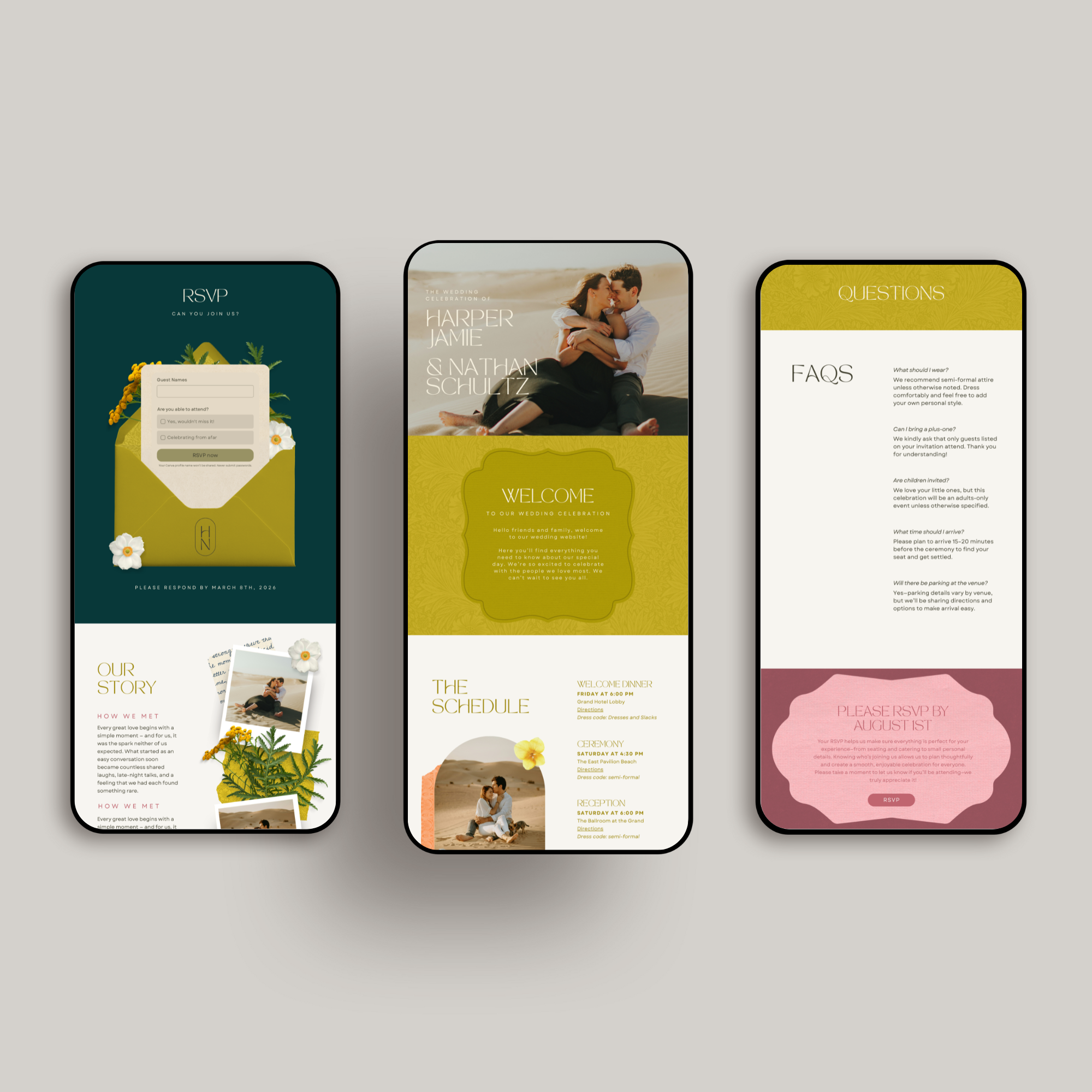
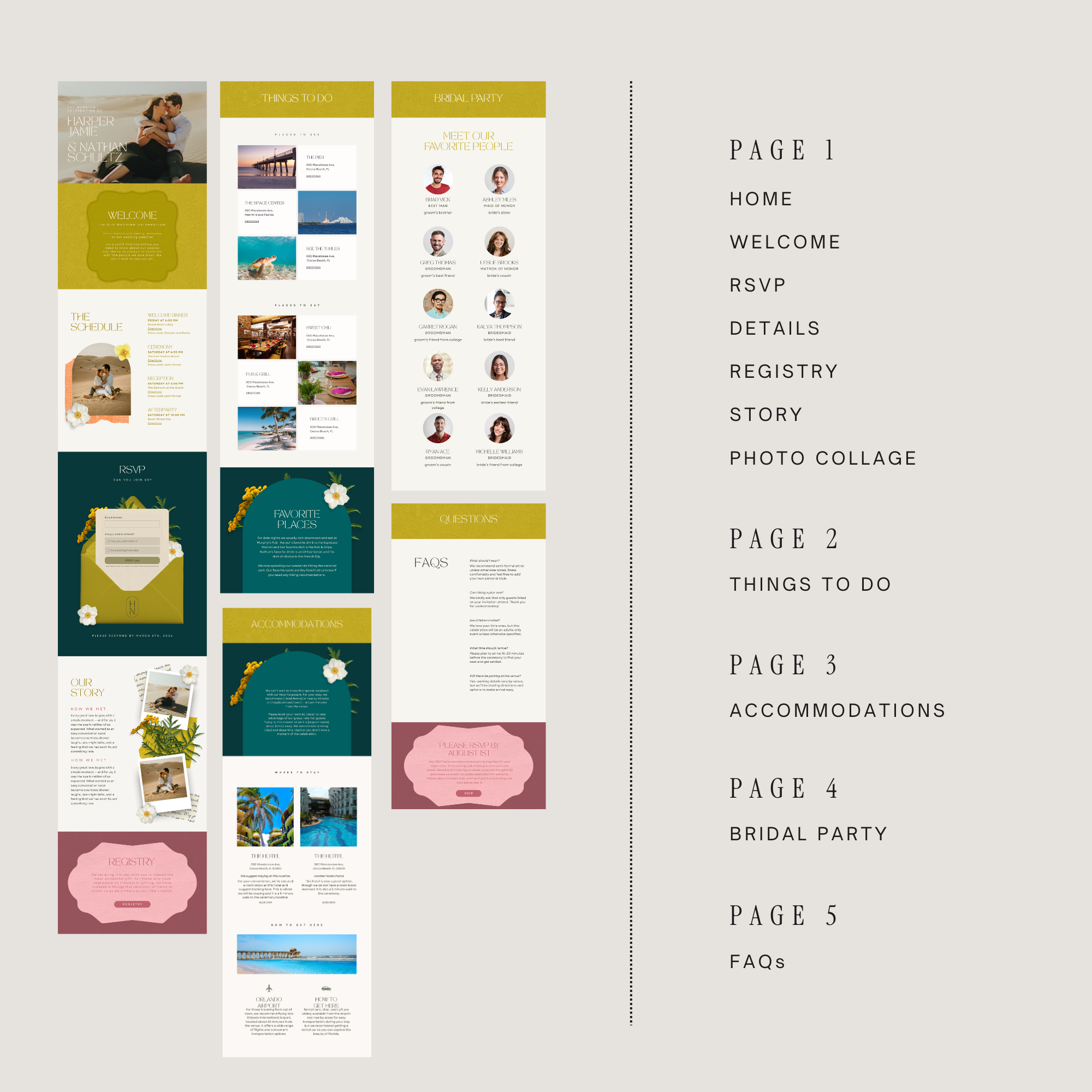
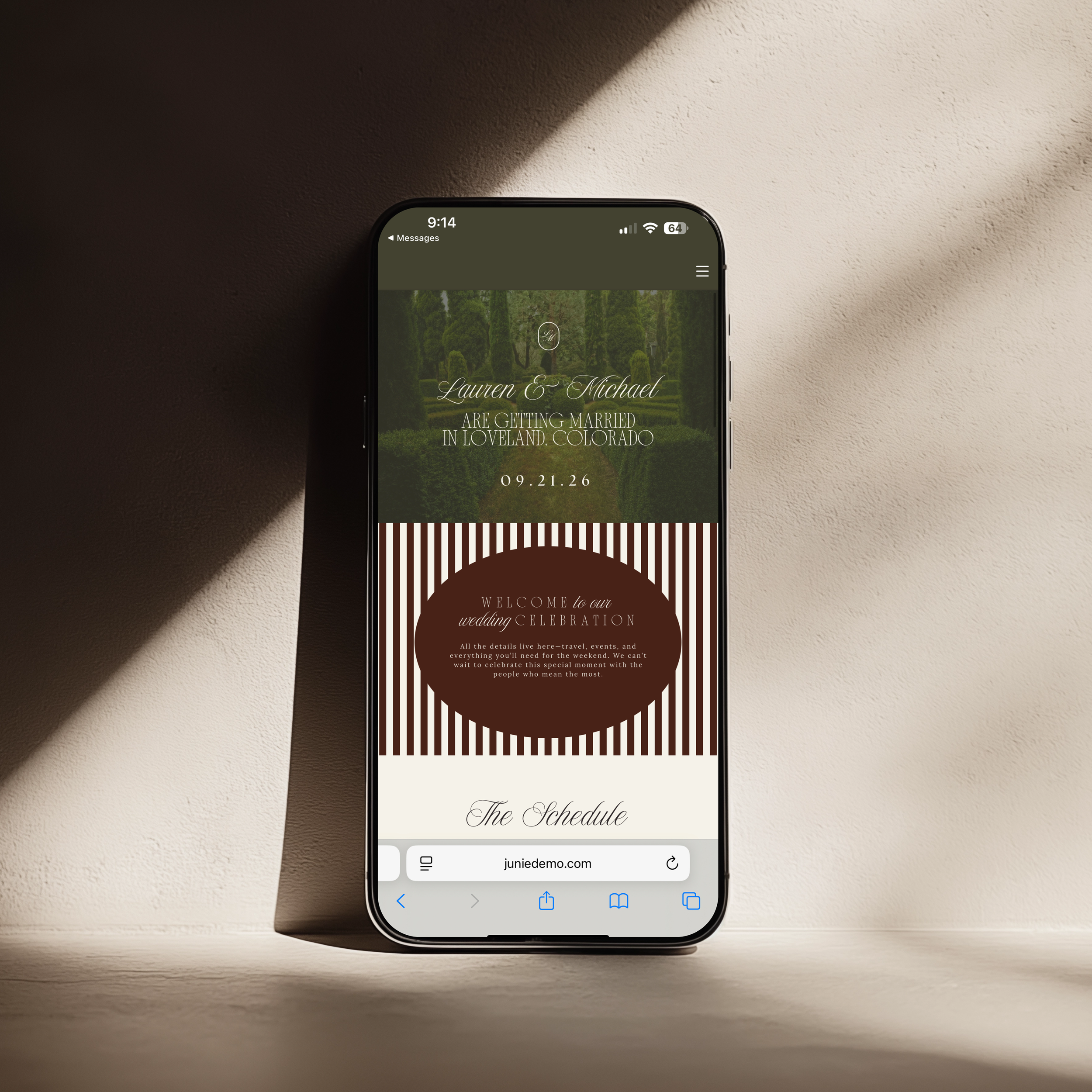
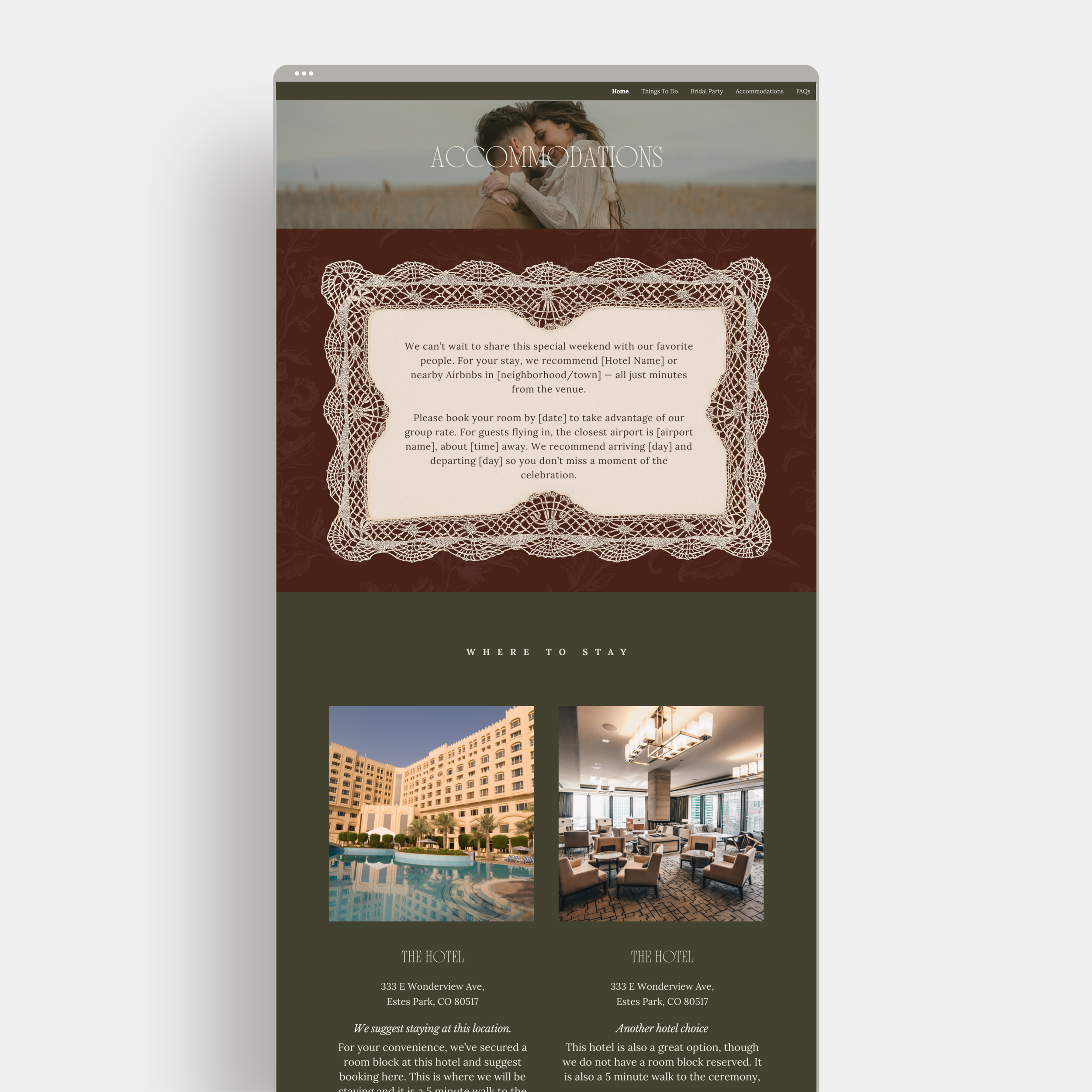
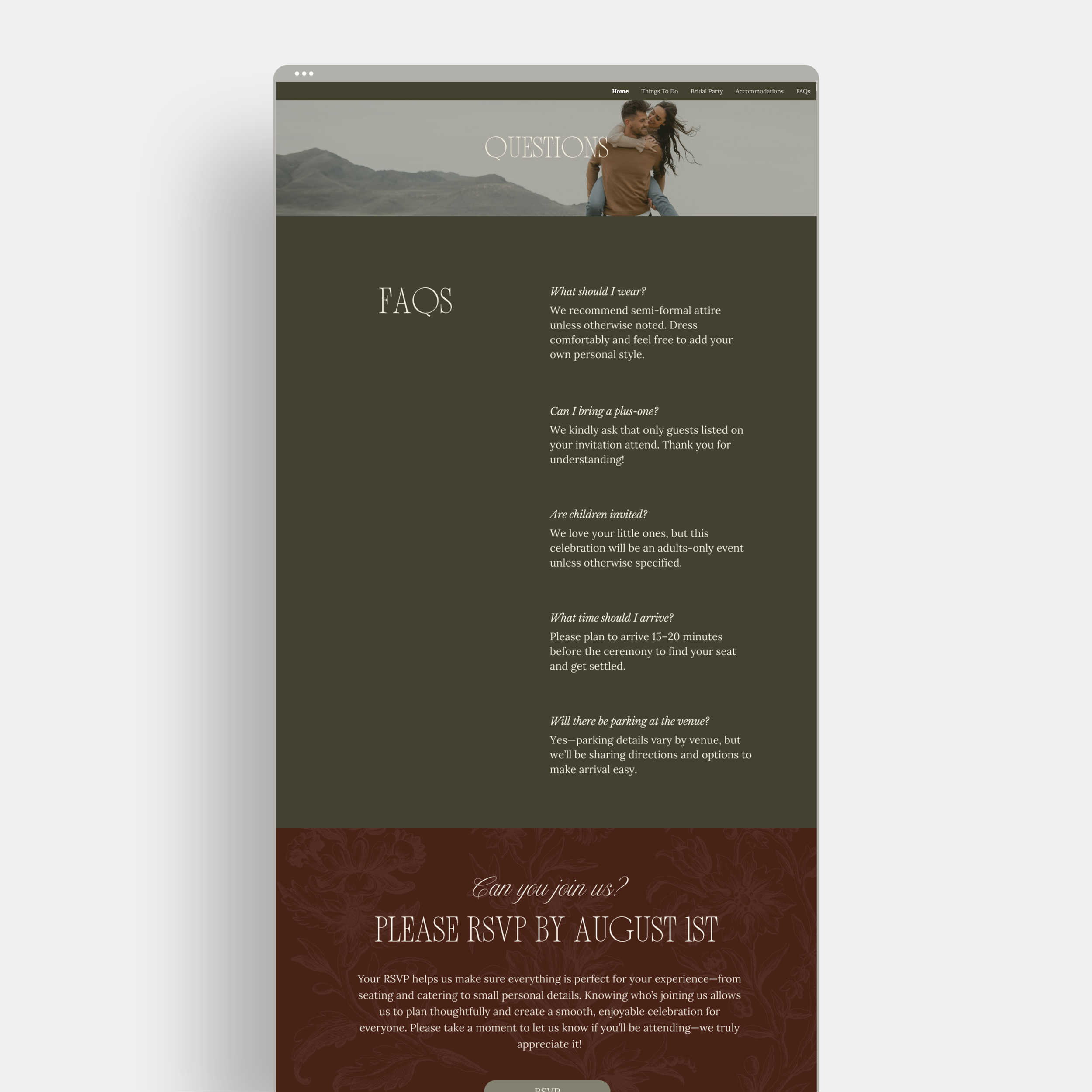
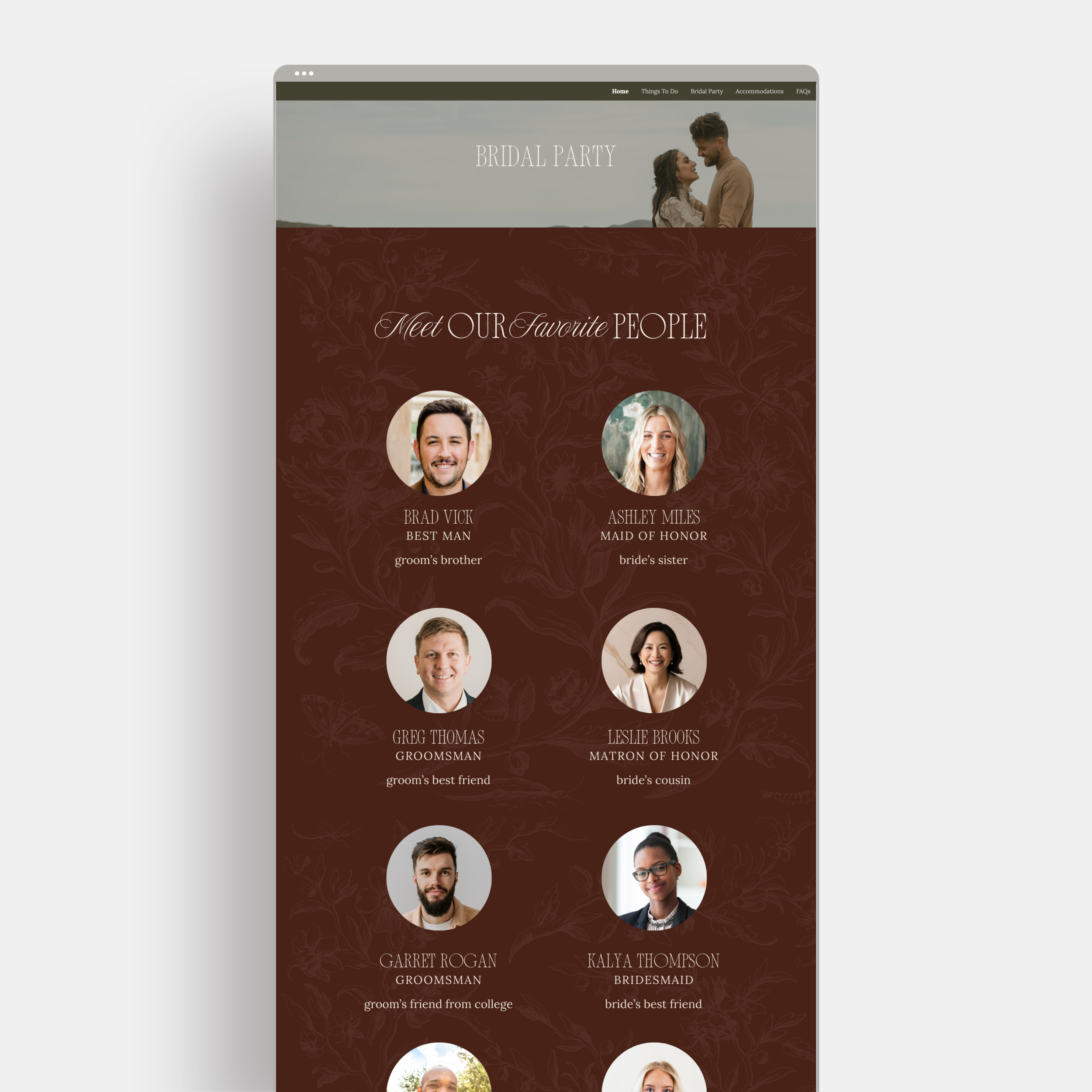
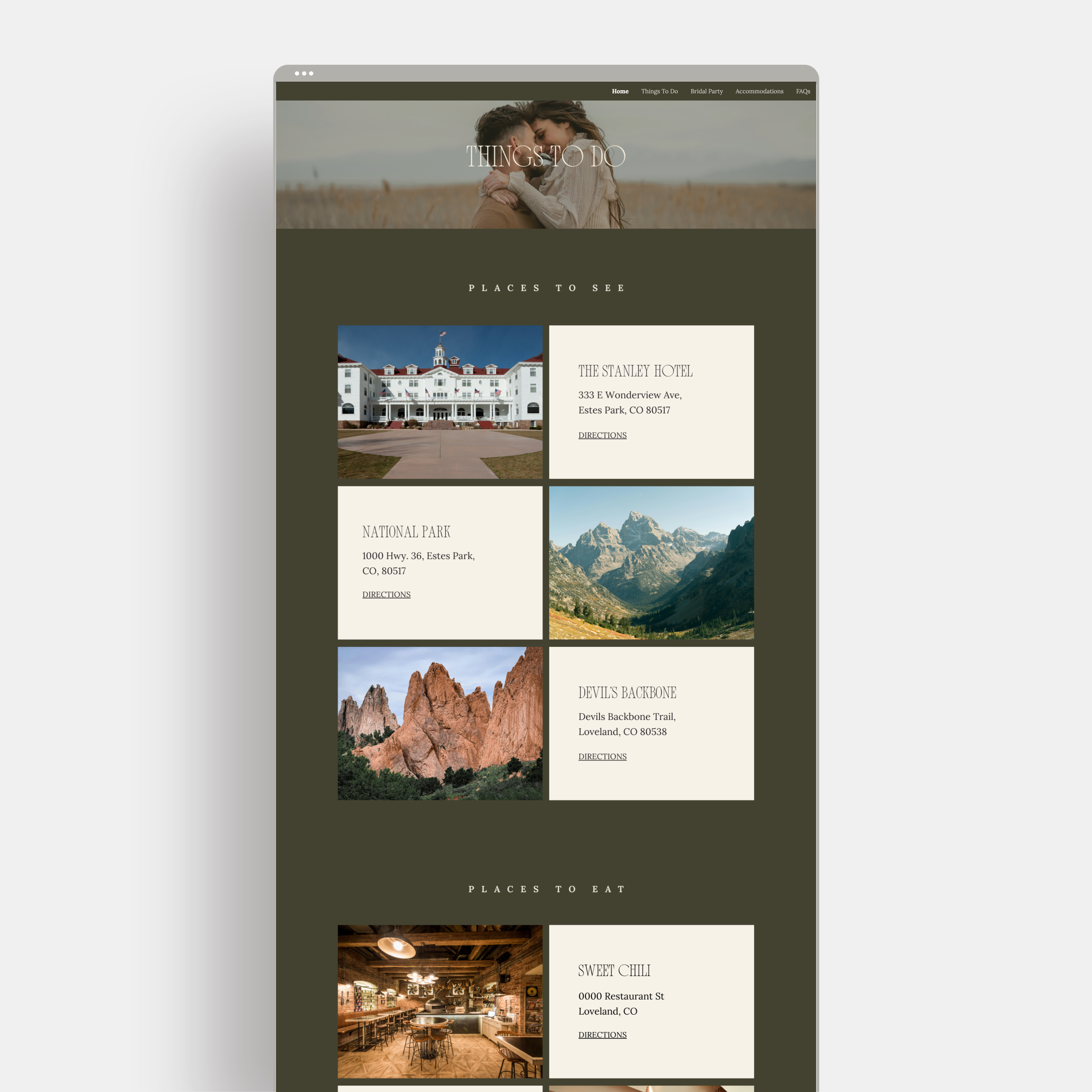
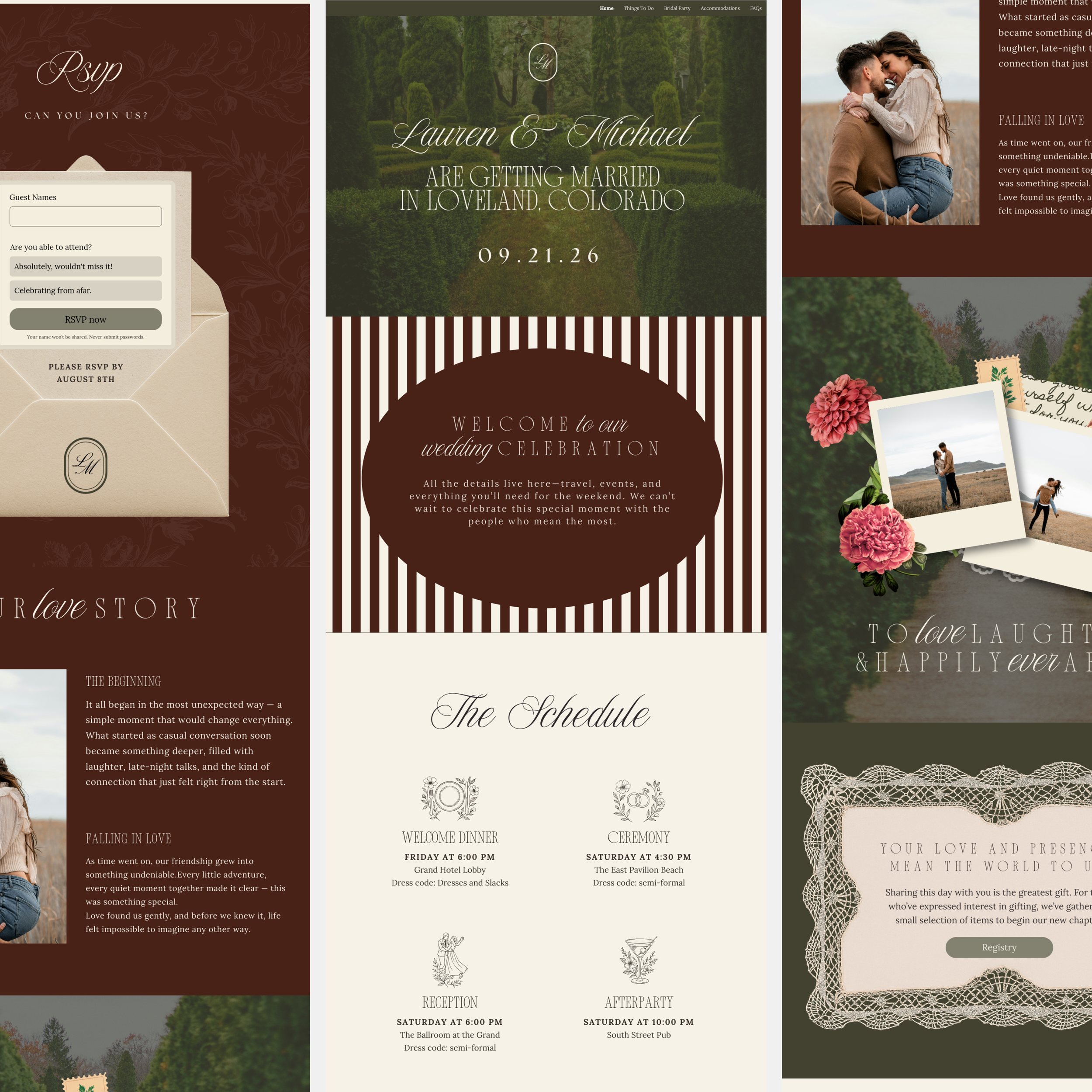
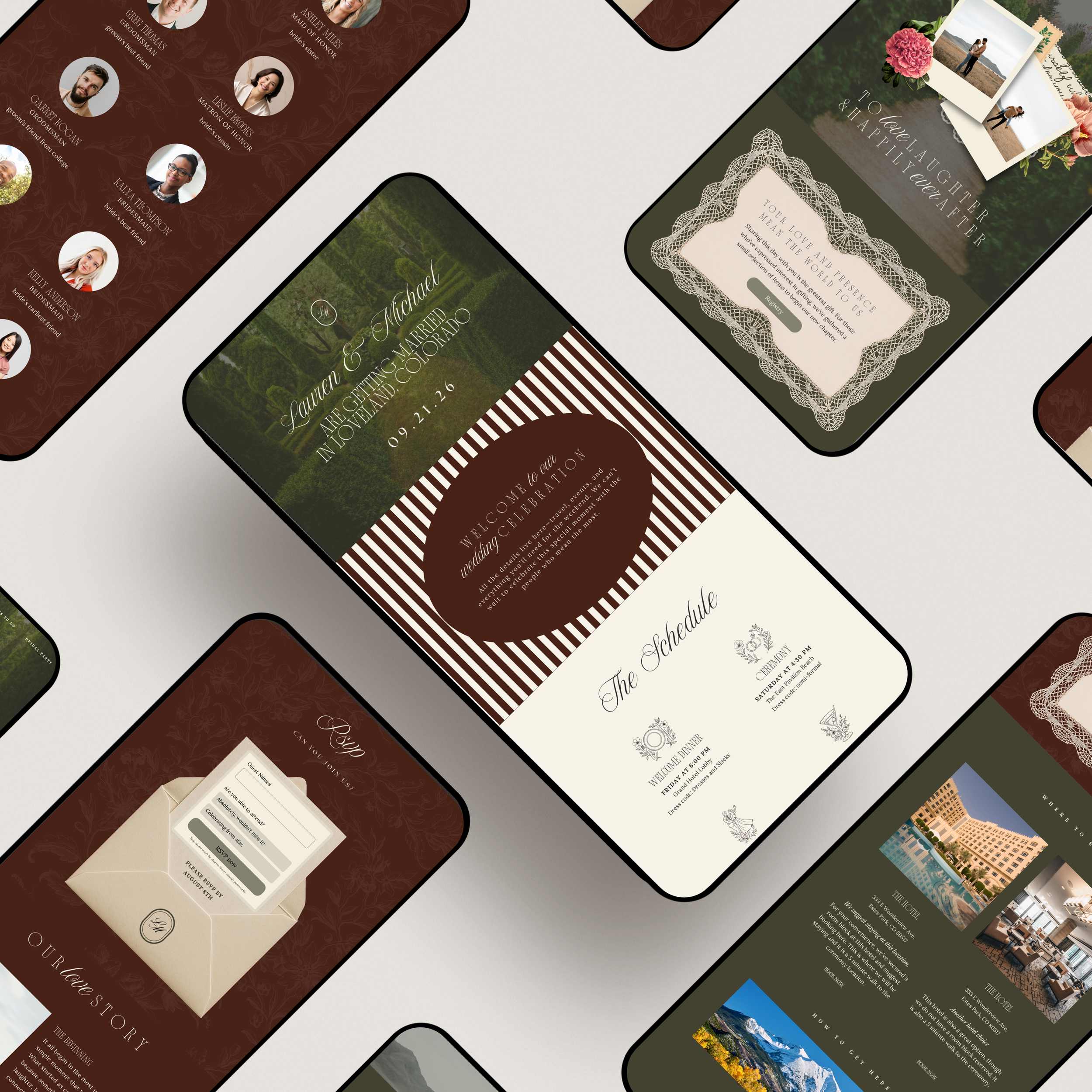
This 5-page wedding websiteis designed to guide guests seamlessly through every detail of your wedding weekend while maintaining a cohesive, elevated experience across desktop, tablet, and mobile devices.
https://juniedemo.com/oldmoneygarden
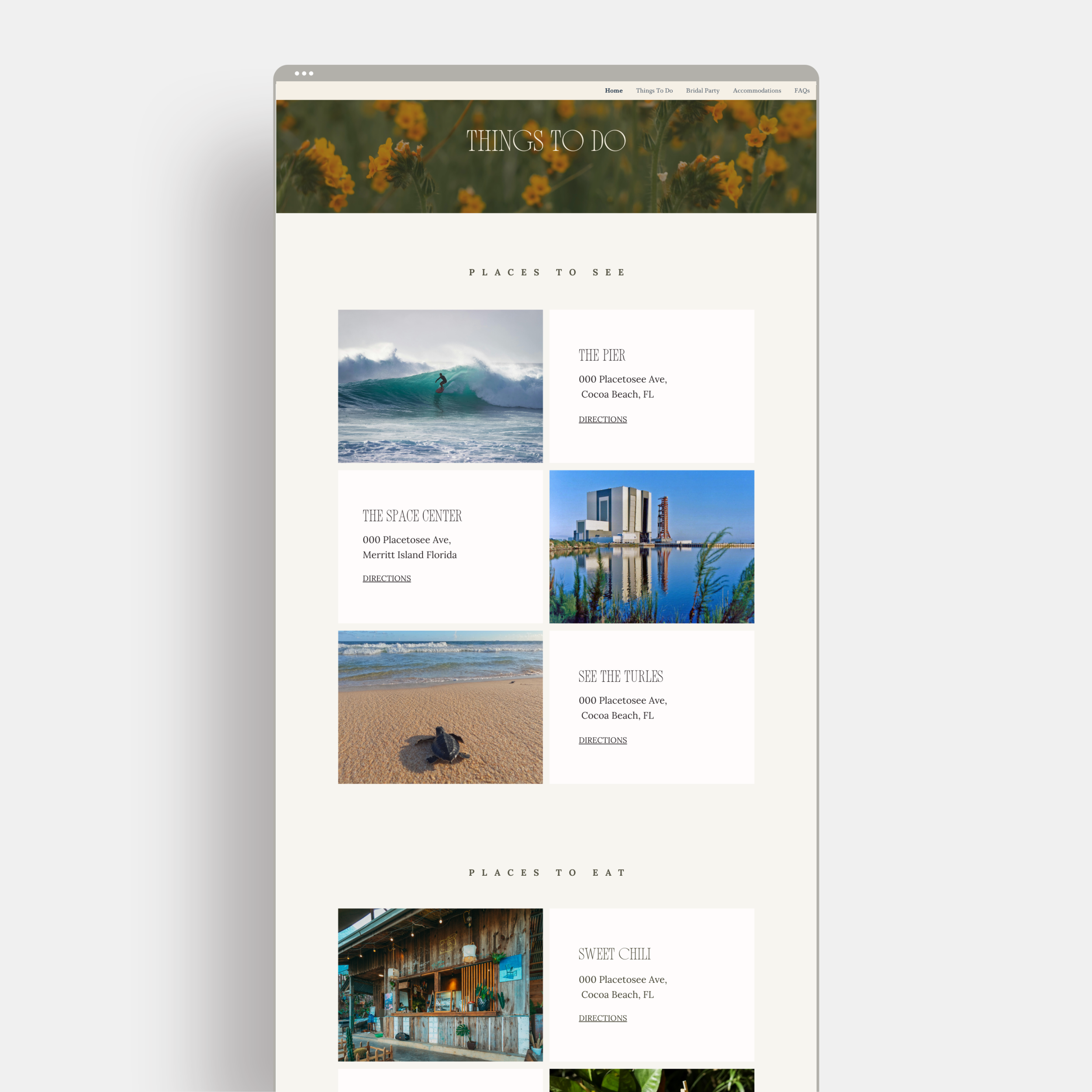
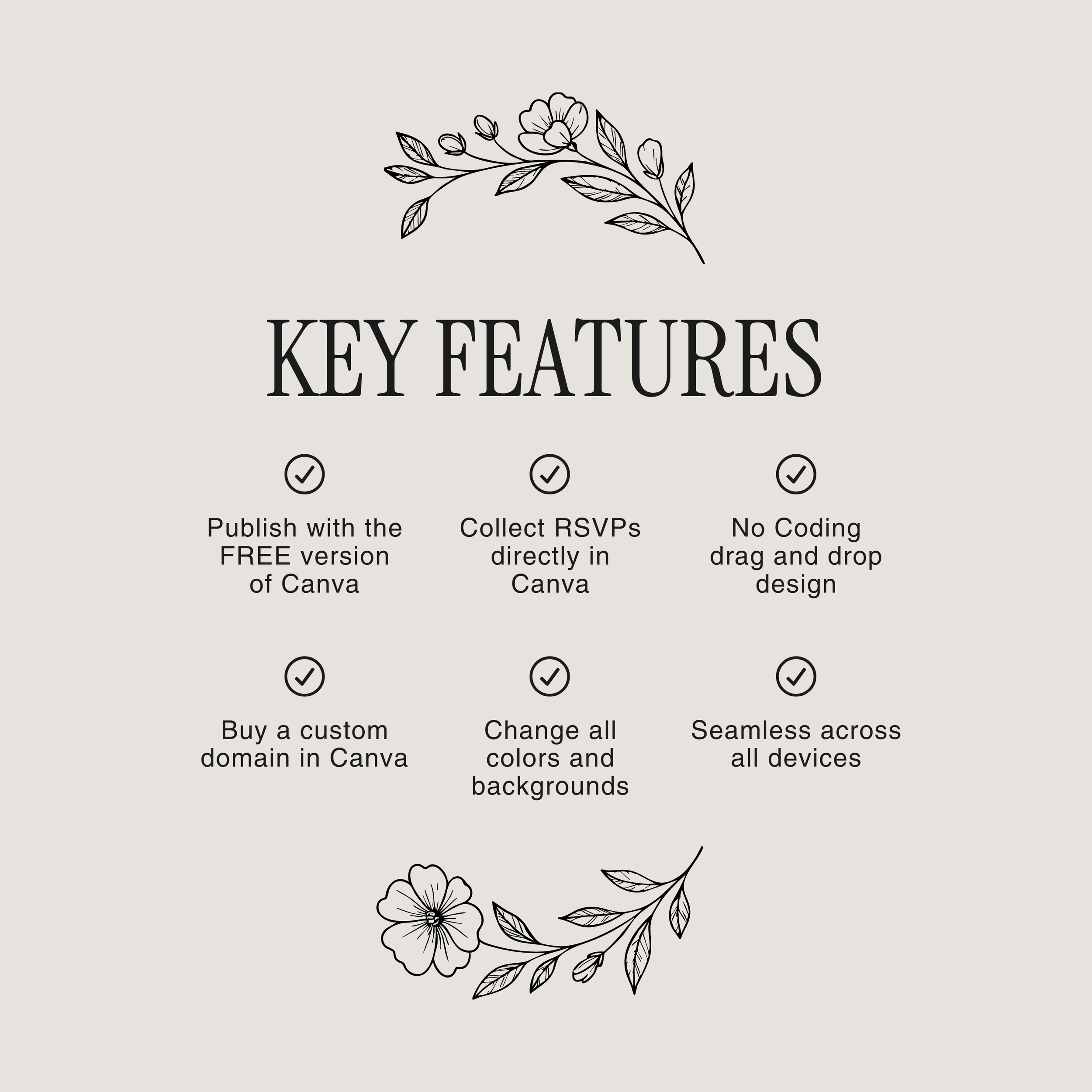
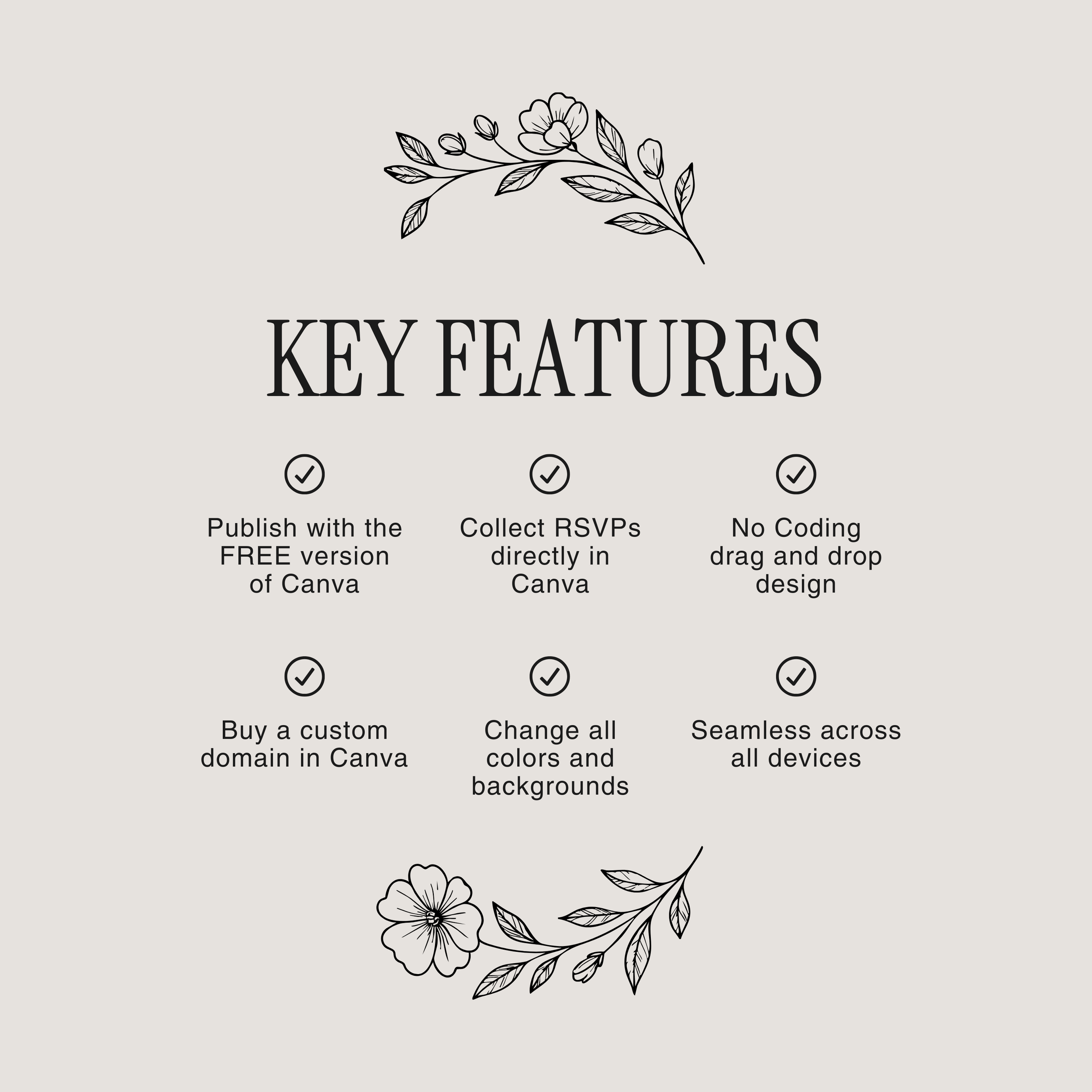
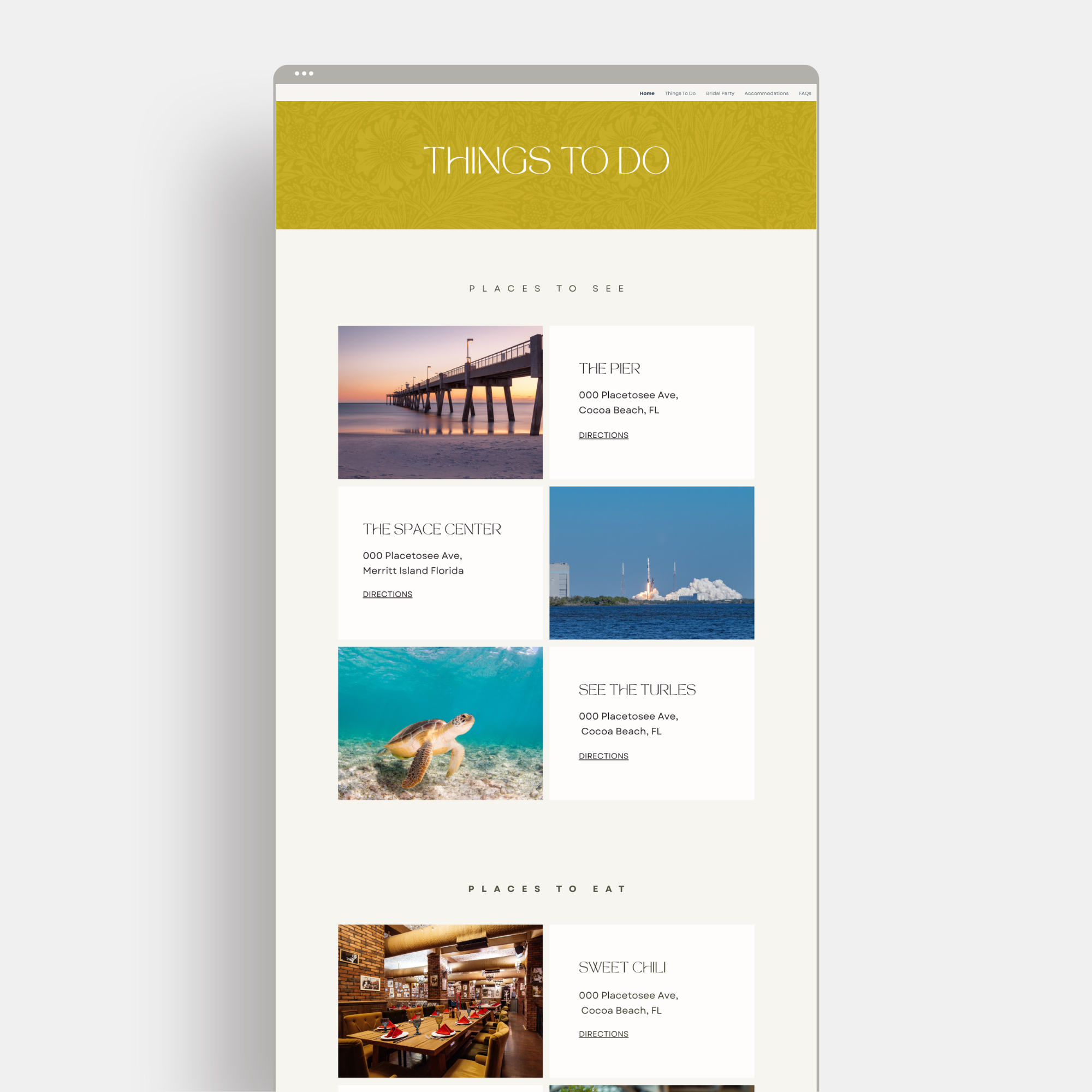
Elegant navigation menu for easy browsing
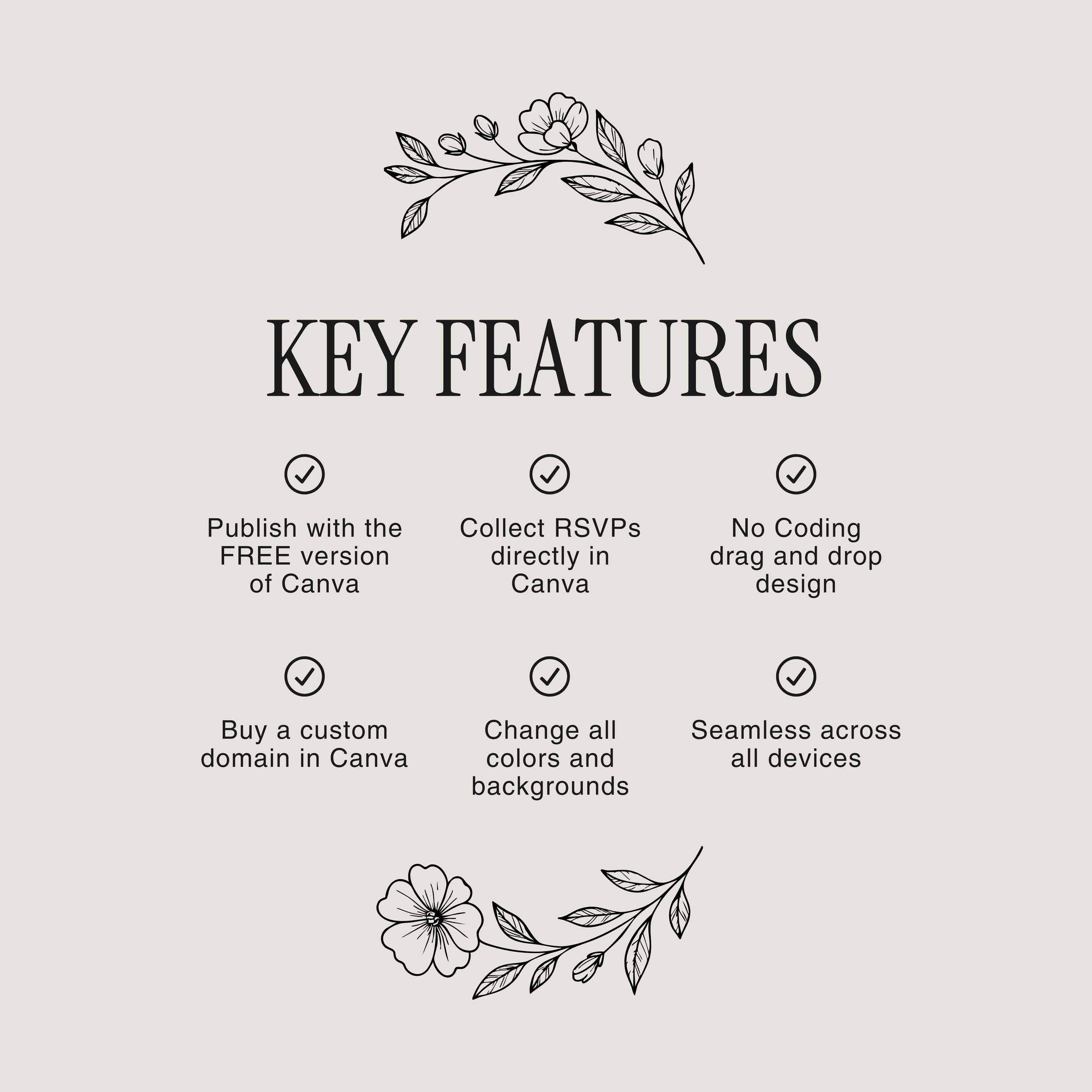
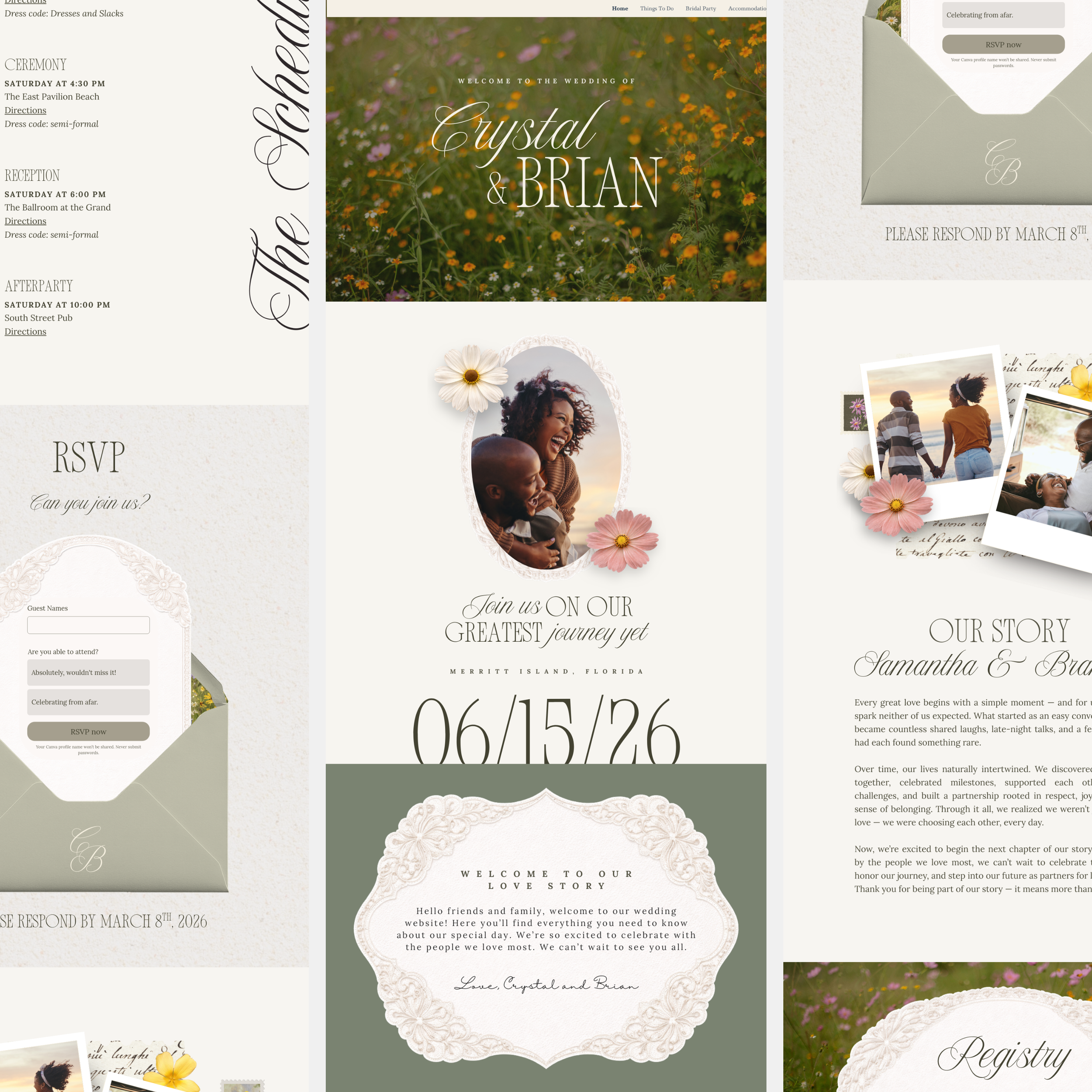
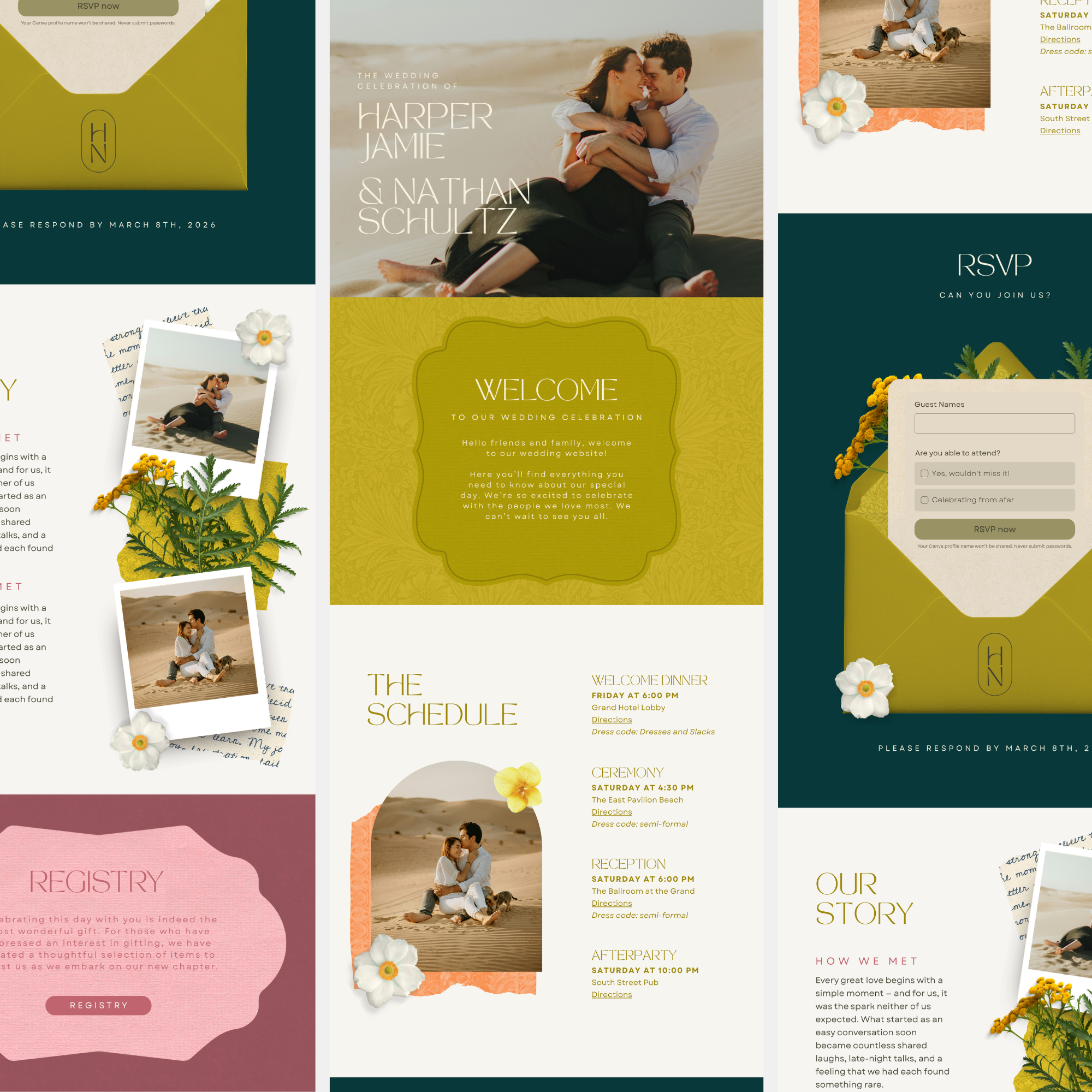
RSVP form built directly into the design
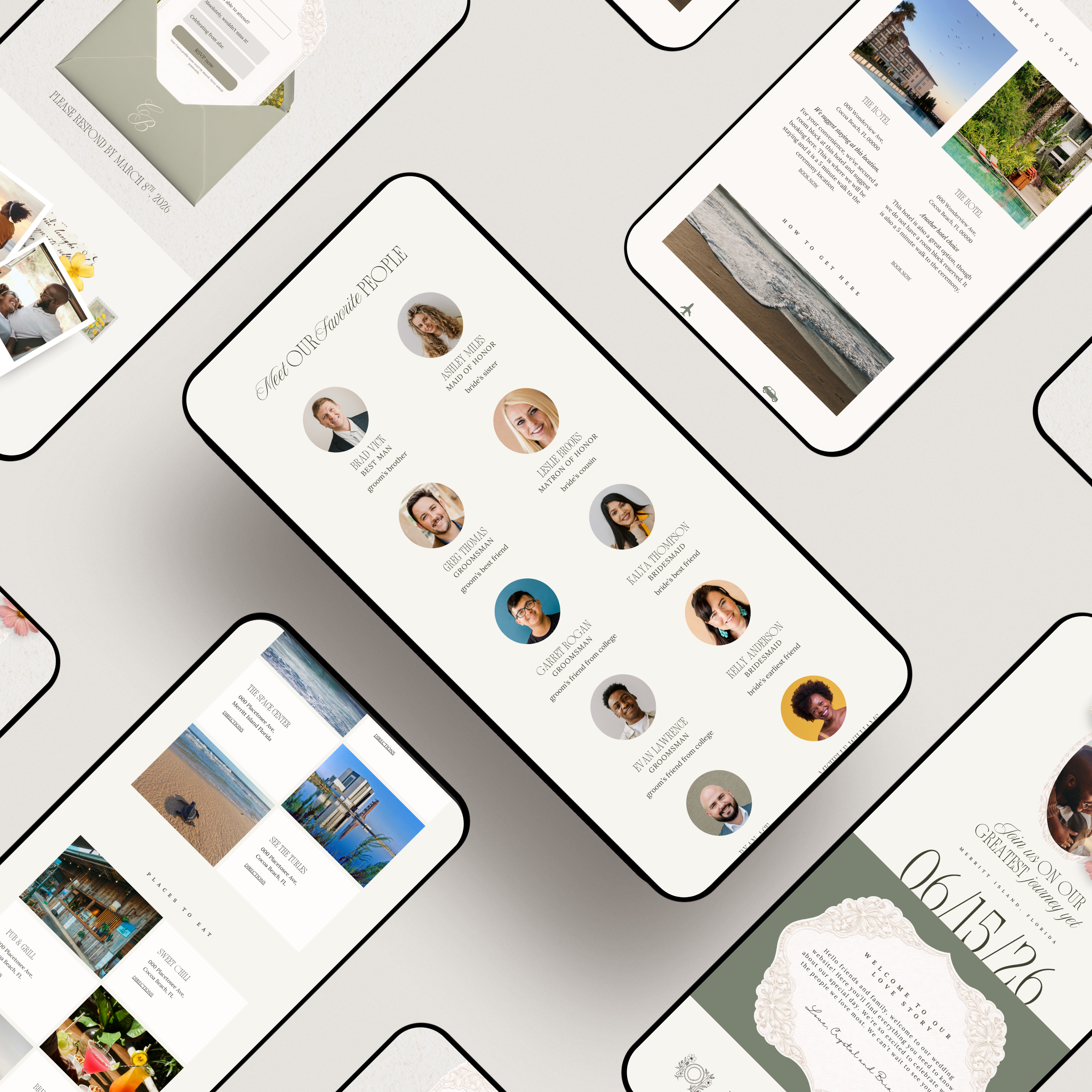
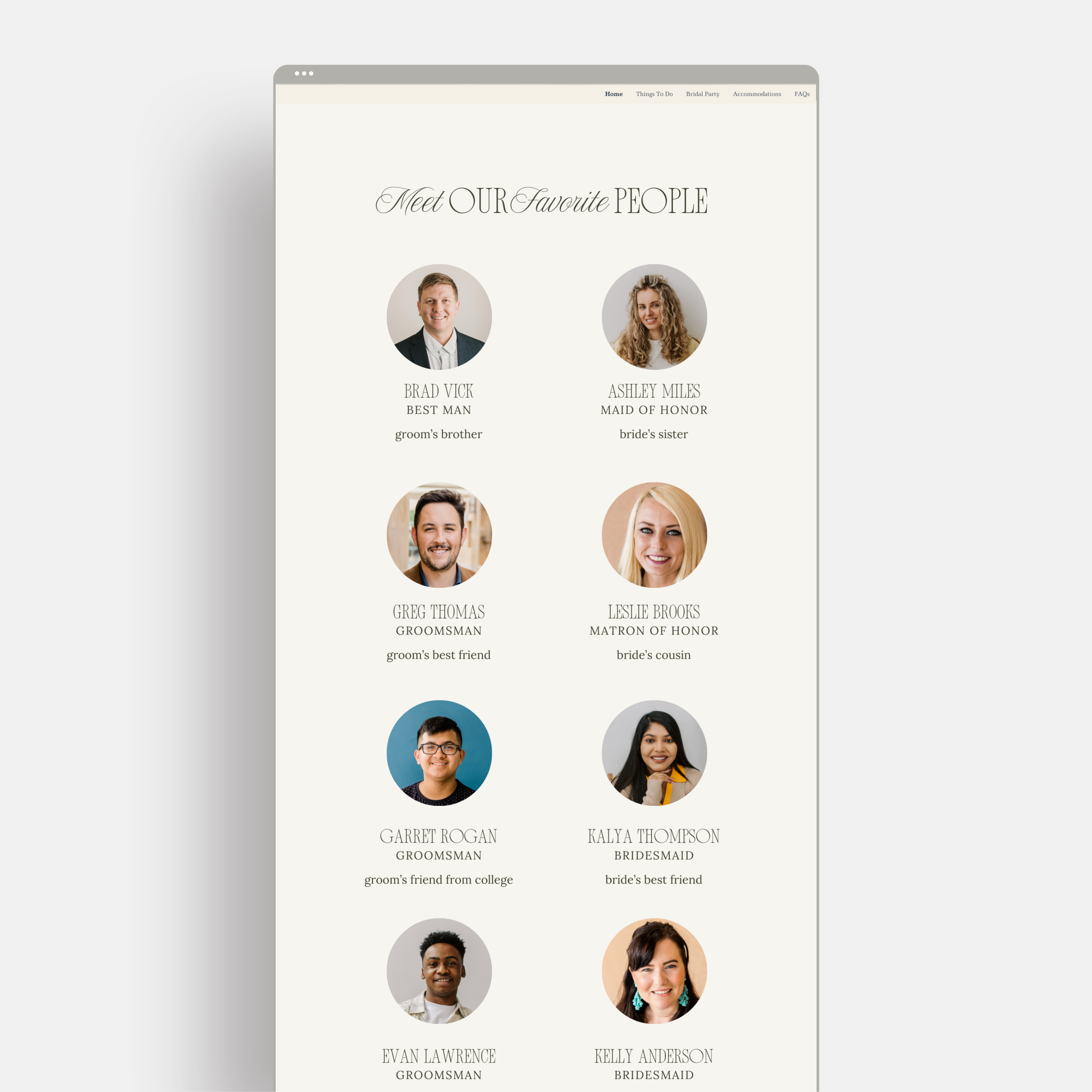
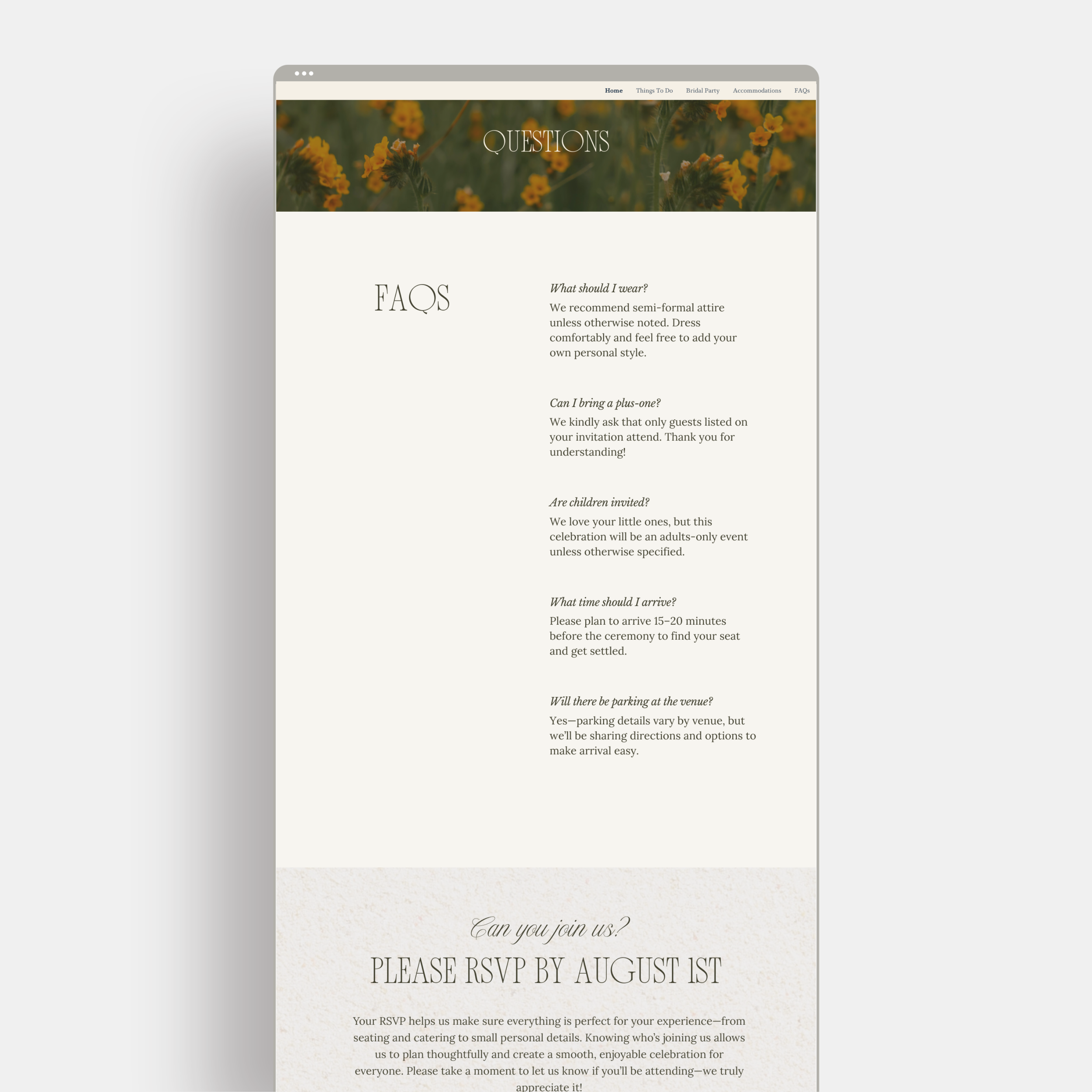
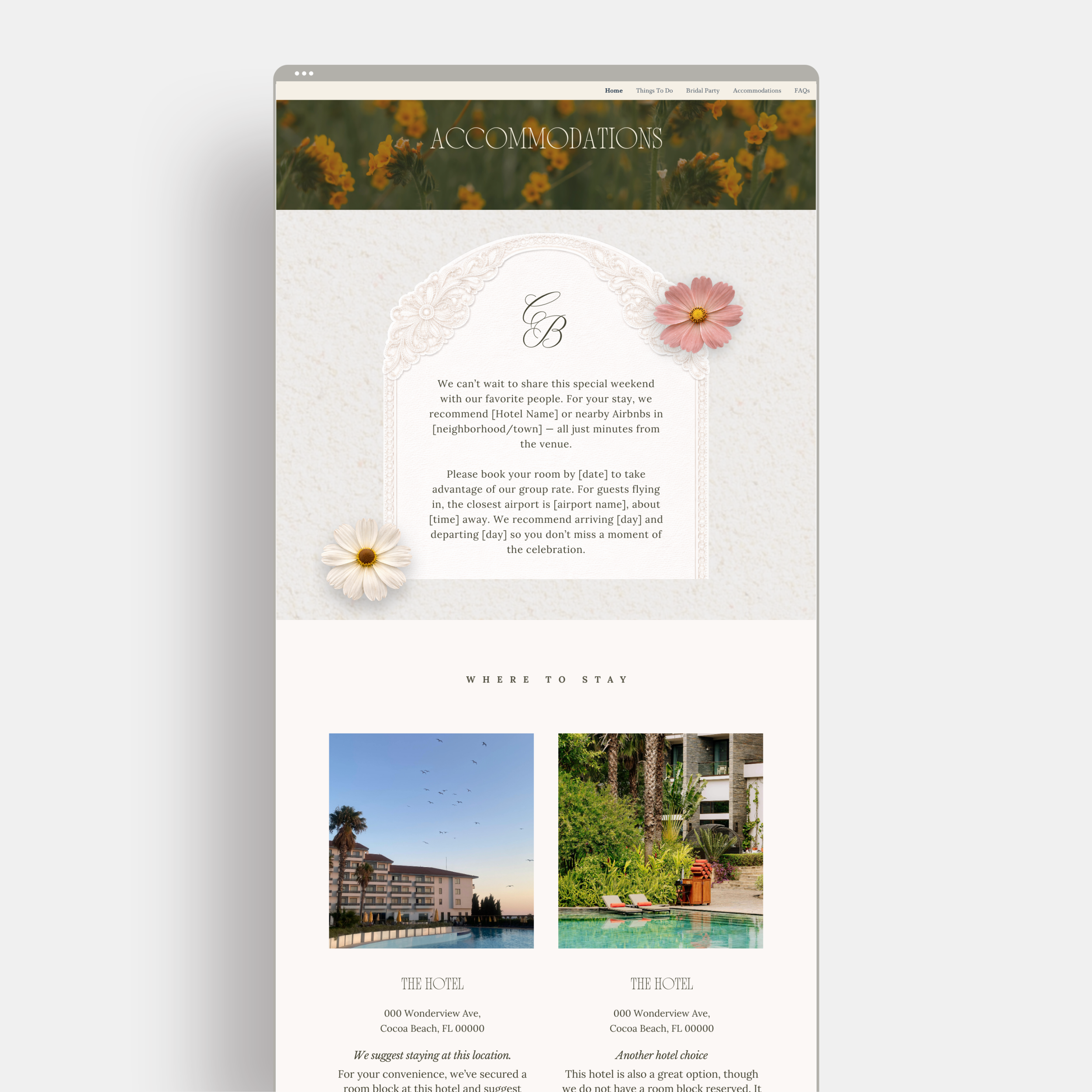
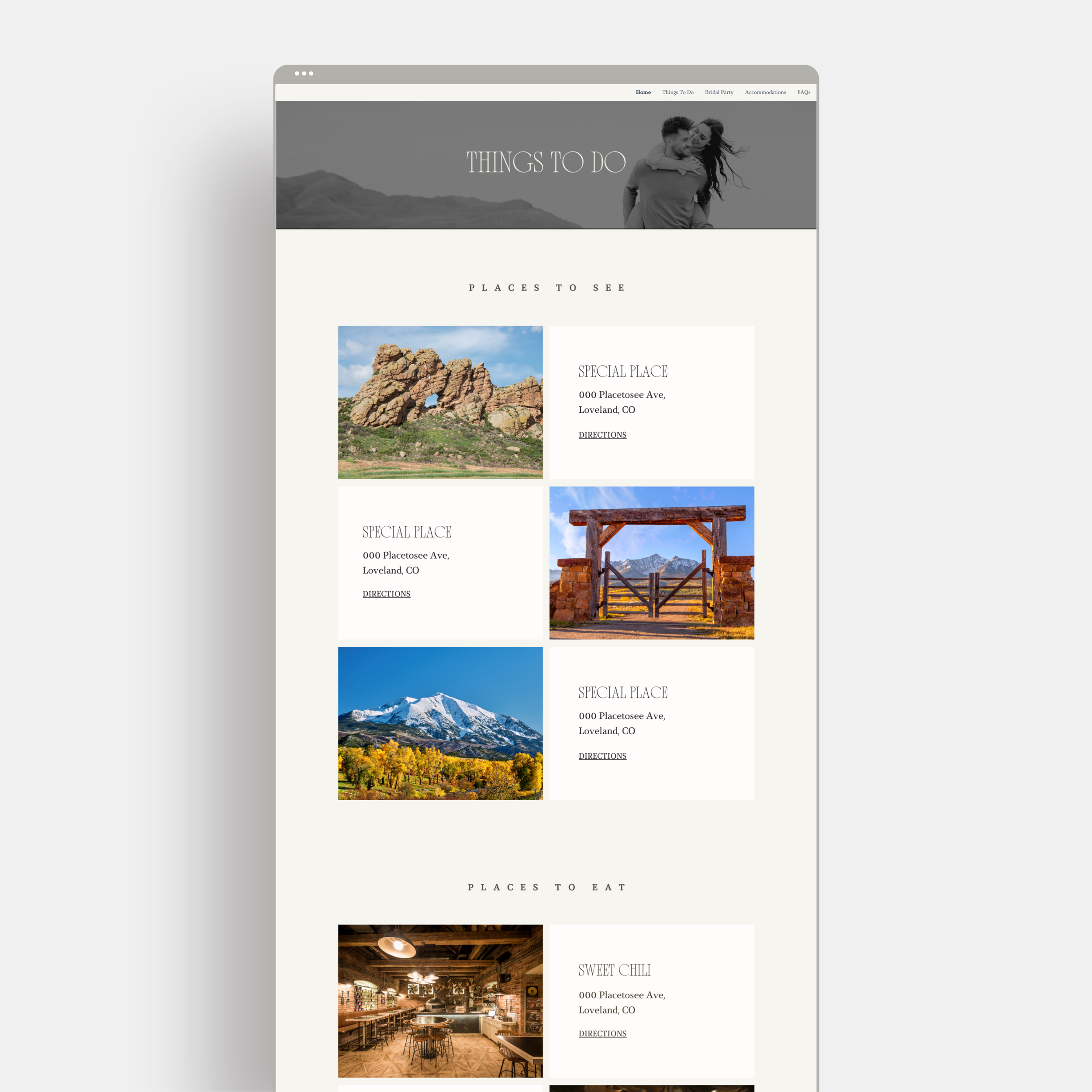
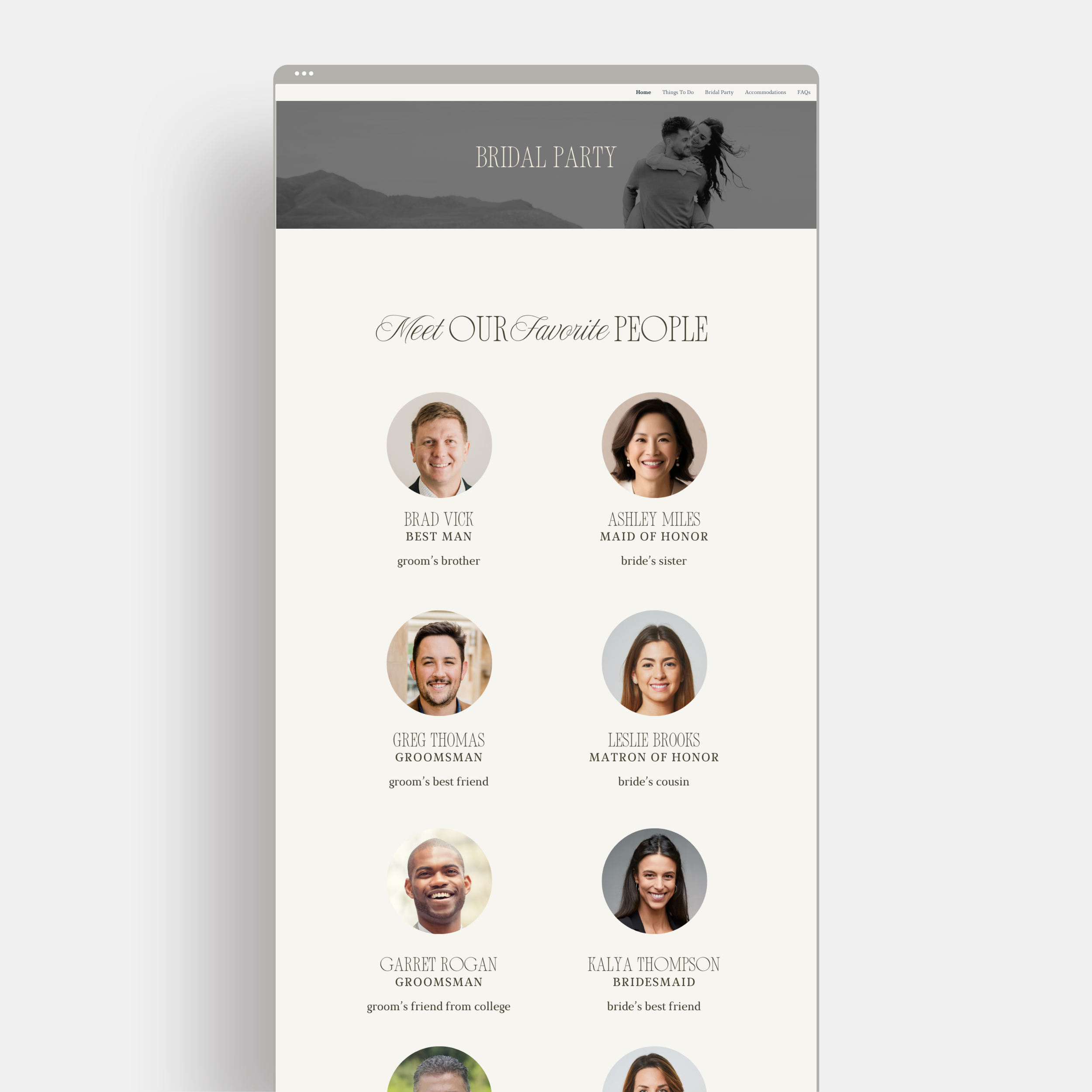
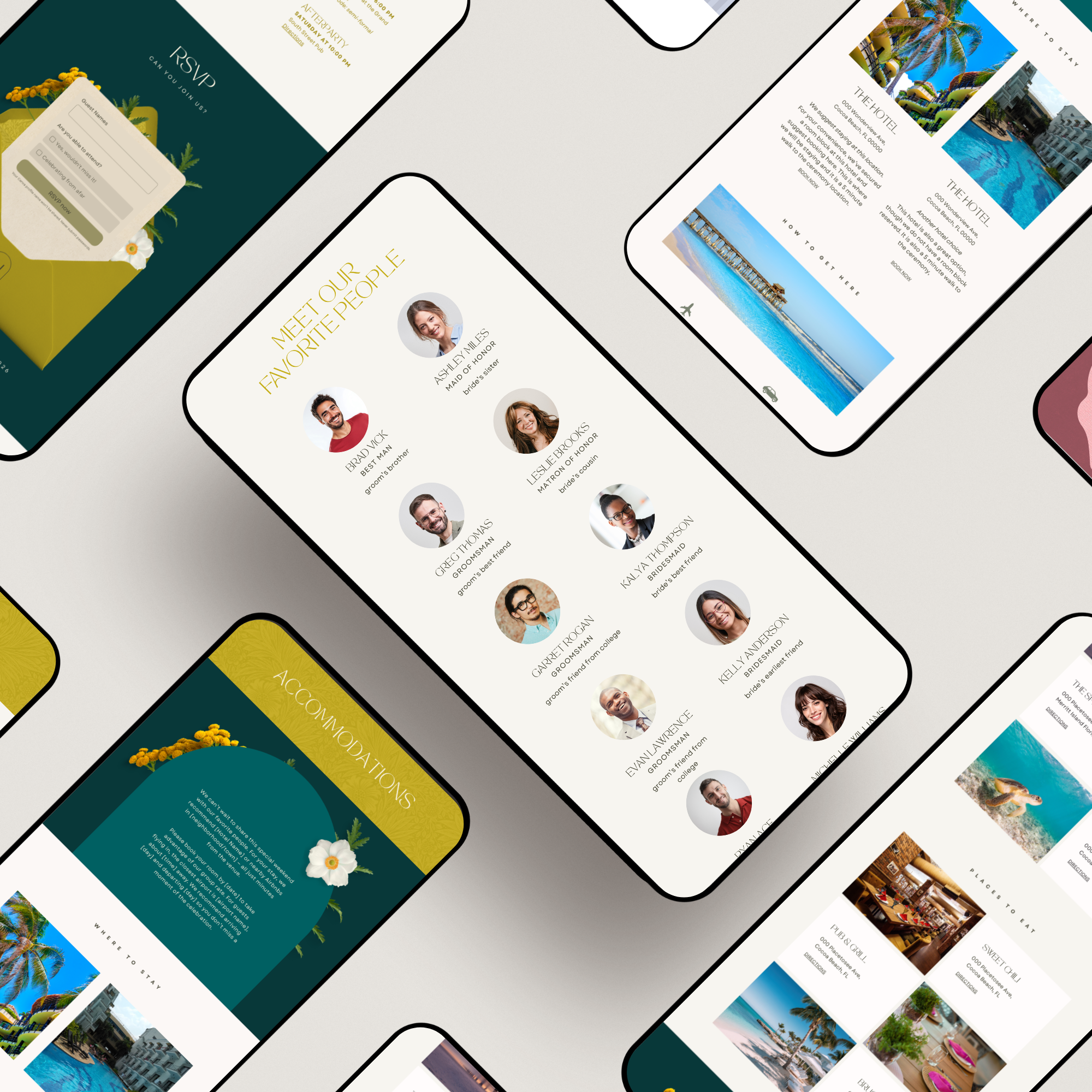
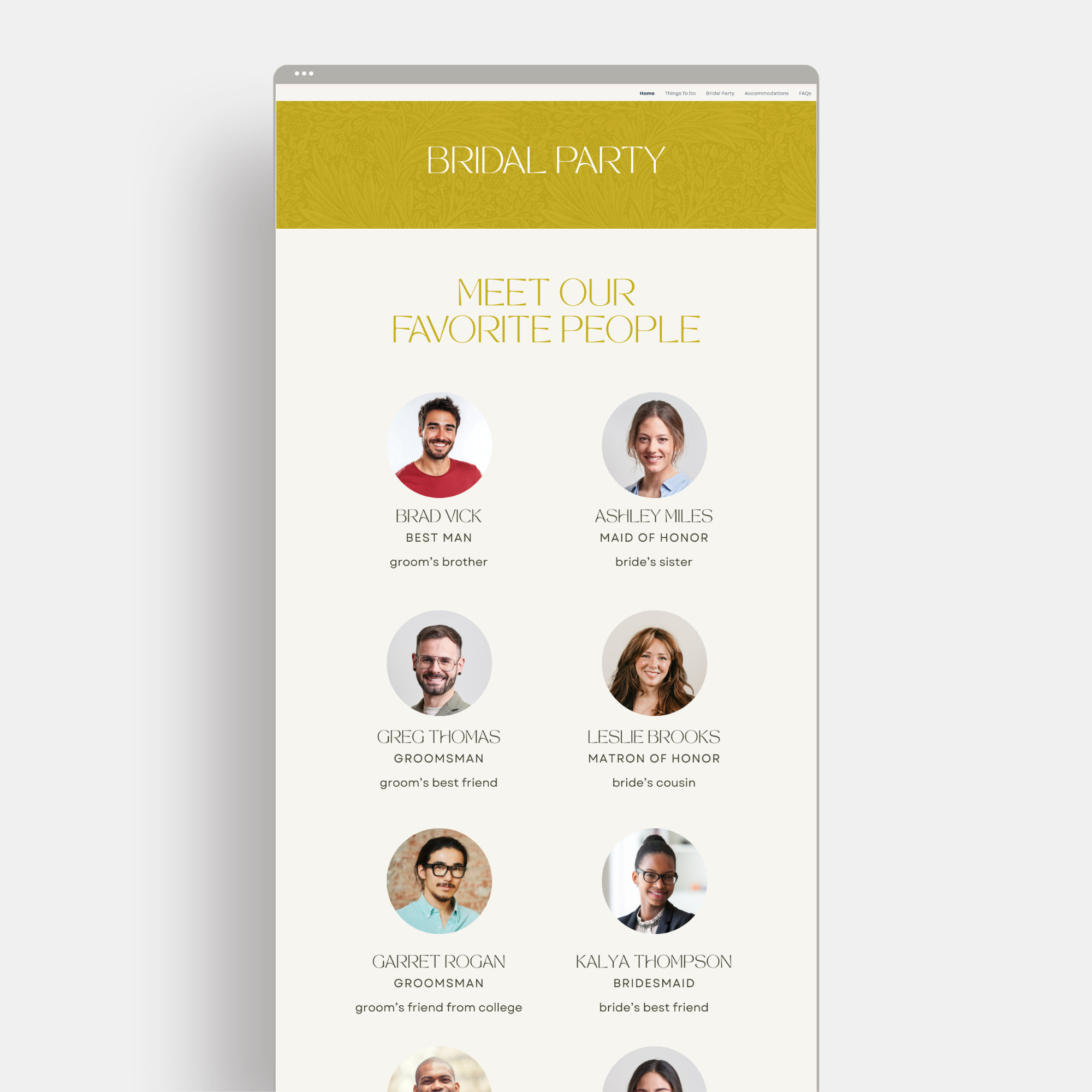
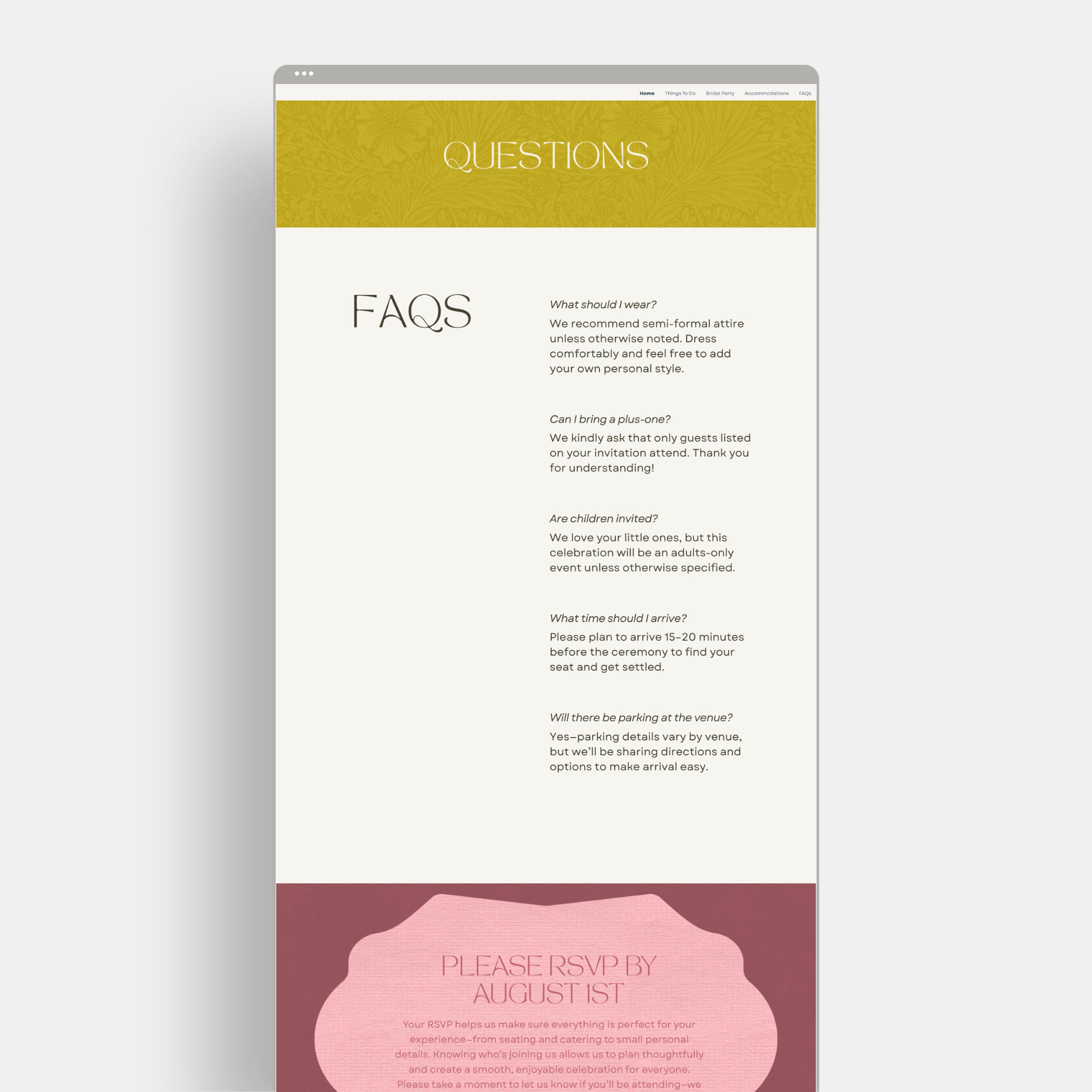
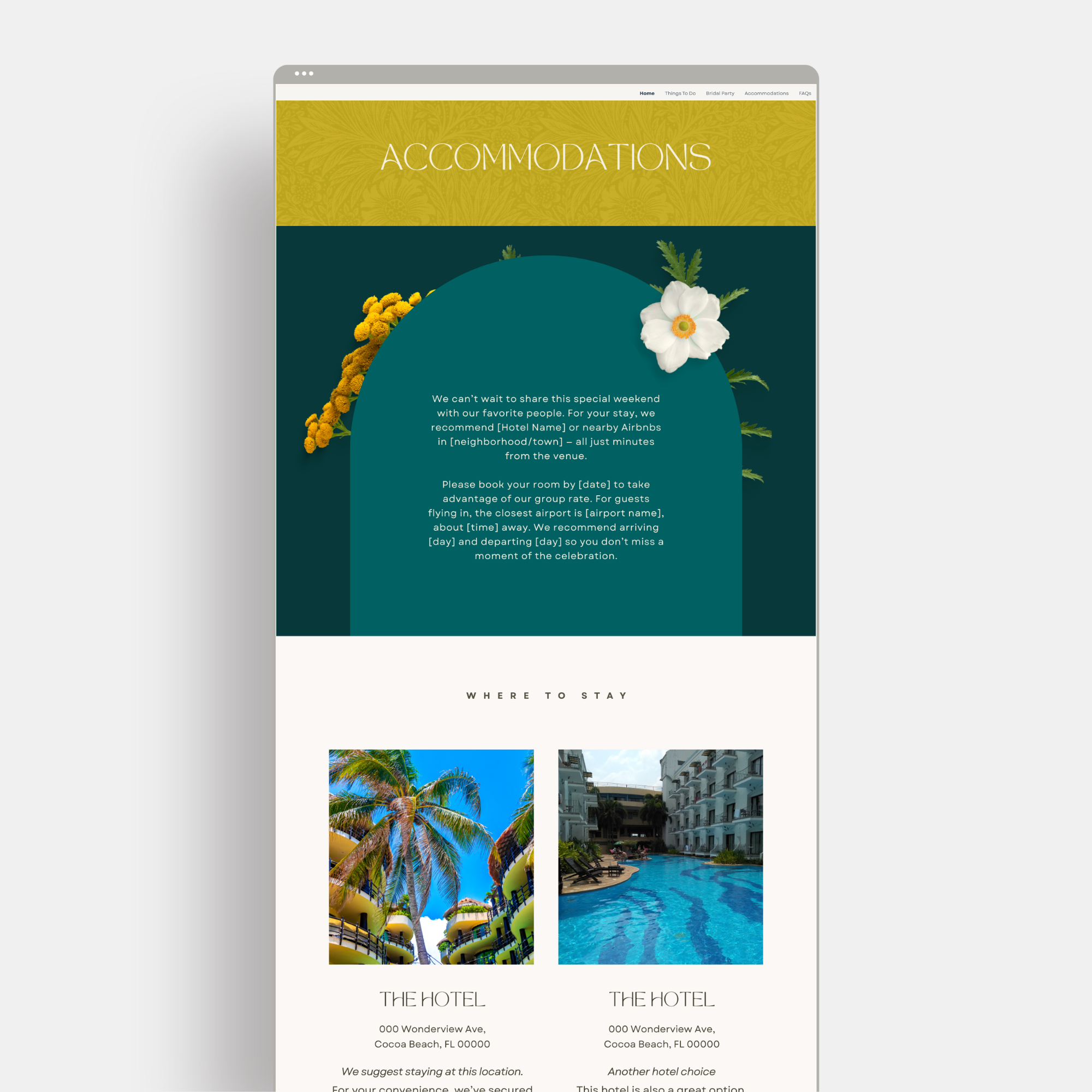
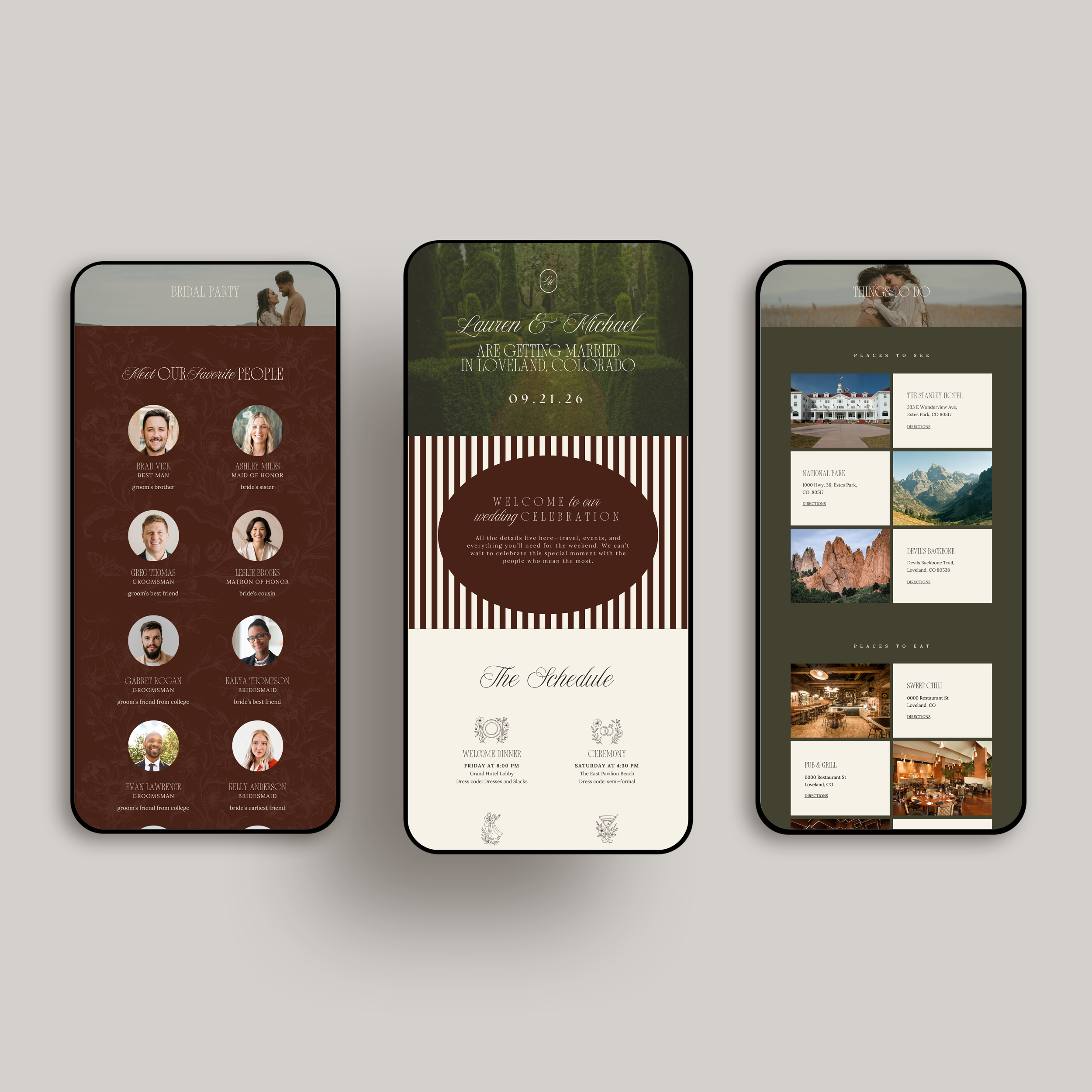
Sections for schedule, travel, registry, and wedding party
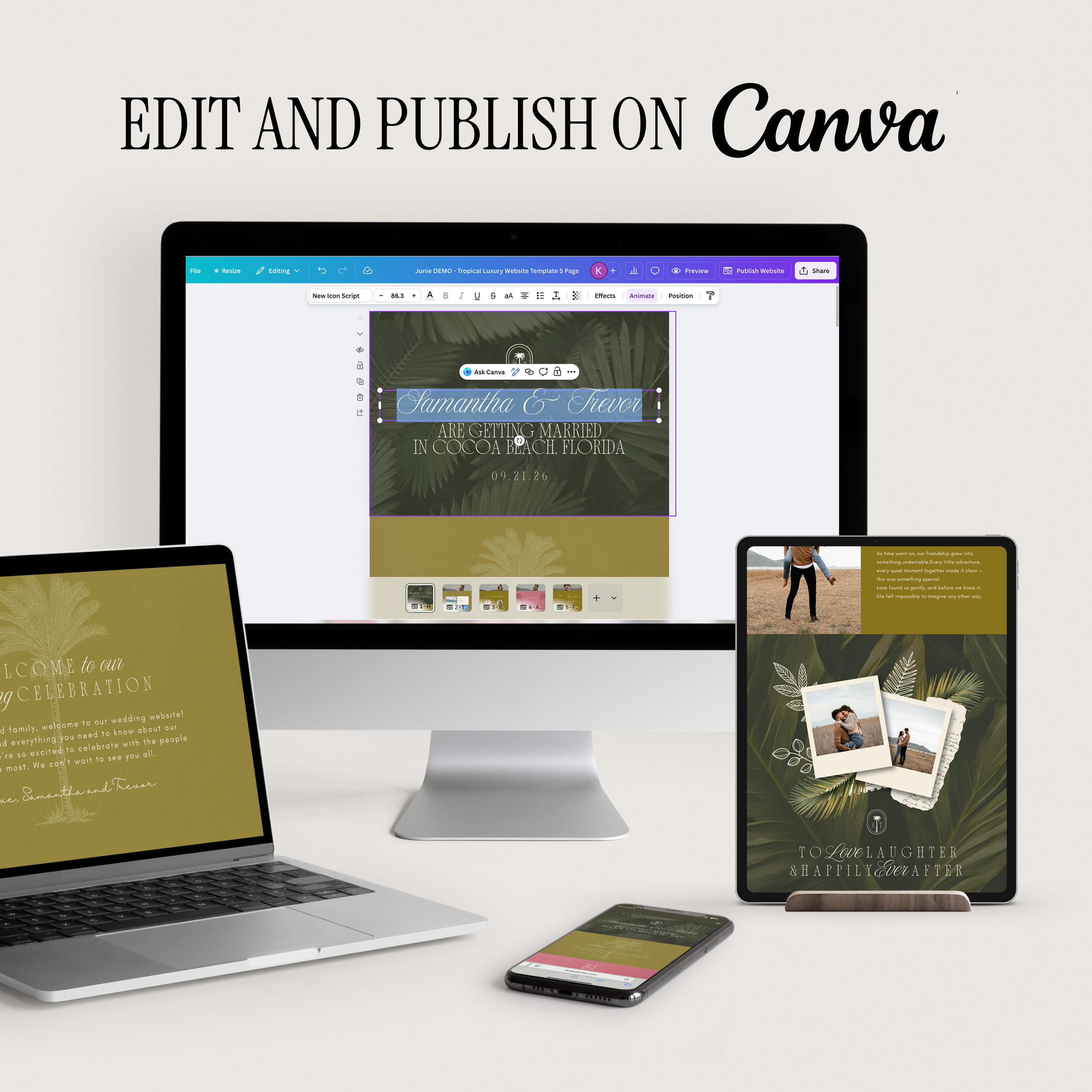
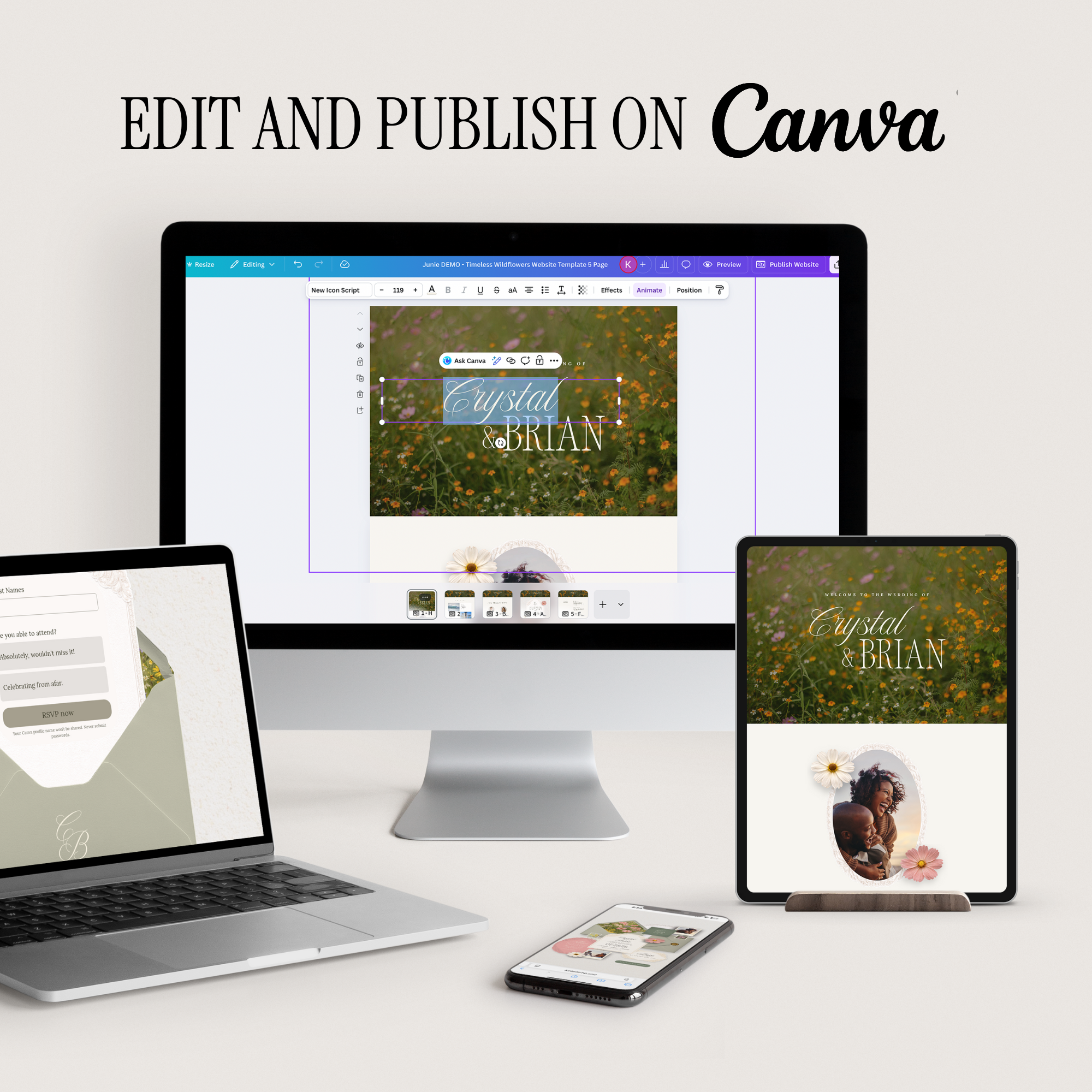
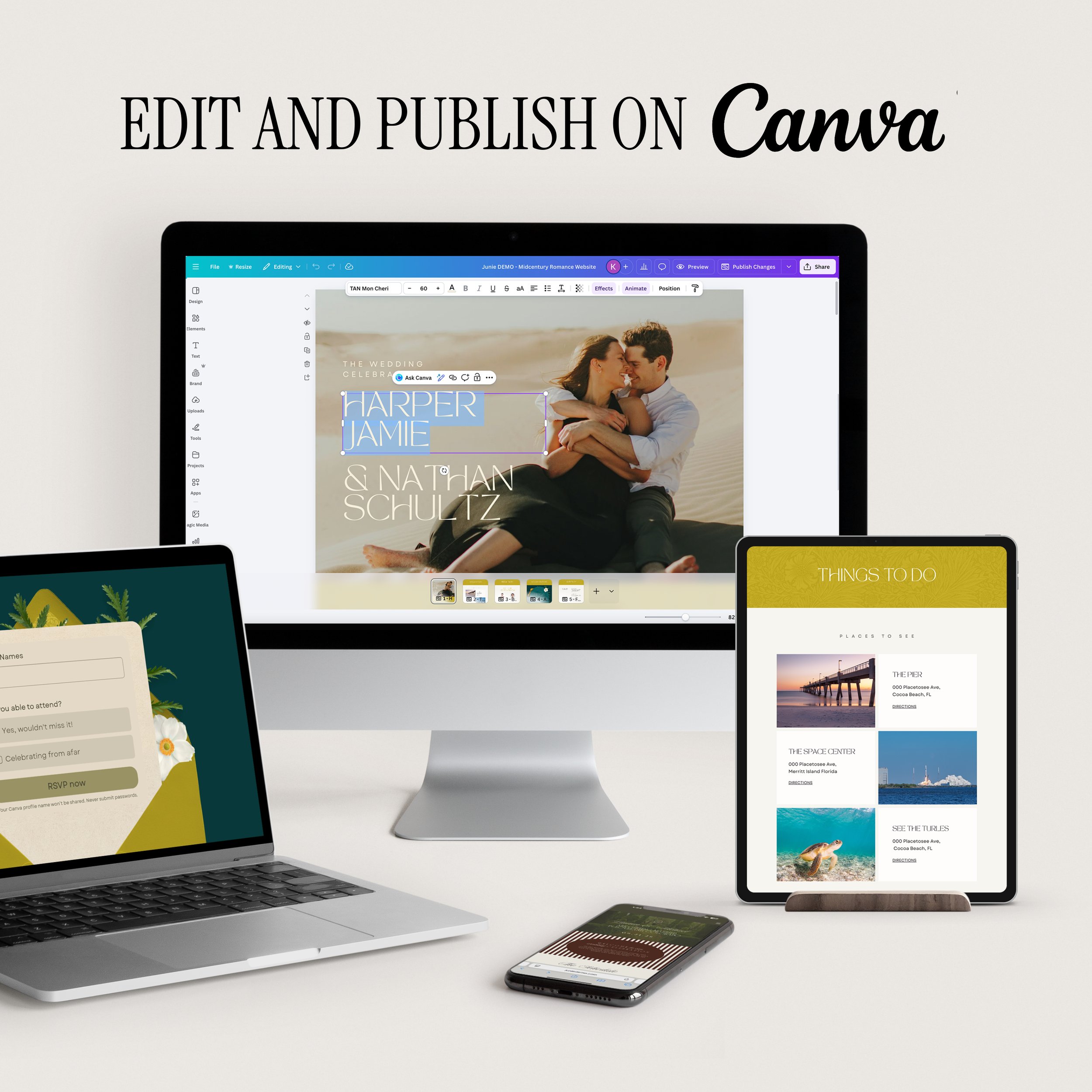
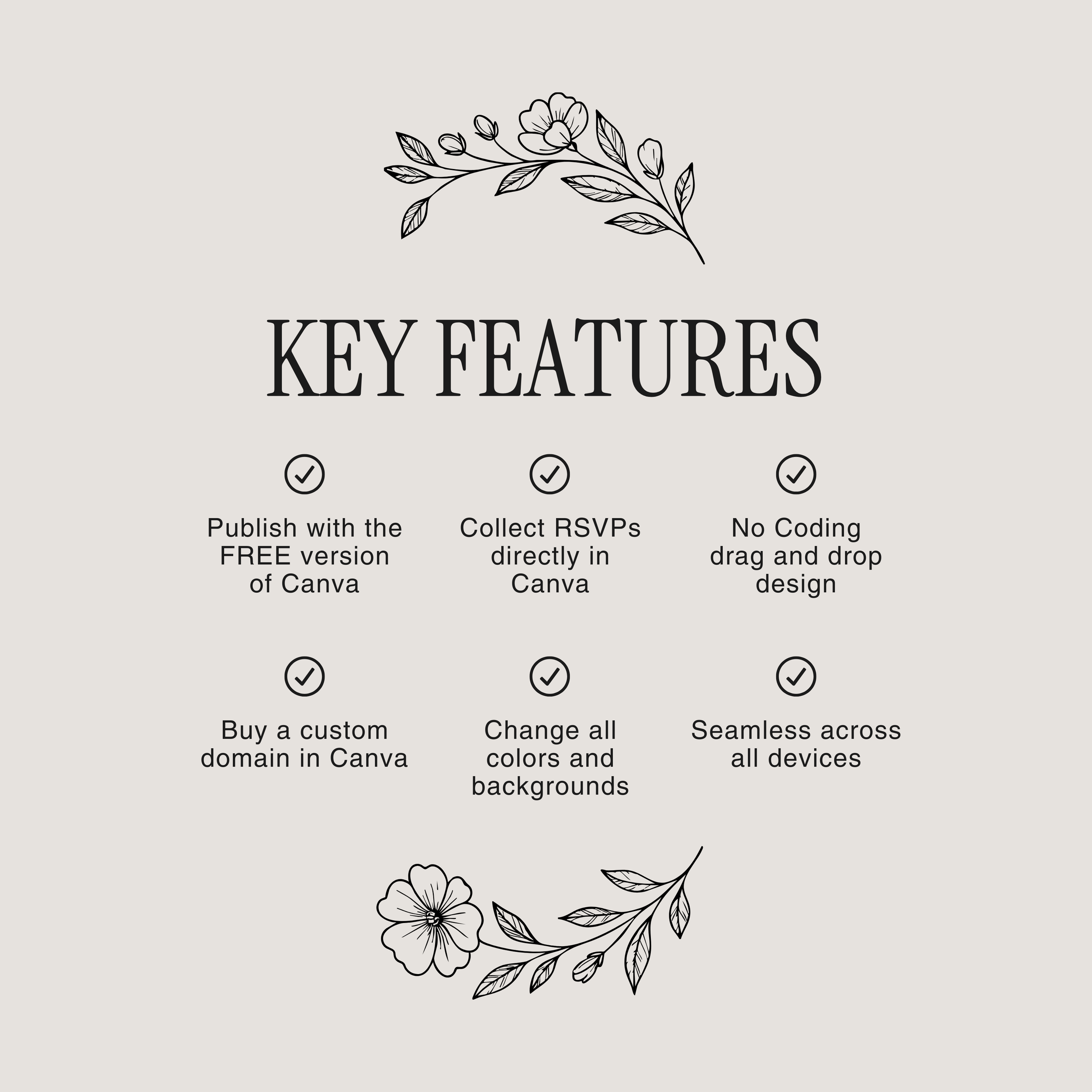
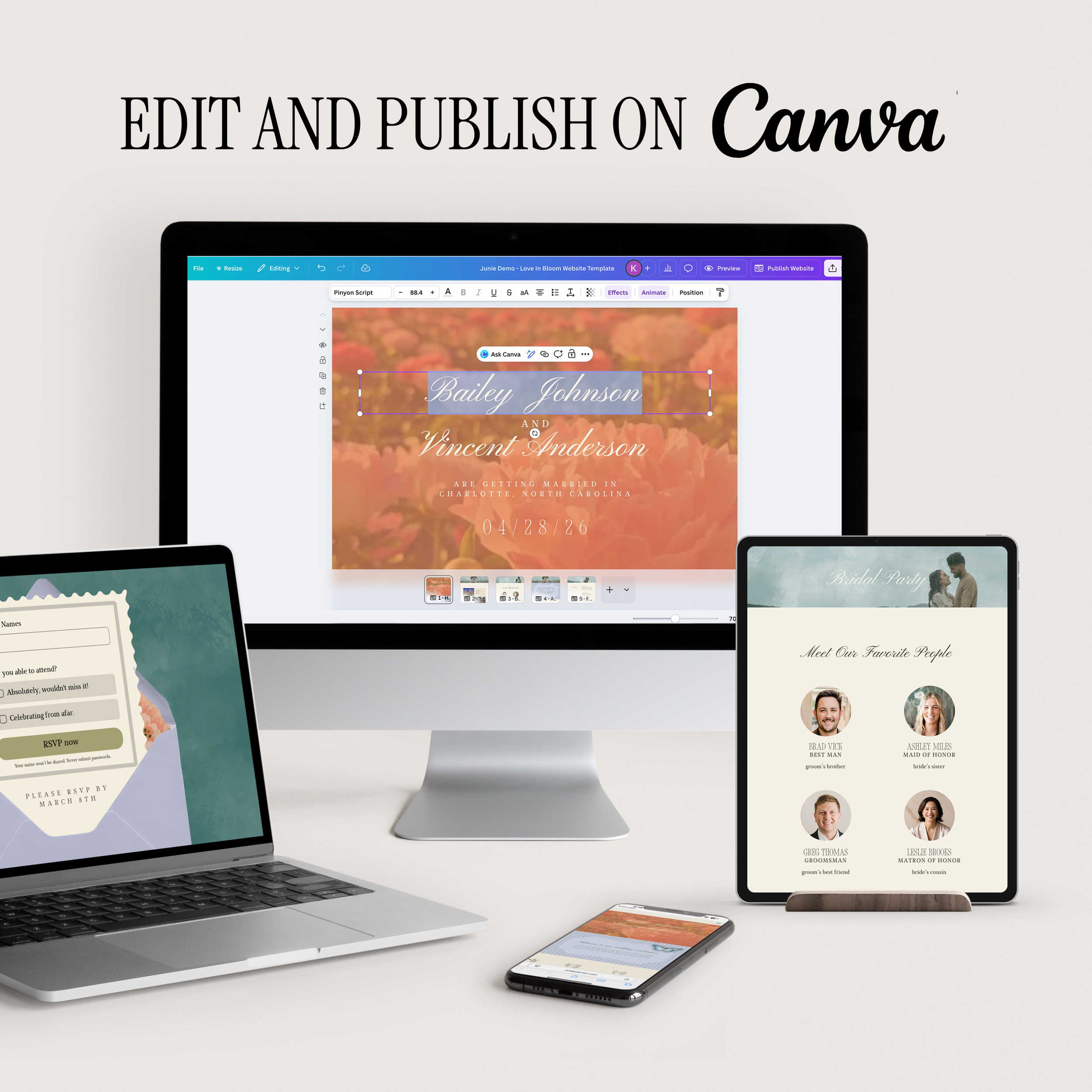
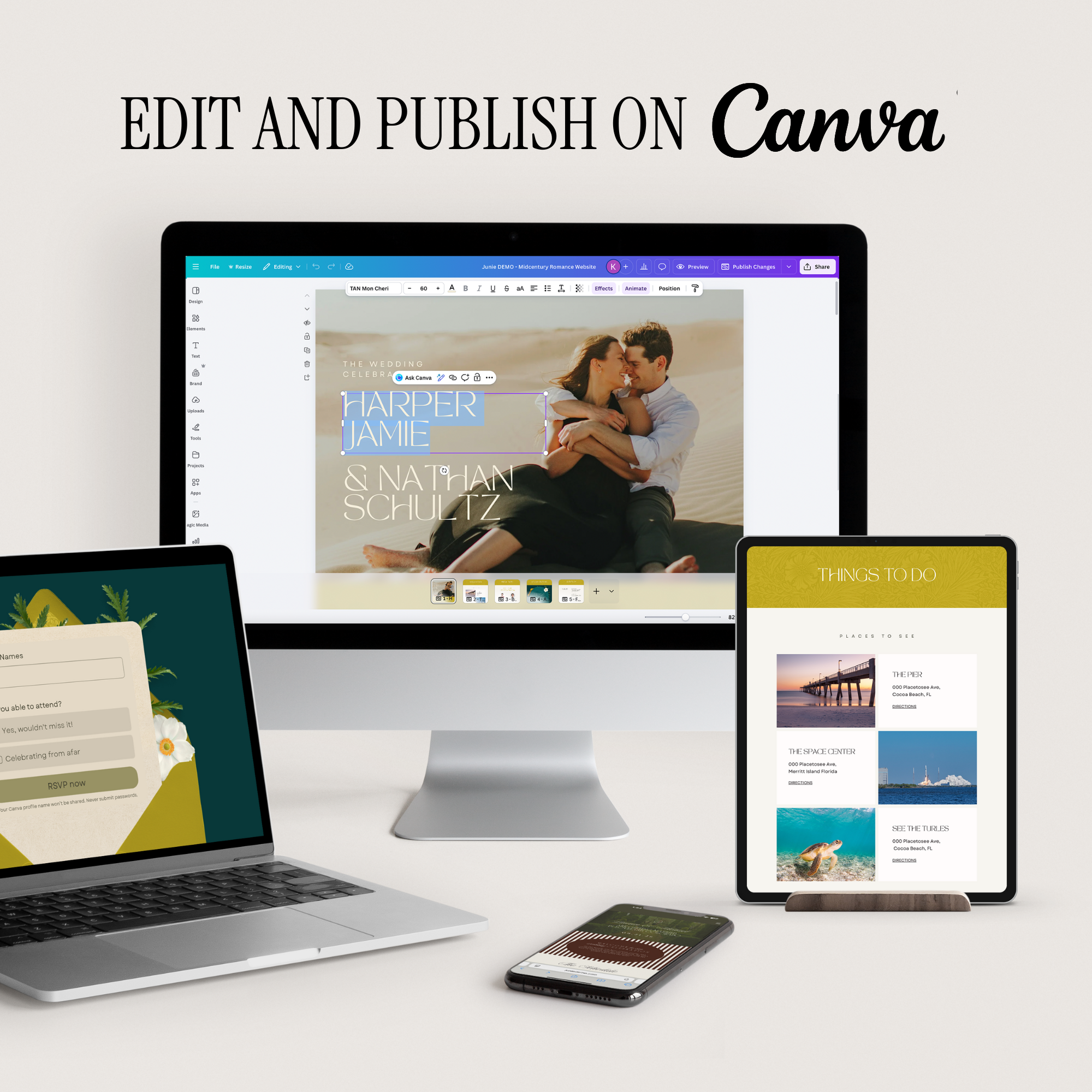
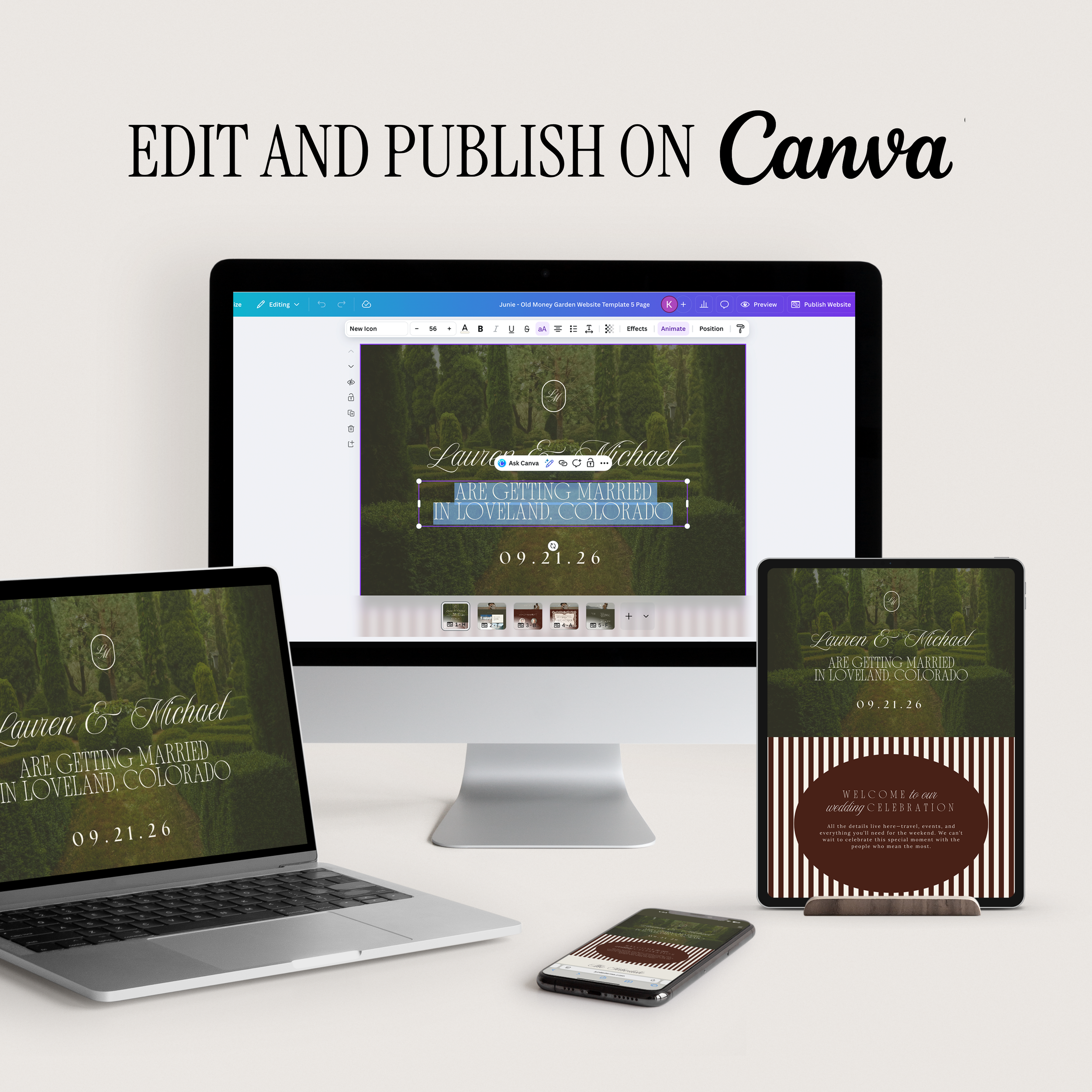
Fully editable in Canva
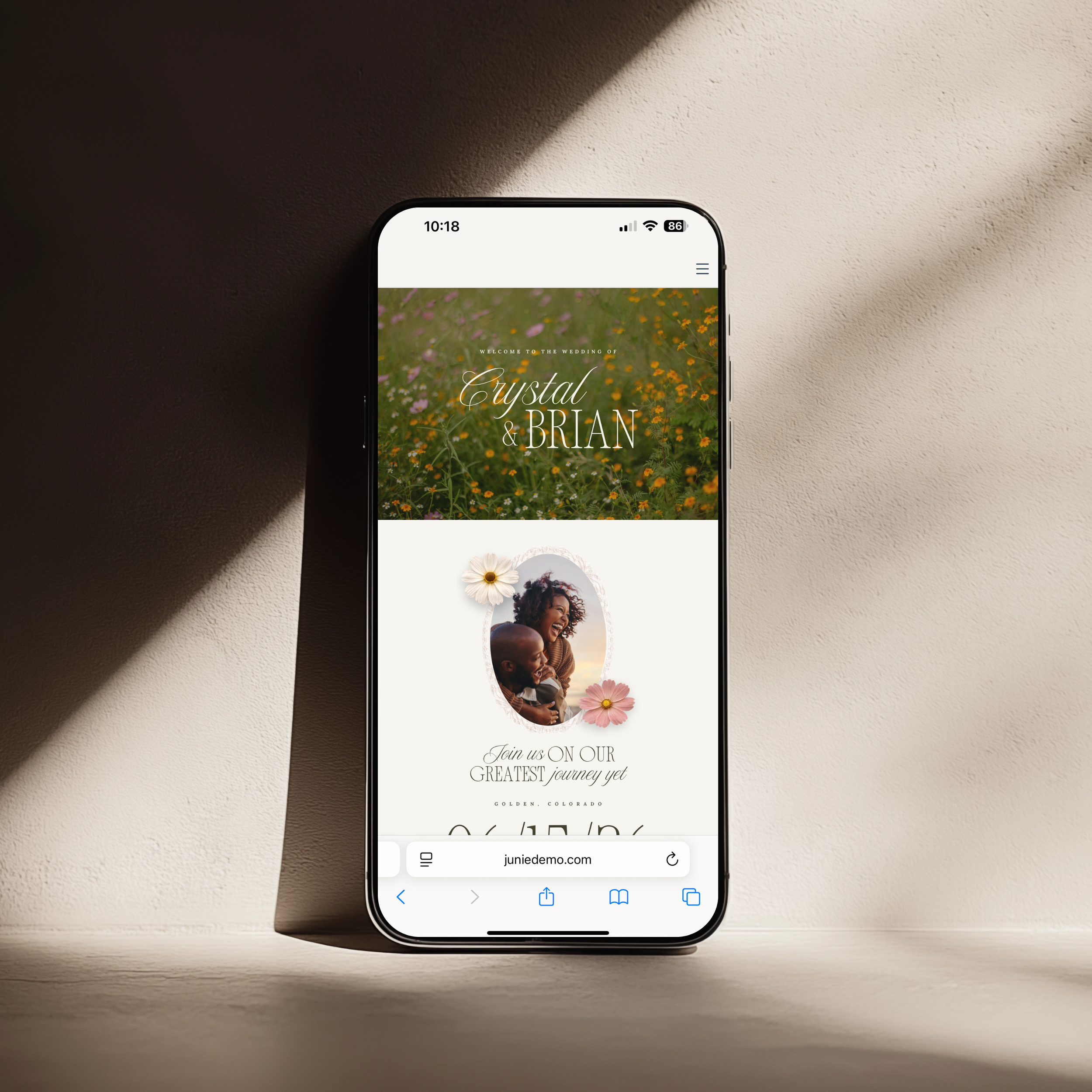
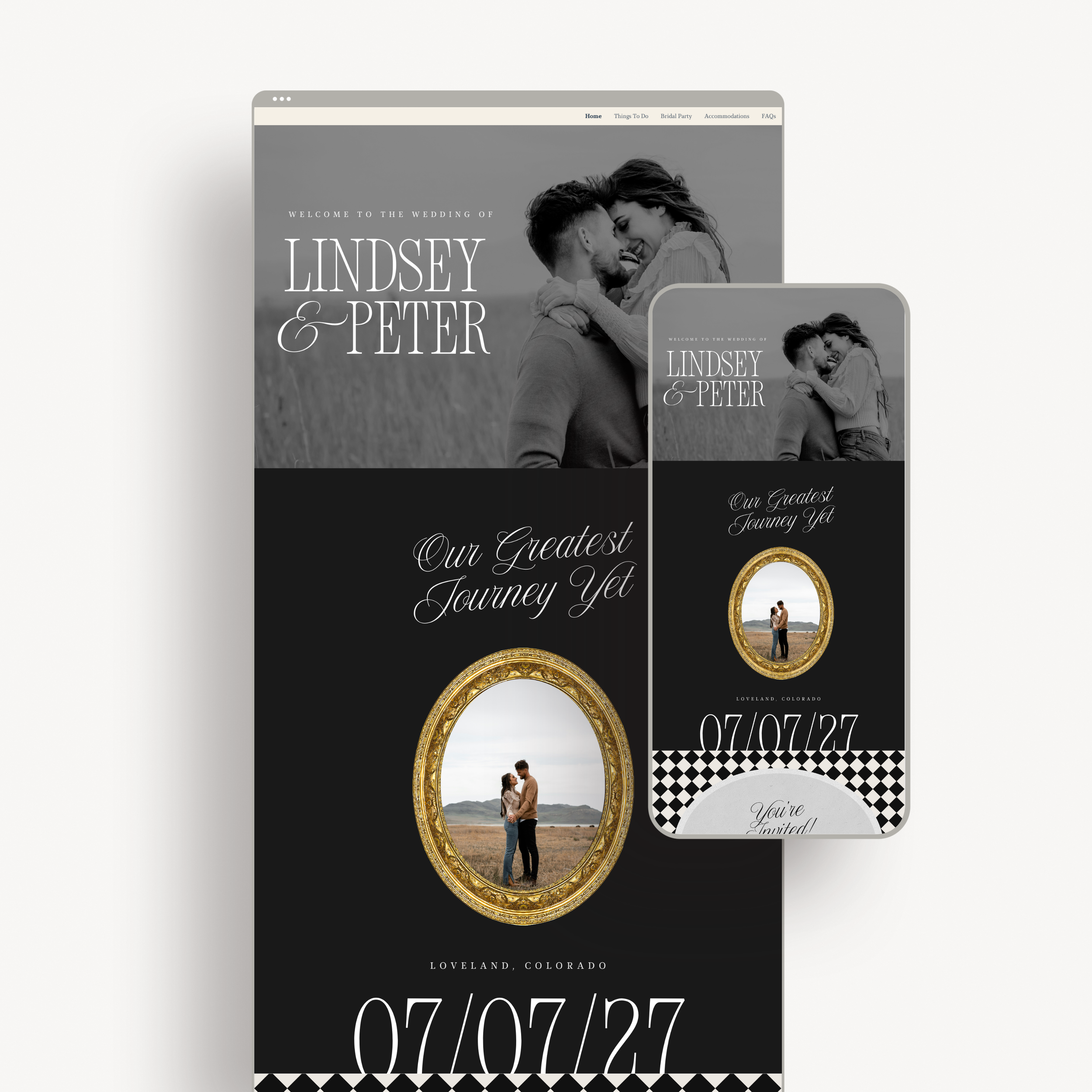
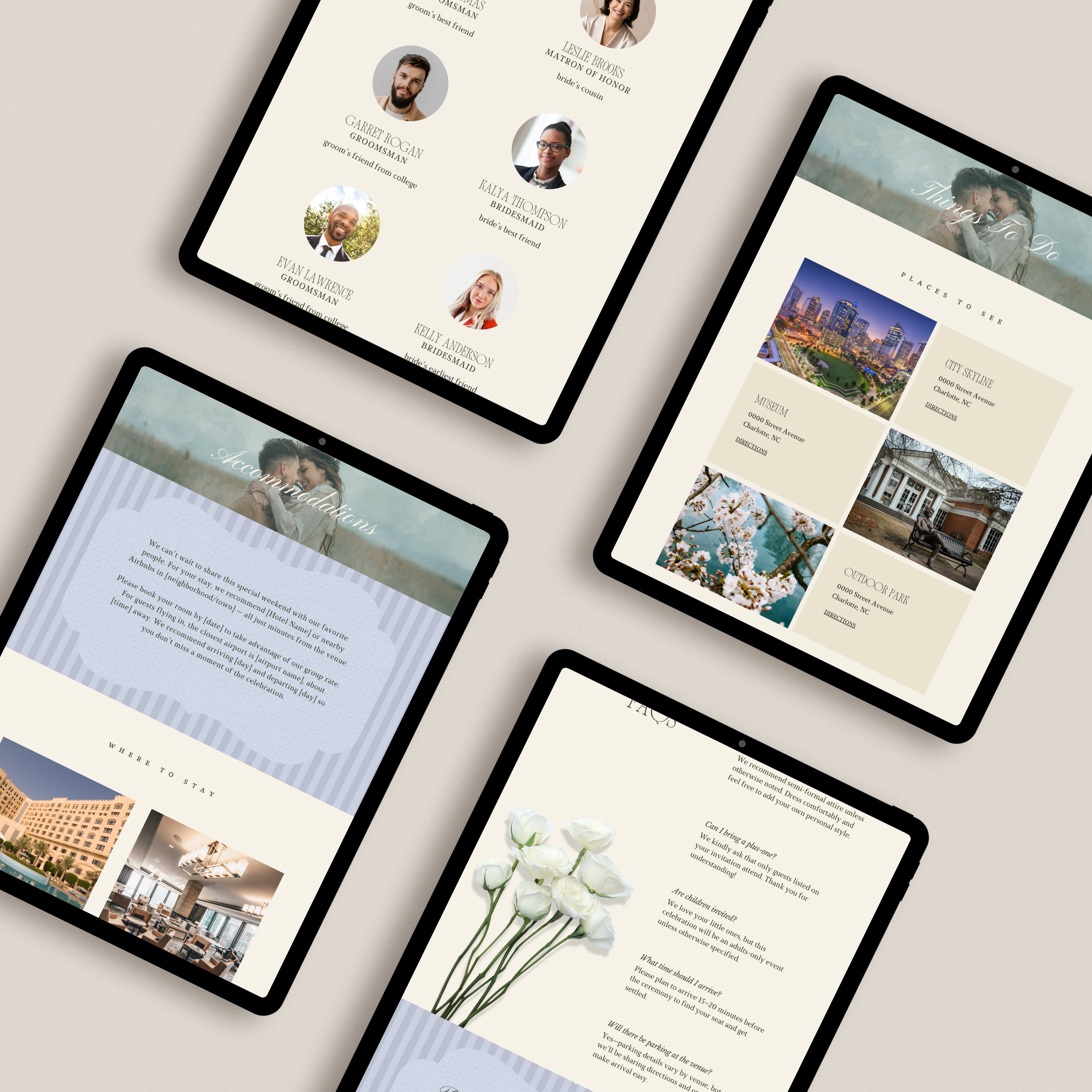
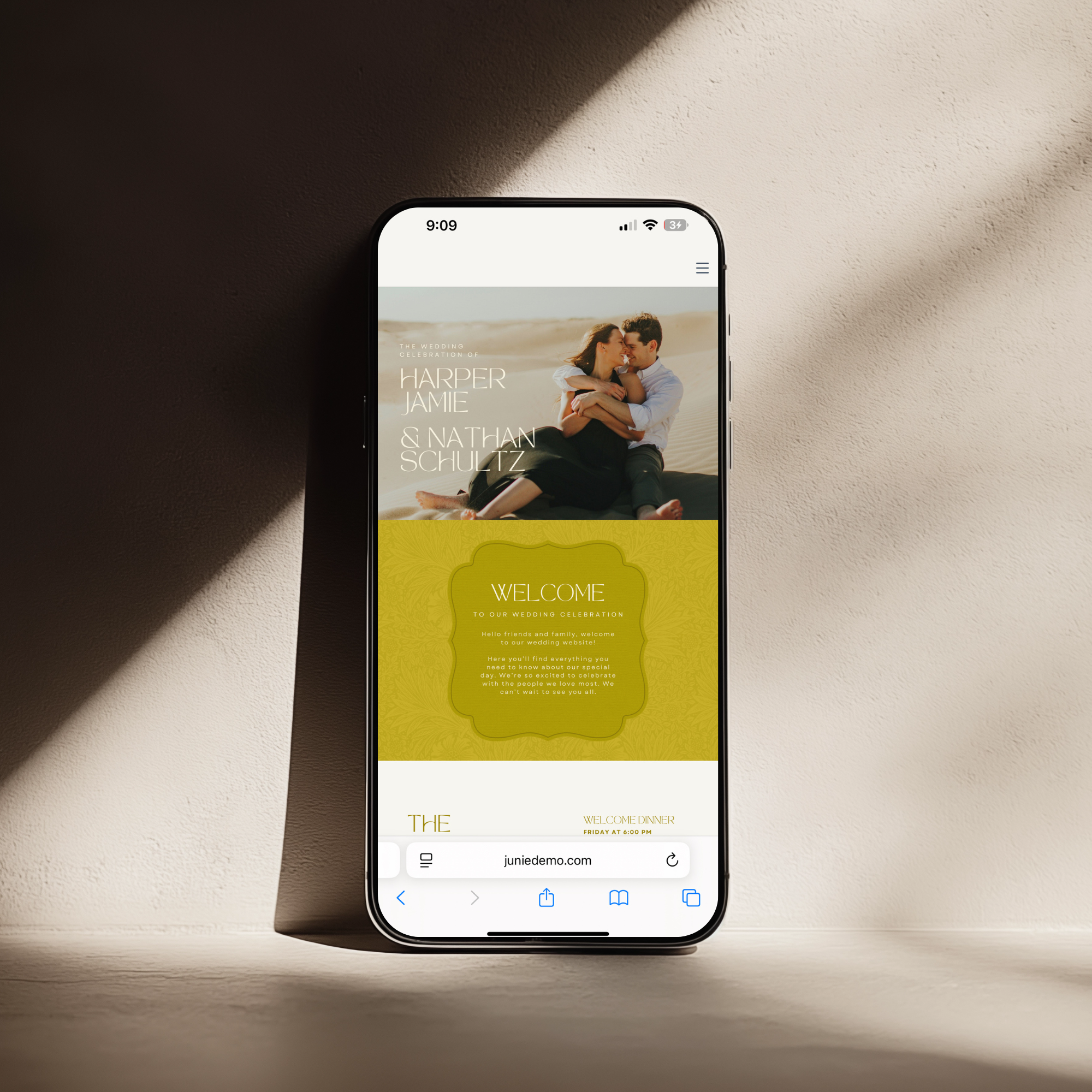
Optimized for mobile, tablet, and desktop viewing
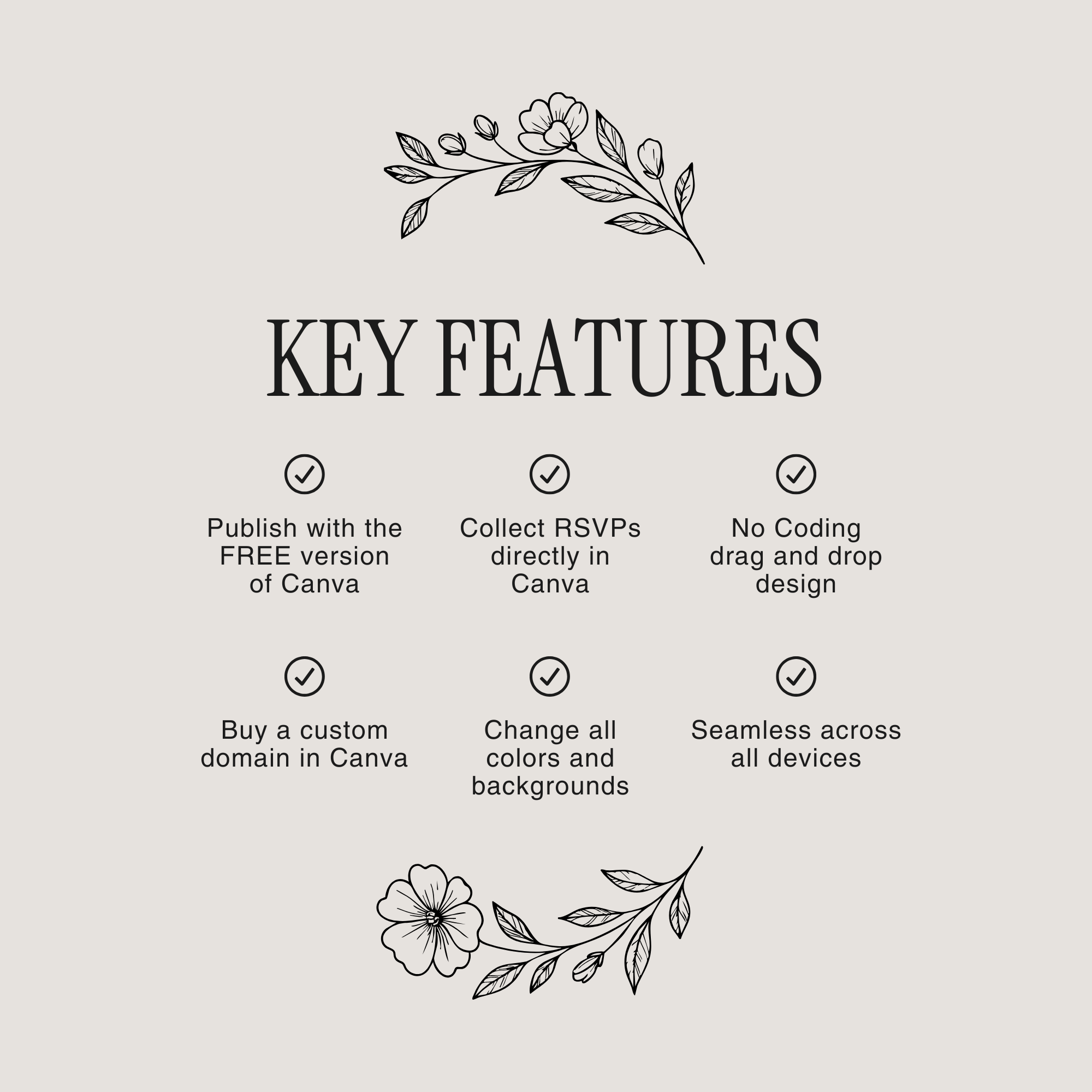
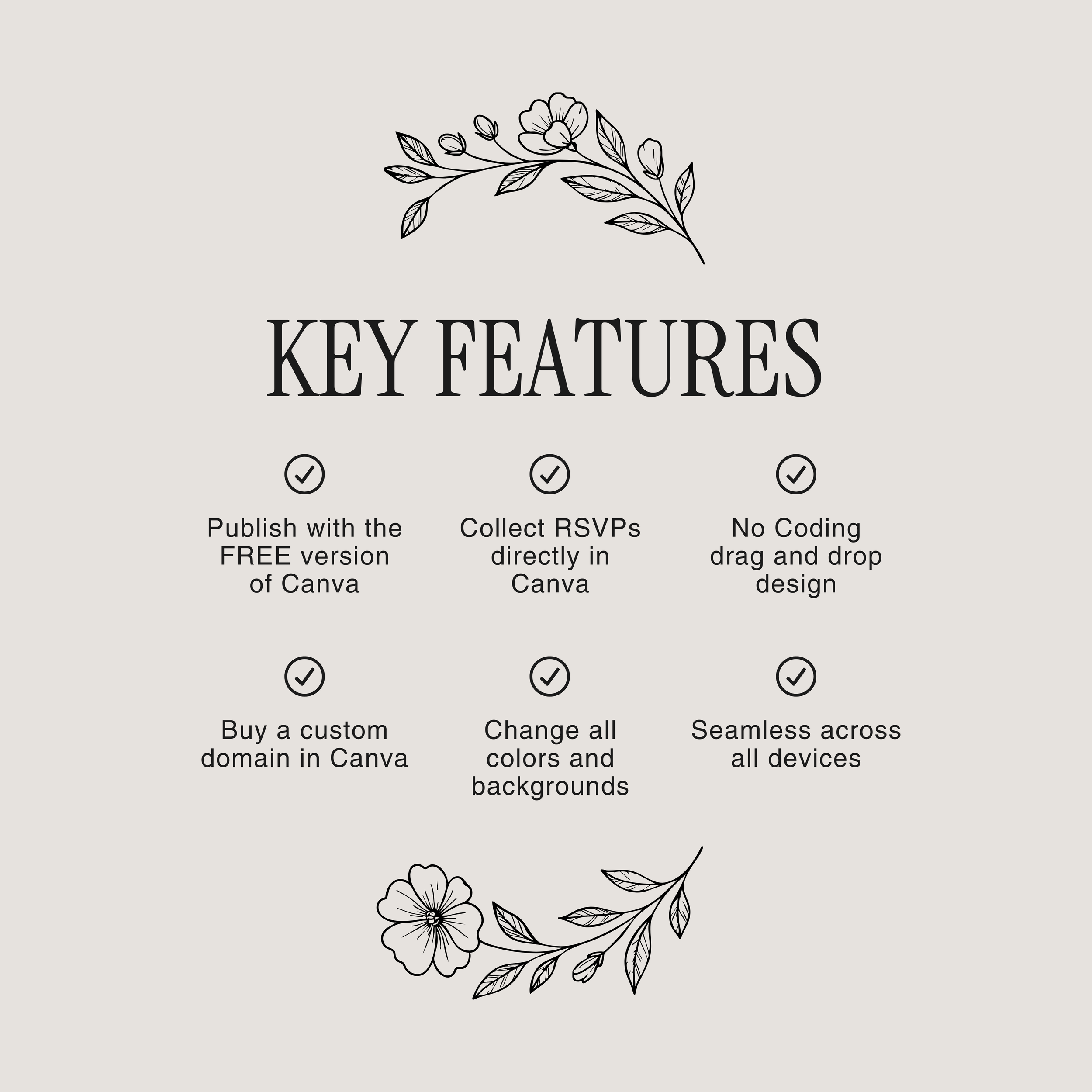
This template is fully editable using a free Canva account. You donotneed Canva Pro to customize your content or publish your website.
A Canva Pro account is only required if:
You choose to use or replace Pro elements (fonts, photos, or graphics labeled “Pro”), or
You want to connect a custom domain directly through Canva
If you publish using Canva’s free sharing link, Canva branding will appear on the very bottom of the site.
When you connect your own custom domain, the Canva branding is removed, giving your wedding website a seamless, professional, and luxury presentation.
Canva allows you to connect one custom domain and use it across multiple projects—making your wedding experience feel cohesive from start to finish.
For example:
yourwedding.com/save-the-date
yourwedding.com/wedding-website
yourwedding.com/invitation
This means your Save the Date, wedding website, and digital invitations can all live under one shared domain, each with its own page link (slug). It’s simple for guests, beautifully organized, and incredibly polished.
You can purchase a domain by clicking “publish website” on your project file and selecting “get a new domain”.
✨ One domain. One elevated wedding experience. Every detail connected.
Designed with timeless sophistication in mind, thisold money–inspired luxury wedding websiteoffers a refined, editorial approach to sharing your wedding details. Created entirely inCanva, this multi-page website draws inspiration from classic estates, European gardens, and traditional stationery—perfect for couples who value elegance, restraint, and enduring style.
From the moment guests arrive, they are welcomed with a stately introduction featuring classic typography, rich muted tones, and thoughtfully layered design elements. The layout feels intentional and composed—never overstated—setting the tone for a celebration rooted in tradition, romance, and timeless beauty.
This 5-page wedding websiteis designed to guide guests seamlessly through every detail of your wedding weekend while maintaining a cohesive, elevated experience across desktop, tablet, and mobile devices.
https://juniedemo.com/oldmoneygarden
Elegant navigation menu for easy browsing
RSVP form built directly into the design
Sections for schedule, travel, registry, and wedding party
Fully editable in Canva
Optimized for mobile, tablet, and desktop viewing
This template is fully editable using a free Canva account. You donotneed Canva Pro to customize your content or publish your website.
A Canva Pro account is only required if:
You choose to use or replace Pro elements (fonts, photos, or graphics labeled “Pro”), or
You want to connect a custom domain directly through Canva
If you publish using Canva’s free sharing link, Canva branding will appear on the very bottom of the site.
When you connect your own custom domain, the Canva branding is removed, giving your wedding website a seamless, professional, and luxury presentation.
Canva allows you to connect one custom domain and use it across multiple projects—making your wedding experience feel cohesive from start to finish.
For example:
yourwedding.com/save-the-date
yourwedding.com/wedding-website
yourwedding.com/invitation
This means your Save the Date, wedding website, and digital invitations can all live under one shared domain, each with its own page link (slug). It’s simple for guests, beautifully organized, and incredibly polished.
You can purchase a domain by clicking “publish website” on your project file and selecting “get a new domain”.
✨ One domain. One elevated wedding experience. Every detail connected.